 Nguyen Manh Thang
Chief Executive Officer, AgileTech Vietnam
Nguyen Manh Thang
Chief Executive Officer, AgileTech Vietnam
- Published
- Last updated
- Read time
- 11 min
- Views
- 74
Read the AI overview
The employee tracking market is really four markets wearing one label. Field workforce GPS apps (Connecteam, Hubstaff, Timeero, Jibble) locate and dispatch mobile teams and are the least controversial category because location is the job. Time and attendance apps (When I Work, Deputy, QuickBooks Time, Clockify) prove presence for payroll and scheduling. Activity monitors (Teramind, ActivTrak, Time Doctor, Insightful) watch screens and keystrokes on desk workers and carry the heaviest legal and morale cost. Project time trackers (Toggl, Harvest) measure work against budgets with the lightest touch. Choose by matching the category to the workforce: GPS for field teams during work hours only, time clocks for shift operations, activity monitoring rarely and with counsel, and project tracking when the question is billability rather than behavior. Whatever you pick, written consent, work-hours-only collection and transparent policy are what keep the tool legal and the team intact.
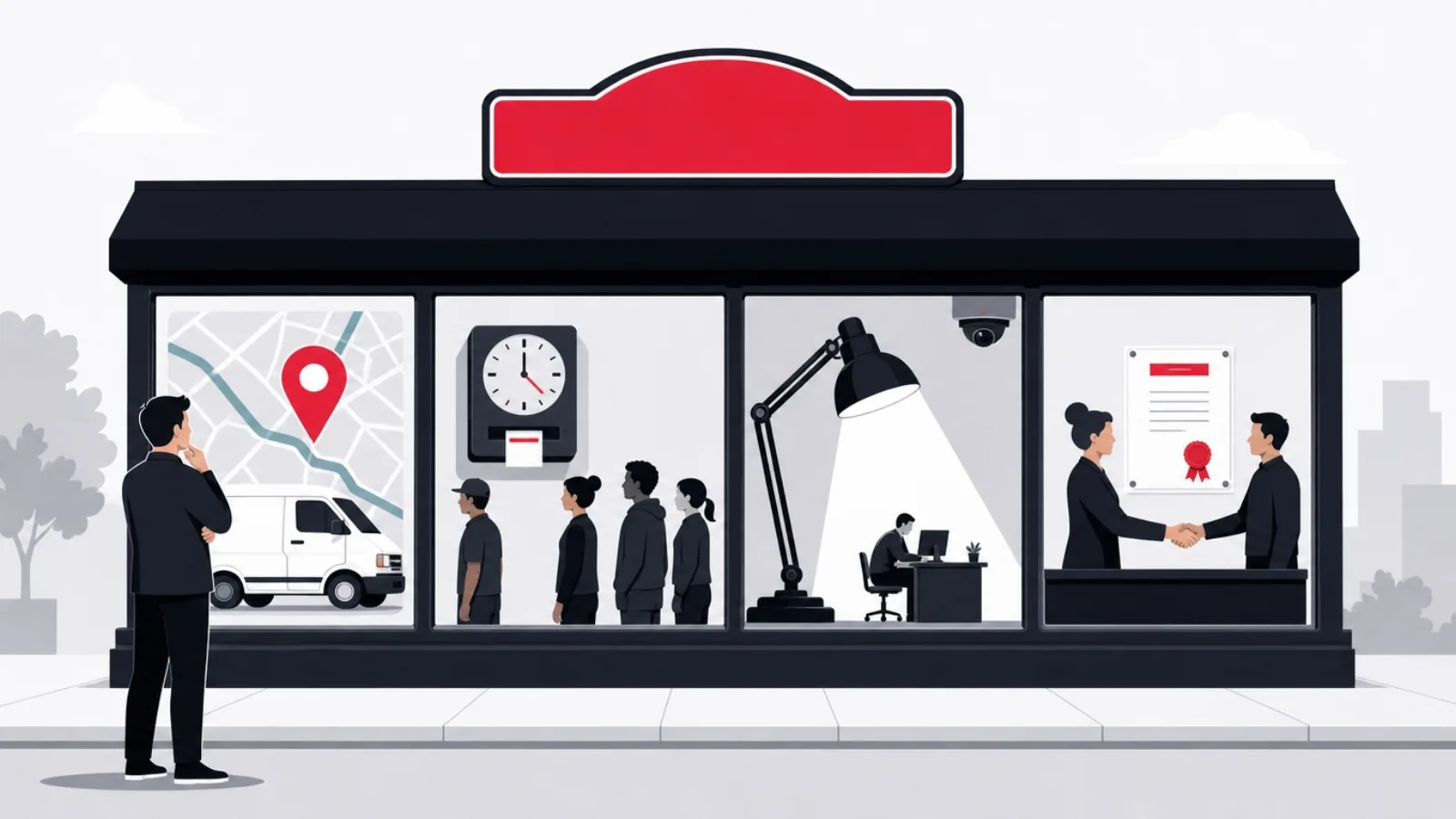
Search for the best employee tracking app and the results blur four different purchases into one listicle: an app that shows a plumbing dispatcher where the vans are, an app that stops a restaurant's buddy punching, an app that screenshots a remote analyst's monitor every ten minutes, and an app that tells an agency which client ate last week. These tools share a label and almost nothing else: different buyers, different price bands, different data, and radically different legal and morale consequences. Ranking them against each other is how companies end up buying surveillance when they needed scheduling.
This guide sorts the market before ranking it. Four categories, the leaders and honest tradeoffs in each, what free tiers actually contain, and the privacy and consent law that governs every category, which is the part most rankings skip and the part most likely to hurt you. It closes with the two decisions the listicles never reach: how to match a category to a workforce, and when a company whose tracking needs are fused to its operations should stop shopping and build.
The lens is a buyer's throughout, written for operations leaders choosing a tool and for founders sizing what a custom build would take. For the underlying technology, the GPS location tracking landscape covers consumer and asset tracking, and how to build a geolocation app covers the engineering under every field tracking product in this guide.
Key takeaways
- There is no one employee tracking market. Field GPS, time and attendance, activity monitoring and project tracking solve different problems, price differently and carry wildly different legal exposure. Naming your category first eliminates most of the shortlist confusion.
- Field GPS is the defensible category: for mobile crews, location during work hours is operationally necessary and legally cleanest. The leaders differentiate on geofenced clock-ins, mileage and job dispatch, not on surveillance depth.
- Activity monitoring is the radioactive category: screenshots and keystroke logging are legal in fewer situations than vendors imply, and the productivity gains they promise are contested. Treat it as a last resort with legal counsel, not a default.
- Free tiers are real but narrow: they typically cap users or strip the GPS, geofencing and integrations that made the product worth adopting. Budget for the paid tier per active user per month and audit what the free plan actually includes.
- Consent and transparency are not compliance theater: work-hours-only collection, a written policy employees actually sign, and visible tracking status inside the app are what separate a legal deployment from a lawsuit and a morale collapse.
- Build custom only when tracking is fused to your operating workflow: dispatch, proof of delivery, route pay or compliance rules that products cannot express. A tracker alone is a solved problem; a workflow with tracking inside it often is not.
Four markets wearing one label
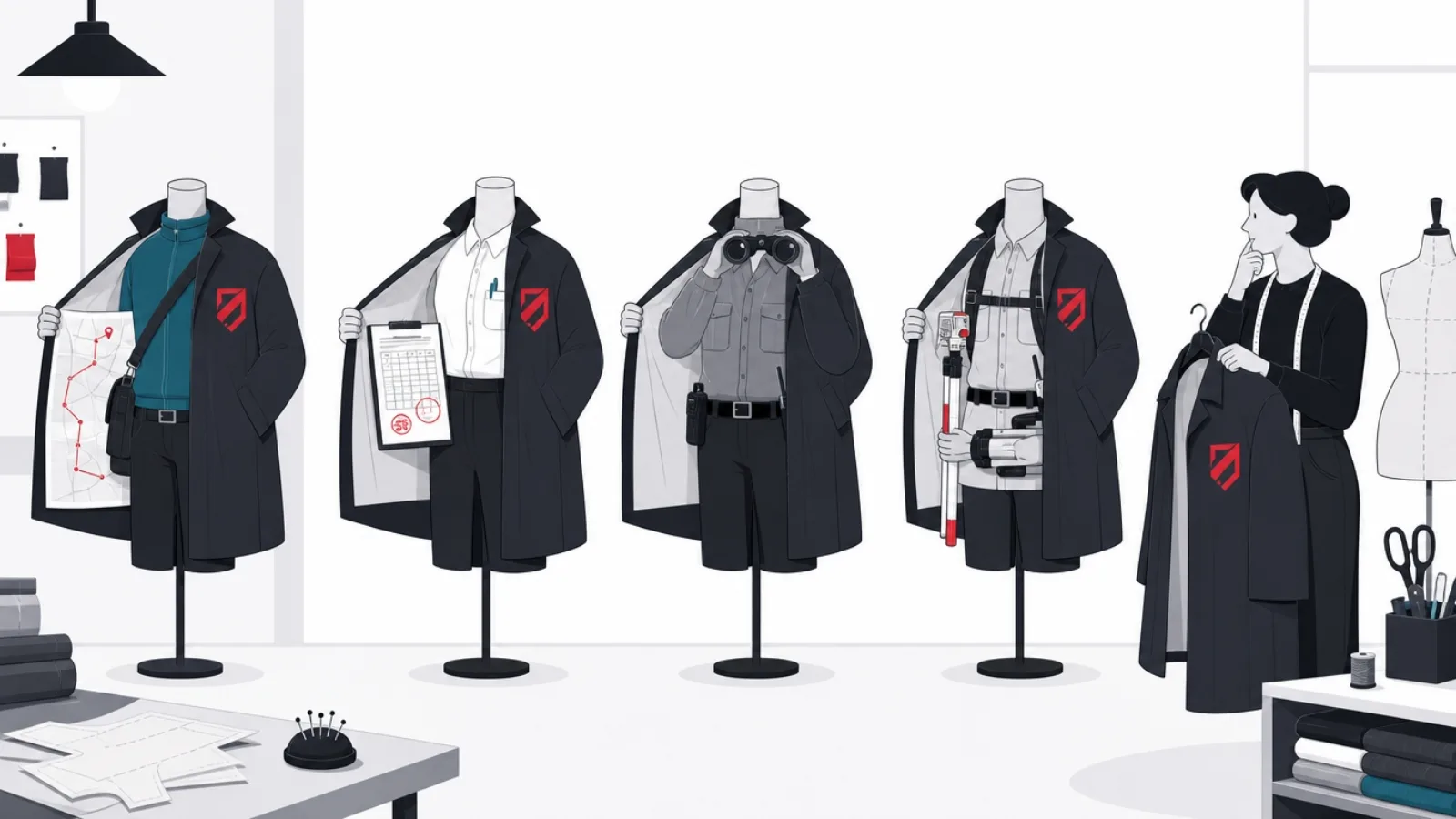
The phrase employee tracking app collapses four distinct product families. Field workforce GPS apps answer where: they locate mobile employees, technicians, drivers, home health aides, sales reps, during work hours, usually adding geofenced clock-ins, job dispatch and mileage logs. Time and attendance apps answer when: they are digital time clocks proving presence for payroll, with scheduling, break compliance and overtime rules attached. Activity monitors answer what: they run on computers and record applications, websites, keystrokes and screenshots, marketed as productivity analytics for desk and remote workers. Project time trackers answer for whom: they attribute working hours to clients, projects and budgets, and are the only category employees routinely run on themselves voluntarily.
The categories differ most in whose problem they solve and what they risk. Field GPS solves the dispatcher's problem and the payroll manager's problem simultaneously, and because location is operationally necessary for mobile work, it carries the least legal friction when scoped to work hours. Time and attendance solves a payroll integrity problem, buddy punching and time theft, with modest privacy exposure since presence at a workplace is barely private. Activity monitoring solves, or claims to solve, a trust problem, and does so by collecting the most sensitive data of the four with the weakest evidence of return. Project tracking solves a billing problem and barely qualifies as surveillance at all.
Naming your category first does most of the selection work. A landscaping company comparing Teramind to Timeero is comparing a screen recorder to a mileage tracker; the comparison is meaningless and one of the two purchases would be a serious mistake. The market map below places the categories on the two axes that matter: how mobile the workforce is, and how intrusive the collection is. The rest of this guide walks the categories in ascending order of caution required.
- Field GPS: where. Location, geofenced clock-ins, dispatch and mileage for mobile teams. Operationally necessary, legally cleanest when scoped to shifts.
- Time and attendance: when. Digital time clocks with scheduling and overtime rules. Payroll integrity with modest privacy exposure.
- Activity monitoring: what. Apps, websites, keystrokes, screenshots on desk workers. Maximum data, maximum legal and morale risk.
- Project tracking: for whom. Hours attributed to clients and budgets. The only category workers often adopt voluntarily.
Field workforce GPS: the defensible category
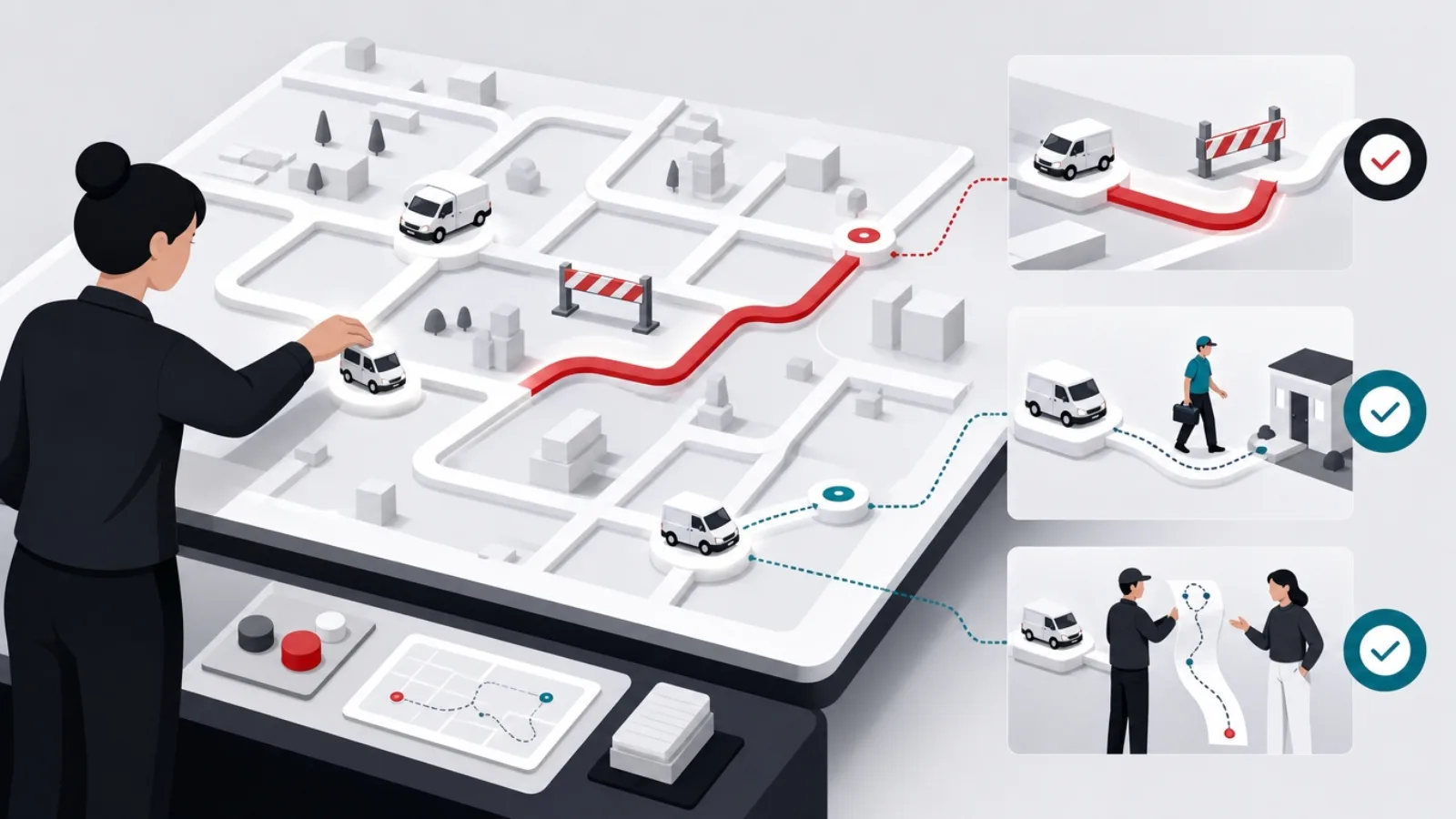
For businesses whose employees work away from a fixed site, trades, field service, delivery, home care, security patrols, GPS tracking is less surveillance than logistics. The dispatcher needs to know which technician is closest to the emergency call; payroll needs to know the shift started at the client site and not in the parking lot; the mileage reimbursement needs a log the tax authority will accept. The leading products are built around those workflows. Connecteam bundles GPS time clocks with scheduling, task checklists and team messaging into an all-in-one field operations app, and its free tier for very small teams is among the most generous in the market. Timeero specializes in mileage and route-based work with segment-by-segment logs. Hubstaff spans field GPS and desktop monitoring in one product, and Jibble anchors the value end with a strong free time clock that adds GPS and geofencing on paid tiers.
The differentiating features are more specific than the marketing suggests. Geofenced clock-ins, the app only allows punching in inside a radius around the job site, kill buddy punching without continuous tracking. Breadcrumb trails, periodic location pings during a shift, support route verification and mileage claims but multiply the data retained, so the good products let administrators tune ping frequency and retention. Job and visit verification attaches location stamps to specific work orders rather than to the person, which is both more useful and less invasive. Offline capture matters more than buyers expect: field work happens in basements and dead zones, and an app that loses punches without signal creates payroll disputes weekly.
The category's honest weakness is battery and accuracy. Continuous GPS drains phones that field workers need for the actual job, so every product trades tracking granularity against battery life, and the reviews complaining about drift inside buildings or missed geofence events are describing physics as much as software. The practical test before buying: run a two-week pilot with one crew, compare the app's logs against reality, and measure the battery cost on the phones your team actually carries. A product that survives that pilot will survive deployment; plenty do not.
Field GPS leaders at a glance
| Product | Strongest for | Standout capability | Watch for |
|---|---|---|---|
| Connecteam | All-in-one field ops for SMBs | Scheduling, checklists and chat around the GPS clock | Depth in any single module versus specialists |
| Timeero | Mileage-heavy mobile work | Segmented mileage logs and route replay | Narrower scheduling and messaging |
| Hubstaff | Mixed field and remote teams | One product spanning GPS and desktop tracking | Desktop monitoring features raise the consent bar |
| Jibble | Budget-first time tracking | Generous free time clock, paid GPS add-ons | GPS and geofencing live behind paid tiers |
| QuickBooks Time | Payroll-integrated crews | Deep QuickBooks payroll and job costing ties | Pricing climbs with the base-fee-plus-per-user model |
Representative strengths; verify current plans and features directly with vendors before contracting.
Time and attendance: payroll integrity without the drama

The second category is the digital descendant of the wall-mounted punch clock, and for shift-based businesses, restaurants, retail, warehouses, clinics, it is usually the right first purchase. The problem it solves is concrete and measurable: manual timesheets and shared punch codes leak payroll through rounding, forgotten punches and buddy punching, and the fix is a clock employees cannot cheat and payroll does not have to transcribe. When I Work and Deputy lead the scheduling-first end, where the clock is one feature of a shift management product with availability, swaps and labor cost forecasting. QuickBooks Time dominates where payroll integration is the deciding factor. Clockify and Jibble anchor the free end with time clocks that cost nothing at small scale and grow into paid tiers as features are needed.
The features that separate products here are compliance and friction. Break and overtime rules vary by jurisdiction, and a clock that enforces them, mandatory meal breaks, overtime thresholds, minor work-hour limits, converts labor law from a training problem into a system property. Punch friction decides adoption: kiosk mode on a shared tablet with photo verification suits a restaurant, personal-phone punching with a geofence suits a cleaning crew, and biometric clocks suit a warehouse, but collect biometric data only with explicit legal review since several jurisdictions regulate fingerprints and face templates far more strictly than location. Payroll export is the quiet dealbreaker: a clock that does not map cleanly onto your payroll categories recreates the transcription work it was bought to remove.
Pricing in this category is mercifully transparent: per user per month, commonly in the low single dollars, with free tiers capped by headcount or by features. The trap is the base fee pattern, a monthly platform charge plus per-user pricing, which makes small-team costs look deceptively high and large-team costs deceptively low. Model your actual roster, including seasonal peaks, before comparing quotes; the illustrative pricing chart later in this guide shows how differently the same headcount prices across leading products.
Buying and rolling out a tracking app
Do this
- Pilot with one location or crewTwo weeks against real schedules surfaces punch friction, geofence drift and payroll mapping gaps before the whole company inherits them.
- Enforce break and overtime rules in the clockLabor law compliance as a system property beats compliance as a memo. Configure jurisdiction rules before launch, not after the first violation.
- Map payroll categories before contractingVerify the export matches your payroll codes, overtime buckets and job costing. A mismatch recreates the manual work you are paying to remove.
Not this
- Buy scheduling problems a screenshot toolIf the pain is no-shows and payroll leakage, activity monitoring is the wrong category at any price. Match the tool to the actual problem.
- Collect biometrics casuallyFingerprint and face-template clocks trigger specific statutes in several jurisdictions with statutory damages. Legal review first, always.
- Trust the free tier headlineFree plans commonly strip GPS, geofencing, integrations or history retention. Audit the feature table against your list before deploying.
Activity monitoring: the radioactive category
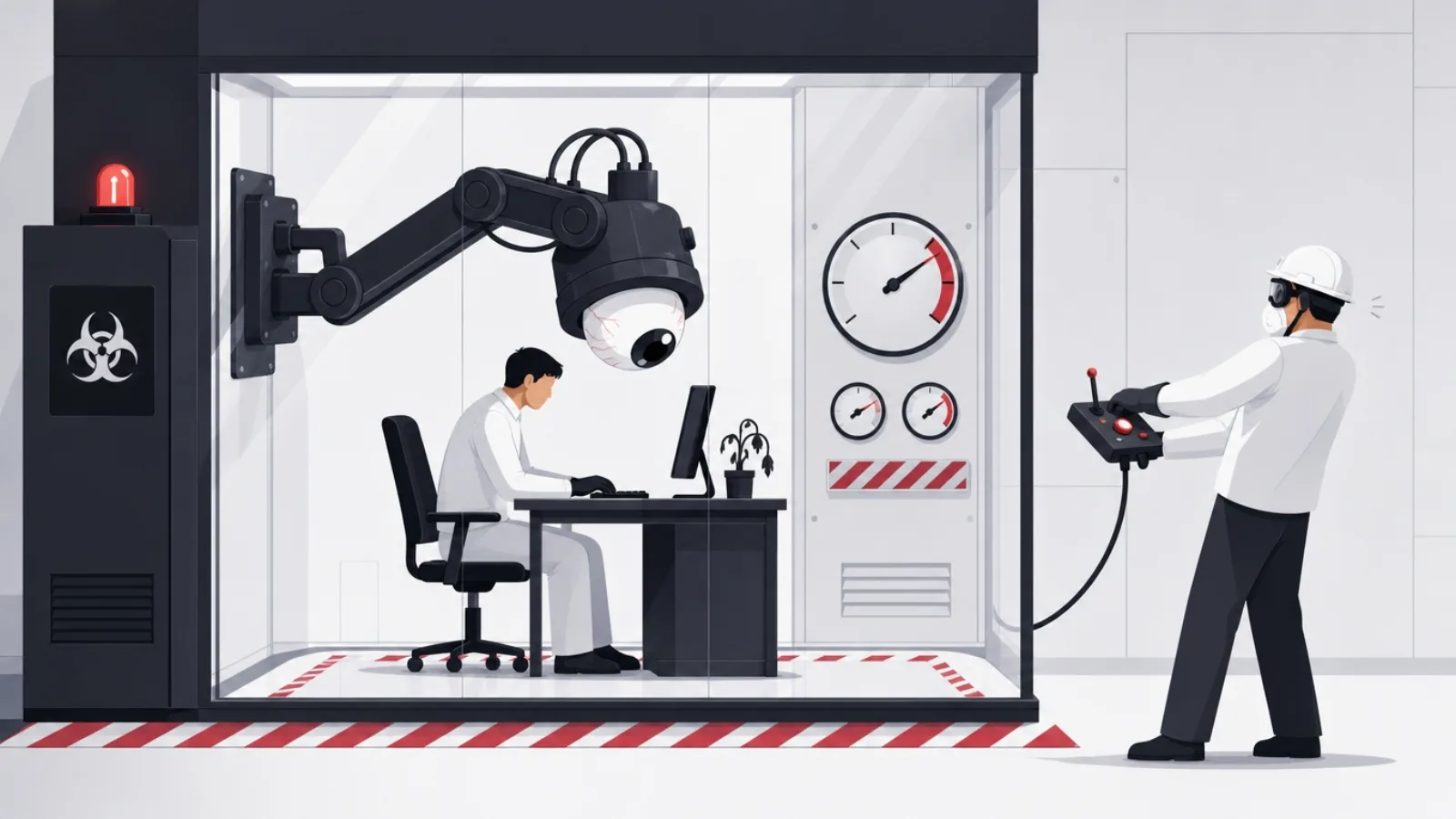
The third category runs on the computer rather than the person: agents that record active applications, visited URLs, idle time, and at the aggressive end, keystrokes, screenshots on a timer, and webcam checks. Teramind is the depth leader, marketed as much for insider-threat detection and data loss prevention as for productivity. ActivTrak positions itself as workforce analytics with aggregate dashboards and a stated aversion to keystroke logging. Time Doctor and Insightful sit between, popular with outsourcing and remote-first operations, with screenshot cadences and distraction scoring. Hubstaff's desktop side brings activity rates measured from input frequency. The pitch across all of them is the same: visibility into remote work. The evidence that the visibility improves output is far weaker than the category's growth suggests.
Three costs rarely make the sales call. The legal cost: keystroke and screenshot capture of a person's workday sweeps in personal passwords, medical portals and private messages even when policy says work devices only, and in consent-based jurisdictions, much of Europe under GDPR most prominently, blanket covert monitoring is simply unlawful, with regulators fining employers for exactly the deployments these tools enable by default. The morale cost: monitoring announces distrust, and studies of surveilled workers consistently report higher stress, lower discretionary effort, gaming of the metrics, mouse jigglers defeat activity scores trivially, and attrition among exactly the self-directed employees you least want to lose. The signal cost: apps-and-keystrokes data measures motion, not progress, and rewards looking busy over being effective.
The defensible use cases are narrower than the market: regulated industries with genuine insider-threat and data-exfiltration obligations, investigation of specific suspected misconduct under counsel's direction, and billing verification where clients contractually require it. If you deploy anyway, deploy with the guardrails the good vendors themselves recommend: announced and documented, aggregate dashboards over individual screenshots, no keystroke capture, work hours only, short retention, and access restricted to named roles. A monitoring deployment your employees would recognize as fair reading its own policy document is the bar; most fail it.
The consent line: privacy law across the categories
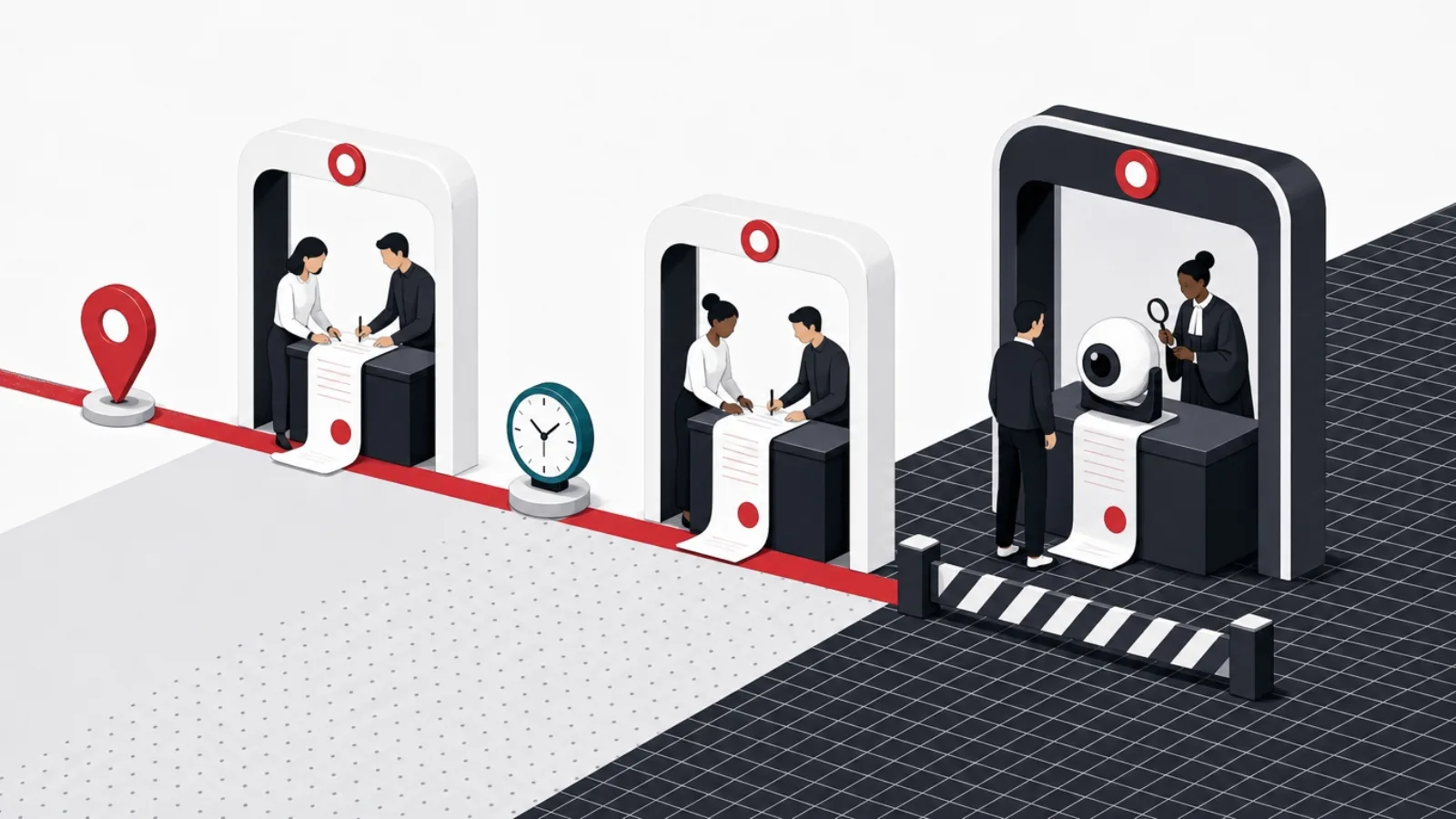
Every category in this guide is governed by law that most product marketing mentions in a footer. The regimes differ, but the pattern is consistent: transparency and proportionality decide legality. In the United States, monitoring on employer-owned devices is broadly permitted, but a growing set of state laws requires written notice of electronic monitoring, and biometric statutes, Illinois's most famously, attach statutory damages to fingerprints and face templates collected without specific consent, which is exactly what some punch clocks collect. GPS tracking of personal vehicles and off-hours tracking of any kind have produced successful claims even in permissive states. In Europe under GDPR, employee monitoring requires a lawful basis that consent usually cannot supply, since consent given to an employer is presumed coerced; the workable basis is legitimate interest with a documented balancing test, proportional collection and full transparency, and regulators have fined covert or excessive monitoring heavily.
The practical rules that survive every regime are the same five. Announce everything in writing: a monitoring policy naming the data collected, the purpose, the retention period and who can access it, signed before deployment. Collect during work hours only: clock-out must stop the GPS, and the good field products make that automatic and visible to the employee in the app. Collect proportionally: the least data that solves the stated problem, which is why geofenced punches beat continuous breadcrumbs for payroll integrity, and aggregate dashboards beat screenshots for capacity planning. Retain briefly: location trails and activity logs age into pure liability; ninety days covers most operational disputes. Restrict access: named roles, audited queries, and never the general manager browsing an employee's movements out of curiosity, which is how internal misuse becomes an external lawsuit.
Two special cases deserve their own counsel review. Bring-your-own-device programs put employer agents on personal phones, and the containment guarantees, does the agent see personal apps, photos, browsing, must be verified technically rather than accepted from a brochure. And union and works-council environments, standard across much of Europe, make monitoring a negotiated subject: deploying first and consulting second has unwound entire rollouts. None of this is a reason to avoid tracking where the operational case is real; all of it is a reason to treat the policy document as part of the product, purchased with the same care as the software.
The legal and trust checklist before launch
- Written monitoring policy signed before launchData types, purpose, retention, access roles. Signature collected in onboarding and re-collected when scope changes.
- Work-hours-only collection, enforced by the systemClock-out stops the GPS automatically. Employees can see tracking status in the app at all times.
- Proportionality memo on fileOne page: the problem, the minimum data that solves it, the alternatives rejected. This is the GDPR balancing test and a good discipline everywhere.
- Retention cap with automatic deletionNinety days as the default, longer only for named legal obligations. Verified by deletion logs, not vendor promises.
- Biometrics and BYOD reviewed by counselFingerprint and face clocks, and agents on personal devices, each trigger specific statutes. Neither is a casual checkbox.
- Union and works-council consultation where applicableMonitoring is a negotiated subject in codetermination regimes. Consult before deployment, not after the grievance.
Choosing by workforce, not by feature list
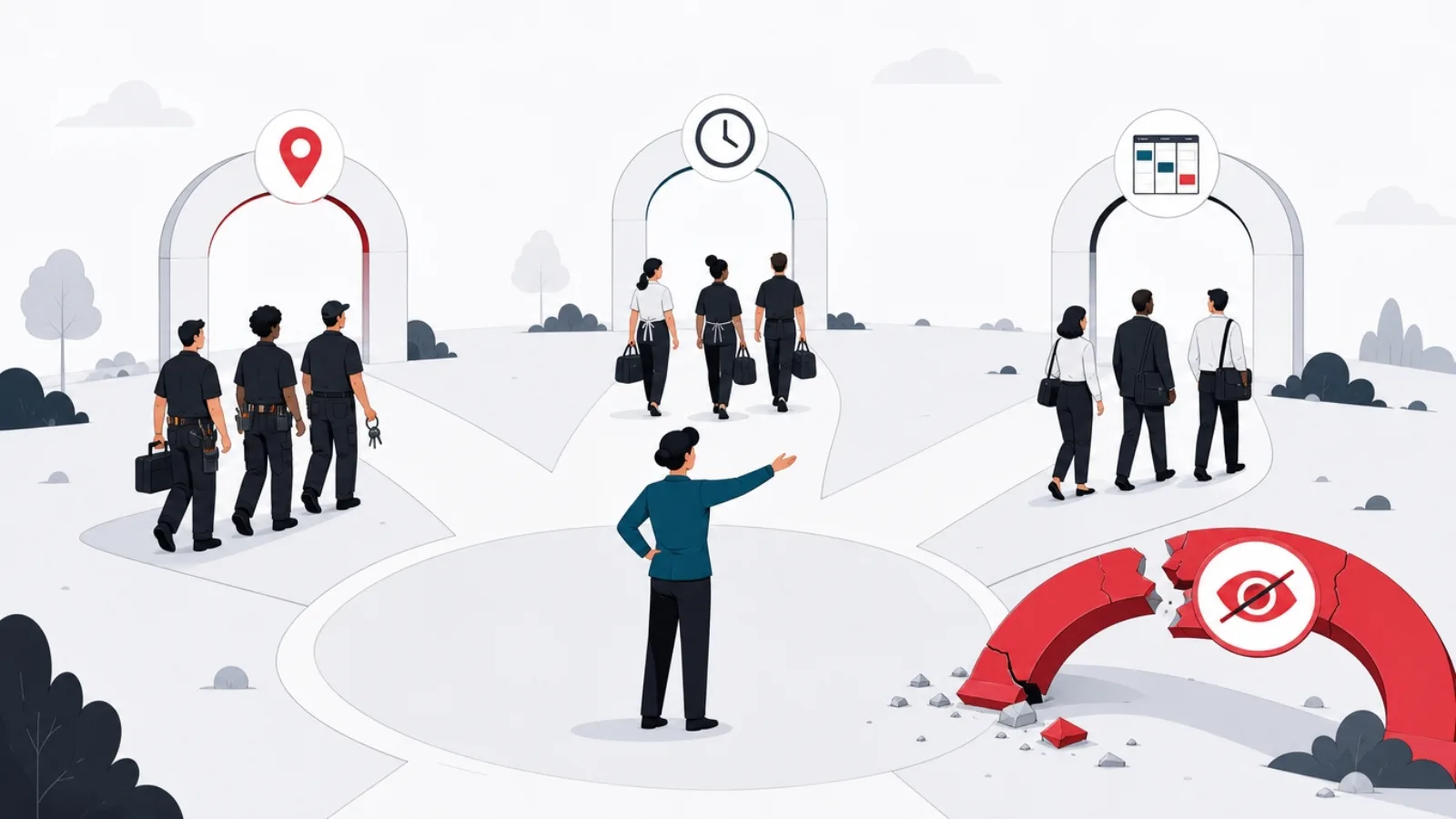
With the categories and the law in place, selection becomes a short decision rather than a long comparison. Start from the workforce and the single most expensive problem. A mobile crew whose pain is payroll accuracy and dispatch wants field GPS with geofenced punches: shortlist Connecteam, Timeero and QuickBooks Time, weight by whether scheduling, mileage or payroll integration is the sharpest edge. A shift-based site whose pain is no-shows and buddy punching wants time and attendance: shortlist When I Work, Deputy and Jibble, weight by scheduling depth against price. A services firm whose pain is unbilled hours wants project tracking: Toggl or Harvest, and stop there, because adding surveillance to a billing problem burns trust for no revenue. A security or compliance obligation that genuinely requires content-level monitoring goes to the activity category with counsel in the room from the first demo.
Then run the pilot tests that predict deployment success. The accuracy test: two weeks, one crew, app logs versus reality, geofence events versus actual arrivals, battery drain on your team's actual phones. The friction test: how many taps to punch in, what happens offline, what happens when the phone dies mid-shift, because every failure mode becomes a payroll dispute. The integration test: export a real pay period into your actual payroll run and count the manual corrections. The transparency test: can an employee see, inside the app, what is being collected right now, because products built for transparency de-escalate the rollout and products built for stealth poison it. The exit test: confirm you can export your history and leave, since punch and location records have retention obligations that outlive vendor relationships.
Weight the roadmap lightly and the support heavily. This market consolidates and repackages constantly, features migrate between tiers, and the product you buy will be repriced within a couple of years; what persists is whether support answers during your payroll close and whether the data stays exportable. And revisit annually: headcount growth changes the pricing math, new jurisdictions change the compliance math, and a tool chosen at fifteen employees is often the wrong tool at ninety.
Choosing the right app in four weeks
-
Name the categoryDay one
Field GPS, time clock, project tracking or, rarely and with counsel, activity monitoring. One sentence stating the workforce and the expensive problem.
-
Shortlist three inside the categoryWeek one
Weight by the sharpest edge: scheduling, mileage, payroll integration or price. Ignore cross-category comparisons entirely.
-
Write the policy before the pilotWeek two
Data, purpose, retention, access. Signed by the pilot crew. The policy is part of the product.
-
Pilot two weeks with one crewWeeks three and four
Accuracy against reality, battery cost, offline behavior, payroll export into a real run. Kill anything that fails twice.
-
Deploy with transparency features onMonth two
Visible tracking status, work-hours-only enforcement, retention caps configured. Then measure the payroll and dispute deltas quarterly.
When a custom build beats every product
For most companies the build question answers itself: a time clock or GPS tracker is a solved product problem, priced at a few dollars per user per month, and rebuilding one is an expensive way to arrive where the market already stands. The build case appears when tracking is not the product but an ingredient in a workflow no product expresses. A last-mile operator whose driver pay is computed from route segments, proof-of-delivery photos and customer time windows is not buying a tracker; it is building a dispatch and settlement system with location inside it. A home-care agency whose visit verification must satisfy specific insurer and regulatory formats, electronic visit verification mandates being the sharpest example, often finds products cover the generic case and choke on the state-specific one. A field-service company whose scheduling optimization is its actual competitive edge cannot rent that edge from the same catalog its competitors shop.
The honest math for a build starts from what the product subscriptions actually cost at your scale, including the manual glue work around their gaps, and compares it against a build that is never just an app. The minimum credible system is a mobile app with reliable background location, geofencing and offline queuing, a backend ingesting location streams with the privacy controls this guide's legal section demands built in from the schema up, work-hours gating, retention deletion, access audit, and the integrations to payroll and dispatch that made the build worthwhile. That is a multi-month project for a small senior team, and the geolocation app build guide details the engineering: battery-aware location strategies, geofence reliability across iOS and Android power management, and the map and places services underneath. Fleets with vehicles rather than phones should read the fleet management software landscape first, since OBD hardware changes the architecture.
The hybrid pattern deserves the last word because it wins most often: buy the tracker, build the workflow. Several field products expose APIs and webhooks precisely so an operator can keep the commodity layer, punches, breadcrumbs, geofences, on a subscription while building the differentiated layer, route pay, compliance packets, customer notifications, against it. The build-or-buy tree below compresses the decision. And whichever branch you take, the consent line from this guide travels with you: a custom build inherits every legal obligation a product deployment carries, with none of the vendor's compliance tooling unless you build that too.
Employee tracking terms worth knowing
- Geofence
- A virtual boundary around a location that triggers events on entry or exit, used to allow clock-ins only at job sites or log arrivals automatically.
- Breadcrumb trail
- Periodic location pings recorded during a shift, forming a route history for mileage, verification and dispatch.
- Electronic visit verification
- Regulatory mandates, prominent in home care, requiring electronic proof of visit time, location and services delivered, in insurer-specific formats.
- Activity score
- A productivity proxy computed from input frequency and application focus by desktop monitors. Easily gamed and weakly tied to outcomes.
- BYOD
- Bring your own device: employer software running on personal phones, raising containment and privacy questions that must be verified technically.
- Balancing test
- The GDPR legitimate-interest analysis weighing the employer's need against employee privacy, documented before monitoring begins.
Frequently asked questions
What is the best employee tracking app?
There is no single answer because the label covers four different product families. For mobile field teams, Connecteam and Timeero lead on GPS time clocks, dispatch and mileage. For shift-based sites, When I Work, Deputy and Jibble lead on scheduling-integrated time clocks. For billable services work, Toggl and Harvest lead on project time tracking. Activity monitors such as Teramind and ActivTrak lead the desktop surveillance category, which most companies should treat as a last resort rather than a default. Name your workforce and your most expensive problem first; the category answers, and the shortlist inside it is short.
Are employee tracking apps legal?
Generally yes, within limits that vary by jurisdiction and category. Tracking work-owned devices and vehicles during work hours with written notice is broadly lawful in the United States, though several states require explicit monitoring notice and biometric statutes impose strict consent rules on fingerprint and face-template clocks. Under GDPR in Europe, employers need a documented legitimate-interest basis with proportional collection, and covert or excessive monitoring has drawn significant fines. Off-hours tracking, personal-device surveillance without containment, and keystroke or screenshot capture that sweeps in private content are where deployments cross the line in every regime. Written policy, work-hours-only collection and short retention are the portable safety rules.
Can my employer track my location after work hours?
On a well-configured system, no: clocking out should stop location collection automatically, and reputable field products enforce and display that boundary inside the app. Legally, off-hours tracking of employees is the fastest route to liability in otherwise permissive jurisdictions, and consent-based regimes treat it as disproportionate almost by definition. If an employer-issued device must stay on for on-call duty, the monitoring policy should say exactly what is collected during on-call windows. An employee who cannot see tracking status in the app, or a policy that is silent on off-hours collection, are both warning signs worth raising in writing.
Do free employee tracking apps exist?
Yes, and some are genuinely useful at small scale: Jibble and Clockify offer capable free time clocks, Connecteam has a free plan for very small teams, and Toggl's free tier covers basic project tracking. The catch is that free tiers are shaped to convert: they commonly cap headcount, strip GPS and geofencing, limit history retention, or withhold the payroll integrations that deliver most of the value. Audit the free plan's feature table against your requirements list, and budget for the paid tier from the start if geofenced punches or payroll export are on that list, because those almost always are the paid features.
Do activity monitoring tools actually improve productivity?
The evidence is weak and the side effects are documented. Activity scores measure input frequency and application focus, which are proxies for motion rather than output, and workers game them trivially. Studies of monitored employees consistently report elevated stress, reduced discretionary effort and higher turnover intent, concentrated among experienced self-directed staff. The deployments that survive scrutiny are narrow: insider-threat and data-loss obligations in regulated industries, specific misconduct investigations under counsel, and contractual billing verification. As a general management tool for remote teams, clear deliverables and honest check-ins outperform screenshots at a fraction of the legal exposure.
Should my company build a custom employee tracking app?
Only if tracking is fused to a workflow no product expresses: driver pay computed from routes and proof of delivery, visit verification in insurer-specific regulated formats, or scheduling optimization that is itself your competitive edge. A standalone tracker is a solved problem available for a few dollars per user per month, and rebuilding it buys nothing. The winning hybrid for most operators is buying the commodity layer, punches, breadcrumbs, geofences, from a product with good APIs and building only the differentiated workflow on top. A full custom build is a multi-month senior-team project that inherits every privacy obligation in this guide, with none of a vendor's compliance tooling unless you build that too.
If the tools in this roundup stop short of your workflow and you need tracking built around your own operation, AgileTech Vietnam, a leading software development company, builds workforce systems with the consent and audit design this category demands.
Source: https://agiletech.vn/blog/best-employee-tracking-apps/ · (c) AgileTech Vietnam. Printed from agiletech.vn.
