 Nguyen Manh Thang
Chief Executive Officer, AgileTech Vietnam
Nguyen Manh Thang
Chief Executive Officer, AgileTech Vietnam
- Published
- Last updated
- Read time
- 12 min
- Views
- 456
Read the AI overview
For most people the best GPS tracking app is the one already on the phone: Find My on iOS and Find My Device plus Google Maps sharing on Android are free, private by default, and cover lost devices and family check-ins. Life360 is the strongest dedicated family locator, Glympse the best for temporary sharing with people who will not install anything, and business fleets should skip consumer apps entirely for telematics-grade platforms. Whatever you pick, tracking another adult requires their informed consent, both ethically and legally in most jurisdictions.
GPS tracking apps used to be a genuine product category with dozens of contenders. In 2026 the market has consolidated around a simple truth: the platform vendors won the basics. Apple's Find My network locates devices even when they are offline, Google merged its device-finding and person-sharing features into services every Android phone ships with, and both handle the core scenarios, lost phone, family check-in, meeting a friend, for free.
What remains for third-party apps is the specialized edge: richer family features, driving safety, temporary sharing with non-users, and business fleets. This guide compares the eight options worth installing, what each costs, how much battery it takes, and the consent rules that apply to all of them.
Our perspective is the builder's: AgileTech engineers location features for client products, from geofenced delivery apps to petroleum fleet telematics, and the final section covers what this category teaches anyone adding location to their own product.
Key takeaways
- The built-in options got good: Find My and Google's device and location sharing now cover the majority of tracking needs at zero cost and with the strongest privacy posture in the category.
- Life360 remains the most complete family locator, with driving reports and crash detection, but its free tier has narrowed and its data practices deserve the scrutiny they have received.
- Temporary, expiring shares beat permanent tracking for almost every real scenario: meeting up, late-night travel, a contractor visit. Glympse and the built-in share timers do this best.
- Battery drain is an engineering outcome, not fate: apps that batch location on movement events sip power, apps that poll GPS continuously do not. The difference is visible in a day.
- Covert tracking of another adult is illegal in most places and every reputable app is designed to prevent it: tracked people get notifications, and that is a feature.
- Business vehicle tracking is a different product category. Consumer family apps lack the driver privacy controls, hardware integrations and audit trails that fleet compliance requires.
Start with the built-ins: Find My and Google's sharing
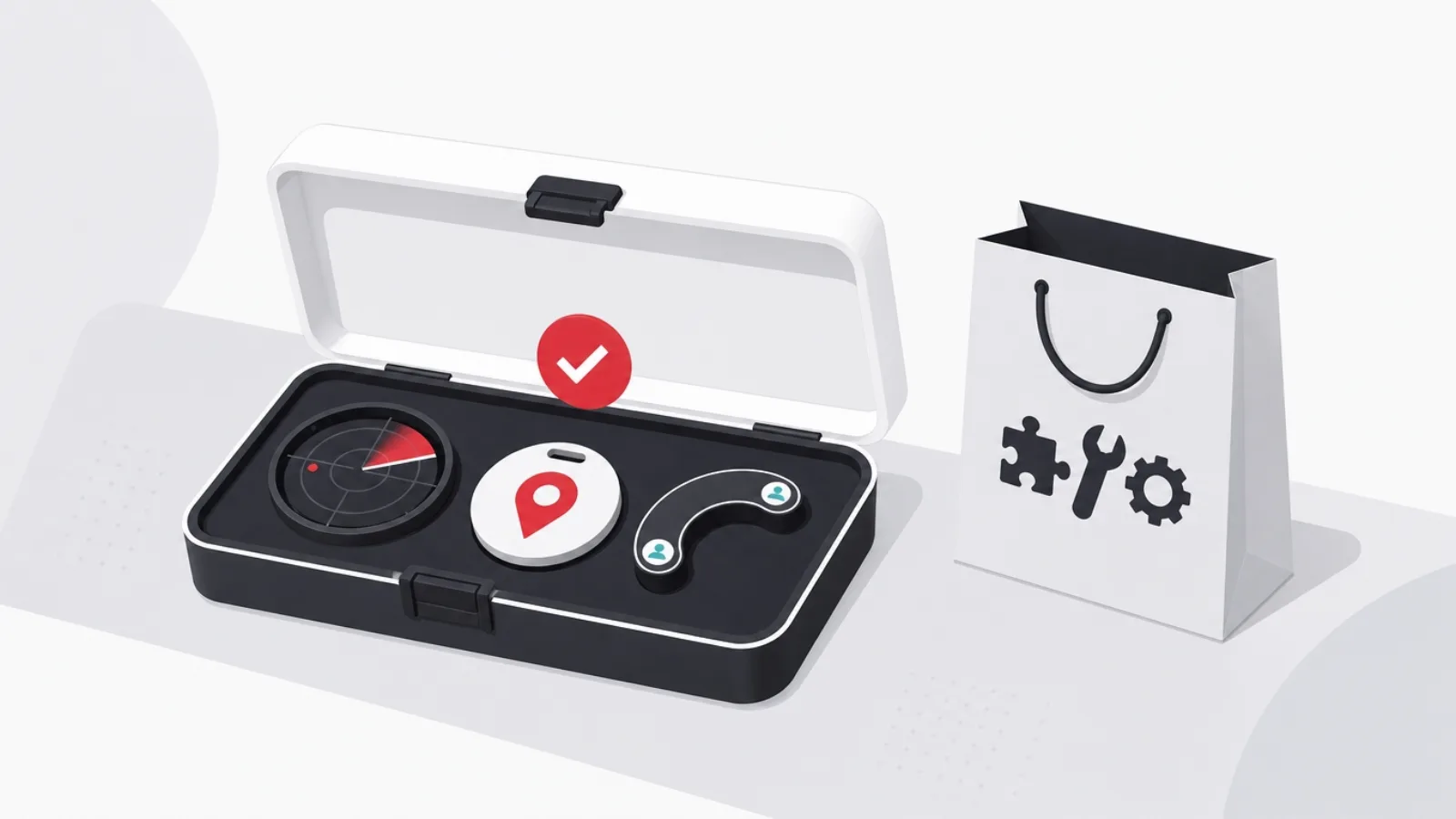
Apple's Find My is the strongest free tracking product ever shipped. It locates iPhones, iPads, Macs, AirPods and AirTags through a crowdsourced network of nearly every Apple device on earth, works even when the tracked device is offline or powered down recently, and its people-sharing tab handles family location with end-to-end encryption. If everyone in your circle carries an iPhone, installing anything else needs a justification.
Android's answer arrived in pieces and is now complete: Find My Device gained an offline crowdsourced network of its own, and person-to-person sharing lives in Google Maps, with timed shares, indefinite family shares, and battery level visible to recipients. Cross-platform sharing works in both directions through Google Maps, which runs on iOS too, making it the pragmatic bridge for mixed-device families.
The built-ins share two limits. They are location-only: no driving reports, no crash detection, no place alerts beyond basic arrival notifications. And their family controls are thinner than dedicated apps, which is exactly the gap the paid category lives in.
The family locators: Life360 and its challengers
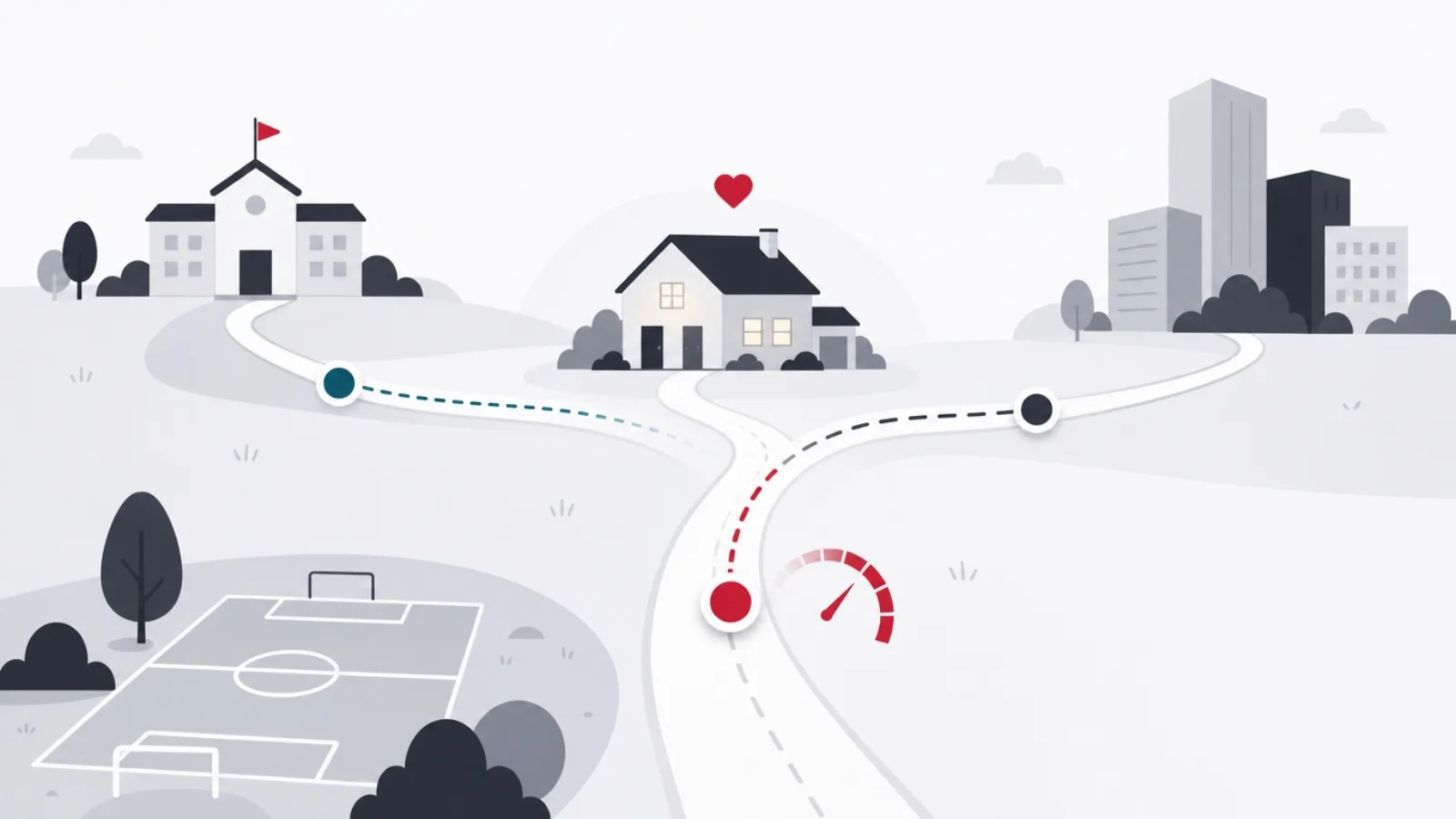
Life360 is the category leader for a reason: circles with unlimited members, place alerts when someone arrives at school or leaves work, driving reports with phone-usage detection, crash detection with emergency dispatch on paid tiers, and item tracking through its Tile acquisition. For parents of new drivers, the driving safety bundle is the honest reason to pay. The criticisms are equally real: the free tier has been squeezed to two days of history and limited place alerts, the app is heavy, and the company's history of selling precise location data to brokers, a practice it says it ended after public reporting, is worth knowing when you are handing it a child's movements.
FamiSafe by Wondershare and Bark are the parental-control adjacent options: location plus screen-time, content filtering and alerting. They suit families whose actual problem is broader than whereabouts. iSharing is the closest straight Life360 substitute, with a similar circle model and cheaper paid tiers, though a thinner safety feature set.
A rule of thumb for choosing: if what you need is knowing where family members are, the built-ins do it free. If what you need is driving safety for teenagers or arrival alerts you can rely on, Life360's paid tier is the most complete package, at around 100 to 200 dollars a year depending on tier.
The eight options at a glance
| App | Platforms | Cost | Pick it for |
|---|---|---|---|
| Find My | iOS, Mac | Free | Apple households, offline device finding |
| Find My Device + Maps sharing | Android, iOS via Maps | Free | Android and mixed households |
| Life360 | iOS, Android | Free tier; 100 to 200 dollars a year paid | Teen driving safety, place alerts |
| Glympse | iOS, Android, web | Free | Temporary shares with non-users |
| iSharing | iOS, Android | Free tier; about 60 dollars a year | Cheaper Life360-style circles |
| FamiSafe | iOS, Android | About 60 to 100 dollars a year | Location plus parental controls |
| AirTag or Moto Tag | Hardware | 25 to 30 dollars each | Keys, bags, luggage, pets |
| Fleet telematics platforms | Hardware + SaaS | 15 to 40 dollars per vehicle monthly | Business vehicles, compliance |
US pricing as of August 2026, rounded. Free tiers are noted honestly; several are demos rather than products.
Temporary sharing: the underrated category

Most real tracking needs are temporary: I am on my way, meet me here, tell me when you land, watch my walk home. Permanent circles are the wrong tool for all of these, and the best products in the category are the ones that expire by design.
Glympse is the standout because the recipient installs nothing: you send a link, they watch your dot move on a web map, and the share dies at the timer you set. That makes it the right tool for meeting people outside your household, coordinating with a delivery, or letting a colleague track your arrival. The built-ins have absorbed the same idea, Google Maps shares can be set to expire in hours and iOS shares can be revoked in two taps, but the no-install property keeps Glympse relevant.
The design lesson generalizes: expiring consent is stronger consent. A share that ends by default cannot be forgotten into becoming surveillance, which is why we push timed shares in every consumer location feature we build.
Consent, law and the line you must not cross
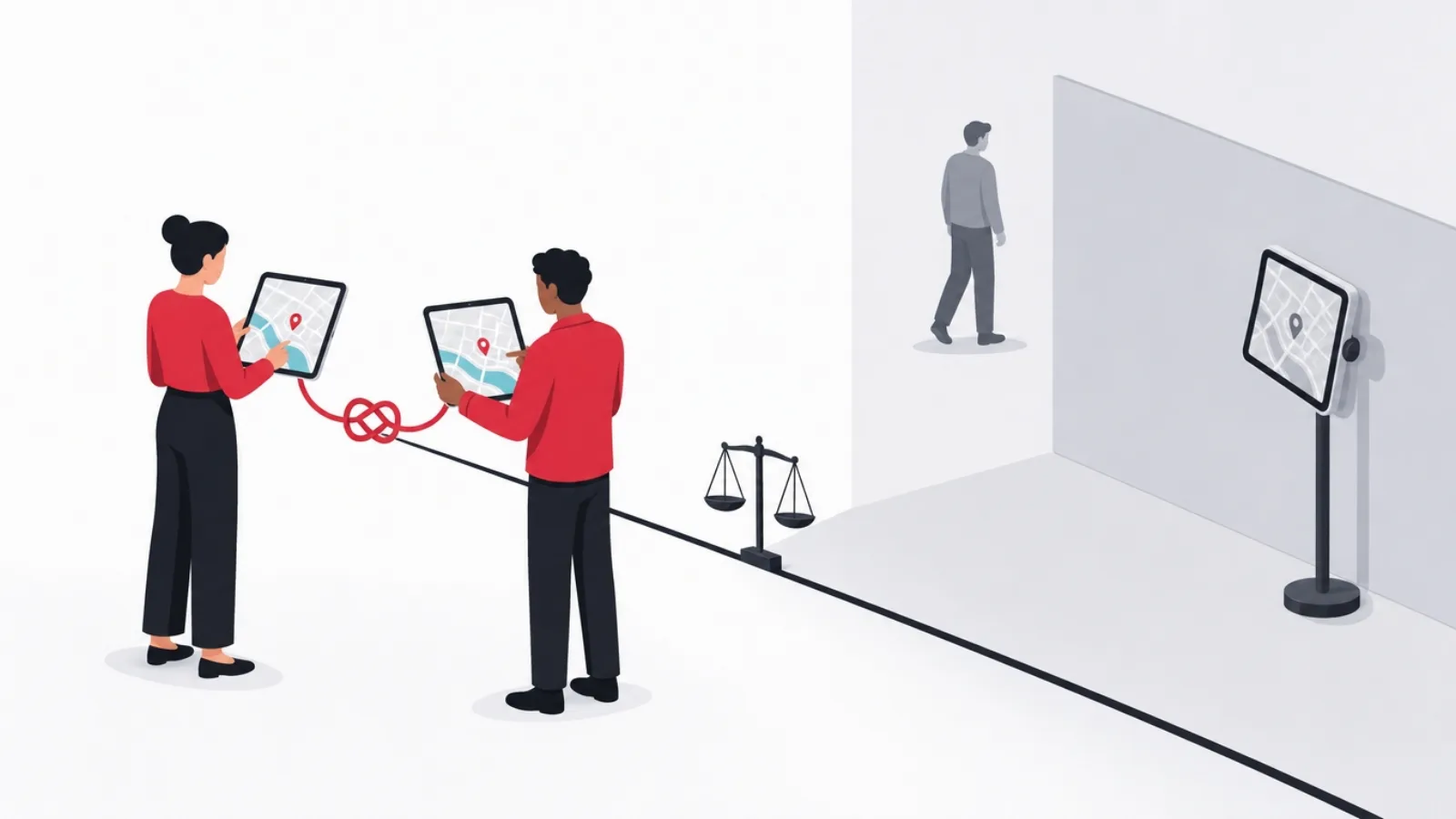
Every legitimate app in this article notifies the person being tracked. That is not a limitation to work around; it is the load-bearing feature. Tracking an adult without their knowledge is a crime in most US states and most countries, whether the adult is a spouse, an employee or an ex. Stalkerware, apps engineered to hide themselves, is illegal to use this way essentially everywhere, and both platform vendors now scan for it and alert victims.
The legal contours worth knowing: tracking your minor children is broadly lawful. Tracking employees is lawful in company vehicles during work hours in most jurisdictions, but requires disclosure, and several US states and most of Europe require explicit written consent. Tracking another adult's phone or car without consent is unlawful nearly everywhere, and AirTag-style tags have anti-stalking countermeasures precisely because they were abused.
If you are on the receiving end of unwanted tracking: both iOS and Android surface unknown-tracker alerts, and a periodic review of location permissions, shared circles and logged-in devices is the practical defense. Advocacy organizations for domestic violence maintain current guidance, and the apps themselves publish safety centers for exactly this scenario.
The consent rules, condensed
Do this
- Track your own devices and belongingsPhones, laptops, keys, luggage, vehicles you own and drive. This is the core lawful use.
- Share mutually within a familyVisible, symmetric circles where everyone can see who sees them, with children age-appropriately informed.
- Disclose employee vehicle tracking in writingCompany vehicles, work hours, documented policy, and off-hours privacy modes where the law or good practice requires them.
- Prefer expiring sharesTimed shares for meetups and travel end by default, which keeps consent current instead of assumed.
Not this
- Track a partner or ex covertlyA crime in most jurisdictions and a hallmark of abuse. Every mainstream app is designed to make it fail.
- Hide a tag in someone else's car or bagAnti-stalking alerts will expose it, and courts treat it as stalking because it is.
- Monitor employees off the clockOff-hours tracking is unlawful in many places and corrosive everywhere; scope tracking to work time and work assets.
- Install stalkerware on any phoneHidden-by-design tracking apps are illegal to deploy against adults essentially everywhere and are malware by any definition.
Not legal advice; laws vary by jurisdiction. When in doubt, disclose and get written agreement.
Business and fleet tracking: a different product entirely
Founders regularly ask us to build vehicle tracking on top of consumer app patterns, and the honest answer is that fleets are a separate category. Consumer apps track a phone that may be off, uncharged or left on a desk; fleets track the vehicle itself through OBD-II or hardwired telematics units that report ignition, speed, harsh braking, fuel and fault codes regardless of whose phone is in the cab.
The platform layer differs just as much: fleet operators need driver privacy modes to stay legal, immutable trip logs for compliance and disputes, geofenced job sites, maintenance scheduling from engine hours, and integration with dispatch and payroll. Pricing reflects the hardware and the stack, typically 15 to 40 US dollars per vehicle per month plus devices.
We have built this stack end to end, including a petroleum distribution fleet system handling live positions, route compliance and delivery verification, and the architecture lessons from it are in our fleet telematics pipeline teardown and our guide to fleet management software. If your tracking need involves vehicles you operate commercially, start there rather than with any app in this list.
Which one should you pick?
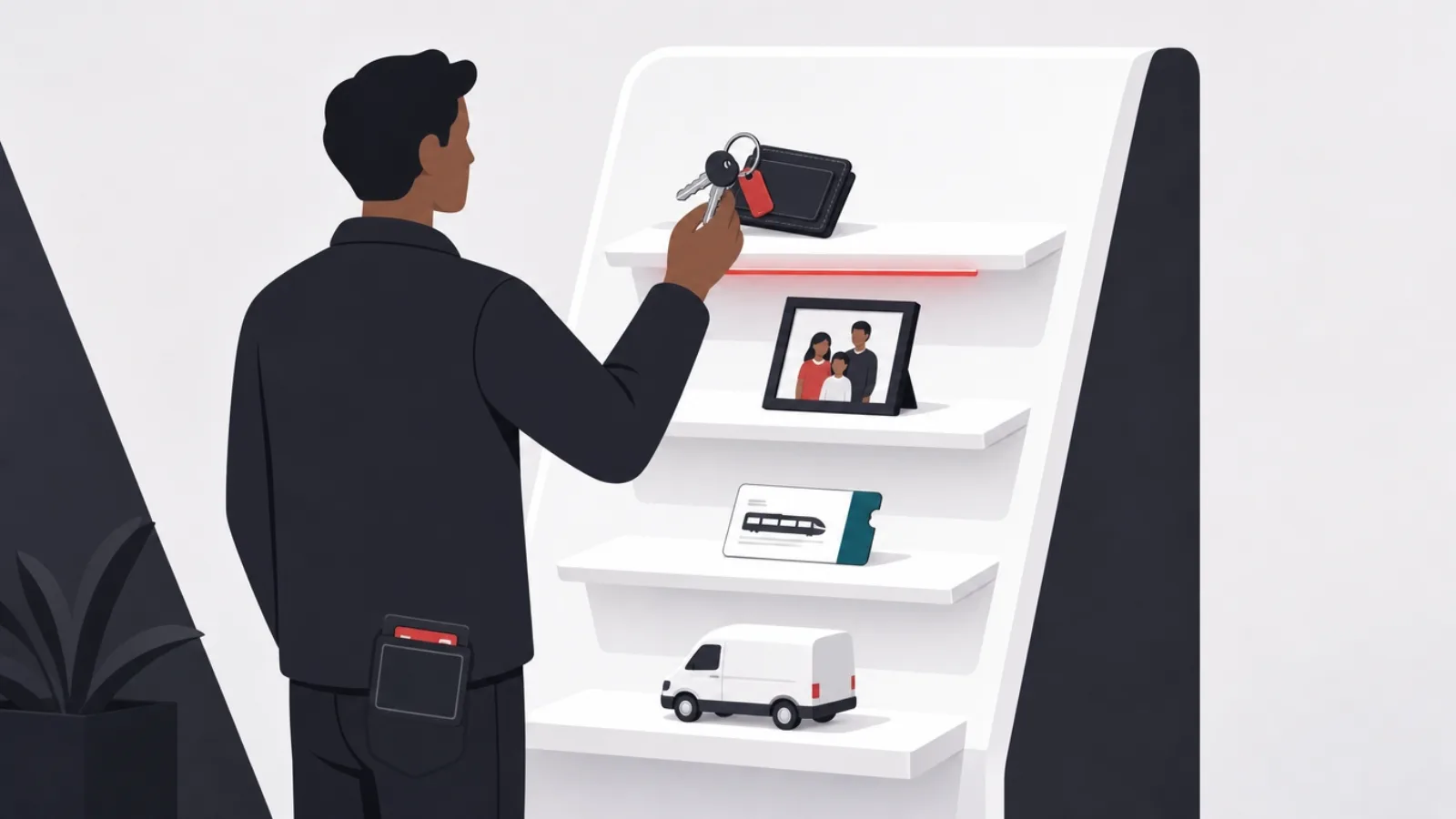
Match the tool to the actual scenario. Lost devices and items: the built-ins plus a tag or two, nothing else needed. Family whereabouts in a single-platform household: Find My or Google's sharing, free. Teen drivers or a family that wants arrival alerts and crash detection: Life360 paid, with eyes open about data practices. Meeting people who will not install your app: Glympse. Business vehicles: a telematics platform, not a consumer app.
And if your scenario is tracking an adult who has not agreed to it, the answer is that no app on this list will do it, by design, and the impulse itself is the thing to address.
Pick by scenario
What are you actually trying to track?
-
My own devices and belongings
Find My or Find My Device, plus tags
Free, offline-capable crowdsourced finding, and hardware tags cover non-smart items for under 30 dollars each.
-
Family members, day to day
Built-in sharing first, Life360 if you need driving safety
The built-ins do whereabouts free; Life360's paid tier earns its price only when teen driving reports and crash detection matter.
-
A meetup or one-time journey
Glympse or a timed Maps share
Expiring links need no install on the other end and cannot be forgotten into permanent surveillance.
-
Company vehicles
A fleet telematics platform
Vehicle-installed hardware, driver privacy controls and compliance logs are requirements consumer apps do not meet.
Four common scenarios and the honest recommendation for each, including the free path.
Under the hood: what this category teaches location builders
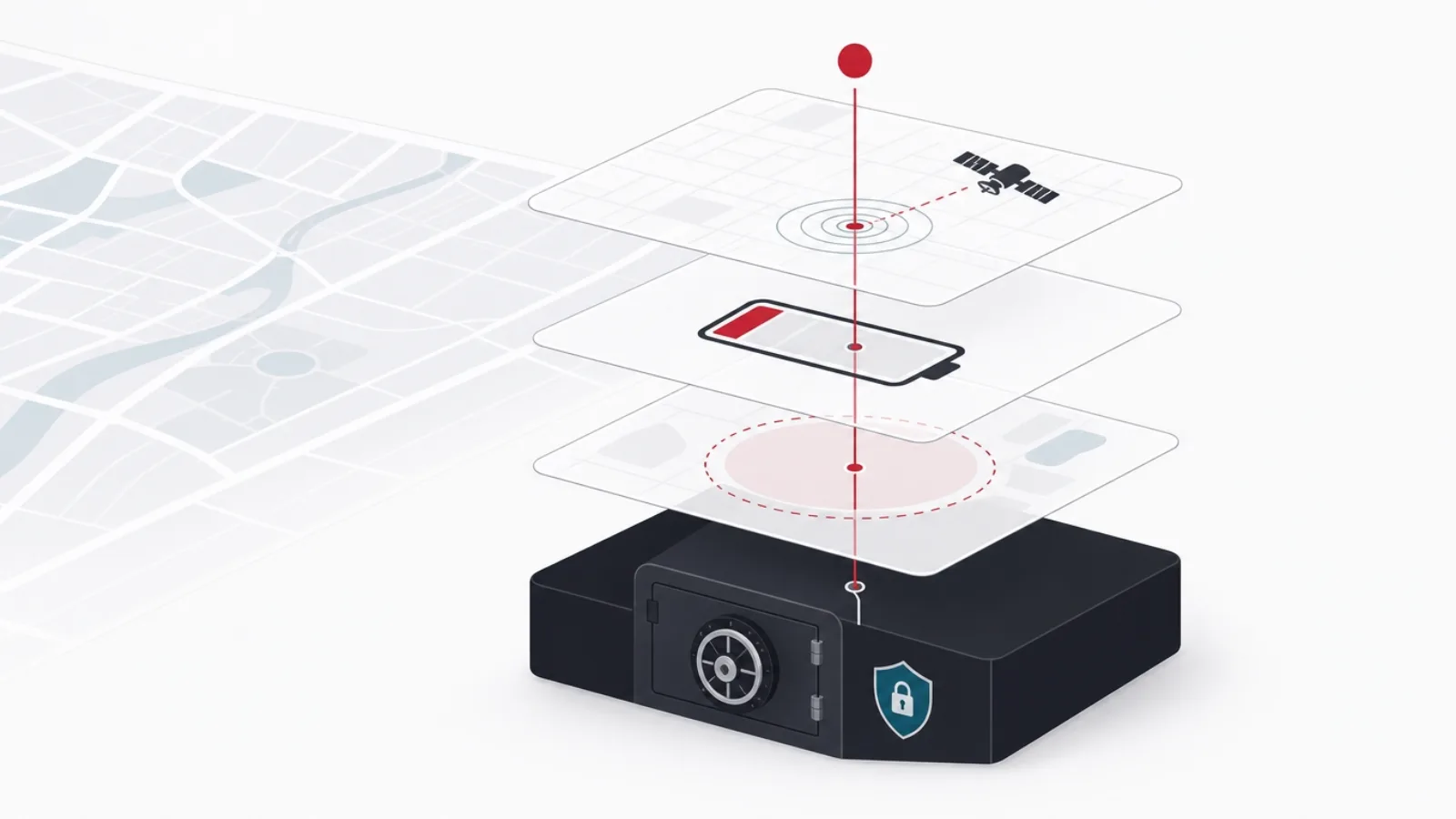
Every app above fights the same three-way engineering trade: accuracy, battery and platform policy. Continuous GPS gives the best track and murders the battery; cell and Wi-Fi positioning sips power at 20 to 100 meter accuracy; the winning pattern is fused, event-driven location, wake on significant movement, batch points, upload opportunistically, which is how Life360 and the built-ins deliver all-day tracking at low single-digit battery cost.
Platform policy is the constraint founders underestimate. Both iOS and Android now require prominent disclosure, runtime permission for background location, and a review-time justification for why the app needs it; Android additionally forces a policy declaration for background collection. Products that treat background location as a checkbox get rejected or throttled, and the OS will visibly badge apps that track, which means covert designs are not only unethical but technically dead on arrival.
The architecture that survives scale looks the same across our client builds: device SDKs doing fused location and motion detection, a geofence evaluator at the edge, an ingestion pipeline that tolerates offline bursts, and storage split between hot recent positions and cold trip history. We cover the mobile side in our guide to building a geolocation app, and the delivery model, including what it costs to staff this from an [[offshore development center|/blog/offshore-development-center/]] or through onshore, nearshore and offshore teams, in the linked guides. Location is one of the domains where software development cost estimates go wrong most often, because the battery and policy work is invisible in a feature list.
Since publication, two builder-side guides have been added for readers who reach the end of this comparison wanting to build rather than buy. How to build a GPS tracking system covers the device, ingestion and map-rendering stack end to end, and location-based app ideas catalogs the product categories where location is the core mechanic rather than a feature. The rankings above stand as written.
The location engineering budget, in rough numbers
Typical figures from our client builds; every product varies, but the orders of magnitude hold.
Frequently asked questions
What is the best free GPS tracking app?
The ones already installed: Find My on iOS and Find My Device plus Google Maps location sharing on Android. Both offer crowdsourced offline device finding, mutual family sharing with no member limits, and timed shares, all free and with stronger privacy defaults than any third-party app. Third-party free tiers exist mainly to sell subscriptions.
Can I track someone's phone without them knowing?
No reputable app allows it, and attempting it with hidden stalkerware is a crime in most jurisdictions. Every mainstream tracking app notifies the tracked person, both platforms badge apps that access location in the background, and both scan for covert trackers. Tracking your own minor children is the lawful exception; tracking another adult requires their informed consent.
Is Life360 worth paying for?
It is if your actual need is teen driving safety: the driving reports, phone-usage detection and crash detection with emergency dispatch are the features the built-ins do not have and the free tier withholds. If your need is just whereabouts, the free built-ins cover it, and paying 100 to 200 dollars a year for a nicer map is hard to justify.
How much battery do GPS tracking apps use?
Well-engineered trackers cost 2 to 5 percent of battery per day because they wake on movement, use fused low-power positioning and batch uploads. Badly built ones that poll GPS continuously can consume a quarter of a charge in a day. If a tracking app is visibly draining your phone, that is an engineering defect in the app, not a law of physics.
Is it legal to put a GPS tracker on my employee's vehicle?
On a company-owned vehicle during work hours, generally yes in most jurisdictions, but disclosure is required almost everywhere and several US states plus most of Europe require explicit consent. Off-hours tracking and tracking personal vehicles are unlawful in many places. Use a fleet platform with driver privacy modes, put the policy in writing, and confirm the rules for your jurisdiction.
How much does it cost to build a GPS tracking app?
A consumer location MVP, live sharing, geofences, history and notifications, typically runs 50,000 to 120,000 US dollars with an offshore product team, with the battery engineering and platform review work being the hidden cost drivers. Fleet-grade platforms with telematics hardware integration, compliance logging and dispatch tooling start around 150,000 dollars. The recurring costs are maps licensing and the ingestion infrastructure.
Location is a domain where the invisible engineering decides the product. If you are building tracking, geofencing or fleet features, partner with AgileTech, a software development company in Vietnam that has shipped this stack from consumer apps to industrial fleets.
Source: https://agiletech.vn/blog/best-gps-location-tracking-apps/ · (c) AgileTech Vietnam. Printed from agiletech.vn.
