 Nguyen Manh Thang
Chief Executive Officer, AgileTech Vietnam
Nguyen Manh Thang
Chief Executive Officer, AgileTech Vietnam
- Published
- Last updated
- Read time
- 12 min
- Views
- 99
Read the AI overview
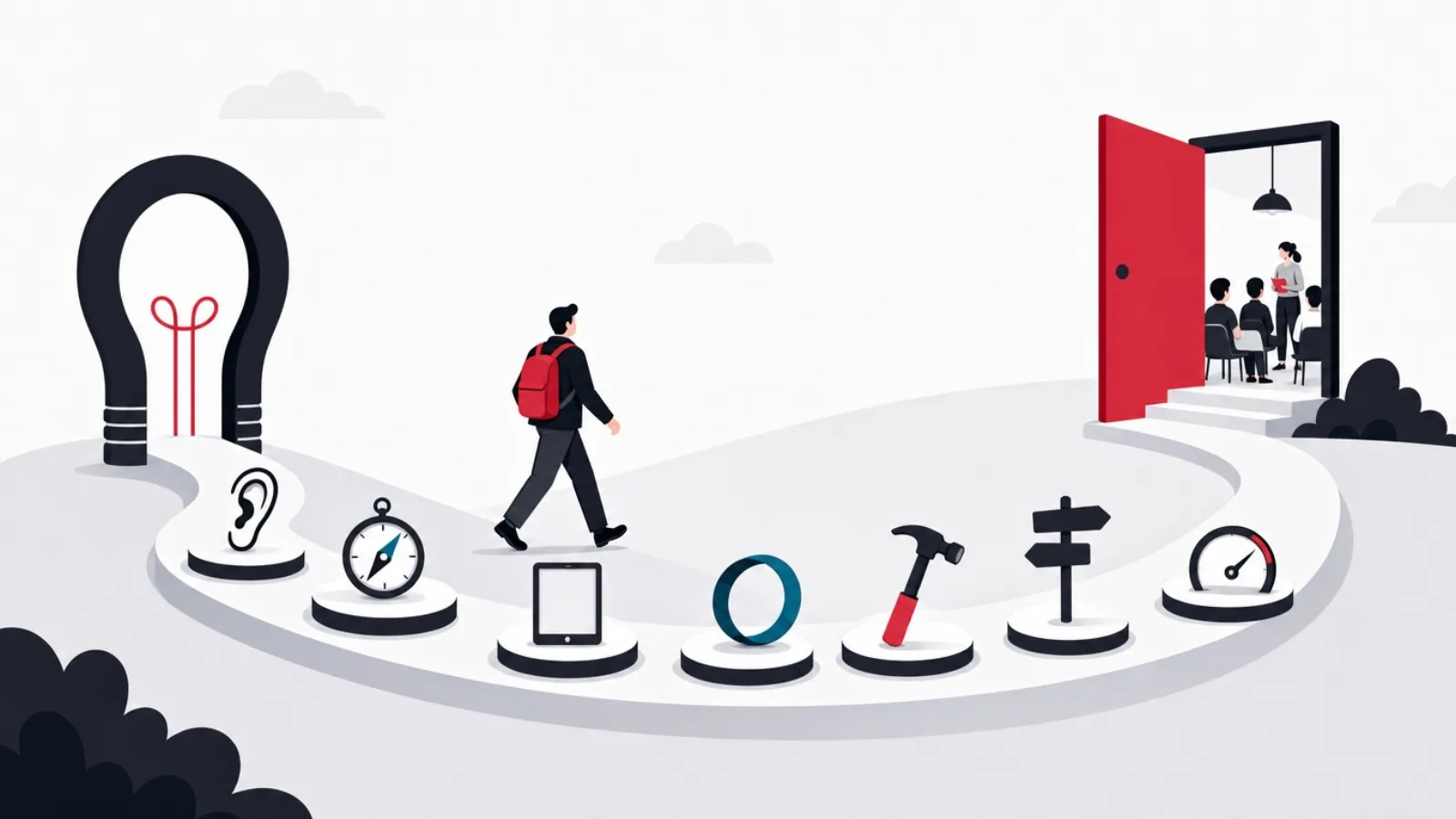
Making an educational app is a seven-step process, and most failed projects skipped one of the early steps rather than fumbling a late one. First, validate the idea with real learners and, if schools are involved, real teachers, before any design work. Second, make the curriculum decision: what the app teaches, at what depth, and who produces that content, because content is usually the largest workstream. Third, choose the platform and stack: mobile versus web versus both, and cross-platform frameworks as the default for most education products. Fourth, scope an MVP around one complete learning loop rather than a feature list. Fifth, build in short cycles with learner testing inside the schedule, not after it. Sixth, plan distribution early: consumer app stores, school procurement and LMS integration are different channels with different requirements. Seventh, launch as the start of an iteration loop measured on learning and retention, not downloads. A focused MVP typically takes four to six months with a small team, framed as a model rather than a quote.
Educational apps get made by two kinds of people: software teams who discover education is harder than software, and educators who discover software is harder than education. Both groups fail in predictable places, and almost never in the code: the graveyard is full of well-built apps that taught nothing measurable, solved a problem no learner had, or never survived contact with a school's procurement process.
This guide walks the process end to end, in order: validating the idea, making the curriculum decision, choosing the platform, scoping the MVP, running the build with learners inside it, getting distributed (stores, schools, or both), and turning launch into an iteration loop. Each step includes the failure it exists to prevent. Costs and timelines appear as illustrative models, not quotes.
A scope note so you land on the right page: this article is the process, the how and the in-what-order. The strategy questions inside that process, which of the four education product kinds to build, the learning science that drives retention, feature prioritization, gamification, and the child-safety compliance work, are covered in depth in our education app design guide. Read them together: this one sequences the work, that one makes the hard calls inside it.
Key takeaways
- Validate before designing: twenty conversations with real learners (and teachers, if schools matter) cost two weeks and reroute most projects. The most expensive sentence in this category is "we built it and then showed people".
- The curriculum decision is the project's center of gravity: what the app teaches, to what standard, and who writes it. Content is usually a larger workstream than the code, and it starts later than it should on almost every first project.
- Choose the platform from the classroom, not the boardroom: school-heavy products live on the web and cheap shared tablets, consumer learning lives on phones, and cross-platform frameworks cover most needs without a per-platform team.
- Scope the MVP as one complete learning loop, a learner arrives, learns something real, sees progress, and returns, rather than a thinned-out feature list of the imagined full product.
- Test with real learners inside the build schedule: five students using a rough build teach more than fifty stakeholders reviewing a polished one, and pedagogy bugs found late cost content rewrites, not patches.
- Distribution is a build-time decision: consumer stores, school procurement paperwork and LMS integration each impose requirements (privacy, rostering, accessibility) that are cheap designed-in and expensive retrofitted.
Step one: validate with learners before designing anything
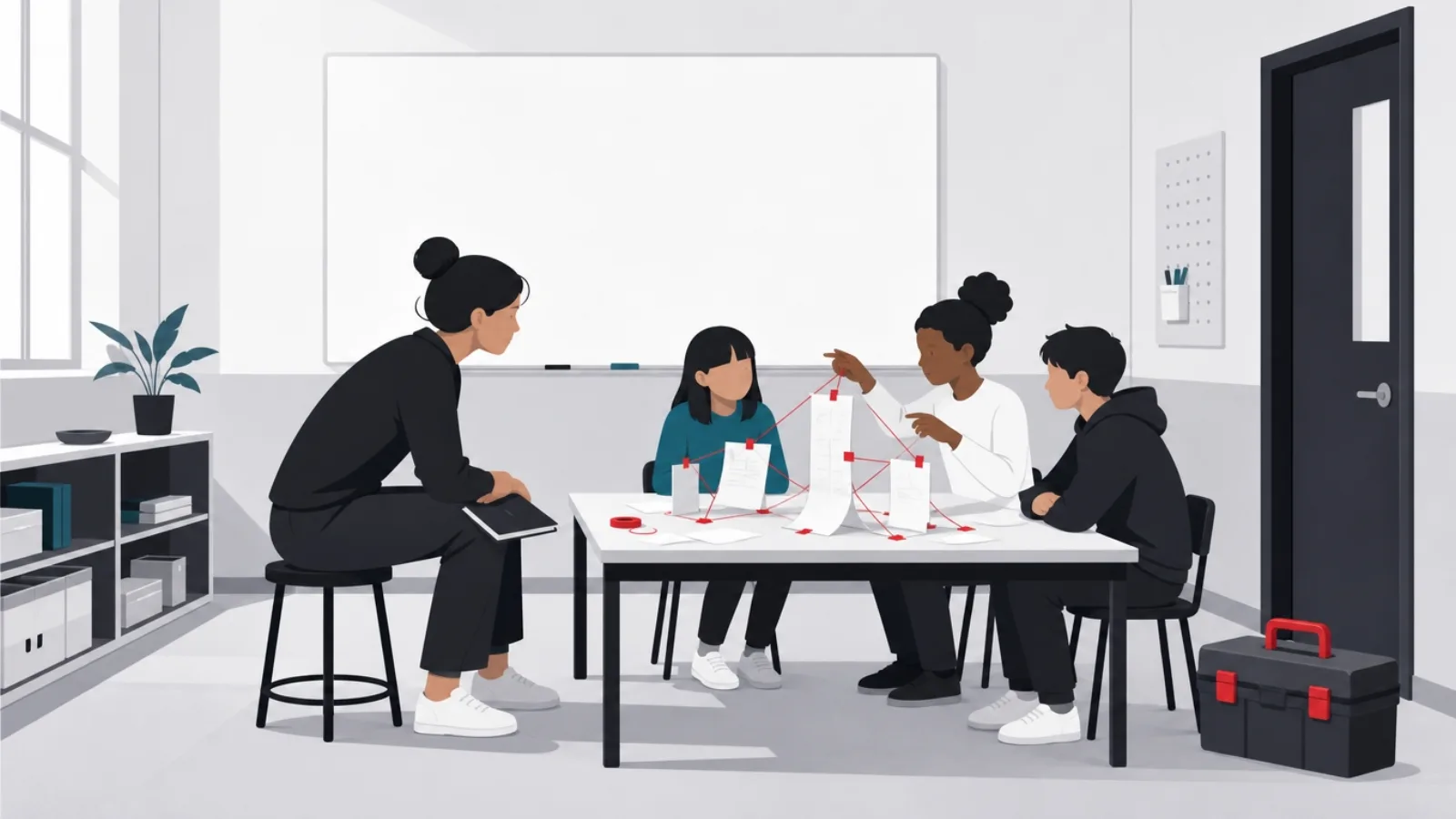
The founding idea of an educational app is usually a belief about how people should learn something, and beliefs are exactly what validation exists to test. The method is unglamorous: twenty real conversations with the learners you imagine serving, not surveys, conversations, asking what they are trying to learn, what they have tried, where it failed, and what they did next. If the product serves classrooms, the same depth with teachers is mandatory, because teachers are the adoption gatekeepers and their constraints (time, curriculum standards, device reality, administrative approval) will shape the product more than your feature ideas will.
What you are listening for is the gap between the problem you imagined and the problem that exists. The pattern that recurs across this category: founders imagine a knowledge gap ("students do not understand fractions") when the operative gap is motivational, logistical or structural ("students understand fractions in class and there is nothing that makes practicing them tolerable at home"). Products aimed at the imagined gap get polite praise and no usage; products aimed at the real gap get pulled out of founders' hands during the interview. If nobody tries to keep your prototype, note that a prototype is not required for this signal, the interview alone usually gives it.
Validation also forces the audience decision that everything downstream depends on: who, exactly, is the learner, and who is the buyer? A child learner with a parent buyer, a student learner with a school buyer, and an adult learner buying for themselves are three different products wearing the same idea, with different design centers, price points, compliance obligations and sales motions. The single most common scoping error in this category is "all of the above", which produces an app that serves none of them well. Pick one learner-buyer pair for the MVP; the others are expansion, not launch scope.
Close the step with a falsifiable one-pager: this learner, with this real gap (evidence: quotes from the interviews), will use an app that does this one thing, and this buyer will pay for it because of this. Every sentence should be something an interview could have disproven, because that is what makes the page load-bearing: when a later feature debate arises, the one-pager settles it or the interviews resume. Teams that skip this document do not skip the debates; they just hold them without evidence.
The validation exit test: six things you must be able to state
- The learner, specificallyNot "students" but "grade 7 to 9 students preparing for the national math exam". Specificity is what makes every later decision easier.
- The buyer, and why they payParent, school, employer or the learner. The buyer's motivation shapes pricing, marketing and half the feature set.
- The real gap, in learners' own wordsDirect quotes from interviews, not your paraphrase. If the quotes describe motivation or logistics, do not build for knowledge.
- What learners do today insteadThe current workaround is your real competitor, and its weaknesses are your roadmap.
- The teacher's constraint set (if schools matter)Class time, devices available, curriculum standards, approval chain. Products that ignore these do not get piloted.
- One sentence the app must make true"After four weeks, a learner can X." If you cannot write the sentence, you cannot scope the MVP.
Step two: the curriculum decision, the project's center of gravity
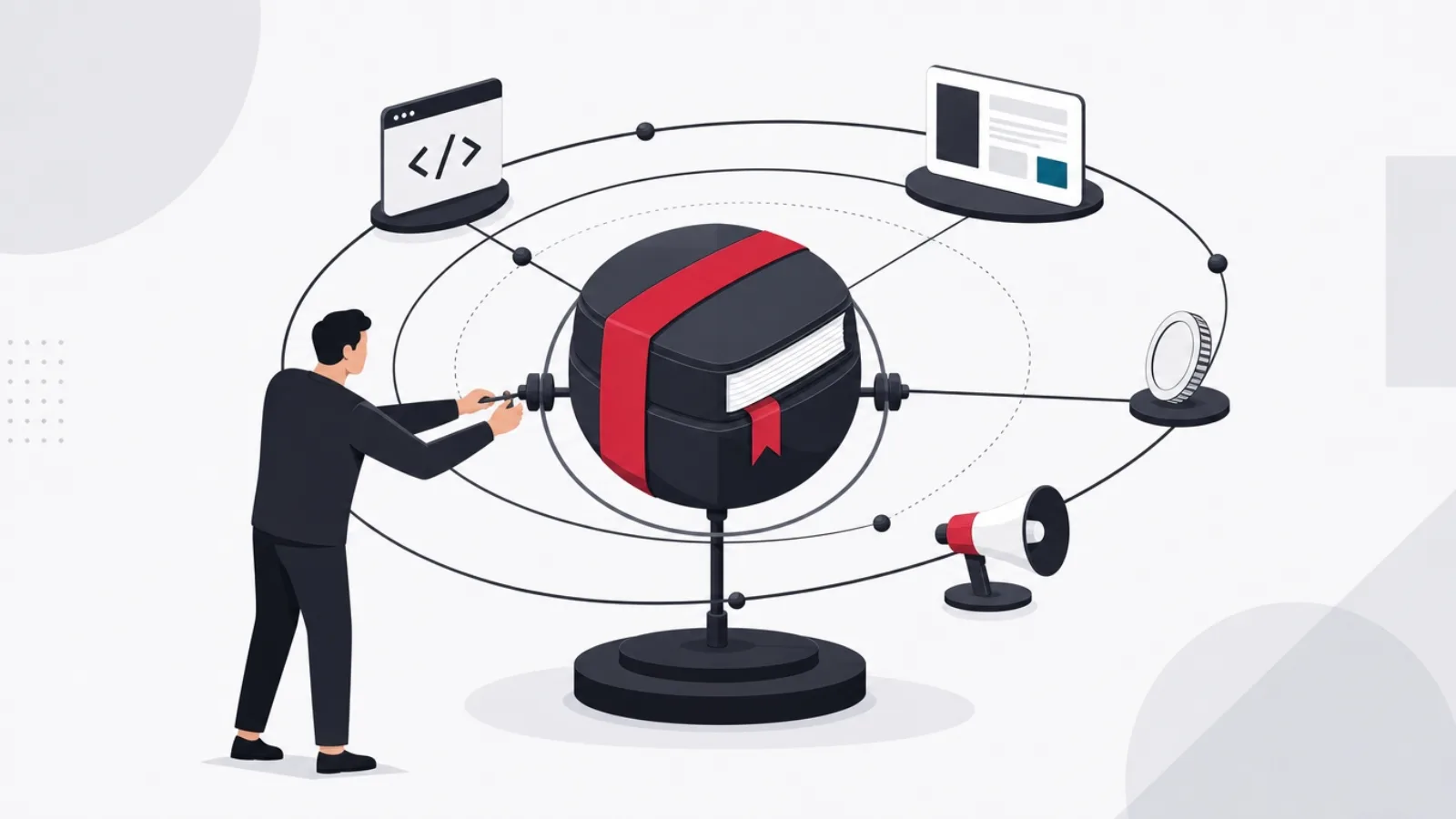
Every educational app has a curriculum whether its makers use the word or not: the map of what is taught, in what order, to what standard, and how mastery is judged. Making this explicit early is the difference between an app that teaches and an app-shaped collection of exercises. The decision has three parts: scope (which topics, to what depth, for the MVP specifically), structure (the dependency order: what must be learned before what), and standard (what counts as "learned", a score, a demonstration, a spaced-retention criterion). For school-facing products, structure and standard are often dictated: alignment with the national or state curriculum is not a feature, it is the admission ticket.
Then comes the question that reshapes budgets: who produces the content? The options are the founding team (viable only if it includes a genuine subject-matter educator), hired educators writing to specification (the standard path, and a real budget line), licensing existing material from publishers (fast, credible, royalty-bearing, and constraining), and, newly practical, AI-assisted drafting with expert review (a real accelerator for volume, and a liability without the review layer, because plausible-but-wrong content is worse in education than in any other category). Most credible first products mix the second and fourth: educators own the pedagogy and review; tooling accelerates the production.
Whatever the source, content needs infrastructure the way code does, and first-time teams consistently underprovision it: a structured authoring format (not documents in a folder), review workflow with pedagogical and factual sign-off, versioning that survives app updates without corrupting learner progress, and a feedback loop from learner errors back to content revision. The volume math deserves respect too: a learner using the app fifteen minutes a day consumes exercises far faster than one educator produces them, so the pipeline's throughput, not the launch library's size, is the number that determines whether month three has enough content.
The curriculum decision is also where the deeper product-design questions surface, and they are worth taking seriously rather than defaulting: which of the four education product kinds you are building, how much learning science (recall, spacing, feedback design) the exercise formats encode, and how gamification attaches to the learning rather than replacing it. Those calls are the subject of the design guide, and for products in the language category specifically, the full systems anatomy is mapped in the language app build guide. The process point here: make these decisions now, at curriculum time, because they define what the content pipeline must produce.
Content sourcing, compared for a first product
| Path | Speed | Cost shape | The catch |
|---|---|---|---|
| Founding team writes it | Slow | Time instead of cash | Only works with a real educator on the team |
| Hired educators to spec | Moderate | A real budget line, ongoing | Needs authoring tools and review workflow |
| Licensed publisher content | Fast | Royalties, forever | Constrains exercise formats and structure |
| AI-drafted, expert-reviewed | Fast for volume | Cheap drafts, real review cost | Unreviewed output is a liability, not a shortcut |
The four paths to a curriculum, and the trade each one makes. Most credible MVPs mix rows two and four.
Step three: platform and stack, chosen from the classroom
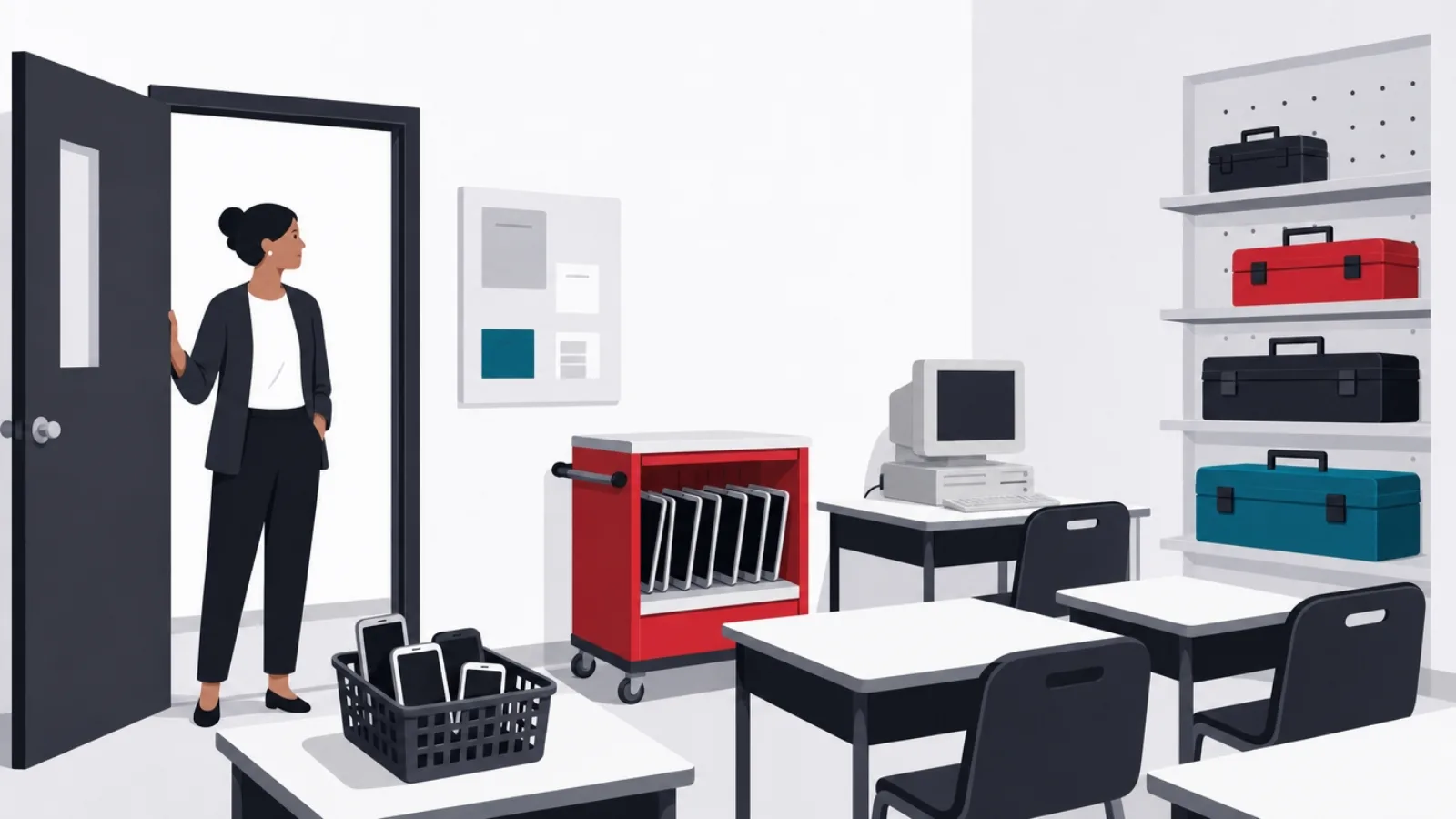
The platform decision, mobile app, web app, or both, should be made from where your learners actually are, and the answer splits cleanly by audience. School-facing products live disproportionately on the web: classrooms run on managed Chromebooks, shared tablets and computer labs, IT departments install nothing gladly, and a web app that works in a browser on a five-year-old device clears the real deployment bar. Consumer and home learning inverts: phones are the device, home screens are where habits live, notifications drive return visits, and offline support matters for commutes and data-limited households. Products that need both audiences usually ship web-first for the classroom and wrap or rebuild for stores when the consumer channel earns it.
For mobile, the cross-platform default is the right one for almost every education product: frameworks like Flutter and React Native deliver iOS and Android from one codebase, and education apps rarely need the platform-exotic capabilities that justify two native teams. The exceptions worth naming: heavy interactive media (a music app with latency-sensitive audio, an AR anatomy tool) may need native depth in specific layers, and products for very young children need touch and audio handling tested on the actual cheap devices families own, not the team's flagships. Web-side, a modern single-page or server-rendered stack is unexotic; the education-specific requirement is performance discipline, because school networks and old devices punish heavy bundles.
Three education-specific technical requirements belong in the stack decision rather than the backlog, because retrofitting each is expensive. Offline capability: learners without reliable connectivity are a feature requirement in most markets, which shapes local storage and sync design from the schema up. Accessibility: education products face higher expectations and, in school procurement, hard requirements (screen readers, captions, keyboard navigation, dyslexia-friendly options), and accessibility is architecture, not paint. And low-end device performance: the median classroom device is old and shared, so budget testing on it from the first sprint. Each of these is a line in the stack decision now or a rebuild conversation later.
The backend shape for a first product is modest and standard: accounts and roles (learner, parent, teacher each see different things), content delivery with versioning, progress and event tracking, and the analytics foundation that step seven depends on. Two forward-looking choices pay off disproportionately: an event-logged progress model (every meaningful learner action recorded as an event, with progress computed from the log) makes analytics, sync and future features cheap; and if schools are anywhere in the plan, designing for rostering and single sign-on standards early (the plumbing that lets a school provision accounts automatically) turns a future integration project into a configuration task.
The platform call, by audience
Where does your learner actually learn?
-
In classrooms on school devices
Web-first, performance-disciplined, SSO-ready
Chromebooks, shared tablets and no-install IT policies make the browser the deployment target.
-
At home, self-directed, habit-driven
Mobile app, cross-platform framework
Phones carry the habit loop: home screen, notifications, offline. One codebase covers both stores.
-
Both, with schools as the wedge
Web-first now, store app when the consumer channel earns it
The classroom pays for the proof; the consumer wrap follows demand instead of guessing at it.
-
Media-heavy or hardware-dependent learning
Cross-platform base with native layers where latency demands
Audio, AR and sensor work may need native depth, but only in the layers that touch it.
Step four: scope the MVP as one complete learning loop
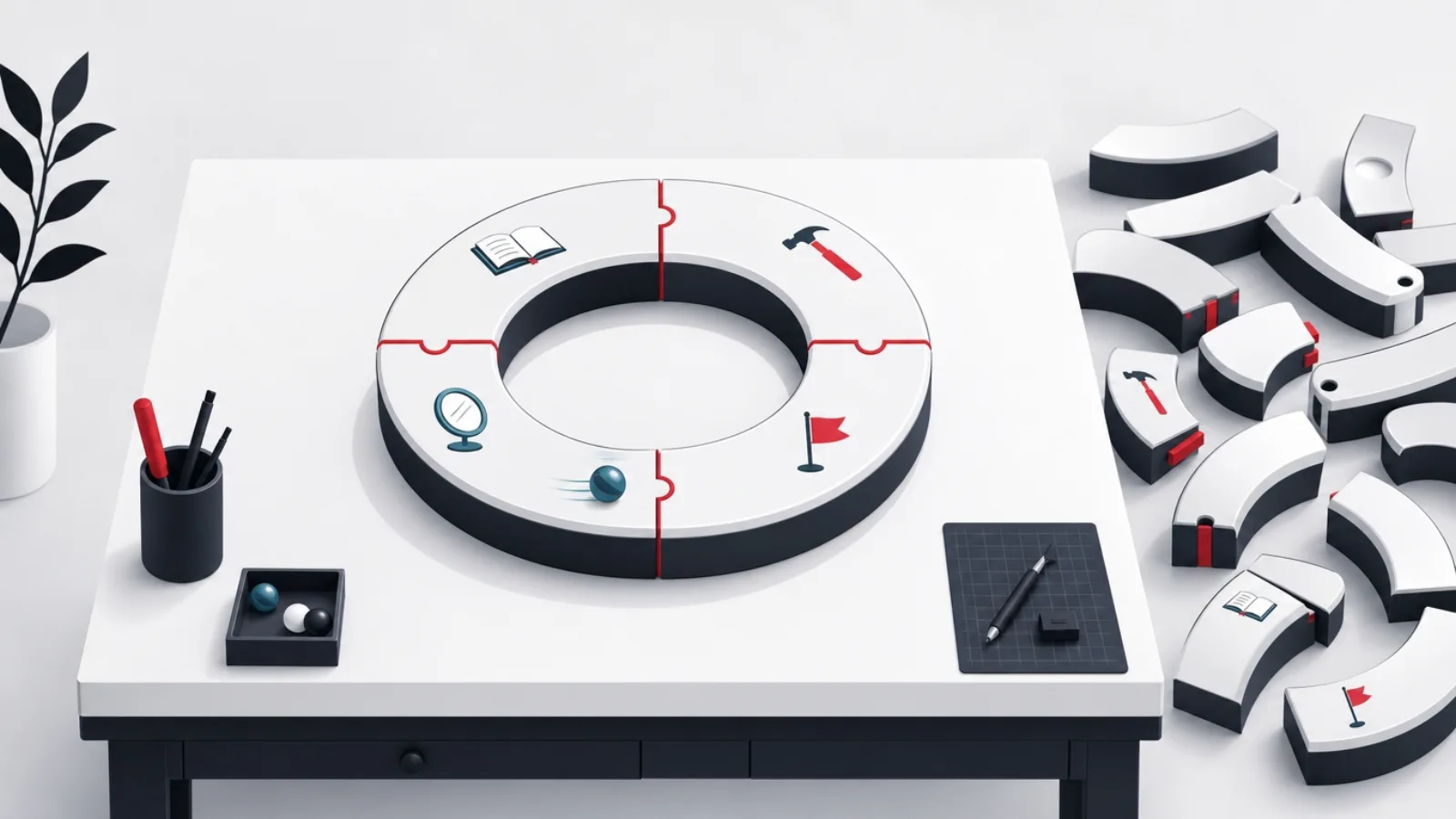
The MVP scoping error specific to education is building a thin slice of everything: a little content, a little gamification, a dashboard, a forum, none deep enough to work. The correction is to scope one complete learning loop and nothing else: a learner arrives, is placed appropriately, learns something real in a session of honest length, sees credible progress, and has a reason to return tomorrow. Every feature either serves that loop or waits. A working loop with one topic's depth beats a shallow tour of the imagined product, because the loop is the thing you cannot fake and the thing every later feature depends on.
Concretely, the loop decomposes into five buildable parts. Arrival: onboarding that reaches the first real learning moment in minutes, with placement if your audience arrives with prior knowledge. The session: the core exercise or lesson experience, with feedback designed to teach rather than just judge. Progress: a representation of advancement the learner believes, tied to the curriculum structure from step two. Return: the reminder and streak mechanics sized honestly for your audience (and designed with restraint for children). And the teacher or parent view, if your buyer needs one: the minimal dashboard that answers "is this working?", because the buyer's renewal depends on being able to see the answer.
What waits, in almost every case: social features and forums (moderation-heavy, value arrives only at scale), content breadth beyond the wedge topic, the second audience's features, native apps if web-first was the call, advanced analytics dashboards, and AI features beyond what the core loop genuinely needs. Deferring is not abandoning: the architecture from step three (event logs, content versioning, role model) keeps the doors open. The discipline is that each deferred feature has a trigger written down, "we build the parent dashboard when ten schools ask for it", so scope debates become checks against triggers instead of re-litigations.
Size the whole thing honestly, as a model rather than a promise: a focused MVP of this shape, one loop, one topic area, one learner-buyer pair, is typically four to six months for a small team (two or three engineers, a designer, the content lead from step two, and product ownership), landing in the mid five to low six figures of combined build and content effort. Compression is possible at the edges (template UI, licensed content) and catastrophic at the center: a shorter schedule that thins the learning loop ships the one failure this category does not forgive, an app that does not actually teach.
Step five: build in cycles with learners inside the schedule
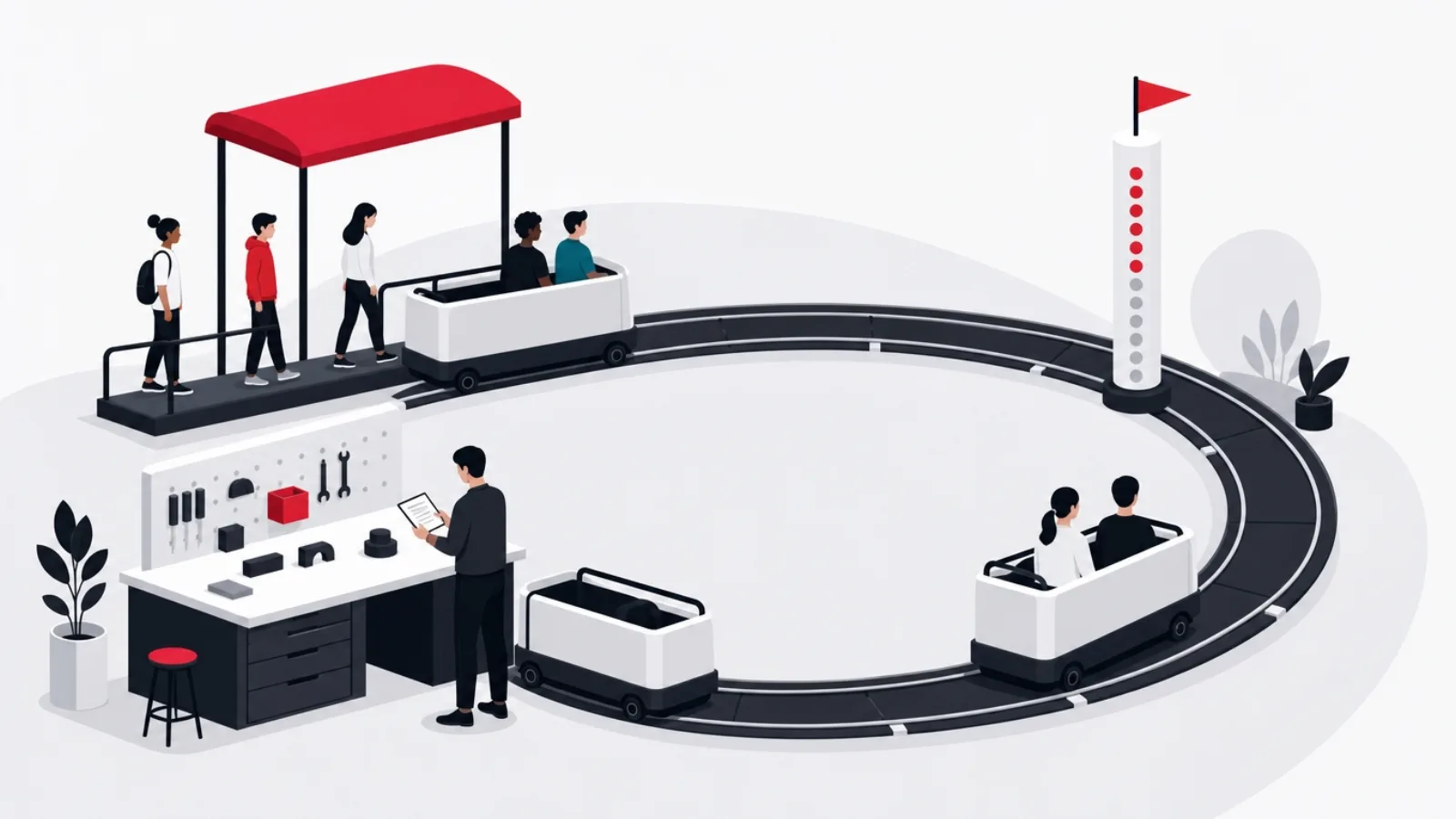
The build process for an educational app is standard modern software practice, short cycles, working software every week or two, a prioritized backlog owned by one person, with one structural difference: learner testing belongs inside the schedule, not after it. The reason is that education products have a failure mode ordinary usability testing does not catch: an app can be perfectly usable and teach nothing. Catching that requires watching real learners learn (or fail to), and the earlier the watching starts, the cheaper the correction, because pedagogy fixes usually mean content and exercise-format revisions, not code patches.
The cadence that works: from roughly the first month of the build, a standing panel of five to ten real learners from your validated audience uses the current build every few weeks, observed. With children, this means real children of the target age on the actual devices their families or schools own, with consent handled properly; with school products, it means a friendly teacher running real lessons with the rough build, which doubles as your first pilot relationship. What you watch for, in order of importance: do learners get to the learning moment without help, do they succeed at the exercises for the right reasons (not by gaming the format), does the session length match their real attention, and do they come back without prompting during the between-visits gap.
The build order inside the cycles should follow risk, and in education the risk concentrates in the loop's core: build the session experience and a real slice of content first, on temporary UI if needed, because that is where "does it teach?" gets answered; onboarding, progress and return mechanics follow; polish comes last. Parallel to the engineering, the content pipeline from step two must be producing continuously, and the integration between them, content format changes, exercise-type revisions from panel findings, needs a named owner, because content-engineering coordination is where education builds most often stall.
Quality bars specific to this category deserve enforcement from the first cycle rather than a hardening phase: the accessibility basics (they are architecture, per step three), performance on the low-end reference device, offline behavior for the session core, and, for products touching minors, the privacy-by-design decisions, data minimization, consent flows, no dark patterns, that the compliance layer of the design guide details. Each of these is cheap as a standing check in the definition of done and expensive as a pre-launch discovery, and school buyers will ask about all four with forms.
The build phase: what separates shipped from stalled
Do this
- Put real learners on the build monthlyFive students on a rough build beat fifty stakeholders on a polished one. Pedagogy bugs found early cost exercise rewrites, not releases.
- Build the session core first"Does it teach?" is the existential question. Answer it on temporary UI before spending on onboarding and polish.
- Keep the content pipeline running in parallelEngineering finishing before content is the classic education-build stall. One owner coordinates format changes between them.
- Test on the worst realistic deviceThe median classroom device is old and shared. A build that flies on the team's flagships and dies on it has not shipped.
Not this
- Saving learner testing for the betaBy beta, exercise formats are baked and content is written to them. The most expensive fixes in the project are the ones discovered here.
- Letting stakeholders stand in for learnersTeachers, parents and investors predict learner behavior poorly, and children's behavior worst of all. Observe the actual users.
- Polishing before the loop worksBeautiful onboarding into a session that does not teach is the category's signature waste. Sequence by risk, not by demo appeal.
- Deferring accessibility and privacy to a phaseBoth are architecture and both are procurement gates. As standing checks they cost little; as retrofits they cost the schedule.
Step six: distribution, decided at build time, not launch time
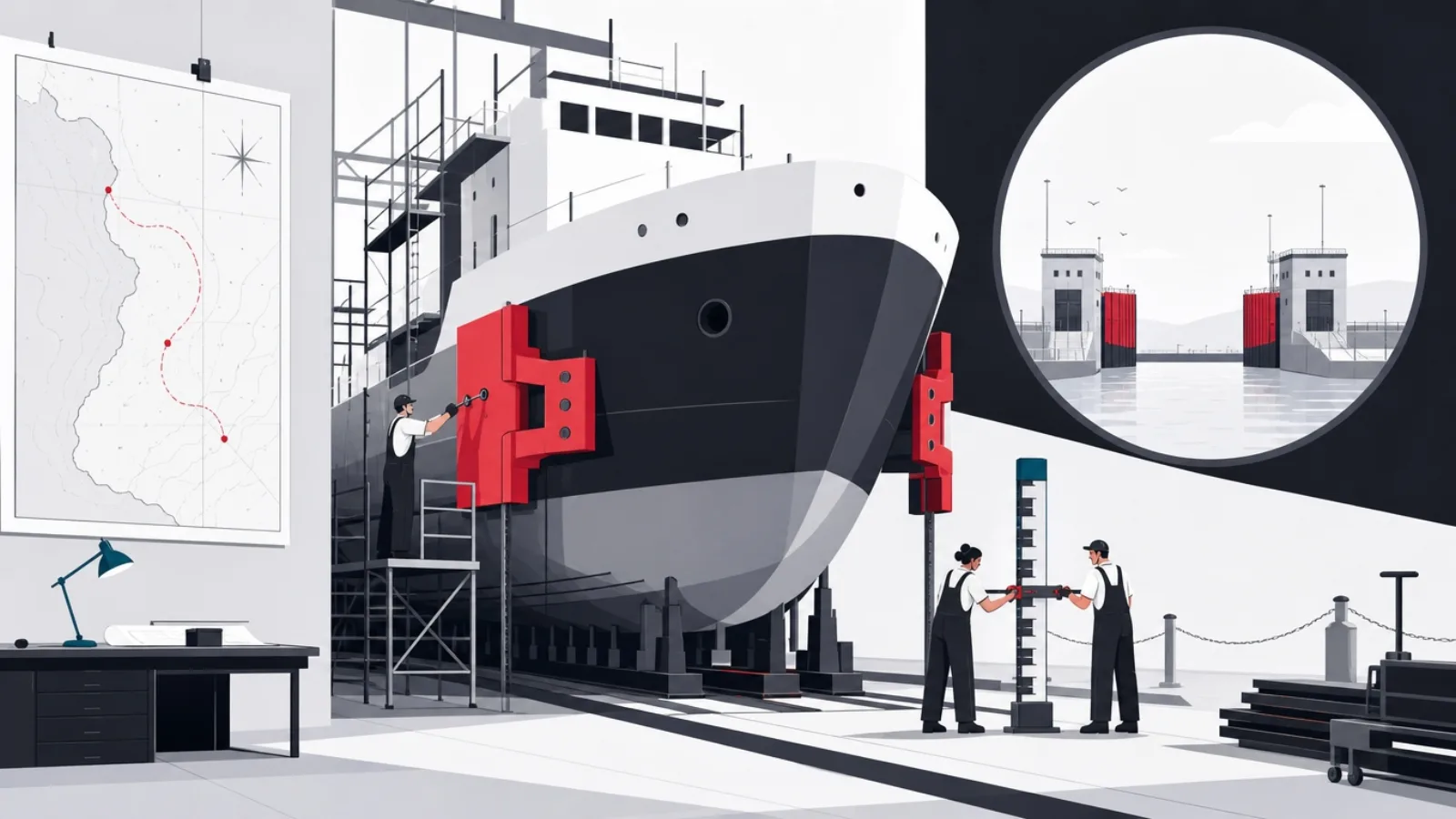
Educational apps reach learners through three channels with almost nothing in common, and the channel choice imposes build requirements, which is why it belongs in the plan months before launch. The consumer channel, the app stores, runs on store optimization, ratings, and increasingly strict policy review: apps in kids' categories face elevated privacy scrutiny (families programs on both stores), advertising restrictions, and design rules, all of which are architecture and policy decisions, not launch-week paperwork. The store listing itself is a product surface: screenshots that show the learning, a demo video, and the ratings flywheel that only starts if the app asks at the right moments.
The school channel runs on procurement, and procurement runs on paperwork you can prepare once: a student-data privacy agreement (many regions have standard forms districts expect signed), a filled security questionnaire, accessibility conformance documentation, and evidence of efficacy, even a small pilot's honest results. The technical admission tickets are rostering and single sign-on: schools expect accounts to provision automatically from their systems and students to log in with the credentials they already have, and products with that plumbing clear pilots that manual-account products lose. The sales motion is slow (semester and budget cycles), relationship-driven, and pilot-first, which is why the friendly teacher from step five is not just a tester but the beginning of the channel.
The third channel is distribution through platforms schools already run: LMS integration via the interoperability standards that let an external tool launch inside a school's learning platform with the student's identity handed over. For products serving institutions, this is often the highest-leverage integration on the roadmap, one integration, every classroom on that LMS, and where your product sits relative to institutional platforms is worth a deliberate decision: complementing the LMS as a specialized tool is a different business from competing with it. The institutional-platform landscape, and what schools already have, is mapped in our LMS selection guide.
The channel decision loops back into everything earlier, which is the point of making it at build time: consumer-channel products need the habit mechanics, store-policy compliance and monetization design (freemium boundaries, family subscriptions) built in; school-channel products need SSO, rostering, teacher dashboards and the paperwork bundle; and products attempting both should sequence them deliberately rather than splitting focus, most successfully by proving learning in one channel and using that proof to enter the other. What does not work is deciding at launch, because by then the build has silently optimized for neither.
The three channels, compared
| What it runs on | Build requirements | The clock | |
|---|---|---|---|
| Consumer app storesParents and self-directed learners | Store optimization, ratings, policy review | Kids-category privacy, habit loop, monetization design | Fast to enter, slow to rank |
| School procurementDistricts and institutions | Pilots, paperwork, relationships | SSO, rostering, dashboards, privacy agreements | Semester and budget cycles |
| LMS integrationInside existing platforms | Interoperability standards, platform listings | Tool-launch integration, grade passback | One integration, many classrooms |
Step seven: launch as the start of the measurement loop
Launch in this category is not an event but a change of instrumentation: the panel of ten becomes a population, and the question shifts from "does it work in front of us?" to "does it work when nobody is watching?". The metrics that answer it, in order of honesty: learning indicators (mastery progression, recall rates on returning material, the one-sentence outcome from step one, measured), retention (day-seven and week-four return rates, session completion), and only then the vanity tier (downloads, signups, session counts). The ordering matters because the vanity tier moves first and lies most: a marketing bump raises downloads while learning metrics reveal whether anything real is happening underneath.
The iteration loop that improves an education product is slower and more careful than consumer-app A/B testing, because the outcomes take weeks to show and the subjects are learners who trusted you with their goals. The workable cadence: instrument the learning loop thoroughly (the event-log architecture from step three pays off here), form one hypothesis at a time about the biggest drop-off ("placement is landing false beginners too low, boring them out by day three"), ship the change to a cohort, and judge it on the learning-and-retention pair over weeks, not the engagement needle over days. Content iteration runs on a parallel track with its own loop: learner error rates and item-level analytics feed the revision queue from step two's pipeline.
For school products, the post-launch loop has a second audience: the buyer. Teachers and administrators renew based on visible efficacy, which means the dashboard from step four's loop and, at maturity, honest efficacy evidence, a structured pilot with pre-and-post measurement, written up plainly, does more for school sales than any feature. The discipline that keeps this credible: measure against the outcome sentence from validation, report what did not work alongside what did, and resist the category's chronic temptation to let engagement charts stand in for learning claims. Buyers have seen that trick; the vendors who do not play it stand out.
The last piece of the process is the one that makes the others compound: the roadmap after launch should be driven by the triggers written in step four and the measurements from this step, not by the feature ideas that accumulated during the build. The expansion questions arrive on schedule, second topic, second audience, second channel, the consumer wrap, the school pilot program, and each is a repetition of this same seven-step process in miniature: validate, decide content, check the platform, scope the loop, build with learners, plan the channel, measure. Teams that treat the process as reusable ship their second and third products faster and better; the process, not the first app, is the durable asset.
The whole process, as a checklist
-
Validate with real learnersWeeks 1 to 3
Twenty conversations, one falsifiable one-pager, one learner-buyer pair chosen. The step that reroutes most projects.
-
Make the curriculum decisionWeeks 2 to 5
Scope, structure, standard, and who produces content. Start the pipeline now; it is the longest pole.
-
Choose platform and stackWeeks 4 to 6
From the classroom or the pocket, with offline, accessibility and low-end performance in the architecture.
-
Scope the MVP loopWeeks 5 to 6
One complete learning loop, one topic, deferral triggers written down. The sentence on the wall.
-
Build with learners insideMonths 2 to 5
Short cycles, session core first, monthly learner panels, content pipeline running in parallel.
-
Prepare the channelMonths 3 to 5
Store policy, school paperwork and SSO, or LMS integration, chosen months before launch and built for.
-
Launch and measure learningMonth 6 onward
Learning metrics first, retention second, downloads last. One hypothesis at a time, judged over weeks.
Frequently asked questions
How do I make an educational app?
Follow the seven-step process in order: validate the idea with twenty real learner conversations (and teachers, if schools matter); make the curriculum decision, what the app teaches and who produces the content; choose the platform from where learners actually are (web for classrooms, mobile for home habits); scope an MVP around one complete learning loop; build in short cycles with real learners testing monthly; prepare your distribution channel (stores, school procurement or LMS integration) at build time; and launch into a measurement loop judged on learning and retention rather than downloads.
How much does it cost to make an educational app?
As an illustrative model rather than a quote: a focused MVP, one complete learning loop, one topic area, one learner-buyer pair, typically takes a small team (two or three engineers, a designer, a content lead) four to six months, landing in the mid five to low six figures of combined build and content effort. Content is the line first-timers underestimate: curriculum production often rivals engineering. Costs scale with content breadth, a second platform, school-channel requirements (SSO, rostering, compliance paperwork) and any AI tutoring features.
How long does it take to make an educational app?
A disciplined first version runs about six months: two to three weeks of learner validation, the curriculum and platform decisions in parallel over the following month, then a three-to-four month build with learner panels testing monthly and the content pipeline producing in parallel, and channel preparation (store policy or school paperwork) in the final two months. The schedule's longest pole is usually content production, not code, which is why the curriculum decision and pipeline start in week two rather than after the build.
Should my educational app be a mobile app or a website?
Decide from where your learners actually learn. School-facing products belong on the web first: classrooms run managed Chromebooks and shared tablets, IT departments avoid installs, and a browser app on old devices clears the real deployment bar. Consumer and home learning belongs on phones: home screens carry habits, notifications drive returns, and offline matters. Cross-platform frameworks (Flutter, React Native) cover both stores from one codebase for most education products. Products targeting both audiences usually ship web-first for schools and add the store app when consumer demand earns it.
Who should create the content for an educational app?
A real educator must own the pedagogy; the production model around them varies. The standard paths: hired subject-matter educators writing to specification (the usual choice, a genuine budget line), licensed publisher content (fast and credible, but royalty-bearing and format-constraining), and AI-assisted drafting with expert review (a real volume accelerator, and a liability without the review layer, since plausible-but-wrong content is worse in education than anywhere). Most credible first products combine hired educators for pedagogy and review with tooling for production speed, supported by structured authoring and versioning infrastructure.
How do educational apps get into schools?
Through a procurement process that runs on preparation: a student-data privacy agreement (many regions have standard forms districts expect), a completed security questionnaire, accessibility conformance documentation, and efficacy evidence, even a small honest pilot. The technical admission tickets are single sign-on and rostering, so accounts provision automatically from school systems. The motion is pilot-first and slow (semester and budget cycles), usually beginning with one friendly teacher running real lessons. LMS integration is a parallel channel: one integration with a platform schools already run can reach every classroom on it.
We wrote the process that prevents each failure mode. When the process needs a team behind it, AgileTech is a best-rated software development company in Vietnam shipping learner-tested MVPs through school-ready SSO and rostering.
Source: https://agiletech.vn/blog/how-to-make-an-educational-app/ · (c) AgileTech Vietnam. Printed from agiletech.vn.
