 Nguyen Manh Thang
Chief Executive Officer, AgileTech Vietnam
Nguyen Manh Thang
Chief Executive Officer, AgileTech Vietnam
- Published
- Last updated
- Read time
- 13 min
- Views
- 136
Read the AI overview
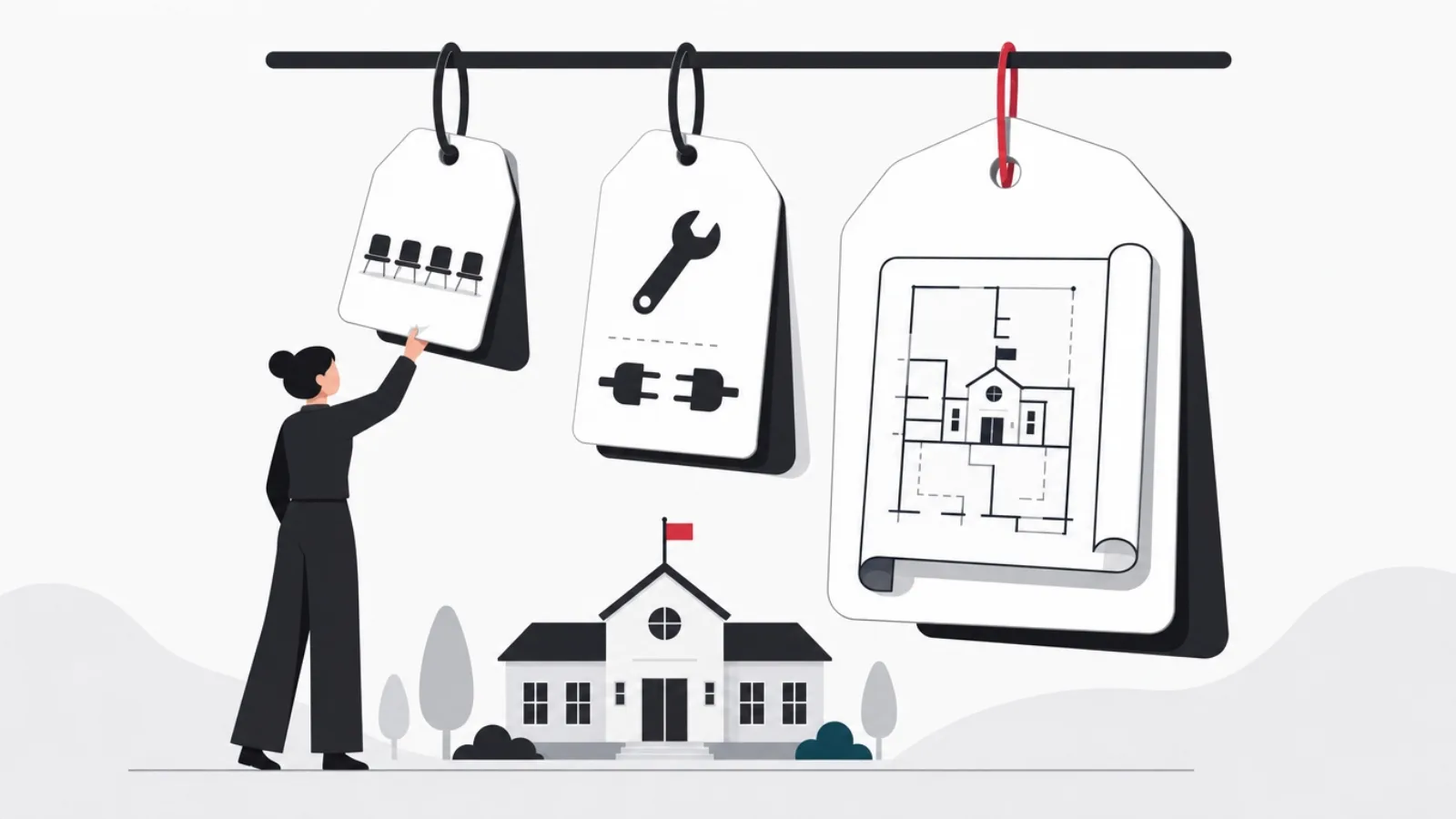
An LMS costs anywhere from a few dollars per learner per month to several hundred thousand dollars up front, because "an LMS" names three different purchases. Subscribing to SaaS runs roughly 3 to 15 dollars per active learner monthly on mid-market platforms, with enterprise contracts negotiated per seat. Configuring an open-source or extensible platform typically lands between 20,000 and 80,000 dollars of implementation plus hosting and maintenance. A custom build starts around 60,000 to 120,000 dollars for a focused product and climbs past 300,000 for a multi-tenant platform with assessments, commerce and integrations. The honest budget also carries the lines vendors never quote: content production, data migration, integration work and adoption effort, which together often exceed the license line.
Ask what an LMS costs and you will get answers spanning four orders of magnitude, from five dollars a month to half a million dollars, all technically honest. The spread is not vendor dishonesty; it is that "an LMS" names three different purchases: renting seats on someone else's platform, configuring a platform you operate, or building a product you own. Each answer prices a different thing, and buyers who compare them as if they were one thing buy wrong.
This guide prices all three properly. It walks the drivers that actually move the number, gives tier-by-tier ranges you can sanity-check quotes against, breaks a custom build budget into its real parts, and then does the thing pricing pages never do: prices year two, and the content, migration and adoption lines that hit every tier regardless of what the license costs.
It pairs with two neighbors on this blog: our guide to choosing an LMS, which routes the buy, extend or build decision this article prices, and our comparison of the best LMS platforms if the answer is buying seats. This one stays on money: what you will actually pay, tier by tier, year by year.
Key takeaways
- LMS pricing quotes are incomparable until you name which of three purchases you are making: SaaS seats, a configured platform, or a custom build. Each has a different cost curve and a different point where it stops being the cheap option.
- Per-learner SaaS pricing looks small and scales painfully: the same platform that costs a 50-person team lunch money becomes a six-figure annual line at 5,000 learners, which is exactly where configured platforms and custom builds start winning the arithmetic.
- Six drivers move an LMS budget more than anything on the feature list: learner count, content complexity, assessment depth, integration surface, compliance requirements, and whether you sell training or deliver it internally.
- A custom build budget splits roughly into thirds: the learning core you can describe on day one, the integrations and administration you discover in week three, and the testing, hardening and launch work that separates a demo from a product.
- Year two is the honest test of an LMS decision: SaaS keeps charging per seat forever, configured platforms charge in maintenance and upgrade labor, and custom builds charge in hosting plus a retainer, and the cheapest year one is frequently the most expensive year five.
- The budget lines nobody quotes, content production, data migration, integrations and adoption, routinely cost more than the software itself, and they hit all three tiers, which is why comparing license prices alone mis-ranks every option.
What you are pricing: three purchases that share one name

The first purchase is SaaS: Docebo, TalentLMS, LearnWorlds, 360Learning and dozens of peers, priced per learner or per active user per month. You rent the software, the vendor runs everything, and your costs are subscription plus setup labor. The second is a configured platform: Moodle, Open edX, or an extensible commercial system, where the software is cheap or free but somebody must implement, host, theme, extend and maintain it. The third is a custom build: a product built to your workflow, owned outright, priced in engineering.
Each purchase has a different cost shape. SaaS is a low flat entry that scales linearly with learners forever: the price of admission is small and the price of success is large. Configured platforms front-load cost into implementation and then charge steadily in maintenance labor: cheap to run at any scale, expensive to change. Custom builds concentrate cost into the build itself and then run lean: the highest entry price, the lowest marginal cost per learner, and the only tier where the software does exactly what your operation needs.
The reason quotes feel incomparable is that vendors price their tier's strength and stay silent on its curve. A SaaS pricing page shows the per-seat number, not what it multiplies into at your year-three headcount. An implementation partner quotes the project, not the upgrade labor every major version demands. A studio quotes the build, not the hosting and retainer. The only honest comparison prices all three over three to five years at your real learner counts, which is precisely the exercise this article equips you to run.
One framing question sorts most buyers quickly: is training something you deliver or something you sell? Internal delivery, onboarding, compliance, upskilling, tolerates renting and configuring well because the LMS is plumbing. Selling training, courses as a product, certification programs, customer education tied to revenue, pushes toward configured commerce or custom builds much earlier, because per-seat pricing taxes your growth and platform limits cap your product.
The pricing vocabulary LMS quotes assume
- Active learner pricing
- Billing only for users who log in during the period, not all registered accounts. Cheaper than registered-user pricing for seasonal training; check which one the quote means.
- Implementation fee
- One-time setup labor: configuration, branding, integrations, data import. Ranges from a few thousand dollars on SaaS to most of the budget on configured platforms.
- SCORM and xAPI
- Packaging standards that let course content run across systems. Support for them decides whether existing content ports over or gets rebuilt, a five-figure difference.
- Multi-tenancy
- One system serving separate client organizations with isolated data and branding. The single biggest scope multiplier in custom LMS builds.
- White labeling
- Removing vendor branding so the platform reads as yours. Free on some tiers, a paid add-on on most, standard in custom builds.
- Total cost of ownership
- License plus implementation plus integrations plus content plus maintenance plus adoption over a multi-year window. The only number worth comparing across tiers.
The six drivers that actually move the number
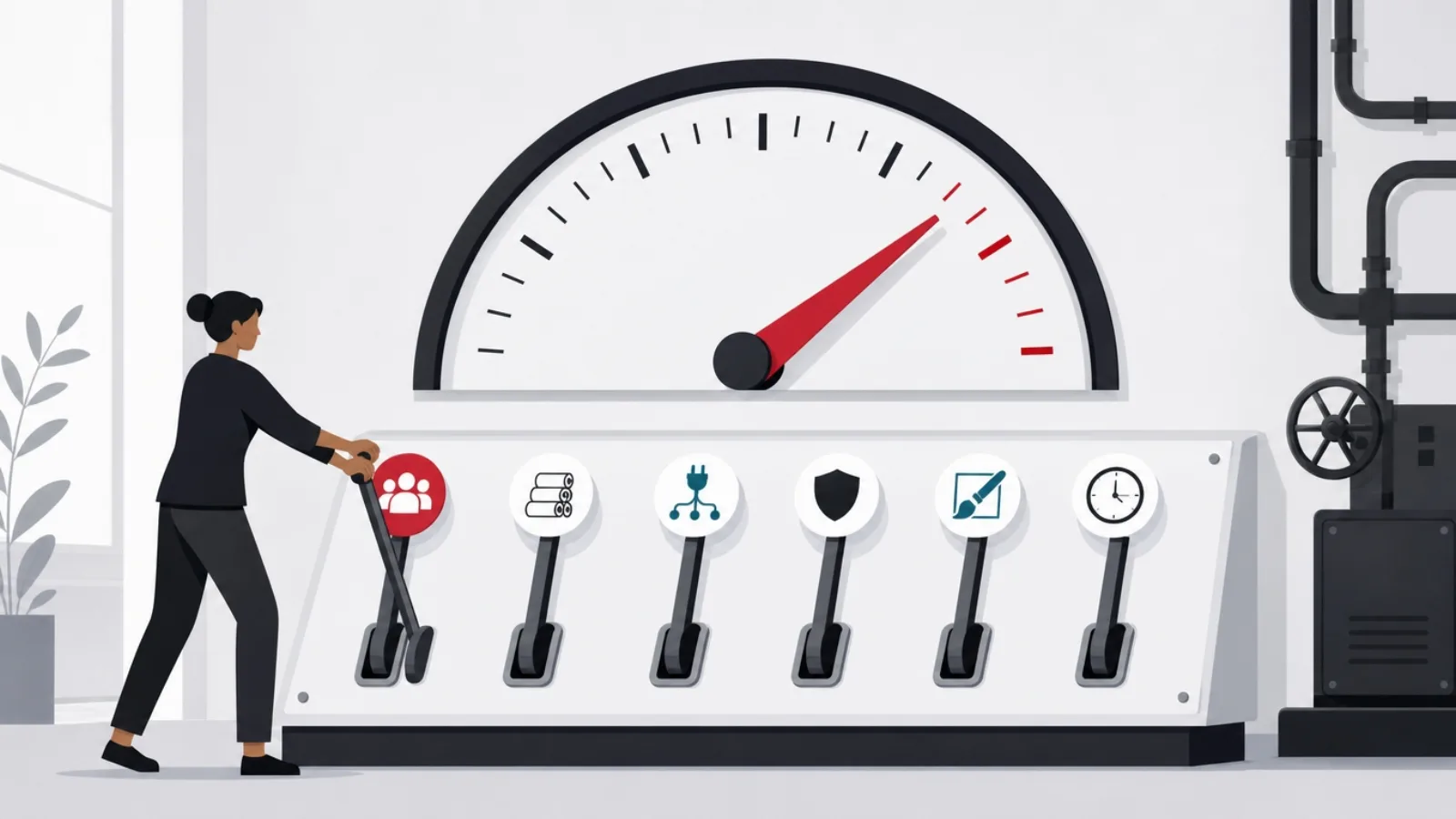
Learner count drives SaaS cost linearly and everything else logarithmically. A thousand learners on an 8-dollar seat is 96,000 dollars a year, every year; the same thousand on a configured platform is hosting and the same maintenance you paid at one hundred. This is why the break-even question is not "which is cheaper" but "at what headcount does the cheaper one flip", and for most mid-market platforms that flip sits between five hundred and a few thousand active learners.
Content complexity and assessment depth are the second and third drivers, and they are scope, not license. Video lessons and quizzes are table stakes everywhere. Branching scenarios, proctored exams, practical assessments with reviewer workflows, cohort-based schedules and instructor-led session management each add configuration on rented platforms and weeks of engineering on custom ones. A compliance program with recertification windows and audit trails is a different product from a course library, even when both are called an LMS.
Integration surface is the driver buyers underestimate most. An LMS that stands alone is rare; one that must sync with your HR system for enrollment, your identity provider for sign-on, your CRM for customer education, your commerce stack for selling, and your BI tooling for reporting carries an integration budget that can rival the platform cost. Every tier pays it: SaaS in connector fees and middleware, configured platforms in plugin work, custom builds in API engineering.
The last two drivers are compliance and commerce. Regulated industries, healthcare, finance, aviation, need audit trails, versioned content, signature capture and retention policies that thin out the viable vendor list and thicken every quote. Selling training adds catalog, checkout, subscriptions, tax and revenue reporting, which SaaS tiers gate behind their most expensive plans and custom builds price as real engineering. Name your position on all six drivers before requesting quotes, and the quotes become comparable.
How each driver hits each tier
| Driver | SaaS seats | Configured platform | Custom build |
|---|---|---|---|
| Learner growth | Linear per-seat cost forever | Hosting scales, license does not | Hosting scales, nothing else |
| Complex assessments | Plan upgrade or add-on fees | Plugin work, some limits hard | Scoped engineering, no limits |
| Integrations | Connector fees, middleware | Plugin and custom PHP or Python work | API engineering, full control |
| Compliance and audit | Enterprise tier gating | Extension work, audit your own stack | Built to the regulation |
| Selling training | Commerce gated to top plans | Commerce plugins, tax is yours | Full commerce, fully yours |
| Branding depth | White-label add-on fees | Theming work, mostly free | Yours by definition |
The same requirement lands as a different cost line depending on the purchase.
Tier by tier: what each path costs in 2026

SaaS seats: mid-market platforms cluster between 3 and 15 dollars per active learner per month, usually with minimum commitments between one and five thousand dollars a year and implementation packages from two to fifteen thousand. Enterprise platforms negotiate per seat and rarely publish, but six-figure annual contracts at low-thousands headcounts are normal once you add the tiers that hold SSO, API access, advanced reporting and white labeling, the features that always live one plan above the one you priced.
Configured platforms: the software is free or cheap, and everything else is labor. A serviceable Moodle or Open edX deployment with your branding, your integrations and a sane hosting setup typically lands between 20,000 and 80,000 dollars of implementation, then 500 to 2,000 dollars monthly in hosting and 10 to 30 percent of the implementation cost annually in maintenance and upgrade labor. The wide range is integration surface: a standalone academy sits at the bottom, an HR-synced, SSO-gated, commerce-enabled deployment at the top.
Custom builds: a focused product, one audience, core learning flows, clean administration, modern stack, runs 60,000 to 120,000 dollars with an experienced offshore or nearshore team, roughly double with US or Western European rates. Add multi-tenancy, deep assessment engines, commerce, mobile apps or regulated-industry compliance and the range moves through 150,000 to 300,000 and beyond. These numbers buy ownership: no per-seat tax, no platform ceiling, and a roadmap that answers to you rather than to a vendor's median customer.
Beware the ranges' edges. A SaaS quote far below the band usually means a registered-user count that will surprise you, or a plan missing the feature you assumed. A configuration quote far below the band usually means hosting and upgrades were left out. A custom quote far below the band means the estimator has not built one before, and the difference will surface as change requests. Quotes well above the bands are sometimes honest complexity and sometimes brand premium; the drivers from the previous section tell you which.
The 2026 price bands, made concrete
Inside a custom build budget: where the money actually goes
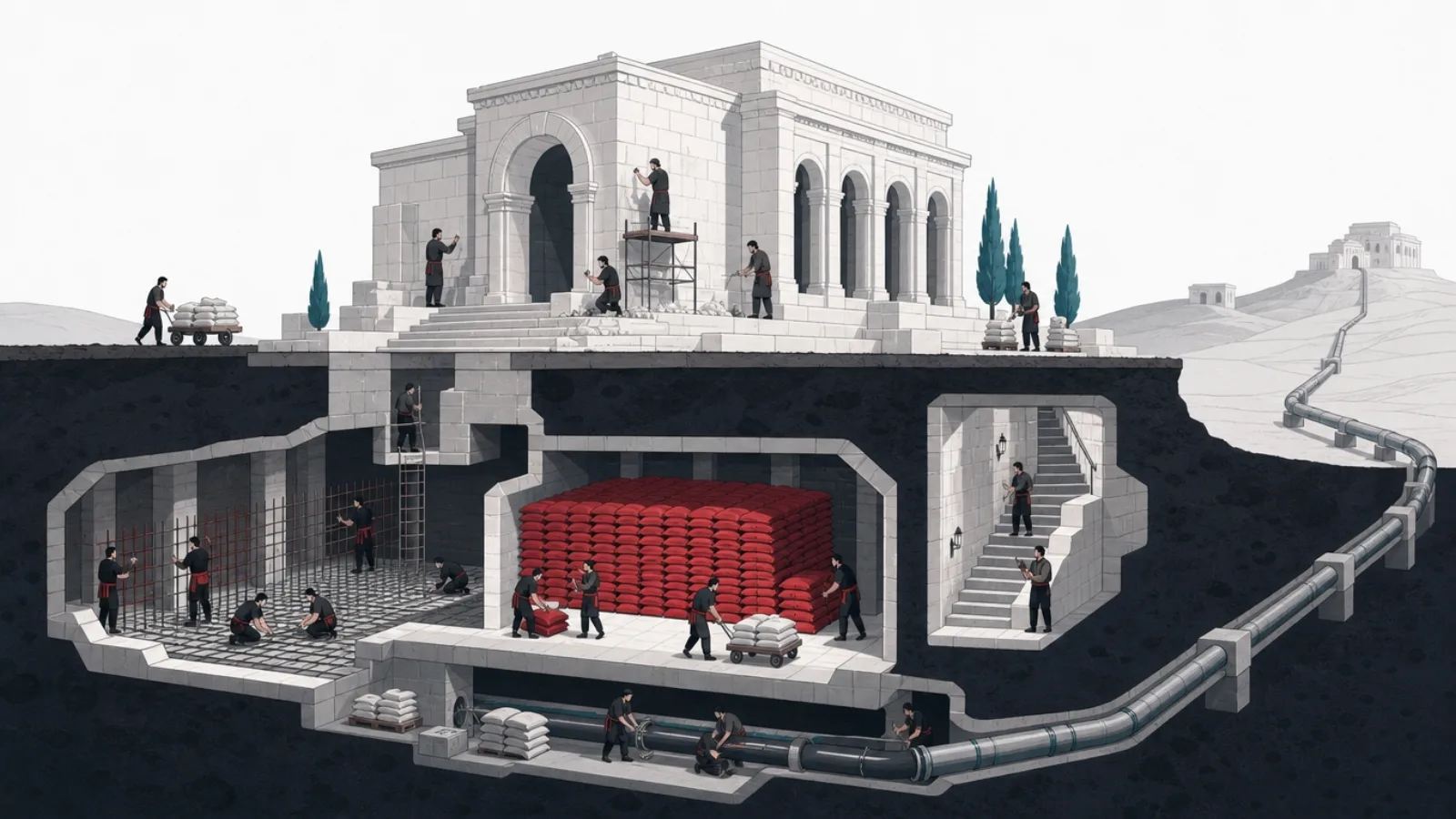
The learning core, courses, lessons, media playback, progress tracking, quizzes, certificates, is what buyers picture when they price a build, and it is reliably about a third of the budget. It is well-trodden engineering with clear requirements, which is exactly why estimating from it alone undershoots. The demo that shows a learner watching a lesson and passing a quiz is real progress and a false summit.
The second third is administration and integration, the part discovered in week three. Someone must create courses without engineers: authoring workflows, content versioning, media management. Someone must run the operation: enrollment rules, cohorts, roles and permissions, reporting that answers actual management questions. And the system must join the company: SSO, HR sync, webhook events, data exports. None of this is visible in the demo and all of it decides whether the LMS survives contact with operations.
The final third is what separates a product from a prototype: real testing across devices and browsers, accessibility work that is legally load-bearing in education, performance under concurrent video load, security review, deployment pipelines, observability, and the launch itself with data migration and a pilot cohort. Teams that cut this third do not save it; they pay it after launch with interest, in incident response and rework.
Two scope decisions dominate everything else. Multi-tenancy, serving separate client organizations from one platform, roughly doubles administrative scope: every setting, report and branding choice becomes per-tenant. And mobile apps versus responsive web is a genuine fork: a responsive web product serves most internal training well, while consumer-grade learning products increasingly need native apps, offline content and push notifications, which add their own build and their own permanent maintenance.
Year two and beyond: the running costs of each tier
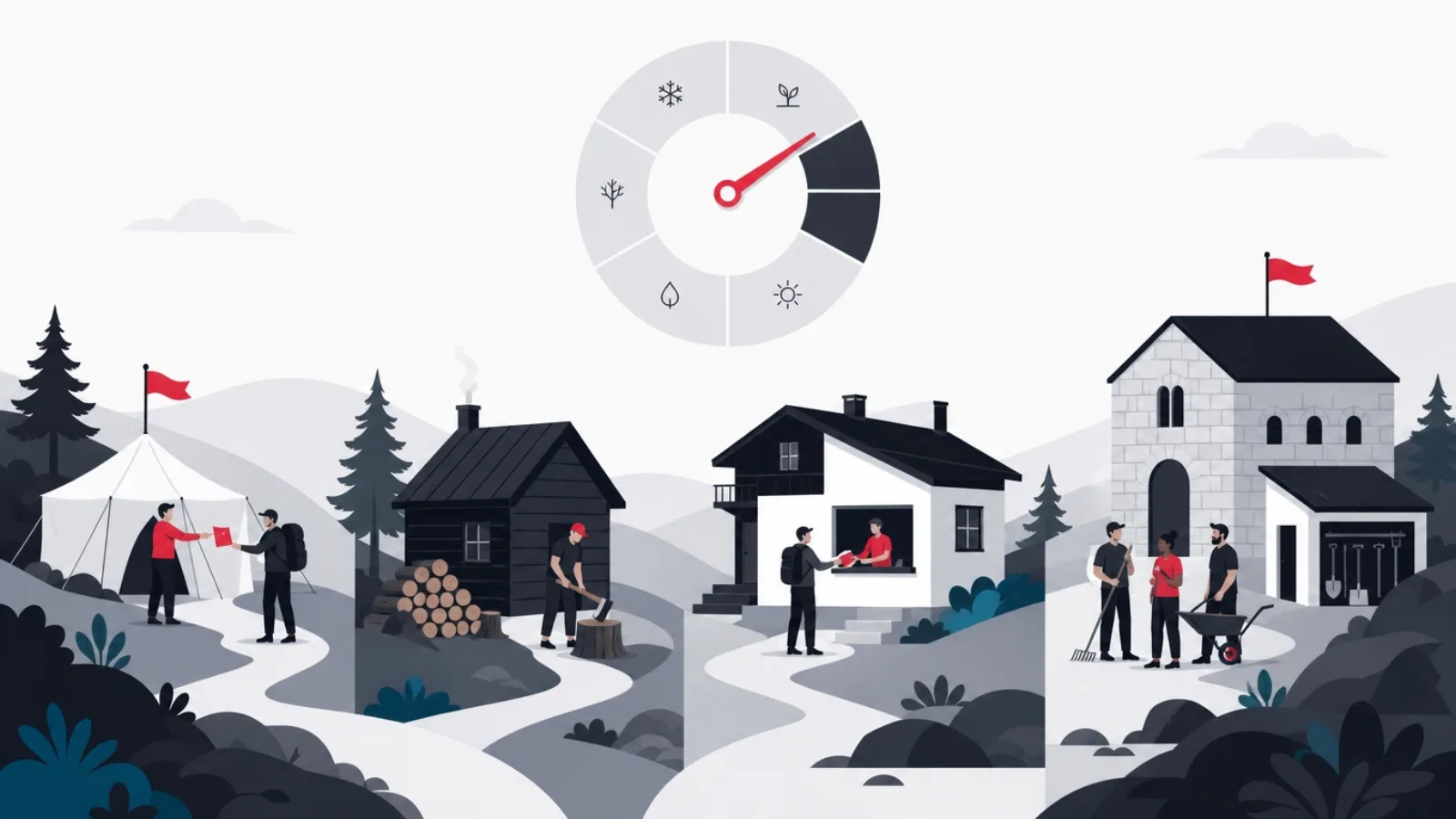
SaaS year two is the same as year one plus growth. The subscription continues at whatever your learner count has become, renewal negotiations start from your dependence rather than your alternatives, and the two to four percent annual price increase is standard enough to budget. The costs that surprise are usage-shaped: storage overages for video-heavy libraries, API call tiers when your integrations mature, and the plan migration forced when one needed feature lives upstairs.
Configured platform year two is a labor budget. Hosting runs on, typically 6,000 to 24,000 dollars annually at organizational scale. The real line is people: security patches monthly, version upgrades that break customizations annually, plugin compatibility work whenever anything moves. Budget 10 to 30 percent of the original implementation cost per year, weighted toward the top if you customized heavily. An unmaintained open-source LMS is not a savings; it is an incident with a scheduled date.
Custom build year two is hosting plus a retainer. Cloud costs for a mid-size deployment run 500 to 3,000 dollars monthly depending on video delivery strategy, and a maintenance retainer with the team that built it, covering dependencies, fixes and small improvements, runs 15 to 25 percent of build cost annually. The structural advantage is that none of it scales per learner: doubling headcount moves hosting modestly and license cost not at all, which is the entire long-game argument for building.
Run the five-year arithmetic before deciding anything. A 2,000-learner operation at 8 dollars per seat pays 960,000 dollars of subscription over five years. The same operation's configured platform might cost 60,000 up front and 25,000 a year, about 185,000 total. A 150,000-dollar custom build with retainer and hosting lands near 350,000. The rank order flips again at 200 learners, where SaaS wins comfortably. There is no universally cheap tier; there is only your headcount, your growth curve and your feature ceiling.
Budgeting habits: what holds up over five years
Do this
- Price at year-three headcount, not launch headcountPer-seat costs are decided by where you are going. The platform that is cheapest for your pilot is routinely the most expensive for your scale.
- Get the feature-to-plan map in writingSSO, API access, white labeling and advanced reporting each live one plan up. Price the plan that holds your must-haves, not the one on the homepage.
- Budget maintenance as a named lineTen to thirty percent of implementation annually for configured platforms, fifteen to twenty-five percent of build cost for custom. Unbudgeted maintenance becomes emergency spend.
- Model the exit before enteringData export formats, content portability and contract terms decide whether year-five you can leave. Priced at signing, exit costs are negotiable; priced at renewal, they are leverage against you.
Not this
- Comparing license lines across tiersA seat price, an implementation quote and a build estimate are different objects. Only total cost of ownership over a fixed window compares them honestly.
- Assuming registered equals activeVendors price on different counts. A registered-user contract for a seasonal training operation can double the effective seat price.
- Treating upgrades as optionalSkipping configured-platform upgrades to save labor works until a security patch requires a version three majors ahead. The deferred upgrades compound into a migration.
- Building for an unvalidated course businessA custom platform for a training product with no proven demand is the expensive way to learn the demand lesson. Validate on rented seats first.
The lines nobody quotes: content, migration, adoption

Content is the largest unquoted line in most LMS budgets. Professionally produced e-learning runs roughly 5,000 to 20,000 dollars per finished hour depending on interactivity, video production and revision cycles; even scrappy internal production costs real staff time per course. A platform decision that saves 20,000 dollars while your content plan needs 100 hours of courseware has optimized the small number. Price the library you actually intend to ship alongside the system that will serve it.
Migration is the second. Moving from an old LMS means exporting learner records, completion history and certificates, transforming them into the new system's shape, and porting content that may be locked in a proprietary format. SCORM-packaged content usually travels; content authored in a vendor's native editor often does not, and rebuilding it is quiet five-figure work. Compliance operations add a harder constraint: historical training records are legally load-bearing and must survive the move intact.
Integration costs recur at every tier and were covered above, but the fourth line, adoption, is the one that decides whether any of the other spending mattered. Launch communication, manager enablement, pilot cohorts, office hours, and the unglamorous work of wiring the LMS into real workflows, onboarding checklists, compliance calendars, promotion criteria, is what separates a used system from a purchased one. Industry surveys keep finding a large share of licensed seats never log in; that waste was priced in, just never quoted.
Budget these four lines explicitly, even roughly, before comparing platforms. A workable heuristic for a mid-size deployment: whatever the software line is, hold an equal amount across content, migration, integrations and adoption combined, and let the specifics of your situation move it. The organizations that skip this step do not avoid the costs; they discover them serially, each one framed as an overrun on a project that was actually underquoted.
The full-budget checklist: every line before you compare
- Software: seats, implementation or buildThe visible line, priced at year-three headcount with must-have features mapped to their real plan or scope.
- Content production or licensingHours of courseware times realistic per-hour cost, or library licensing fees. Usually the largest line; almost never in the vendor quote.
- Migration of records and contentLearner history, certificates, compliance records, and the content rebuild for anything locked in a proprietary format.
- Integrations: SSO, HR, CRM, commerce, BIConnector fees or engineering per system. The line that decides whether the LMS joins the company or floats beside it.
- Maintenance and hosting, annualizedSubscription growth, or hosting plus upgrade labor, or retainer plus cloud. Named and budgeted, not discovered.
- Adoption: launch, enablement, workflow wiringThe spend that converts licenses into usage. Small against the total, decisive for whether the total was worth it.
Where cutting cost works, and where it backfires
Cuts that work share a shape: they narrow scope without weakening the core. Launching with one audience instead of three, one language instead of five, web-responsive instead of native apps, and a reporting page instead of a BI suite are all reversible narrowings that cheapen the first year dramatically. On custom builds, the strongest cut is sequencing: build the learning core and administration first, add commerce and advanced assessments as revenue or usage justifies them.
Buying open source to save money works when you are honest about what you are buying: freedom plus responsibility. Moodle at organizational scale with a real maintenance budget is a genuinely economical system. Moodle installed by a contractor who then leaves, running unpatched on a forgotten server, is the most expensive option on this page; the invoice just arrives later, addressed to whoever handles the breach.
Cuts that backfire also share a shape: they weaken foundations to fund features. Skipping accessibility work in an education product invites both legal exposure and rework. Skipping load testing before a company-wide compliance rollout schedules the outage for your highest-visibility day. Choosing the cheapest offshore bid without evaluating the team, as opposed to choosing a good offshore team, which is simply sound economics, buys a rewrite. And skipping the maintenance budget on any tier converts a known cost into an unknown incident.
The last false economy is buying below your ceiling. A platform that cannot do proctored assessments will not learn to do them because you negotiated hard; a seat price that taxes growth will not soften because you grew. If the five-year arithmetic and the feature ceiling both point one tier up, the cheaper tier is not a saving, it is a scheduled migration, and migrations cost more than the difference you saved.
Sequencing a custom LMS to spread the spend
-
Phase the core: learn, track, certifyMonths 1 to 3
Courses, media, progress, quizzes, certificates, and clean learner administration. The product a pilot cohort can actually use.
-
Join the company: SSO and HR syncMonths 3 to 5
Identity, enrollment automation and the reporting managers ask for. The phase that turns a tool into infrastructure.
-
Deepen: assessments and authoringMonths 5 to 7
The assessment engine, reviewer workflows and authoring tooling that let the operation scale content without engineers.
-
Monetize or multiply, if the model calls for itMonths 7 plus
Commerce for selling training, or multi-tenancy for serving client organizations. Funded by demonstrated usage, not projected usage.
The honest conclusion: price the problem, not the product
The LMS market prices three different problems, and the ranges in this article compress to a routing rule. Small teams delivering internal training buy seats: at low headcounts, nothing beats SaaS economics, and the per-seat tax is beneath notice. Organizations at scale with standard needs configure: the implementation cost amortizes across learners the license never charges for. Operations whose training is a product, or whose workflow the platforms genuinely cannot model, build: the entry price is the highest and it is the only tier without a ceiling.
Headcount and growth decide most cases before features do. Under about five hundred active learners, SaaS wins the five-year arithmetic almost regardless of anything else. From five hundred to a few thousand, the configured platform's labor costs undercut the seat tax if you can operate one honestly. Past that, and wherever per-seat pricing meets a revenue-generating training product, the build conversation earns its place at the table.
Whatever tier you land on, carry the two disciplines this article priced. First, compare total cost of ownership over five years at your real growth curve, never license lines at launch headcount. Second, budget the unquoted half, content, migration, integrations and adoption, as named lines before you sign anything, because they arrive whether or not they were budgeted.
And if the arithmetic points at a build, scope it the way the anatomy section splits it: a third core, a third administration and integration, a third hardening and launch, sequenced so a pilot cohort is learning by month three. That is the version of custom that competes with buying, and it is the version an experienced team will quote you honestly.
Your LMS budget, routed
Which LMS purchase fits your situation?
-
Under ~500 active learners, internal training, standard workflows
SaaS seats on a mid-market platform
The seat tax is small at this scale, implementation is days, and every alternative front-loads costs you do not need to carry.
-
Thousands of learners, standard needs, capacity to operate a platform
A configured open-source or extensible platform
Implementation amortizes across learners the license never charges for. Honest maintenance budgeting is the entry requirement.
-
Training is a revenue product, or per-seat pricing taxes your growth
A custom build, sequenced in phases
Ownership removes the seat tax and the feature ceiling exactly where both hurt most: on products that grow.
-
Regulated industry with audit, recertification and retention duties
Enterprise compliance LMS, or build to the regulation
Compliance features gate to enterprise tiers with enterprise prices; at sufficient specificity, building to the regulation wins.
Four situations that settle the tier question for most organizations.
Frequently asked questions
How much does an LMS cost in 2026?
It depends which purchase you mean. SaaS platforms run roughly 3 to 15 dollars per active learner per month mid-market, with setup packages from two to fifteen thousand dollars. Configuring an open-source platform like Moodle or Open edX typically costs 20,000 to 80,000 dollars of implementation plus hosting and maintenance. A custom build runs 60,000 to 120,000 dollars for a focused product and 150,000 to 300,000 or more for multi-tenant platforms with commerce and deep assessments.
How much does it cost to build a custom LMS?
A focused single-audience product with core learning flows and clean administration runs about 60,000 to 120,000 dollars with an experienced offshore or nearshore team, roughly double at US or Western European rates. Multi-tenancy, commerce, native mobile apps and compliance features move the range through 150,000 to 300,000 and beyond. Budget it in thirds: the learning core, the administration and integrations, and the testing, hardening and launch work.
Is an open-source LMS like Moodle really free?
The license is free; the system is not. A serviceable organizational deployment costs 20,000 to 80,000 dollars to implement with branding, integrations and proper hosting, then 500 to 2,000 dollars monthly in hosting and 10 to 30 percent of implementation cost annually in maintenance and upgrade labor. Run with that budget, it is genuinely economical at scale. Run without it, it becomes unpatched infrastructure, which is the most expensive option on any list.
When does building an LMS become cheaper than buying one?
When per-seat pricing meets scale or revenue. Over a five-year window, SaaS at 8 dollars per learner monthly costs a 2,000-learner operation nearly a million dollars, against roughly a third of that for a custom build with hosting and retainer. The flip typically starts in the low thousands of active learners, and arrives earlier when training is a product you sell, because seat pricing then taxes revenue growth directly.
What hidden costs should an LMS budget include?
Four lines vendors never quote: content production, roughly 5,000 to 20,000 dollars per finished hour of professional e-learning; migration of learner records, certificates and content from the old system; integrations with SSO, HR, CRM, commerce and reporting stacks; and adoption work, the launch enablement and workflow wiring that converts licenses into usage. Together these routinely match or exceed the software line itself.
What drives LMS pricing more: features or learners?
Learner count sets the shape of the decision and features set the position within it. Headcount drives SaaS cost linearly forever, which is why the tier ranking flips as you grow. Within any tier, six drivers move the quote: learner count, content complexity, assessment depth, integration surface, compliance requirements, and whether training is delivered internally or sold as a product. Name all six before comparing quotes and the quotes become comparable.
An LMS budget spans four orders of magnitude depending on whether you rent, configure or build, and the unquoted lines decide most of it. When the arithmetic points at building, work with AgileTech, a Vietnam software development company that scopes learning platforms honestly: core, administration, integrations and the hardening that makes them real.
Source: https://agiletech.vn/blog/lms-development-cost/ · (c) AgileTech Vietnam. Printed from agiletech.vn.
