 Nguyen Manh Thang
Chief Executive Officer, AgileTech Vietnam
Nguyen Manh Thang
Chief Executive Officer, AgileTech Vietnam
- Published
- Last updated
- Read time
- 15 min
Read the AI overview
Low-code and no-code platforms are not a cheaper way to build software; they are a different way to allocate who builds it, and they succeed or fail on that allocation. No-code fits standard internal workflows owned by the team that runs them, forms, approvals, trackers, simple automations, where speed of change matters more than depth. Low-code fits connected internal applications built by mixed business and IT teams, where visual assembly covers most of the work and code fills the gaps. Neither fits the differentiating core of a business, customer-facing products at scale, or workflows whose data and integration needs exceed what connectors offer. The practical method is to decide per workflow rather than per company: sort each candidate by how close it sits to the heart of the business and how deep its integrations run, and let that sorting, not a platform ranking, choose the tool.
Search for low-code or no-code platforms and the results are rankings: ten tools, star ratings, a winner. The rankings age in months and answer the wrong question, because the useful decision is never which platform is best. It is which of your workflows belong on any platform at all, which belong in custom code, and how to tell the difference before the choice becomes expensive. Organizations that get this right run both approaches at once without contradiction; organizations that get it wrong either ban the platforms and drown their IT queue, or adopt them everywhere and discover the limits from the inside.
This guide is the map rather than the ranking. It defines the labels precisely enough to reason with, because low-code, no-code and RPA are three different tools that the vocabulary blurs together. It walks the workflow types where each approach reliably earns its place, and the limits, data model, integration depth, pricing shape and exit path, where platform projects quietly end. It gives governance the attention the sales conversations skip, since unowned automations are the failure mode that costs the most. And it closes with the per-workflow decision method that replaces the platform ranking entirely.
It is written from the seat of a team that builds on both sides of the line. Our low-code and no-code practice ships platform builds where they fit, and our engineers take over where they stop fitting, which is exactly why this guide recommends neither side universally: the boundary between them is a property of your workflow, not of the tools.
Key takeaways
- The labels describe who builds, not what gets built. No-code aims at the process owner, low-code at a mixed team, custom code at engineers, and choosing a tool is choosing a builder.
- No-code earns its place on standard internal workflows where waiting for IT capacity costs more than platform limits ever will.
- Low-code is a commitment to a platform, not an escape from engineering. The visual layer covers the common cases; the escape hatches to code decide whether the hard cases are possible.
- RPA is the tool for systems that offer no API at all. It automates the user interface a human would drive, which makes it both invaluable for legacy systems and fragile by nature.
- Projects end at the limits, not at the start: data models that stop fitting, integrations the connectors cannot reach, per-user pricing that outgrows the alternative, and exports that leave the logic behind.
- Governance is what separates a portfolio of useful internal tools from a sprawl of unowned automations. Guardrails, ownership and an inventory cost little and prevent the expensive version of this story.
- Decide per workflow, in writing. The same organization should be running no-code, low-code and custom builds at once, each where it fits, with the boundary reviewed as workflows grow.
What the labels actually mean, and who they aim at
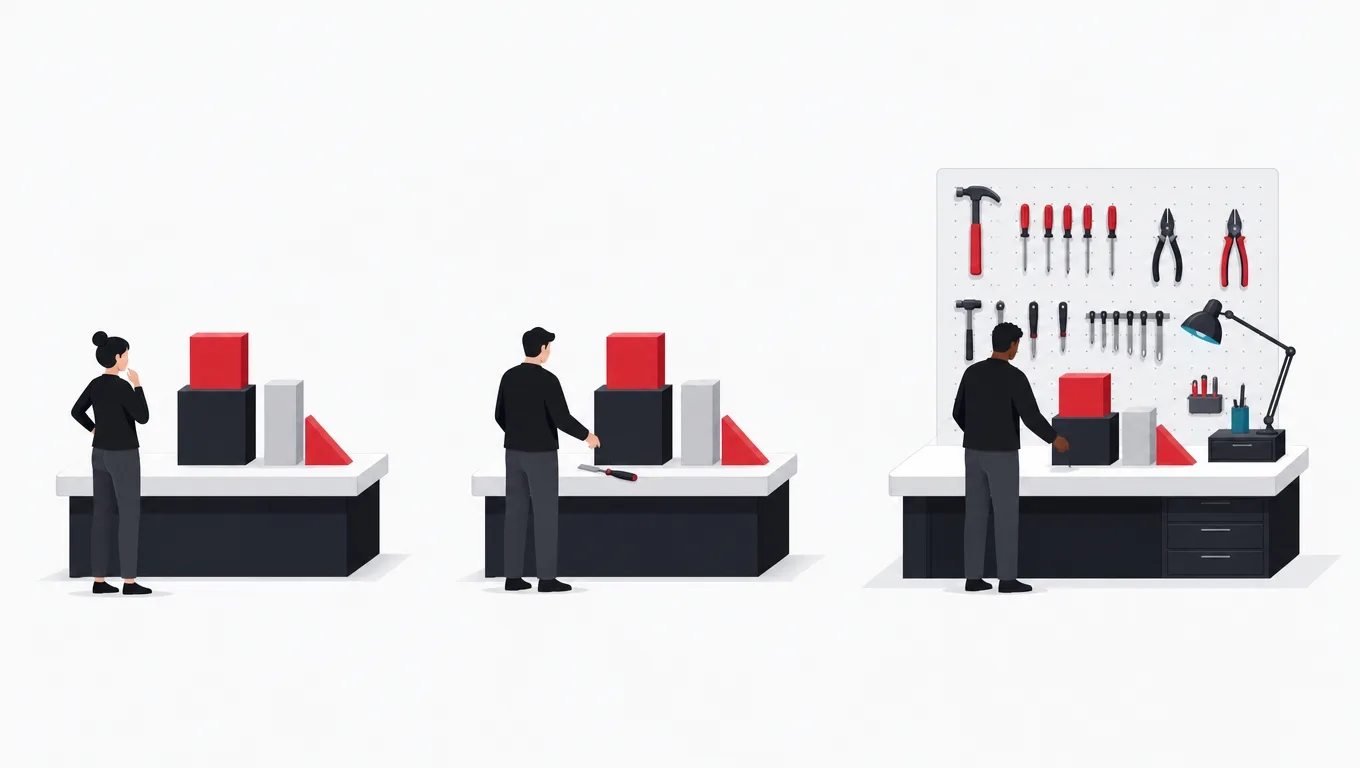
The terms are marketing labels first and categories second, so the useful definitions are about the intended builder rather than the technology. A no-code tool is built for the person who owns a process and cannot program: it offers forms, tables, workflow rules and templates, and it deliberately hides everything else. A low-code platform is built for a mixed team: visual assembly covers the common eighty percent, and defined places to write real code cover the rest. Custom development sits past both, where engineers own the entire stack. The technology differences follow from the audience differences, not the other way around.
Robotic process automation, RPA, is the third tool the vocabulary tangles in, and it is genuinely different. Where low-code and no-code build new applications, RPA automates existing ones by driving their user interfaces the way a human operator would: reading screens, filling fields, clicking buttons on a schedule or a trigger. Its natural home is the legacy system that offers no API and will never get one. That difference in mechanism matters practically, because a bot that drives a screen breaks when the screen changes, which makes RPA both the only option for some systems and the most fragile layer in any automation portfolio.
The audiences explain the economics. No-code tools price for teams and scale by seats, which is cheap at ten users and worth examining carefully at a thousand. Low-code platforms price for applications or developers and assume an IT relationship. The build cost story runs opposite to the license story: the platform fee buys speed and pre-solved problems, and what it costs is control at the edges. Neither number means anything in isolation, which is why the comparison that matters is always platform cost against the cost of the alternative for that specific workflow, waiting included.
One more distinction keeps later sections honest: the difference between building on a platform and being built into one. Every platform build creates logic, data and habits that live inside the vendor’s walls. Some platforms let that investment leave, through exports, standard databases underneath, or generated code; many do not, and the logic must be rebuilt from its documentation when the platform stops fitting. Nothing about that is disqualifying, rented speed is often the right trade, but it belongs in the decision at the start, priced honestly, rather than discovered at the exit.
Five terms the sales conversations blur
- No-code
- Tools for the process owner: forms, tables, rules and templates, with programming deliberately hidden. Speed and self-service in exchange for hard walls.
- Low-code
- Platforms for mixed teams: visual assembly for the common cases, escape hatches to real code for the rest. A platform commitment, not an escape from engineering.
- RPA
- Robotic process automation: software robots that drive existing user interfaces the way a human would. The tool for systems with no API, and fragile for the same reason.
- Citizen developer
- A non-engineer building working software on a platform. The promise of the category, and the reason governance exists.
- Escape hatch
- A defined place inside a low-code platform where real code runs. The feature that decides whether the hard ten percent of a build is possible or not.
Where no-code earns its place

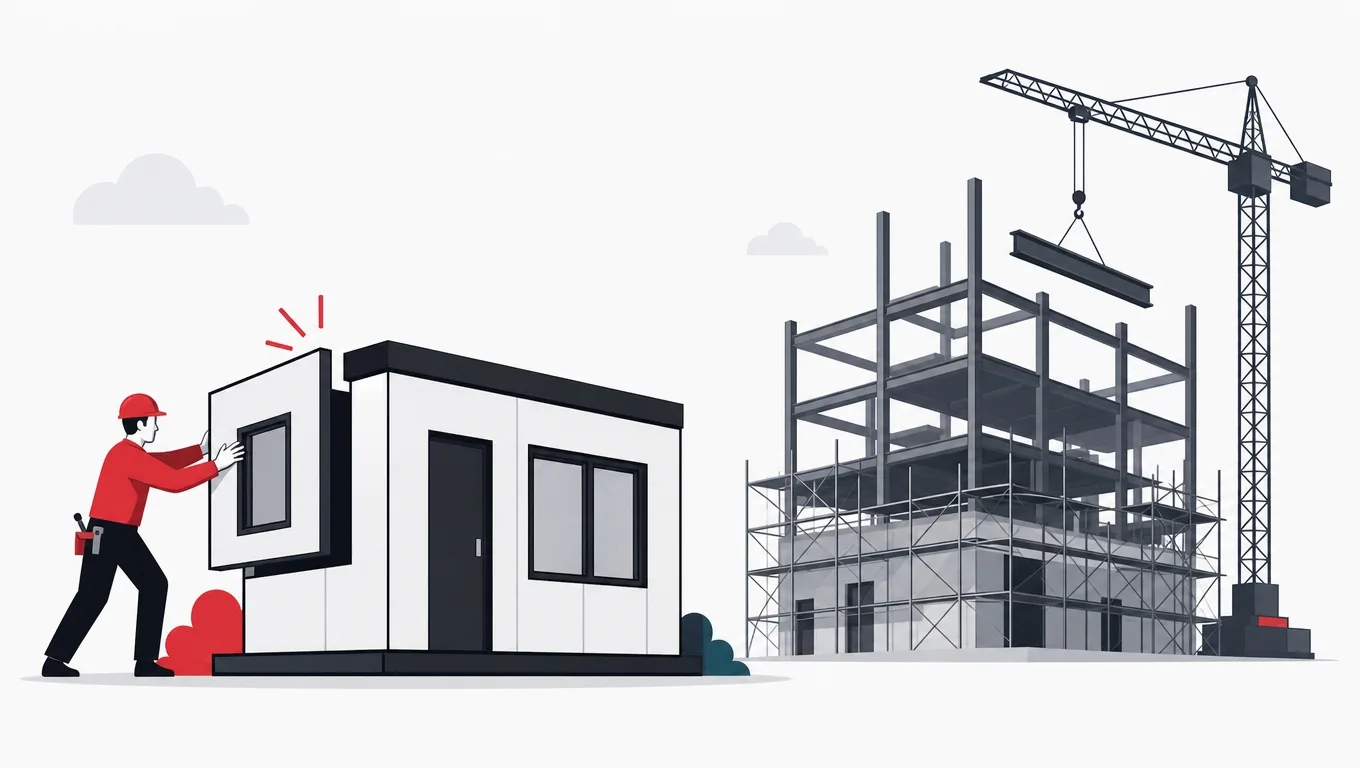
No-code succeeds where the workflow is standard and the pain is waiting. Every organization runs dozens of processes that are perfectly ordinary, leave requests, equipment bookings, intake forms, approval chains, status trackers, and that no IT queue will ever prioritize, because each one is small. Left unbuilt, they live in spreadsheets and inboxes, and their cost is diffuse: retyped data, lost requests, no audit trail. A no-code tool moves exactly these from the queue to the team that feels the pain, and the value is not that the tool builds better software than IT would. It is that the software exists this quarter instead of never.
The pattern behind the successes is worth naming precisely: the workflow is common enough that the platform has a template for it, the data fits in tables a spreadsheet could almost hold, the integrations are notifications and simple lookups rather than transactions, and the team that owns the process also owns the tool. When all four hold, the platform limits are far away and the speed is real. A working version exists in days, and, just as important, changes happen the same afternoon someone asks, because the person making the change is the person who understood the request.
The successes also share a boundary discipline, usually enforced by whoever runs IT: the no-code tier handles workflows, not systems of record. The customer database, the financial ledger and the employee master data stay in the systems built for them, and the no-code layer reads from and writes to those through sanctioned connectors rather than becoming a shadow copy. The moment a no-code table quietly becomes the only place a business-critical fact lives, the tool has been promoted past its design, and the organization has acquired a single point of failure with no backup discipline and no owner in IT.
Treated that way, the honest pitch for no-code is modest and strong: it is the fastest path from a recurring annoyance to a working tool, for the large class of workflows where the annoyance is real and the requirements are ordinary. The failure stories almost all begin with a success that grew, more users, more records, more integrations, until the tool was carrying weight it was never designed for. That is not an argument against the category. It is an argument for the sorting method this guide ends with, applied again whenever a workflow visibly outgrows the box it started in.
The no-code tier, used well and badly
Do this
- Give it the workflows the queue will never reachStandard internal processes, owned and run by the team that feels the pain, existing this quarter instead of never.
- Keep systems of record where they areThe no-code layer reads and writes through sanctioned connectors; it never becomes a shadow copy of critical data.
- Review tools that visibly outgrow their boxMore users, more records, more integrations: re-run the sorting method before the limits are discovered the hard way.
Not this
- Let a table become the system of recordA business-critical fact living only in a no-code table is a single point of failure with no owner in IT.
- Rebuild what proper software already coversA no-code duplicate of an owned system splits the truth in two and doubles the maintenance for no gain.
- Judge the tier on software qualityThe measure is queue time saved on workflows that would otherwise stay in spreadsheets, not engineering elegance.
Where low-code earns its place
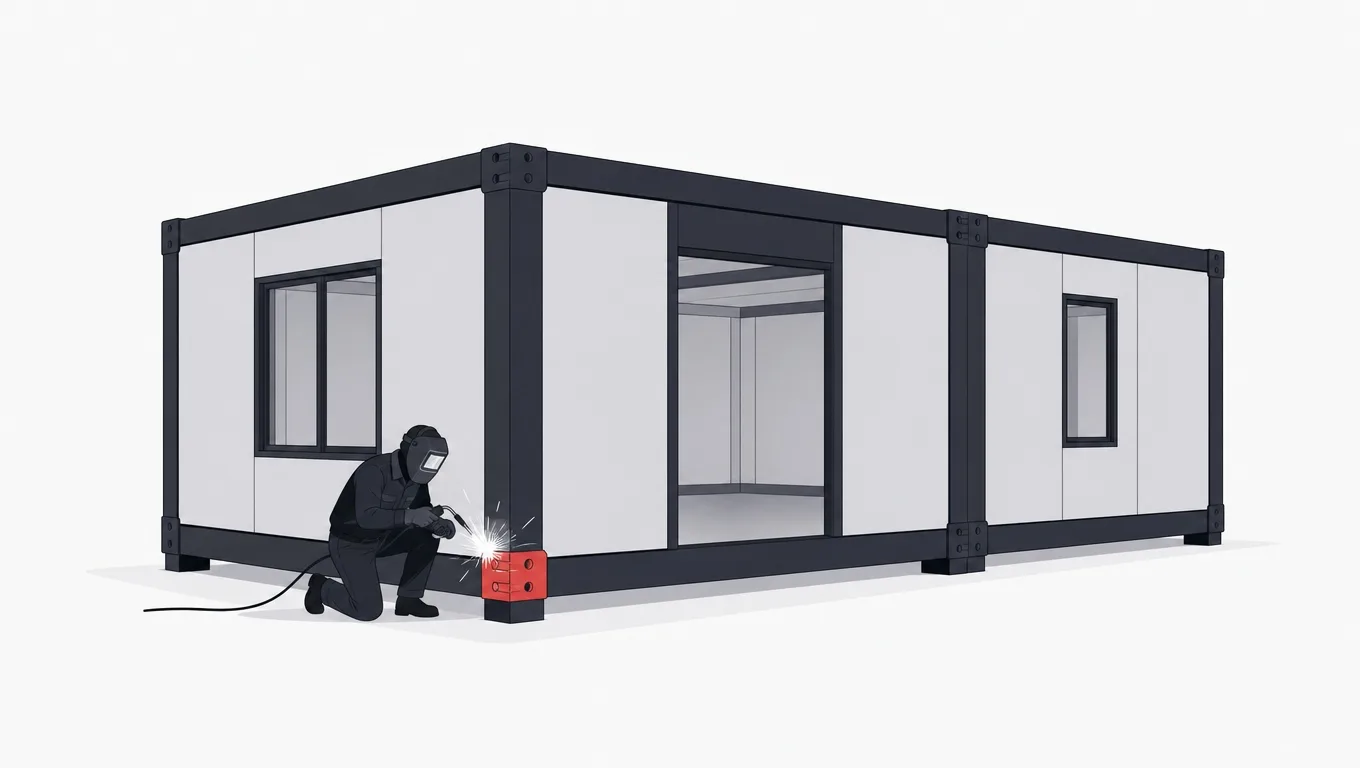
Low-code answers a different question than no-code: not how a process owner escapes the IT queue, but how an IT organization ships more internal applications than its engineering capacity would otherwise allow. The workflows here are heavier, a supplier portal, a case management tool, a field inspection app, connected to real systems and carrying real data, but still assembled mostly from parts every such application shares: forms over records, role-based screens, workflow states, dashboards, notifications. A low-code platform industrializes that shared eighty percent, and the promise is honest as long as the remaining twenty stays inside what the escape hatches can reach.
The builder is the tell. Where no-code succeeds in the hands of the process owner alone, low-code succeeds in mixed teams: an analyst or power user assembling screens and workflows, an engineer behind them handling the integrations, the data model and the places where visual assembly runs out. Organizations that buy a low-code platform expecting to skip the engineer discover the twenty percent quickly, usually at the first integration that has no connector or the first screen that must behave in a way the components do not. The platform did not fail; the staffing model did.
Evaluated as an engineering commitment rather than a shortcut, the questions that matter become concrete. What does the escape hatch actually allow, real code with real libraries, or a scripting box with a fence around it? What happens at the platform’s version upgrades, do built applications carry forward or need rework? Where does the data live, in a standard database you could point other tools at, or in a proprietary store behind an export button? And what does the platform generate if you leave, running code, a schema, or a PDF describing what you used to have? Two platforms with identical demos diverge completely on these answers, and the answers, not the demos, decide year three.
The economics reward a portfolio view. One application rarely justifies a platform: the license, the learning curve and the operational integration cost the same whether one team uses them or ten. The organizations getting real value run a pipeline of internal builds through a platform team that owns the standards, reuses the components, and knows exactly which requests to decline and route to custom development instead. At that scale the per-application cost drops below what bespoke builds would total, and, just as valuable, the applications resemble each other, which makes them cheaper to operate and to hand over.
Six questions that separate platforms with identical demos
- What can the escape hatch actually runArbitrary code with real libraries, or a fenced scripting box? This decides whether the hard ten percent of a build is possible.
- Do applications survive the platform’s upgradesAsk what happened to customer applications at the last major version, and whether rework was needed.
- Where does the data liveA standard database you could query directly, or a proprietary store behind an export button?
- Which of your integrations have real connectorsChecked against your actual systems list, not the connector catalog. Wide catalogs are shallow at the edges.
- What does pricing become at year-three scalePer-user and per-execution models that are trivial at pilot scale can rival the cost of the owned alternative at rollout.
- What exists if you leaveRunning code, a schema and data, or documentation of a memory? The answer prices the exit before you owe it.
Where RPA fits alongside them
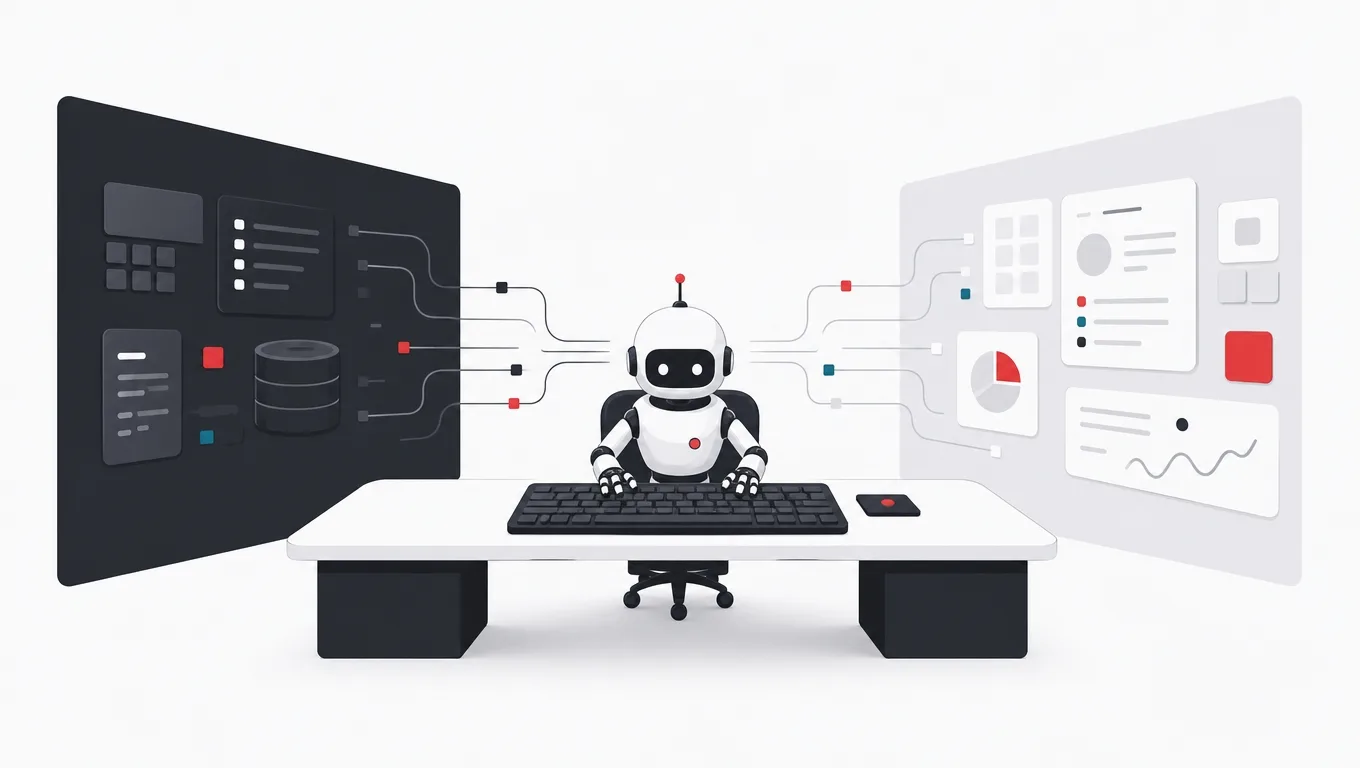
RPA belongs in this guide because the buying conversation is the same, automate more with less engineering, but the mechanism is opposite in one decisive way. Low-code and no-code build new front ends over data; RPA drives existing front ends the way a person would. A bot logs into the aging desktop application, reads the invoice fields from the screen, retypes them into the accounting system, and does it four hundred times without lunch. Nothing about the underlying systems changed, which is exactly the point: RPA is the automation tool for software that offers no API, no export, and no vendor who will ever add one.
Used in that lane, it is quietly excellent. Every established organization carries a layer of systems too old to integrate and too critical to replace, and between them sits a workforce of humans copying data from one screen into another. Each such bridge is an RPA candidate, and the good deployments look the same: the process is stable and rule-based, the volumes justify the build, the bot’s work is logged and checked, and a human owns the exceptions queue, because there will be one. The payback arithmetic is usually simple enough to do on one page, hours of retyping saved against the cost of building and, crucially, maintaining the bot.
The maintenance clause is the honest part of the deal. A bot that reads screens is coupled to those screens: a relabeled field, a moved button, an updated theme, and the bot fails, at best loudly, at worst by typing the right numbers into the wrong boxes. Fragility is not a defect to be fixed but a property of the mechanism, and it sets the discipline: bots get monitoring, owners and change coordination with the teams that run the systems they touch, or they quietly become the least reliable employees in the building. It also sets the strategic rule, which is that RPA is a bridge, not a destination. When a proper integration becomes possible, the bot should be the thing that retires, and nobody should mourn it.
The limits that quietly end platform projects
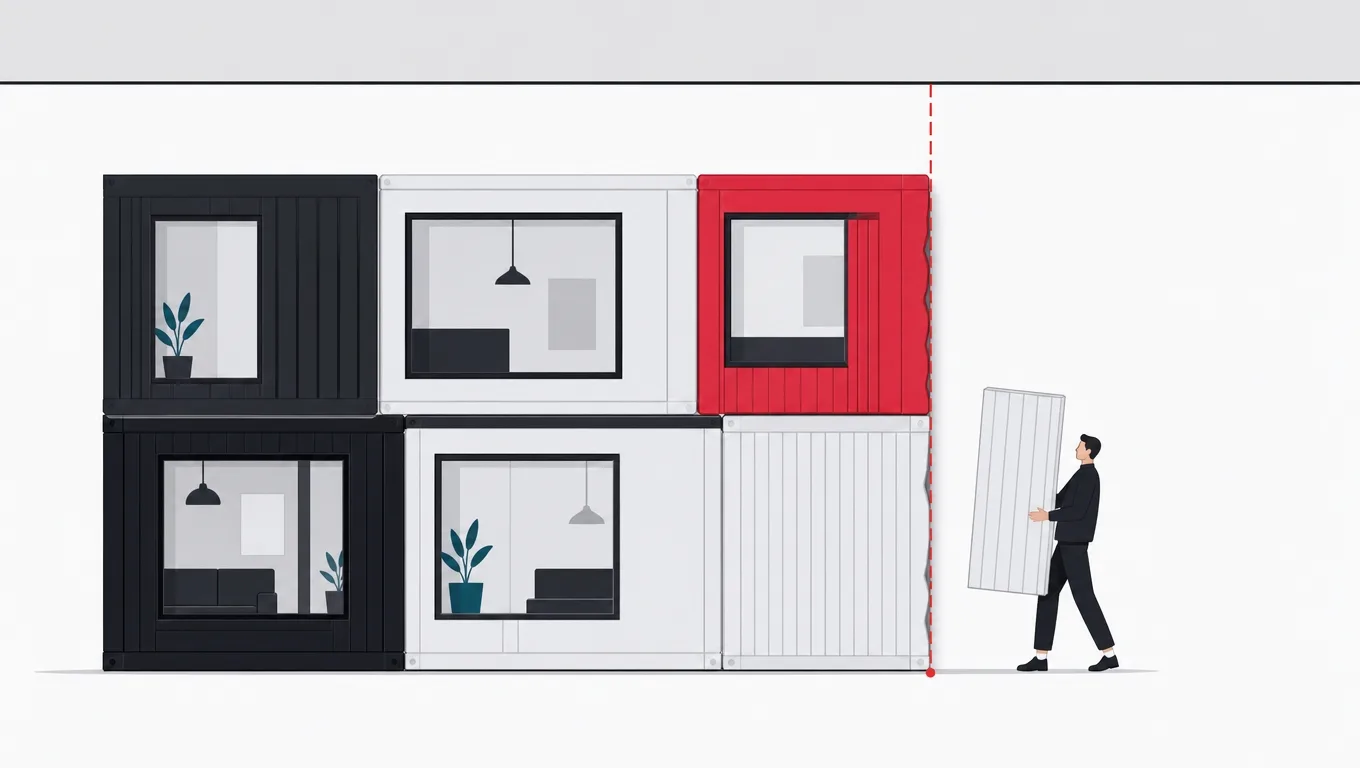
Platform projects rarely fail at the demo; they end at limits discovered from the inside, and the limits recur so consistently they can be listed. The first is the data model. Platform tables happily hold flat, list-shaped data, and strain as the real world arrives: versioned records, many-to-many relationships, history that must be queryable, volumes past what the visual query builder can express. Teams respond with workarounds, duplicated tables, encoded fields, export-and-join spreadsheets, and each one works, until the workflow is being run for the benefit of its own workarounds.
The second is integration depth. Connector catalogs are wide and shallow: reading records and posting updates is easy, while transactions, bulk loads, error recovery and anything the connector author did not anticipate range from painful to impossible. The third is the pricing shape. Per-seat and per-execution models that were trivial at pilot scale meet company-wide rollout, and the subscription starts to rival the cost of the build it replaced, except the build would have been owned. None of these is an argument against platforms; they are the coordinates of the boundary, and the projects that end badly are the ones that crossed it long before anyone checked.
The fourth limit deserves its own paragraph, because it compounds the others: the exit. Logic built in a proprietary visual language does not leave when you do. If the platform stops fitting, the workflow gets rebuilt, and the rebuild is priced as new work, informed by the old system only as documentation. This is the honest meaning of lock-in, not a conspiracy but an asymmetry: every month of building deepens the investment that cannot move. The organizations that handle it well simply decide, per workflow and in advance, how much rebuild exposure they are willing to hold, and route anything above that threshold to custom code, where the exit is a repository they already own.
Read together, the limits explain the pattern this guide keeps returning to: platforms fit workflows that are ordinary, bounded and owned at the edge of the business, and fit worsens as workflows become distinctive, connected and central. That is also why the decision cannot be made once at the company level. A workflow that fit the platform at fifty users and two integrations may sit well past the boundary at five hundred and nine, and the review that catches the drift, yearly and unglamorous, is cheaper than either the sprawl or the emergency rebuild that skipping it buys.
Governance: the difference between a portfolio and a sprawl
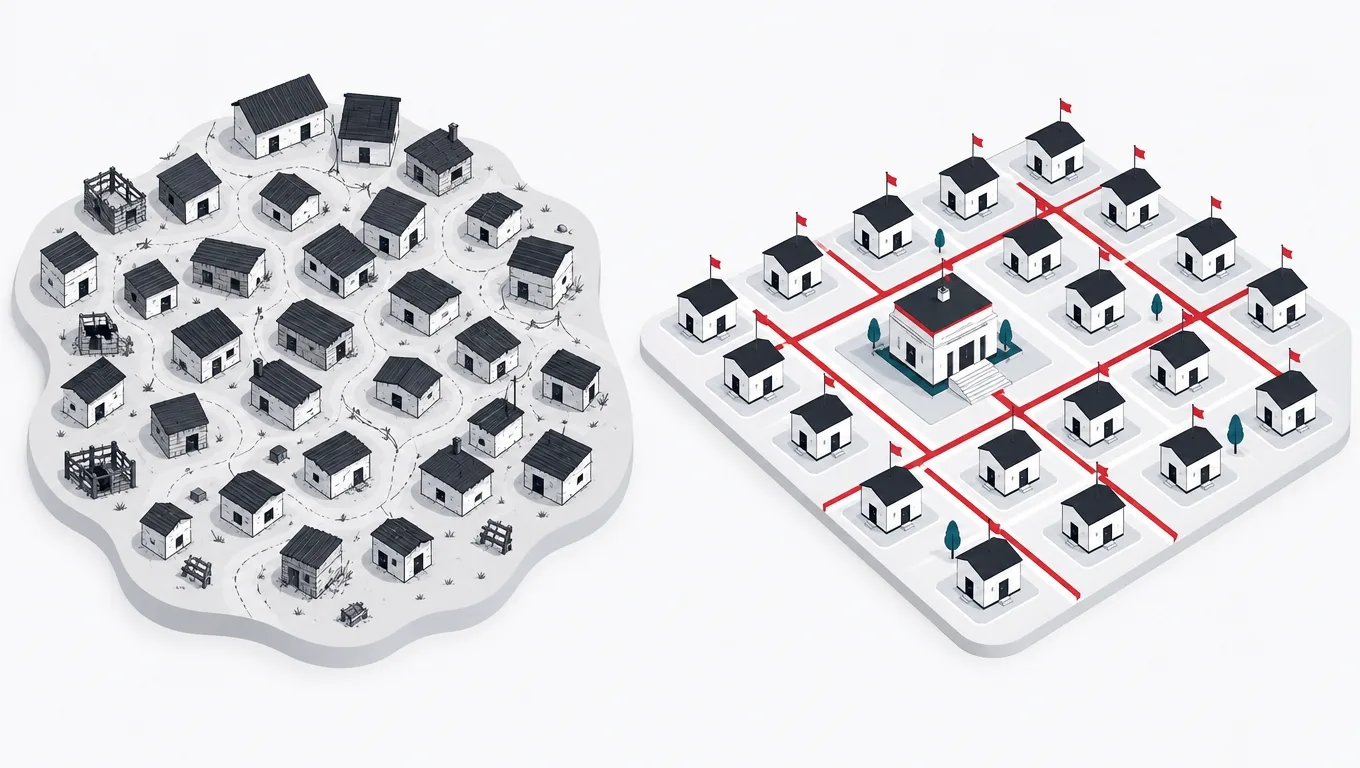
The most expensive failure in this category is not a platform limit but an organizational one: sprawl. It arrives quietly, a tool here, an automation there, each solving a real problem for a real team, until the company runs on hundreds of small applications nobody inventories, secured by whoever created them, integrated by personal API keys, and documented nowhere. The individual tools were each rational; the portfolio is a risk register. When the person who built the onboarding automation leaves, the automation stays, running, unowned and unexplained, until the day it fails or, worse, keeps running wrongly.
Governance is the unglamorous fix, and the workable version is lighter than the word suggests. An inventory: every platform tool above a triviality threshold is registered, with an owner, a purpose and a note on what data it touches. Guardrails: the platforms are configured centrally, so that authentication, data residency and connector permissions are decided once by people whose job that is, rather than per tool by people whose job it is not. And a lifecycle: tools with no owner get one or get retired, and the inventory is reviewed on a calendar rather than after incidents.
The tone of the governance matters as much as the mechanics, because the entire value of the citizen-developer tier is speed, and a control process that reintroduces the IT queue destroys exactly what the platforms were bought to provide. The working pattern is enablement with boundaries: IT publishes what a platform tool may touch, sanctioned connectors, approved data classes, and stays out of the way inside those lines, while anything that wants to cross them, customer data, financial records, external users, graduates to a heavier review. Teams accept boundaries that are legible and fast far more readily than case-by-case permission-seeking, and the boundary list itself becomes the cheapest governance document the organization owns.
A governance floor that fits on one page
-
Inventory everything above trivial
Register each platform tool with an owner, a purpose and the data it touches. The register is the difference between a portfolio and a rumor.
-
Set guardrails centrally
Authentication, data residency and connector permissions are platform settings, decided once by IT, inherited by every tool built afterward.
-
Publish the boundary list
What citizen-built tools may touch without review, and what graduates to a heavier process. Legible lines beat case-by-case permission.
-
Assign the orphans
Every tool whose builder left gets a new owner or a retirement date. Unowned automations are incidents on a schedule.
-
Review on a calendar
Yearly, walk the inventory: still used, still owned, still inside its box. The drift this catches is the drift that ends in rebuilds.
The decision, made per workflow instead of per company
Everything above collapses into one method: stop asking whether your organization should adopt low-code, and start sorting workflows. The company-level question has no good answer, which is why the debates it produces never end; the workflow-level question almost answers itself once two properties are named. How close does this workflow sit to the heart of the business, the things that make it win against competitors? And how deep do its data and integrations run, past what tables and connectors comfortably hold? Edge workflows with shallow needs belong on platforms. Core workflows with deep needs belong in code. The interesting conversations live between, and they are conversations about facts, not taste.
The sorting produces the mixed portfolio this guide has been describing all along, and the mix is the point. The same organization, run well, has no-code trackers built by operations, low-code portals built by a platform team, bots bridging the two systems that will never get APIs, and custom code carrying the product and the differentiating core. Each tool sits where its economics work. The failure modes are the monocultures: the everything-custom shop paying engineer prices for leave-request forms, and the everything-platform shop discovering, at the worst possible time, that its core business logic lives in a visual language it rents.
When a workflow sits near the boundary, the tiebreakers are the limits from earlier, read in order of expense. Exit exposure first: if rebuilding this workflow from documentation would be an emergency rather than a project, that weight pushes toward code regardless of how well the platform demos. Trajectory second: a workflow growing users, records or integrations will cross the boundary even if it has not yet, and building on the platform buys speed now at the price of a rebuild mid-growth. Ownership third: a platform build needs a named owner and a place in the inventory, and a workflow nobody will own is a reason to question the automation itself, not just the tool.
The last discipline is the same one this guide recommends for every technology choice: write the decision down. One page per workflow, the two properties, the tiebreakers, the choice, and the condition that would reopen it. The document costs an hour and converts the year-two conversation from an argument into a review. And when the review does move a workflow across the boundary, in either direction, that is the method working, not failing: the boundary was always a property of the workflow, and workflows change. What the writing protects is the reasoning, so the next decision starts from evidence instead of from whoever remembers loudest.
Frequently asked questions
What is the difference between low-code and no-code?
The intended builder. No-code aims at the person who owns a process and cannot program: forms, tables, rules and templates, with programming deliberately hidden, which buys self-service speed at the price of hard walls. Low-code aims at mixed teams: visual assembly covers the common eighty percent of an internal application, and defined escape hatches let engineers write real code for the rest. The technology differences follow from those audiences, which is why buying low-code while expecting to skip the engineer is the most common way to be disappointed by it.
Which low-code or no-code platform is the best?
The rankings that answer this age in months and skip the question that matters: which of your workflows belong on any platform at all. Platforms with identical demos diverge on the properties that decide year three, what the escape hatch can run, whether built applications survive version upgrades, where the data lives, which of your actual integrations have real connectors, what pricing becomes at scale, and what exists if you leave. Answer those six for your shortlist against your actual workflows, and the best platform for you names itself without a ranking.
Where does RPA fit compared to low-code?
Different mechanism, different lane. Low-code and no-code build new applications over data; RPA automates existing applications by driving their screens the way a human operator would, reading fields, typing values, clicking buttons. That makes it the only automation option for legacy systems with no API, and inherently fragile, because a bot coupled to a screen breaks when the screen changes. Used as a monitored, owned bridge between systems that cannot integrate properly, it is quietly excellent. Used as a destination, it becomes the least reliable employee in the building.
Can no-code tools replace custom software development?
For a real class of workflows, yes, and pretending otherwise wastes money. Standard internal processes, forms, approvals, trackers, simple automations, are better served by a no-code tool the owning team can change same-day than by a custom build in a queue. The replacement claim fails at the boundary: workflows with deep data models, integrations past what connectors reach, customer-facing scale, or logic that differentiates the business. The practical answer is a portfolio: platforms for the ordinary edges, custom code for the core, and a written per-workflow decision about which is which.
What is vendor lock-in on these platforms, practically?
An asymmetry, not a conspiracy: logic built in a proprietary visual language does not leave when you do. If the platform stops fitting, the workflow is rebuilt as new work, informed by the old system only as documentation, and every month of building deepens the investment that cannot move. The practical response is to price the exit at the start: check what the platform generates if you leave, running code, a schema and data, or nothing, decide per workflow how much rebuild exposure you can hold, and route anything above that threshold to code you own.
How do we stop citizen-developer tools from becoming a security problem?
With a governance floor that fits on one page, applied early. Inventory every tool above a triviality threshold, with an owner, a purpose and the data it touches. Set guardrails centrally, authentication, data residency and connector permissions are platform settings decided once by IT. Publish a legible boundary list: what citizen-built tools may touch freely, and what graduates to review, customer data, financial records, external users. Assign or retire orphaned tools, and walk the inventory yearly. Teams accept fast, legible boundaries; what breeds shadow IT is case-by-case permission-seeking.
When should a workflow move off a platform into custom code?
When the limits stop being occasional and start being structural: the data model needs workarounds to hold the real world, the integrations you need have no connectors, the per-seat pricing at current growth rivals what a build would cost, or the workflow has drifted close enough to the core of the business that renting its logic is a strategic risk. The move is cheapest when it is caught by a calendar review rather than forced by an incident, which is the strongest argument for writing the original decision down with the condition that reopens it.
And when the sorting puts a workflow on the custom side of the line, AgileTech is a software development company in Hanoi that builds on both sides of it, platform teams for the workflows that fit and engineers for the core that never will, with the boundary decided by your portfolio rather than by what we happen to sell.
Source: https://agiletech.vn/blog/low-code-platforms/ · (c) AgileTech Vietnam. Printed from agiletech.vn.
