 Nguyen Manh Thang
Chief Executive Officer, AgileTech Vietnam
Nguyen Manh Thang
Chief Executive Officer, AgileTech Vietnam
- Published
- Last updated
- Read time
- 12 min
- Views
- 95

Read the AI overview
There is no best low-code platform, only the best platform for a specific job, and the field organizes into five tiers. For internal tools on your own data: Retool leads, with Appsmith and Budibase as open-source alternatives. For building customer-facing apps without engineers: Bubble for web apps with logic, Glide and Softr for data-driven apps, FlutterFlow and Adalo for mobile. For workflow automation between systems: Zapier for breadth, Make for complex flows at better prices, n8n for self-hosted control. For enterprise-scale development: Microsoft Power Platform where the organization runs on Microsoft, OutSystems and Mendix for serious application platforms. And the newest tier, AI-native builders that generate working apps from prompts, is real but young: superb for prototypes and simple tools, unproven for systems you must operate for years. Shortlist within your tier, pilot with your real use case, and check the exit costs before committing.
Low-code and no-code platform lists usually fail their readers the same way: they rank twenty products against each other when the products are not competitors, a tool for building internal dashboards, a builder for consumer web apps and an enterprise application platform share a marketing label and nothing else. The useful question is never "which platform is best" but "which tier does my job live in, and who leads that tier".
This guide is organized accordingly: five tiers, the leading platforms in each, what each one is genuinely good at, where it stalls, and what it costs when you outgrow it. The through-line across every tier is the exit question, what happens when you leave, because platform economics are designed around the answer being "painfully", and knowing the exit cost before entry is most of the buying skill.
A framing note: this page is the field guide, the who-is-who by tier. The strategic half of the subject, where platform development fits versus custom engineering, the limits that quietly end platform projects, and the governance that separates a portfolio from a sprawl, lives in our low-code decision guide. Read this page to shortlist; read that one to decide whether a platform belongs in the plan at all.
Key takeaways
- Organize the market by job, not by label: internal tools, customer-facing app builders, workflow automation, enterprise platforms and AI-native builders are five different purchases wearing one buzzword, and cross-tier comparisons produce nonsense shortlists.
- Internal tools are the safest first purchase in the whole category: Retool and its open-source rivals excel because the job (CRUD screens on data you already own) sits squarely inside platform strengths, and the blast radius of failure is internal.
- Customer-facing app builders carry the sharpest scaling trade: Bubble, Glide and FlutterFlow will genuinely ship your MVP in weeks, and their ceilings (performance, data control, exit cost) are exactly where growing products land. Plan the graduation, not just the launch.
- Workflow automation is where no-code quietly delivers the most value per dollar across the economy: Zapier for reach, Make for complex logic at lower cost, n8n when data control demands self-hosting.
- Enterprise platforms are organizational commitments, not tools: Power Platform, OutSystems and Mendix reward companies that invest in governance and platform teams, and punish those that adopt them as a shortcut around engineering.
- The AI-native tier changed prototyping more than production: prompt-to-app builders are astonishing for validation and internal utilities, and still young for systems needing years of operation, compliance and maintenance. Use them where regeneration beats maintenance.
How to read the field: five tiers, five different purchases

The internal-tools tier builds interfaces for your own operations: admin panels, dashboards, approval queues, CRUD screens over databases and APIs your company already runs. Its users are semi-technical, ops leads, analysts, engineers saving time, and its defining property is that the data and the users are both inside the company, which caps the blast radius of every platform limitation. This is the tier where platform promises hold most reliably, and the right first purchase for most organizations testing the category.
The app-builder tier creates customer-facing products, real web and mobile apps with signups, logic and payments, without a conventional engineering team. Its users are founders and product teams, its promise is an MVP in weeks, and its defining tension is the ceiling: the same abstractions that make the first version fast make the hundredth feature slow, and performance, data control and exit cost arrive as bills precisely when the product succeeds. The workflow-automation tier is different again: no interfaces at all, just connections, when this happens in one system, do that in another, and it is arguably where no-code delivers the most value per dollar across the whole economy, because gluing SaaS tools together is exactly what visual builders do best.
The enterprise tier sells application platforms to large organizations: professional-grade development environments where visual modeling accelerates real software teams, with governance, deployment pipelines and vendor accountability attached. These are organizational commitments with six-figure relationships and multi-year horizons, evaluated like ERP decisions rather than tool purchases. And the newest tier, AI-native builders, generates working applications from natural-language prompts: a genuine capability shift that has already transformed prototyping, whose production story, operating generated systems for years, under compliance, with maintenance, is still being written.
Reading the tiers this way dissolves most of the category's confusion. The perennial "can no-code replace developers" debate is really five debates with five answers: for internal CRUD screens, largely yes; for workflow glue, yes and it should; for customer-facing products, yes until traction, then partially; for enterprise systems, no, it re-tools the developers instead; for AI generation, the answer is moving quarterly. The rest of this guide walks the tiers in that order, naming names, and the deeper question of where any of them belongs in your delivery strategy is the decision guide's territory.
The five tiers at a glance
| Tier | The job | Leading platforms | The defining risk |
|---|---|---|---|
| Internal tools | Screens over your own data and APIs | Retool, Appsmith, Budibase | Per-seat pricing at scale |
| App builders | Customer-facing web and mobile apps | Bubble, Glide, Softr, FlutterFlow, Adalo | The ceiling arrives with success |
| Workflow automation | Connecting systems, no UI | Zapier, Make, n8n | Task-volume pricing, silent failures |
| Enterprise platforms | Organizational app development at scale | Power Platform, OutSystems, Mendix | Lock-in measured in years |
| AI-native builders | Prompt-to-app generation | The fastest-moving tier; names churn | Unproven long-term operation |
Five different purchases under one label. Find your row before reading any ranking.
Internal tools: Retool and the open-source challengers
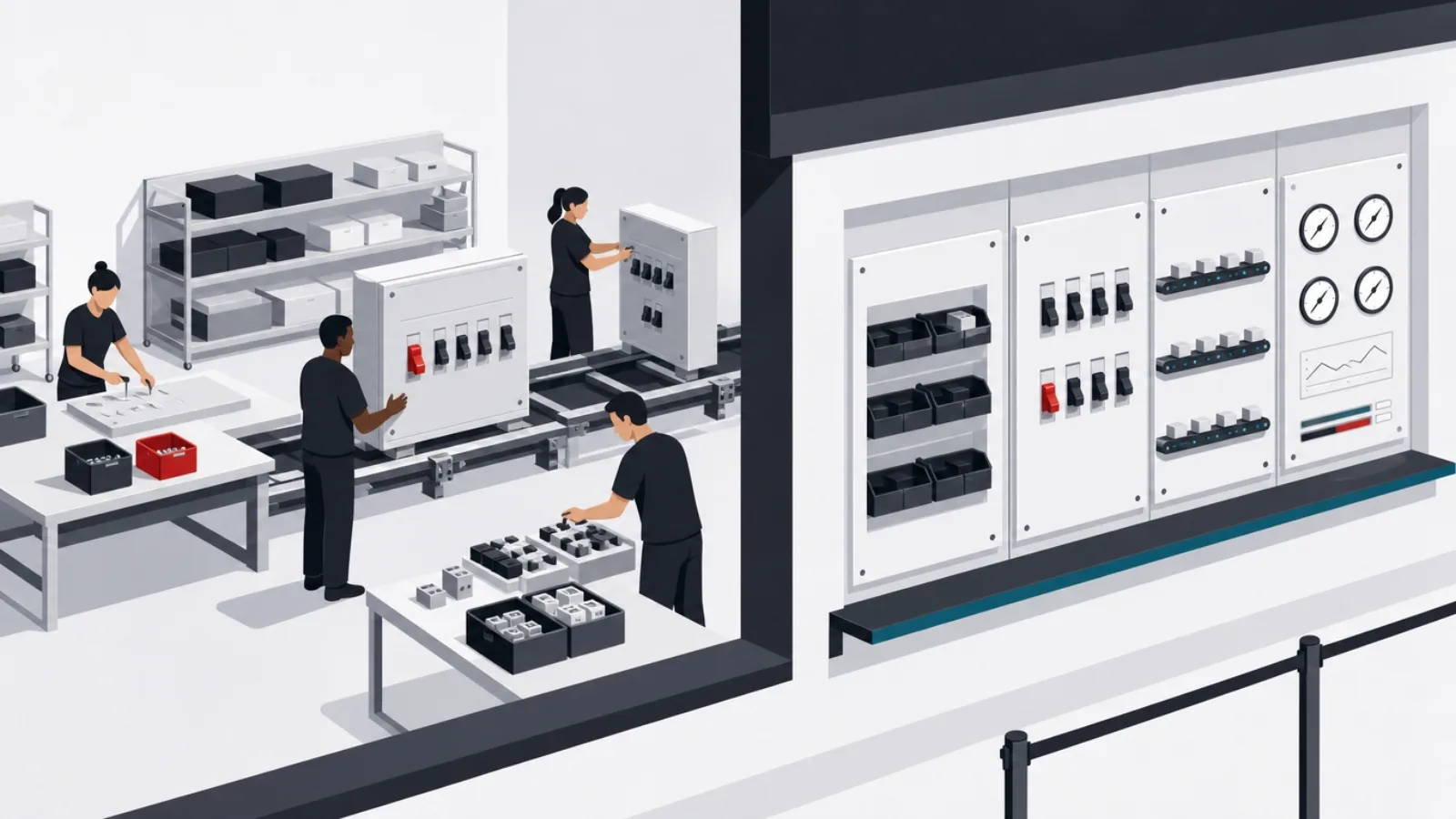
Retool defined this tier and still leads it: drag-and-drop interfaces wired to essentially any database or API, with JavaScript escape hatches wherever the visual layer runs out, which is the design decision that separates it from toy builders. Engineering teams use it to ship in an afternoon the admin panels they would otherwise defer for quarters: support consoles, ops dashboards, approval workflows, data-correction tools. Its honest costs: per-seat pricing that stings as usage spreads through an organization, and the standing governance question of business-critical tools accumulating outside normal engineering process. As the default choice for teams that can afford it, it remains the tier's benchmark.
The open-source alternatives matter in this tier more than any other, because internal tools touch internal data, and self-hosting answers the data-control question that SaaS builders raise. Appsmith is the most direct Retool alternative: comparably capable widget-and-query building, self-hostable without per-seat anxiety, with the rougher edges open-source buyers expect. Budibase emphasizes speed from data to app, with its own internal database when you want one and clean self-hosting. For organizations in regulated industries, or anywhere the phrase "customer data in a third-party builder" triggers a security review, the open-source pair converts a procurement problem into an infrastructure task.
Two adjacent products round out the tier's shortlists. Airtable sits at the boundary between spreadsheet and application platform: a relational database wearing a spreadsheet's face, with interfaces, automations and a vast template culture, the right choice when the job is structured data plus light process rather than screens over existing systems, and a familiar on-ramp for non-technical teams. And for data-heavy internal reporting specifically, the BI-adjacent builders (dashboards over warehouses) often serve better than general tool builders, a reminder that the tier's boundary runs along "what data, and who acts on it".
Buying advice for this tier is mercifully simple because the stakes allow experimentation: pick the leading candidate for your constraint (Retool for capability, Appsmith or Budibase for self-hosted control, Airtable for data-plus-process), build one real tool with the actual team that will own it, and judge in two weeks. The evaluation criterion that matters most long-term is the escape hatch: how gracefully the platform accepts custom code when the visual layer runs out, because every internal tool that survives eventually meets a requirement its builder did not anticipate, and the platforms that age well are the ones that let you code your way past it.
The internal-tools shortlist test: two weeks, one real tool
- Build with the real owner, not a championThe ops lead who will maintain the tool builds the pilot. If they cannot, the platform failed the test regardless of what engineering thinks.
- Wire it to your actual dataDemo databases hide the real friction: your auth, your API quirks, your permissions model. The pilot connects to production-shaped systems or it proves nothing.
- Hit the visual layer's edge deliberatelyAdd one requirement the widgets cannot do, and grade the escape hatch: how gracefully does custom code fit in?
- Price the spread, not the pilotPer-seat costs at pilot size mislead. Model the bill at "every ops person uses three tools", because that is where success leads.
- Check the export story nowWhat leaves with you: queries, logic, nothing? The answer sets the real switching cost before you accumulate fifty tools.
- Register it from day oneOwner, purpose, data touched. The governance habit costs a minute per tool and prevents the shadow-IT audit finding later.
App builders: Bubble, Glide, FlutterFlow and the MVP machine

Bubble remains the reference platform for building real web applications without code: visual logic deep enough for marketplaces, SaaS products and social apps, a plugin ecosystem, and a decade of founders who shipped businesses on it. Its power is genuine, Bubble apps with paying customers are common, and its costs are the tier's thesis in miniature: performance tuning becomes its own skill as apps grow, workload-based pricing surprises successful products, and the application is expressed in Bubble's proprietary terms, so leaving means rebuilding. The sober framing: Bubble is an excellent place to find product-market fit and a deliberate decision to stay after finding it.
The data-driven builders trade Bubble's depth for speed and polish. Glide turns spreadsheets and databases into genuinely attractive apps in hours, its sweet spot is internal-facing and community apps where the data model is simple; Softr does the same over Airtable and databases for member portals, directories and client dashboards. Both are the right answer when the app is fundamentally "a nice interface over structured data", and the wrong one when real custom logic arrives. On mobile, FlutterFlow has pulled ahead of the field on the strength of one architectural decision: it generates real Flutter code you can export, which converts the tier's defining trap, the rebuild at graduation, into a handoff. Adalo keeps a place for simpler native-feel apps at friendlier prices.
The webflow-shaped corner of this tier deserves its own note: Webflow owns designer-grade marketing sites with visual development and clean hosted operations, and its boundary is exactly where "site" becomes "app", accounts, logic, user data, the app builders' territory begins. Teams routinely pair them: Webflow for the marketing surface, an app builder or custom build for the product itself. The pairing pattern generalizes into this tier's most useful habit: match each surface to its tier rather than forcing one platform to do everything, because every builder is excellent inside its lane and expensive outside it.
The graduation question hangs over every purchase in this tier, so it belongs in the purchase: which trigger, performance ceilings, feature velocity, data-control requirements, pricing at scale, will move you, and to what? For some products the answer is FlutterFlow-style code export; for most Bubble-class apps it is a planned rebuild with the platform version as the living specification, which is a fine outcome when the platform bought you a year of validated learning for a fraction of custom cost. What turns the trade sour is unplanned graduation: discovering the ceiling mid-growth, rebuilding under pressure, paying custom-build prices with a deadline attached. The cost side of that rebuild decision is mapped in our website and app cost guide, and the buy-versus-build framing in the decision guide.
Building a product on an app builder: the survivors' habits
Do this
- Choose by your app's center of gravityData-with-interface: Glide or Softr. Web app with real logic: Bubble. Mobile-first with an exit path: FlutterFlow. The center of gravity, not the feature list, picks the tier leader.
- Write the graduation trigger at purchase"We rebuild when X": a performance bar, a data requirement, a scale number. Planned graduation is a victory lap; unplanned is a fire drill.
- Keep your data exportable weeklyWhatever the platform's exit story, your records, users and content should leave cleanly on schedule. The logic may be trapped; the data must not be.
- Spend the savings on validationThe platform bought speed; use it running real experiments with real users. An MVP that ships in six weeks and learns nothing wasted the advantage.
Not this
- Comparing builders on demo polishEvery tier leader demos beautifully. The differences live at month six: performance under data, logic complexity, pricing at usage.
- Building compliance-heavy products hereHealth data, payments beyond standard processors, regulated records: the platforms' shared infrastructure and audit stories were not built for it.
- Hiring a no-code agency to outrun the ceilingExpert builders raise the ceiling; they do not remove it. If you are paying agency rates to fight the platform, the graduation trigger already fired.
- Treating export claims as tested"You can export your app" means something different on every platform. Export a real slice during the pilot and inspect what actually comes out.
Workflow automation: Zapier, Make and n8n
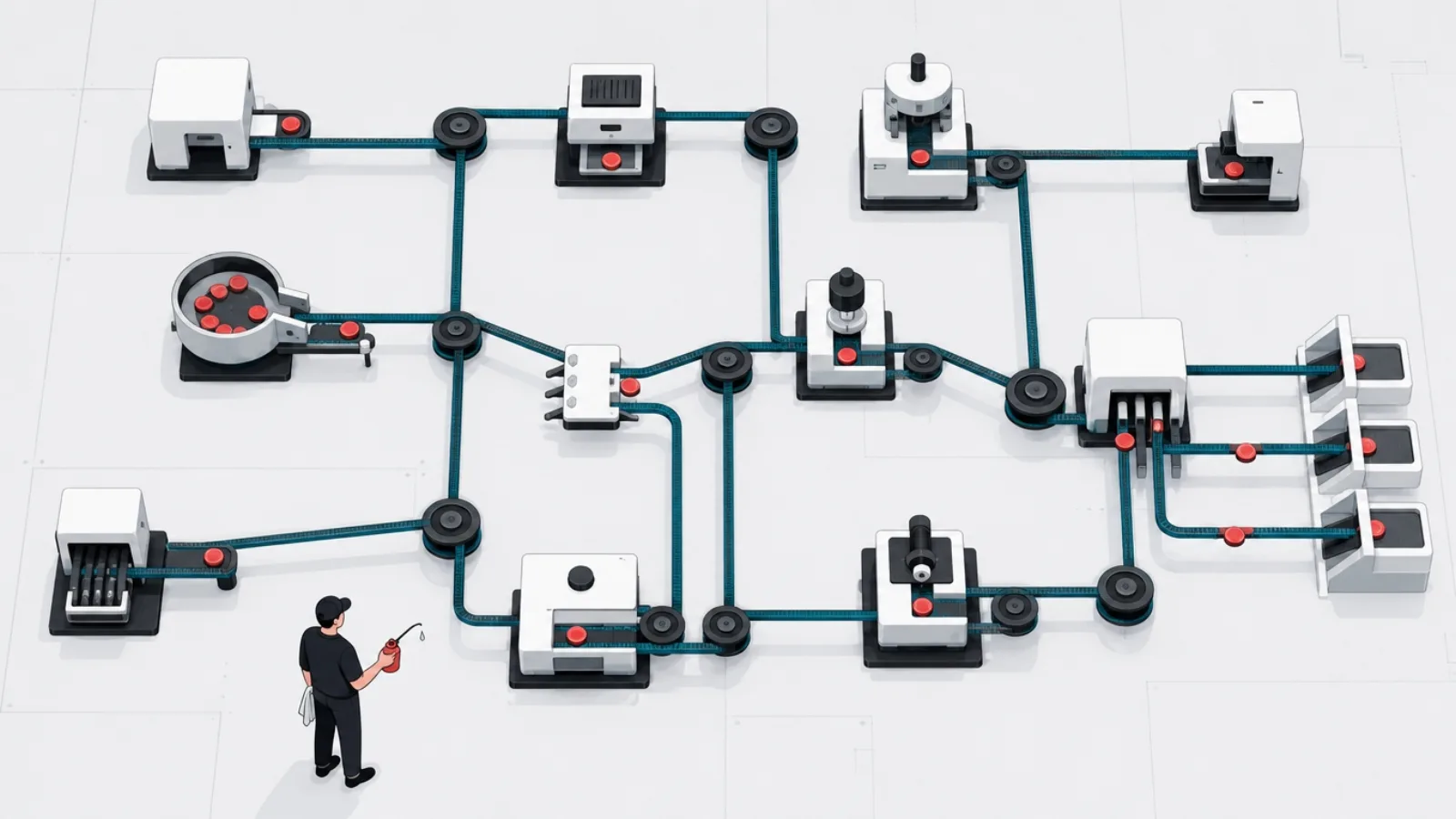
Zapier is the category's household name for a defensible reason: the largest connector library in existence, thousands of SaaS apps, means the integration you need almost certainly exists, and the trigger-action model is understandable by anyone in fifteen minutes. It is the right default for ordinary business automation, form submissions into CRMs, notifications, spreadsheet updates, lead routing, and its costs surface at the edges: per-task pricing that compounds painfully at volume, and a linear model that gets awkward when flows need real branching, loops and error handling. Zapier is where most organizations should start and where high-volume, complex automation eventually stops.
Make (formerly Integromat) is the tier's power tool: a visual canvas where flows branch, iterate, aggregate and handle errors as first-class citizens, at pricing that runs meaningfully cheaper per operation at volume. The trade is a real learning curve, Make scenarios look like flowcharts because they are, and the payoff is automation that would be impossible or unaffordable in the linear model. The pattern many operations teams converge on: Zapier for the simple majority of flows (anyone can maintain them), Make for the complex minority, an explicit two-tool strategy rather than a compromise.
n8n answers the tier's data-control question: source-available and self-hostable, so the automation, and every credential and record flowing through it, runs on your infrastructure. For engineering-adjacent teams it adds the powers the SaaS tools ration: code nodes wherever logic demands, custom integrations without waiting for a connector, and increasingly strong AI-agent workflow support, which has made it a favorite substrate for teams orchestrating LLM pipelines. The cost is operational: you run it, patch it and scale it, which is exactly the deal self-hosting always offers. Alongside these three, honorable mentions earn their niches: Pipedream for developer-centric API work, and the built-in automators of the ecosystems you already pay for (Power Automate in Microsoft shops, Slack workflows) which are often the frictionless first answer.
The tier's buying wisdom is about failure, not features, because automation fails silently by default: the flow that stopped running is invisible until the leads it routed stop arriving. Whichever platform wins, the operational floor is the same: error notifications actually configured and pointed at a human, a monthly review of run histories, credentials rotated when people leave, and an inventory of which flows exist, what they touch and who owns them, the same governance floor the decision guide prescribes for the whole category. Automation's value per dollar is the best in no-code; its cost of neglect is the least visible.
The automation trio, compared on what decides between them
| Model and strengths | Pricing shape | Choose it when | |
|---|---|---|---|
| ZapierThe reach leader | Linear trigger-action; the largest connector library | Per task; premium at volume | Breadth matters and maintainers are non-technical |
| MakeThe power tool | Visual canvas; branching, loops, error handling | Per operation; cheaper at volume | Flows are complex and volume is real |
| n8nThe controlled one | Self-hostable; code nodes; AI-agent workflows | Free self-hosted; paid cloud | Data control, custom logic or LLM orchestration rule |
Enterprise platforms: Power Platform, OutSystems and Mendix

Microsoft Power Platform is the volume leader by an enormous margin, for a structural reason: it is already inside the tenant. Power Apps builds internal applications over Microsoft 365 and Dataverse data, Power Automate handles the workflow layer, Power BI the analytics, and the bundle arrives with licensing most enterprises partially own, identity and governance wired into the directory admins already run. For organizations living in Microsoft's ecosystem, it is less a platform decision than a default to be governed: the citizen-development sprawl it enables is legendary in both directions, thousands of genuinely useful apps, and audits that find business-critical processes running on an intern's unmanaged app. Adopt it with the governance program, not ahead of it.
OutSystems and Mendix are the tier's serious application platforms: full development environments where visual modeling, generated code, deployment pipelines and lifecycle management aim at professional teams building core business systems, portals, case management, industry applications, several times faster than hand-built stacks. They are evaluated like infrastructure because they are: six-figure platform relationships, dedicated platform teams, multi-year horizons, and lock-in measured in the same units. The honest scorecard: real acceleration for the right organizations (large IT shops with application backlogs and standardized delivery), and a poor fit for product companies whose software is their differentiation, because the platform's conventions become your product's constraints.
The tier has a second rank worth knowing for specific shapes: Appian, whose center of gravity is process automation and case management in regulated industries; ServiceNow's app engine, for building on the workflow platform enterprises already run for IT; Salesforce's platform, for applications living close to CRM data; and Oracle APEX, quietly one of the most-deployed low-code environments on earth wherever Oracle databases already live. The pattern across all of them mirrors Power Platform's: the winning enterprise low-code choice is usually the one adjacent to systems and skills the organization already has, because adjacency converts the platform tax into leverage.
The buying discipline at this tier is procurement-grade, and three questions do most of the filtering. Exit cost, asked concretely: what would leaving look like after five years and two hundred applications, and has anyone you can reference done it? Platform team reality: who staffs the center of excellence, the governance, the upgrade management, because the vendor's acceleration math assumes it exists? And the differentiation boundary: which systems will the organization explicitly keep off the platform because they are the business? Enterprises that answer all three before signing get the acceleration the brochures promise; those that answer none become the case studies in the decision guide's limits section.
The AI-native tier: prompt-to-app, honestly assessed

The newest tier generates working software from natural language: describe the app, receive a running application, interfaces, logic, database, deployment, and iterate by conversation. The capability is genuinely new, not a rebranding of templates: modern code-generation models produce real applications with real code, and the leading products wrap that generation in hosting, auth and data layers so non-engineers ship working tools in an afternoon. Naming names in this tier dates a page fastest, the leaders churn quarterly, but the shape is stable: prompt-driven builders producing either platform-hosted apps or exportable codebases, at price points that round to trivial against everything else in this guide.
What the tier already does well deserves plain statement, because skepticism here has aged badly for two years running: prototypes that would have cost a contract team are now an afternoon, validation experiments run at the speed of ideas, internal utilities that never justified engineering time get built by the people who need them, and for simple tools the "maintenance" question inverts, when regeneration costs minutes, you fix by re-describing rather than debugging. For founders, the tier has effectively replaced the app-builder tier for pure validation work: proving demand no longer requires even Bubble's learning curve.
What remains unproven is operation: the qualities that make software dependable for years, security posture under adversarial attention, data governance and compliance evidence, performance under real load, maintainability when the fix must be surgical rather than regenerative, are exactly the qualities a generated codebase has not demonstrated and a prompt cannot specify. The failure mode is already visible in the wild: generated apps holding real customer data with security that no one, including their creators, ever reviewed. The tier's honest boundary in 2026: superb where the cost of failure is low and regeneration is cheap; not yet where the software must be trusted, audited or operated under pressure.
The strategic read is that the tiers are converging on this one: the app builders are adding generation, the internal-tools platforms are adding AI assembly, the enterprise vendors are wrapping copilots around their modelers, and the automation tools are becoming agent orchestrators. Buying advice in a converging field: judge AI features by the same tier tests as everything else (real use case, real data, exit cost), treat prompt-generation as a capability every tier will have rather than a tier-beating product, and keep the one question that outlasts the churn, when this generated thing matters, who operates it, at the center of every adoption. That question, scaled up, is the build-versus-platform decision itself, and the decision guide is where it gets its full treatment.
Reading the AI-native tier: five terms doing heavy lifting
- Prompt-to-app
- Generation of a working application, UI, logic, data, hosting, from natural-language description, iterated conversationally.
- Regeneration versus maintenance
- The tier's inverted economics: when rebuilding costs minutes, you fix simple tools by re-describing them. Inverts back the moment the fix must be surgical.
- Exportable codebase
- Whether the generated application leaves as real, runnable code you own. The property that separates a starting point from a hosted dependency.
- Vibe coding
- The 2025-coined practice of building by conversational iteration without reading the code. Powerful for throwaways; the named risk for anything that persists.
- Agent workflows
- Automation where AI agents execute multi-step tasks with tool access, the convergence point of this tier and the workflow-automation one.
Shortlisting: from this page to a decision
The method compresses to four moves. First, place your job in its tier, the table in the first section exists for this, and refuse cross-tier comparisons however loudly a vendor's marketing spans them. Second, shortlist two or three within the tier using the constraint that actually binds you: data control points to the self-hostable options, ecosystem adjacency points to the platform nearest your stack, exit-cost sensitivity points to the code-exporting options, and budget points where it always points. Third, pilot with the real use case, real data, and the real person who will own the thing, for two weeks, and let the pilot's friction, not the demo's polish, decide.
Fourth, before committing, price the exit alongside the entry. Every platform on this page is cheapest to adopt and priciest to leave, that is the business model, and the discipline is writing down, at purchase, what leaving would cost and what would trigger it. For internal tools, the exit is usually rebuilding a handful of screens: acceptable. For automation, re-wiring flows: tedious but bounded. For app builders, rebuilding the product: a planned graduation or an unplanned crisis, per the earlier section. For enterprise platforms, a multi-year program: which is why that tier's decisions are procurement-grade. The exit price does not veto the purchase; unknown exit price should.
A word on the perennial "platform versus custom build" fork, since every shortlist eventually faces it: the platforms on this page win when the job matches their lane, standard patterns, moderate scale, speed over specificity, and custom engineering wins when the software is the business, when requirements diverge from platform conventions, or when compliance and performance demand full control. The fork is rarely all-or-nothing: the pairing pattern, platform for the standard surfaces, custom for the differentiating core, outperforms purism in both directions. The full framework for that decision, including the limits that quietly end platform projects, is the decision guide; the cost mechanics of the custom side live in the website cost guide.
And a closing calibration on the category itself: the platforms in this guide are neither the death of programming nor a trap to be avoided, they are leverage with a shape, enormous inside their lanes, expensive outside them. The organizations that extract the value are consistently the ones that match tier to job, govern what they adopt, and hold the exit map; the ones that get the horror stories adopted a label instead of a tool. This page gave you the names and the lanes. Match yours, pilot honestly, and keep the graduation plan in the drawer where you can find it.
The shortlist method, in order
-
Place the job in its tierDay 1
Internal tool, customer app, automation, enterprise program or AI-generated utility. Cross-tier comparisons produce nonsense; refuse them.
-
Shortlist by your binding constraintDay 2
Data control, ecosystem adjacency, exit cost or budget picks two or three names from the tier. The constraint, not the feature grid, does the filtering.
-
Pilot with the real case and ownerWeeks 1 to 2
Two weeks, actual data, the person who will maintain it. Deliberately hit the visual layer's edge and grade the escape hatch.
-
Price the exit before signingBefore commitment
What leaves with you, what rebuilding costs, what triggers graduation. Written down, at purchase, while leverage is yours.
-
Adopt with the governance floorFrom day one
Owner registered, data sensitivity tiered, error alerts configured. The habits that separate a portfolio from a sprawl start with the first tool.
Frequently asked questions
What are the best low-code and no-code platforms in 2026?
By tier, since the tiers are different purchases: for internal tools, Retool leads with Appsmith and Budibase as self-hostable alternatives; for customer-facing apps, Bubble for web logic, Glide and Softr for data-driven apps, FlutterFlow for mobile with code export; for workflow automation, Zapier for connector breadth, Make for complex flows at volume, n8n for self-hosted control; for enterprise programs, Microsoft Power Platform in Microsoft-centric organizations, OutSystems and Mendix as dedicated application platforms. The AI-native prompt-to-app tier leads for prototyping and low-stakes utilities.
What is the difference between low-code and no-code?
No-code targets people who do not write code: entirely visual building, no code anywhere, with the ceiling that implies, when the platform's widgets run out, so do you. Low-code targets developers and technical teams: visual acceleration with code escape hatches, so custom logic fits when the visual layer runs out. In practice the boundary blurs, most "no-code" leaders (Bubble, Zapier) reward technical thinking, and most low-code platforms (Retool, Power Apps) get used by non-engineers. The more useful distinction is the tier: what you are building matters more than the label on the tool.
Can you build a real business on a no-code platform?
Yes, and companies have: marketplaces, SaaS products and service businesses run on Bubble and its peers with real revenue. The honest caveats: performance tuning becomes a skill as the app grows, platform pricing scales with success, compliance-heavy products (health data, regulated records) sit poorly on shared infrastructure, and the application logic is expressed in proprietary terms, so leaving means rebuilding. The pattern that works: launch and validate on the platform, write the graduation trigger at purchase, and treat an eventual planned rebuild as a victory, the platform bought validated learning at a fraction of custom cost.
Which no-code platform is best for building an MVP?
Match the MVP's center of gravity: a web app with real logic (marketplace, SaaS): Bubble; a clean interface over structured data (directories, portals, community apps): Glide or Softr; mobile-first with a future beyond the platform: FlutterFlow, whose Flutter code export turns graduation into a handoff instead of a rebuild; pure validation of demand: the AI-native prompt-to-app builders now do in an afternoon what once took weeks. Whichever you pick, spend the saved time on real user experiments, an MVP that ships fast and learns nothing wasted the platform's entire advantage.
Is Zapier or Make better for workflow automation?
Zapier wins on reach and simplicity: the largest connector library in the category and a trigger-action model anyone maintains, at per-task prices that compound at volume. Make wins on power and economics at scale: a visual canvas with branching, loops and error handling as first-class features, meaningfully cheaper per operation, behind a real learning curve. Many operations teams deliberately run both: Zapier for the simple majority of flows, Make for the complex minority. When data control or AI-agent orchestration drives the decision, self-hostable n8n becomes the third answer.
Will AI app builders replace low-code platforms?
They are converging rather than replacing: the app builders are adding prompt-generation, the internal-tools platforms are adding AI assembly, and the automation tools are becoming agent orchestrators. What the AI-native tier has already won is prototyping and low-stakes utilities, working apps from a description, in minutes, with regeneration replacing maintenance for simple tools. What it has not yet proven is operation: security posture, compliance evidence, performance under load and surgical maintainability for systems that must run for years. The durable buying question is unchanged: when this generated thing matters, who operates it?
We named the leaders in each lane, and when a workflow lands where the platforms run out, AgileTech is one of the best AI software development companies in Vietnam for graduation rebuilds and engineered cores behind platform surfaces.
Source: https://agiletech.vn/blog/best-low-code-no-code-platforms/ · (c) AgileTech Vietnam. Printed from agiletech.vn.
