 Nguyen Manh Thang
Chief Executive Officer, AgileTech Vietnam
Nguyen Manh Thang
Chief Executive Officer, AgileTech Vietnam
- Published
- Last updated
- Read time
- 11 min
- Views
- 157
Read the AI overview
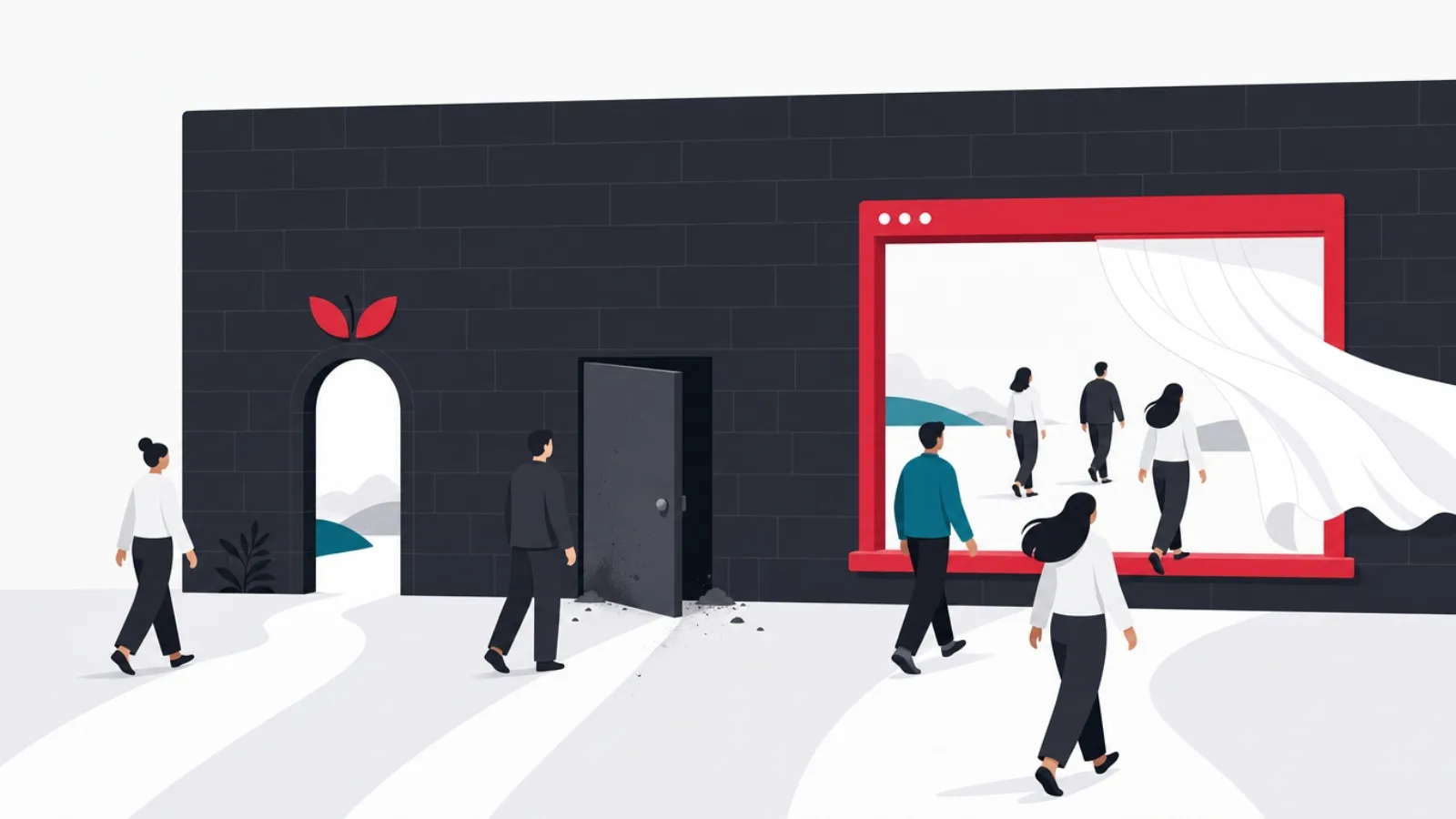
App Clips, Android instant experiences and progressive web apps all answer the same problem, letting a user complete a task without installing an app, with different trade-offs. App Clips are lightweight slices of an iOS app, invoked by QR codes, NFC tags, links and Maps, with native performance and Apple Pay, but capped in size and lifetime, and they require building and maintaining an iOS app. Google's Instant Apps answered the same need on Android, but the program has been wound down, with Google steering developers toward PWAs and smaller app bundles, so betting new work on it is building on a closed door. The PWA is the only one of the three that is cross-platform, permanent and self-distributed: instant by nature because it is the web, installable when the user chooses, but limited where deep hardware access or platform payment sheets matter. The practical 2026 answer for most teams: a PWA as the universal instant layer, plus App Clips where iOS moments, physical-world invocation or Apple Pay conversion justify the extra build.
Somewhere between the mobile web and the installed app sits a tier of experiences built for a single moment: rent this scooter, pay for this parking, order at this table, try this feature. The install step is where those moments die, most users will not download forty megabytes to do a ninety-second task, and all three technologies in this comparison exist to remove that step from the funnel.
They are not equivalents. App Clips are Apple's native answer, small slices of a real iOS app summoned by the physical and digital world. Instant Apps were Google's native answer on Android, and their fate, wound down in favor of the web, is itself one of the most instructive facts in the comparison. Progressive web apps are the web's answer, and the only one that is cross-platform and yours to distribute.
This guide compares the three as an engineering and product decision: capabilities, constraints, invocation and discovery, cost of ownership, and the decision framework, including when the right answer is two of them together. For the broader platform question underneath it, the full PWA versus native comparison and the hands-on PWA build guide are the companion pieces.
Key takeaways
- All three technologies attack the same funnel problem: the install step kills most task-driven conversions. The instant tier exists to let the task happen first.
- App Clips are native iOS slices with real constraints: a strict size budget, invocation-bound lifetime, and a parent app requirement. In exchange: native speed, Apple Pay and Sign in with Apple at the moment of intent.
- Android Instant Apps as a program has been effectively retired. Google's direction is PWAs and modular small bundles; new instant-tier investment on Android belongs to the web.
- The PWA is the only permanent, cross-platform citizen of the three: one codebase, instant by architecture, installable by choice, but with platform limits around deep hardware, iOS push nuances and native payment sheets.
- The decision is not either-or. The strong 2026 pattern is a PWA as the universal layer plus App Clips for high-value iOS physical-world moments.
- Measure the tier honestly: instant experiences win on task conversion, not retention. Retention belongs to the full app or the installed PWA that the instant moment earns.
The problem all three solve: the install wall
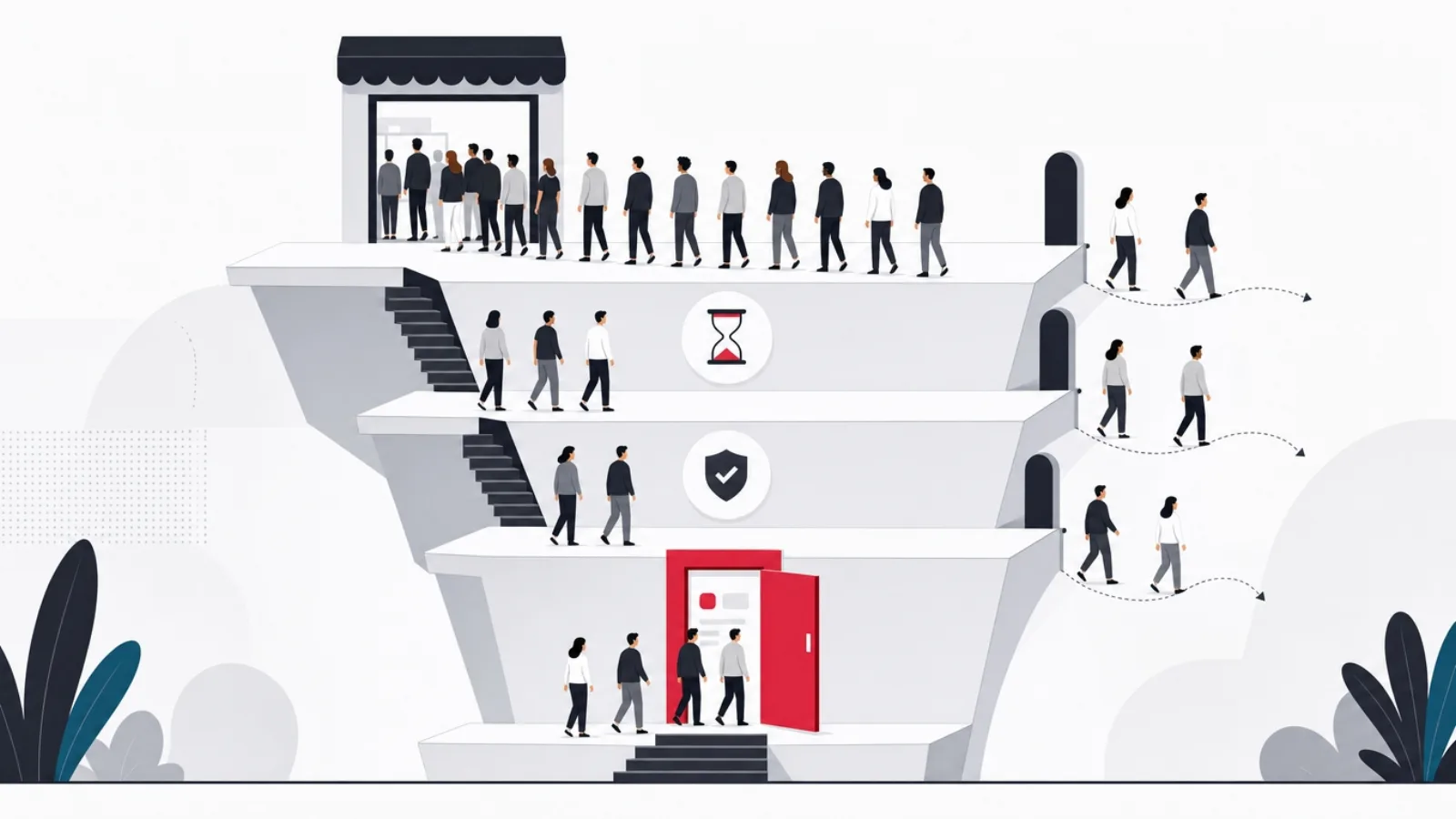
The mobile funnel has a cliff in it. A user with clear intent, standing at the parking meter, holding the menu with the QR code, tapping a shared link, meets a store listing, a download, a splash screen, a signup form, and most of them are gone before the task begins. Install friction is the single largest tax on task-driven mobile conversion, and it taxes exactly the moments where intent is highest: the user is physically present, ready to pay, and being asked to do homework first.
The instant tier is the industry's answer: deliver enough of the app to complete the task, now, and negotiate the relationship afterward. The three technologies share that goal and differ in everything else, who owns the distribution channel, what capabilities the code gets, how large it may be, how it is invoked, and what it costs to build and maintain alongside your main product. Those differences, not the marketing names, are what this comparison is about.
One framing tool helps throughout: separate the moment from the relationship. The instant experience owns the moment, the ninety seconds of task completion. The relationship, retention, notifications, the home-screen icon, belongs to whatever the moment graduates into: a full app install, an installed PWA, or simply a returning web visit. Teams that judge instant experiences by retention metrics misread them; the tier is a conversion instrument, and its success metric is completed tasks per invocation.
- The moment. Task completion at the point of intent: pay, order, rent, try. The instant tier's entire job.
- The graduation. The offer to continue: install the app, keep the PWA, create the account. Made after the task, when trust exists.
- The relationship. Retention machinery in the full product. A different tool with different metrics.
App Clips: native iOS slices, summoned by the world
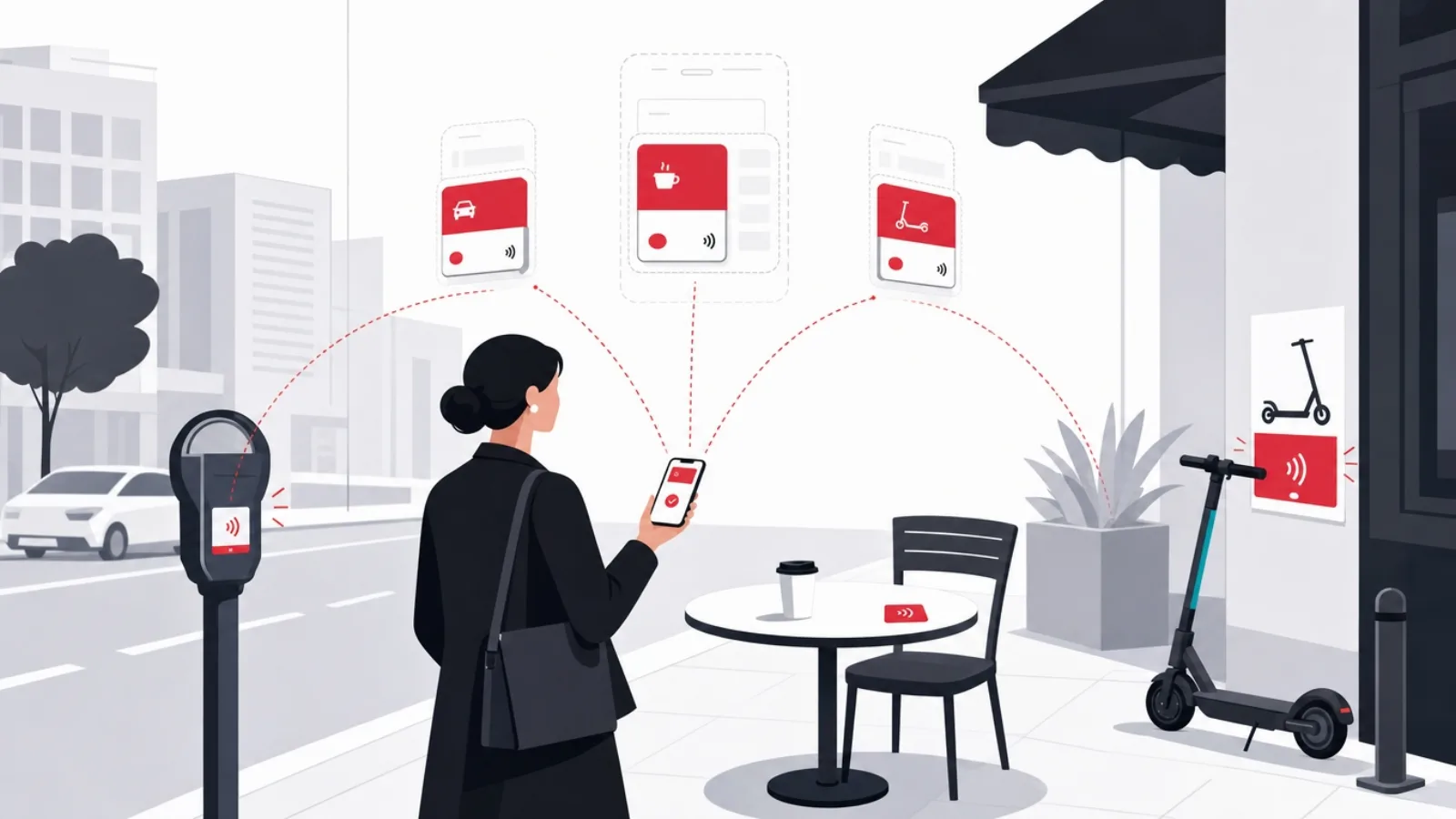
An App Clip is a small, fast-launching slice of an iOS app, built from the same project, distributed through the App Store infrastructure, and invoked without installation by QR codes, NFC tags, App Clip Codes (Apple's branded scannable), Safari smart banners, links in Messages, and place cards in Maps. The user experience is the pitch: scan the code on the parking meter, a card slides up, the payment sheet appears, Apple Pay and Sign in with Apple work natively, and the task is done in seconds at native speed with native UI.
The constraints are equally concrete. Size is strictly budgeted, the uncompressed binary must stay small, 10 MB in the original program and up to 50 MB for digitally invoked clips in later iOS versions, which forces disciplined feature slicing. The clip is ephemeral: it lives on the device temporarily and is reclaimed after a period of disuse, so it cannot be the relationship. Capability is deliberately trimmed, no background activity, limited data persistence shared with the parent app through app groups, notifications only briefly and by grant. And structurally, a clip cannot exist alone: it ships as part of a full iOS app, which means you build, maintain, review and release a native app to have a clip at all.
Where clips shine is therefore specific: physical-world moments where iOS share is meaningful and payment is the task. Parking, EV charging, scooter and bike rental, table ordering, ticket validation, loyalty at the register. The Apple Pay sheet at the moment of intent is the conversion machine the whole feature exists to deliver, and for businesses whose customers stand in front of things, the QR-and-NFC invocation model maps exactly onto operations. Where clips disappoint is everywhere the moment is not physical or the audience is not on iOS: they are one platform's answer, and the budget they consume, native development, slicing discipline, review cycles, buys nothing on Android or the web.
App Clips by the numbers that matter
Instant Apps: Google's native answer, and what happened to it

Google Play Instant, announced in 2016 and shipped broadly in 2018, was Android's version of the same idea executed earlier than Apple's: modularized Android apps whose feature modules could stream to the device and run without installation, invoked from links, search results, and the Play Store's Try Now button. The engineering was genuinely clever, the same codebase served instant and installed experiences through dynamic feature modules, and for a while the instant tier looked like a native two-horse race.
It did not stay one. Google's investment visibly cooled: the instant developer tooling was deprecated in stages, guidance shifted toward small app bundles and the web, and by the mid-2020s the program was effectively wound down as a target for new development. The reasons are legible in hindsight. Android already had a strong instant layer, the web, on a platform where Chrome and the web stack are first-class citizens and where Google's own strategic products, search and ads, live on the web. The parallel maintenance cost of instant modules never earned its keep for most developers, and PWAs kept absorbing the use cases from the other side.
The lesson belongs in the comparison because it prices platform risk. An instant tier owned by a platform vendor exists at the vendor's pleasure: Apple's clips are alive and developed, but they are Apple's, reviewed by Apple, invoked through Apple's surfaces, and subject to the same strategic weather that ended Google's program. The web's instant tier has no such landlord. For teams planning multi-year investments, that difference is not philosophical; it is the difference between building on a lease and building on land you hold. On Android in 2026, the practical answer to "which instant technology" is simply the PWA, and the interesting decision is confined to iOS.
PWA: the web as the permanent instant tier
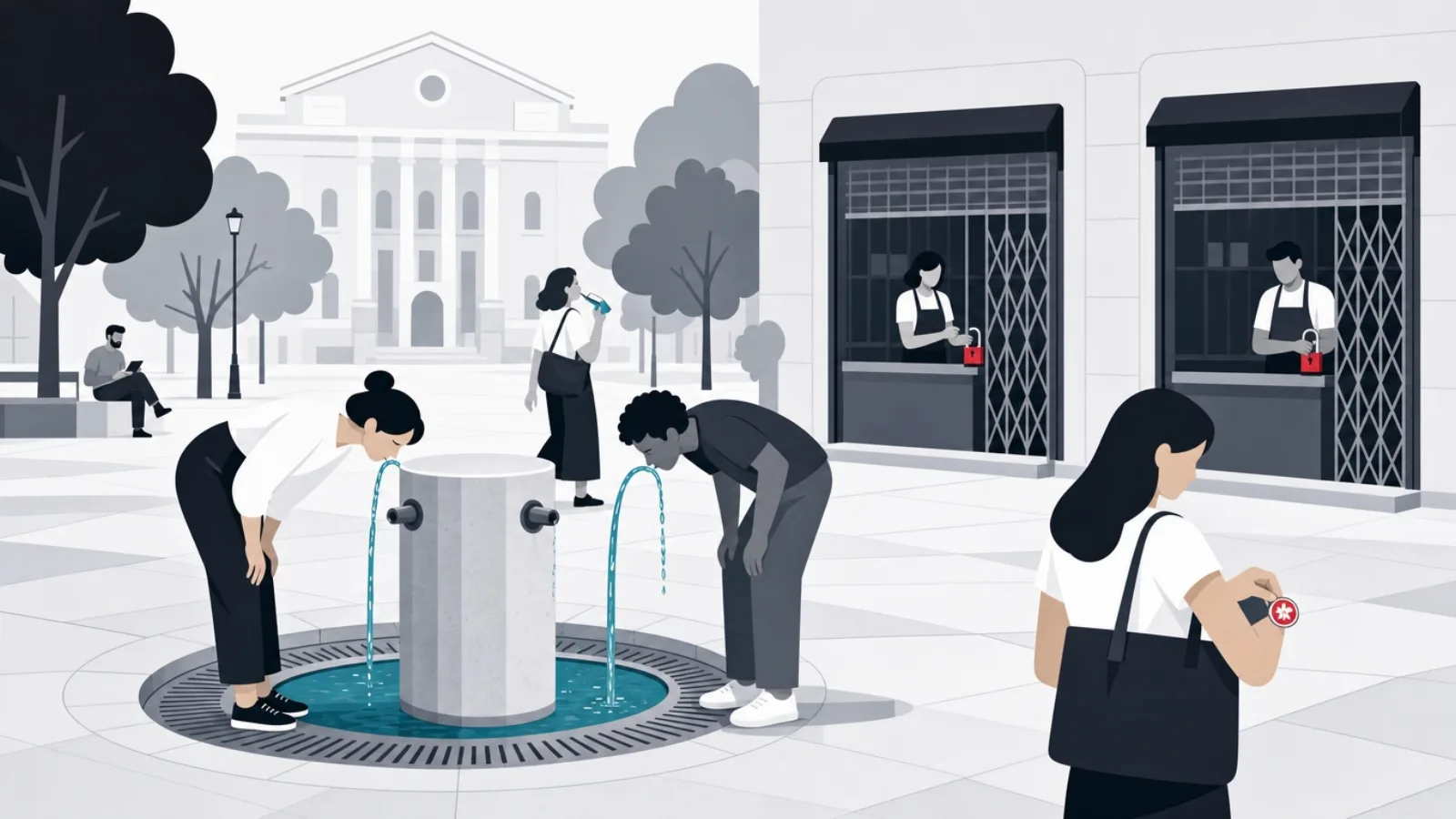
A progressive web app is not an install-free version of something; it is the web, upgraded. Every PWA is instant by architecture, a URL opens and the experience begins, and progressively becomes more app-like as the user grants it standing: a home-screen install, notification permission, offline caching through service workers. One codebase serves every platform with a browser, distribution is a link you own, and no store review or platform program stands between a deploy and your users. Against the size budgets and lifetime rules of the native instant tiers, the PWA's only size limit is engineering discipline and its lifetime is as long as the user keeps it.
The honest capability ledger has entries on both sides. Modern PWAs handle payment via web payment APIs including Apple Pay on the web and Google Pay, camera access for scanning, geolocation, offline operation, push notifications on Android and, with iOS-specific conditions, on Apple devices, installed PWAs on iOS gained push support, with the platform continuing to gate some capabilities behind installation and, in some regions, policy shifts. What the web still does not match: deep hardware integration, NFC tag reading on iOS, background processing, the native payment sheet's one-face-ID conversion path inside an app context, and the polish ceiling of platform-native UI under heavy interaction load. The full ledger, updated as platforms move, is the subject of the PWA versus native guide.
For the instant-tier decision specifically, the PWA's two structural advantages are permanence and universality. Permanence: the instant experience and the relationship are the same artifact, the user who paid for parking through your web app can be invited to install that same app, no graduation cliff, no second product. Universality: the QR code on the parking meter opens the same experience for every phone in the lot, which halves the operational complexity of physical-world deployments. The cost is the capability ceiling, and the decision framework in the final sections is mostly about pricing whether your specific task hits that ceiling.
The instant-tier vocabulary
- App Clip
- A small, ephemeral slice of an iOS app, invoked by codes, tags, links and Maps, running natively without installation. Ships with a parent app.
- App Clip Code
- Apple's branded scannable, a visual code, optionally NFC-backed, designed to signal that scanning summons a clip.
- Google Play Instant
- Android's retired install-free program: streamed feature modules from Play. Wound down in favor of the web and small bundles.
- PWA
- A web app with a manifest and service worker: instant by nature, installable by choice, cross-platform by architecture.
- Service worker
- The PWA's background script for caching and offline operation, the machinery that makes the web reliable on bad networks.
- Graduation
- The handoff from instant moment to lasting relationship: app install, PWA install, or account creation, offered after the task.
Head to head: capability, invocation, cost and risk
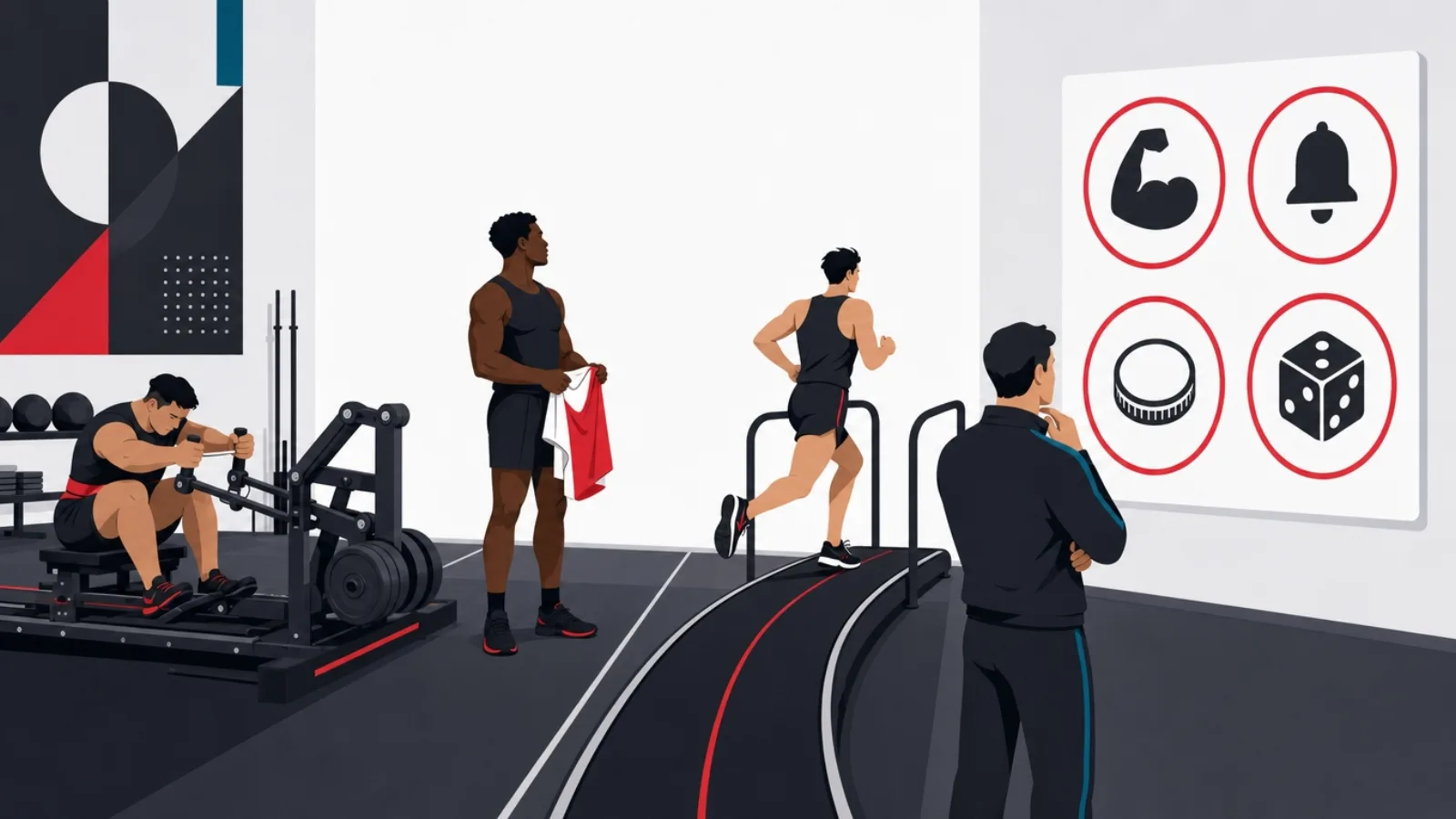
On capability, App Clips win inside their sandbox: native rendering, the platform payment sheet, platform sign-in, and hardware access appropriate to the moment, NFC-triggered invocation being the emblematic one. PWAs win on breadth and continuity: no size cap, no expiry, richer persistence, one artifact for moment and relationship. On invocation, clips own the physical world on iOS, QR, NFC, Maps, while the PWA owns every URL-shaped surface on every platform: links, search, social, ads, and the same QR codes, just resolving to the web. Instant Apps, where they still function, invoke from links and Play surfaces, but with a frozen future.
On cost, the accounting is stark. A PWA is one codebase, usually the codebase you already have if your product has a web presence, and the instant tier costs a manifest, a service worker and performance discipline on top of it. An App Clip is a native iOS project plus the slicing work to keep the clip inside budget, plus App Store review and release trains, plus the parent app itself if you do not already ship one, a real second product line for teams that were not already native. This is why the clip decision is usually not "clip versus PWA" but "clip in addition to PWA": the web layer is the baseline almost by default, and the question is whether specific iOS moments justify the additive native spend.
On risk, the comparison is between platform dependence and platform limits. The clip's risks are its landlord's moods: program rules, review outcomes, size budgets and invocation surfaces all move at Apple's discretion, and the Instant Apps story shows how native instant tiers end. The PWA's risks are capability gaps that platforms close, or occasionally open, on their own schedule, and the iOS browser-engine policy environment that shifts with regulation by region. Neither risk is disqualifying; both belong in the decision at honest weight, priced against how long the investment must live.
The three-way comparison in one table
| Dimension | App Clips (iOS) | Instant Apps (Android) | PWA (everywhere) |
|---|---|---|---|
| Status in 2026 | Active, developed | Wound down; do not start new work | Active, the web platform itself |
| Size and lifetime | Strict budget; ephemeral by design | Module budget; ephemeral | No cap; permanent |
| Invocation | QR, NFC, links, Maps, banners | Links, Play surfaces | Any URL surface, any platform |
| Payments | Apple Pay sheet, native | Google Pay, native | Web payment APIs, incl. wallet buttons |
| Codebase | Native iOS app plus slicing | Android app plus modules | One web codebase, all platforms |
| Relationship path | Graduates to full app install | Graduated to install | Same artifact: install the PWA |
The instant tier compared on the dimensions that decide real projects. The Instant Apps column is included as history and warning.
The decision framework: start from the moment, not the technology
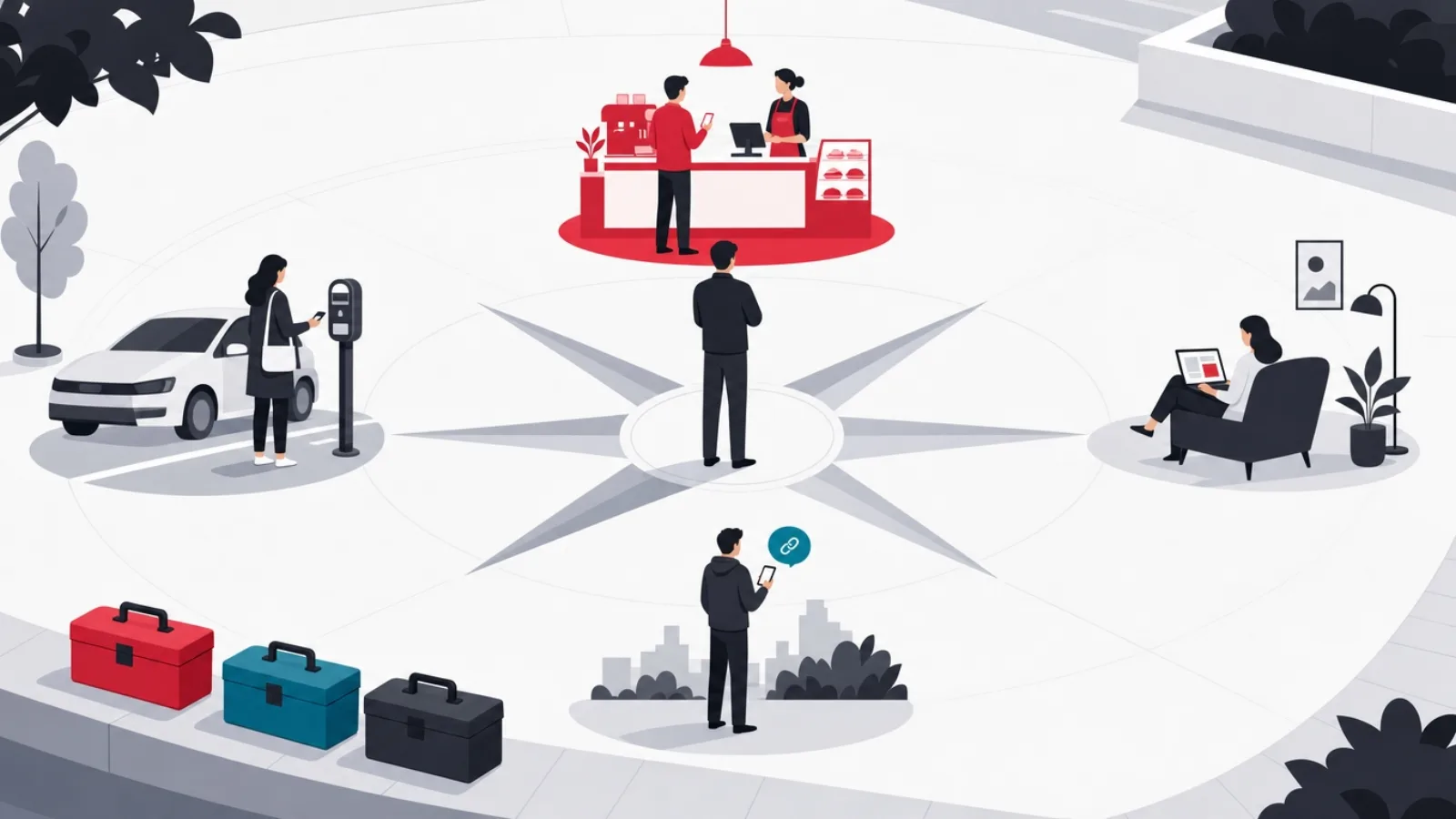
Write down the moment first: where is the user standing, what task must complete, on what mix of devices, and what happens after. The framework then resolves quickly. If the moment is digital, a shared link, a search result, an ad click, the PWA is the answer on both platforms: it is what links open, and no native instant tier improves on the web at being the web. If the moment is physical and your audience skews iOS with payment as the task, the App Clip earns real consideration: the scan-to-Apple-Pay path converts at rates the web sheet struggles to match, and the NFC invocation option has no web equivalent on iOS.
Then price the portfolio honestly. The clip requires the parent iOS app: for teams already shipping native iOS, the clip is an incremental feature with incremental cost, and the strong pattern is PWA for universality plus clips for the highest-value iOS moments, the same QR code can route iPhone users to the clip and everyone else to the web experience. For teams without a native app, the clip's true cost is the whole iOS product line, and the honest comparison is rarely close: ship the PWA, measure the physical-moment conversion, and let real data argue for the native addition later.
Finally, define graduation before launch. The instant moment's value compounds only if it feeds the relationship: the post-task screen that offers the install, the account, or simply the bookmark, with the incentive that makes accepting rational. Instrument the tier on its own metrics, invocations, task completions, graduation rate, and resist judging it on retention, which belongs to the product it graduates into. Teams that skip this step ship a beautiful moment that leads nowhere, and conclude wrongly that the instant tier does not pay.
The five questions that settle the choice
- Where does the moment start?Physical surfaces (QR, NFC, counters) versus digital surfaces (links, search, ads). Digital moments are web moments.
- What is the device mix at the moment?iOS share at your actual touchpoints, not in your country overall. Clips buy nothing for the Android half of the lot.
- Is payment the task?The native payment sheet is the clip's strongest conversion argument. Content and browsing moments do not need it.
- Do you already ship a native iOS app?If yes, a clip is incremental. If no, it costs a product line, and the PWA baseline almost always wins the first round.
- What does graduation look like?Install, account, bookmark, with what incentive. If you cannot answer, the instant tier will convert moments into nothing.
Implementation notes from the build side
For the PWA layer, the instant-tier bar is stricter than ordinary web work: the moment lives or dies on load performance over cellular networks, so budget it like an SLA, aggressive code splitting so the task route ships only its own weight, service-worker caching tuned for first-visit speed rather than only repeat visits, and payment flows using the web payment APIs with wallet buttons up front rather than card forms. Camera-based flows, QR scanning inside the experience, are well supported; test them across the browser matrix early because they anchor physical deployments. The full checklist lives in the PWA build guide.
For App Clips, the discipline is editorial before it is technical: choose one task and slice ruthlessly, shared frameworks between app and clip, feature flags that strip everything speculative, assets on demand rather than aboard. Respect the invocation registry, every physical code maps to a URL that must route correctly in the clip, the full app if installed, and the web as fallback, and design the data handoff so a user who installs the full app after the clip keeps their state through the shared app group. Review timelines apply to clips as to apps; physical-world launch dates need that float built in.
For the combined pattern, one QR code serving both tiers, the routing is the craft: the code encodes a URL you control; iOS devices with clip support resolve it through the clip experience while everything else lands on the web app, and the two experiences should be near-indistinguishable in flow so operations, signage and support scripts stay single. Teams that run this pattern get the conversion of the native sheet where it exists and universality everywhere else, at the cost of maintaining flow parity, a cost worth budgeting explicitly rather than discovering quarterly.
Shipping the combined instant tier, in order
-
Ship the PWA task routeThe baseline
One URL per moment, performance-budgeted for cellular, wallet-button payments, camera flows tested across browsers.
-
Instrument the funnelBefore deciding more
Invocations, task completions, graduation rate, by surface and platform. This data prices the native addition.
-
Add clips where data arguesIf justified
Highest-value iOS physical moments first. Slice the parent app, register invocation URLs, design the state handoff.
-
Unify the physical deploymentThe combined pattern
One code per surface, routing per device. Flow parity between clip and web so operations stay single.
The verdict, by scenario
For most products, the PWA is the instant tier, full stop. Digital invocation dominates most funnels, Android is half or more of most markets, and the web artifact doubles as the relationship, which makes it the highest-leverage first investment in every scenario that does not specifically hinge on iOS physical moments. Start here even when you suspect clips are in your future; the PWA's funnel data is what turns that suspicion into an argument.
Add App Clips when three conditions hold together: the moment is physical, the audience at that moment is meaningfully iOS, and payment or platform sign-in is the conversion step. Parking, charging, rental, table ordering and event entry in iOS-heavy markets clear the bar; content, catalogs and try-before-install features usually do not. Treat the clip as a conversion instrument bolted onto specific moments, not as a second product, and keep its scope on a leash: one task, one slice.
Build nothing new on Instant Apps, and read its story as the comparison's deepest lesson: instant tiers owned by platform vendors are leases, renewable at the landlord's pleasure, while the web tier is land. That asymmetry, more than any capability line-item, is why the PWA sits at the center of every durable answer here, with the native tier as a high-conversion tenant improvement where the numbers justify it. Choose in that order and the comparison stops being a dilemma.
Frequently asked questions
What is the difference between App Clips and Instant Apps?
They were the two platforms' native answers to the same problem. App Clips are small slices of iOS apps invoked by QR codes, NFC, links and Maps, running natively without installation; they remain active and developed. Google Play Instant was Android's equivalent, streamed feature modules invoked from links and the Play Store, but Google wound the program down and deprecated its tooling, steering developers toward PWAs and small app bundles. In 2026 the practical comparison is App Clips versus PWA, with Instant Apps as history.
Are Android Instant Apps still supported?
Existing instant experiences may still function, but the program is not a target for new development: the tooling has been deprecated, and Google's guidance for install-free experiences on Android points to the web, PWAs and deep links backed by small app bundles. Starting new Instant App work in 2026 means building against a closed roadmap. Any current proposal that includes new Instant App modules is dated advice.
Can a PWA replace an App Clip?
For most moments, yes: a performance-budgeted PWA task route behind the same QR code completes the same task on every platform, with web payment APIs including Apple Pay on the web for checkout. The clip retains real advantages in specific conditions: NFC-tag invocation on iOS, the native Apple Pay sheet's conversion path, and native rendering speed. The strong pattern is not replacement but layering: PWA as the universal tier, clips added for iOS-heavy physical moments where payment conversion justifies the native spend.
How big can an App Clip be?
The uncompressed binary is strictly budgeted: 10 MB under the original program rules, raised to 50 MB for digitally invoked clips in later iOS versions, with physical invocations held to tighter limits for launch speed. The budget is a design constraint on purpose: a clip carries one task sliced from the parent app, with assets on demand and nothing speculative aboard. Clips are also ephemeral, reclaimed by the system after disuse, so persistence beyond the moment belongs to the parent app or your backend.
Do App Clips require a full app?
Yes. A clip is not a standalone product; it ships as part of a full iOS app in the same submission, which means building and maintaining the parent app, passing App Store review, and running normal release trains. For teams already shipping native iOS, the clip is incremental work: slicing, an invocation URL registry, and state handoff through shared app groups. For web-first teams without a native app, the clip's true cost includes the entire iOS product line, which is why the PWA is almost always the first tier to ship.
Which is better for QR code experiences: App Clip or PWA?
Route one QR code to both. The code encodes a URL you control: iPhones with clip support resolve it to the App Clip, everything else opens the PWA, and flow parity between the two keeps signage, operations and support single. Choose the emphasis by audience and task: iOS-heavy audiences with payment at the center justify the clip's conversion advantages; mixed or Android-heavy audiences are served best by the web alone. Judge with funnel data, invocations, completions, graduation rate, rather than platform preference.
Instant experiences only pay off when the product behind them is worth reaching. If you are building that product, AgileTech is an AI software development company in Vietnam whose teams ship App Clips, PWAs and the full apps they lead to.
Source: https://agiletech.vn/blog/app-clips-vs-instant-apps-vs-pwa/ · (c) AgileTech Vietnam. Printed from agiletech.vn.
