 Nguyen Manh Thang
Chief Executive Officer, AgileTech Vietnam
Nguyen Manh Thang
Chief Executive Officer, AgileTech Vietnam
- Published
- Last updated
- Read time
- 15 min
- Views
- 140
Read the AI overview
A progressive web app is a website that a browser can install, run offline, and re-engage with notifications, built from a service worker, a manifest, and ordinary web code. A native app is a program built for one operating system, with full access to its hardware and its store. The honest comparison is not about capability lists, it is about three questions. Does your product need hardware or background access the web platform does not expose? Does your audience actually install apps in your category, or does it arrive from links and searches? And can your team afford to build and maintain two native codebases well, rather than one web codebase? Most products that answer those questions carefully end up with a PWA or a PWA plus one thin native app, because most products need reach more than they need the last ten percent of device capability. The products that genuinely need native know it immediately, because the answer to the first question names the feature.
The choice between a progressive web app and a native app is usually presented as a technology comparison, and that framing produces most of the bad decisions. Capability tables age quickly, advocates on both sides argue from the products they already know how to build, and the actual question, which is where your users come from and what they need your product to do, never gets asked.
This article is written for the decision. It explains what a PWA actually is, mechanically, because most confusion starts with the term. It is honest about what native buys you, because the gap is real even though it is narrower than its reputation. It untangles two questions that get conflated, the PWA versus native choice and the single-page versus multi-page architecture choice, which are different decisions with different right answers. And it places App Clips and Instant Apps where they belong: not as a third platform, but as the two big operating systems conceding that the install step costs more users than anyone wants to admit.
We write it from the build seat. Our teams ship both, web products and native mobile products, which means we have no stack to defend, and the recommendation at the end of this article is a test rather than a technology. Applied honestly, it settles the question for most products in an afternoon.
Key takeaways
- A PWA is not a lesser app, it is a different distribution model. It arrives from a link with no store between you and the user, which is a decisive advantage for products discovered by search and a decisive disadvantage for products discovered by browsing a store.
- The capability gap is real and narrower than its reputation. The web platform now covers cameras, location, payments, offline storage and push on most platforms. What it does not cover is deep background work, some sensors, and the tightest integration with the operating system, and no roadmap makes that gap zero.
- The install step is where the choice actually bites. A store install loses a large share of users per step, which is exactly why App Clips and Instant Apps exist: they are the platforms admitting the install step costs too much for first contact.
- SPA versus MPA is a separate decision from PWA versus native, and conflating them produces bad architectures. A PWA can be built either way, and the right answer follows from how much of the product is a document and how much is a tool.
- App Clips and Instant Apps are entry points, not products. They give a native taste of one task without the install, and they only pay off if the task is genuinely completable in one sitting and the full app is genuinely worth graduating to.
- The expensive mistake is building both badly. One well-built PWA beats a mediocre PWA plus two mediocre native apps, and one excellent native app beats all three when the product genuinely lives on device capability.
- Measure your own funnel before believing anyone’s comparison, including this one. Where your users come from, links or stores, is a fact you already have in your analytics, and it decides more of this choice than any capability table.
What a progressive web app actually is
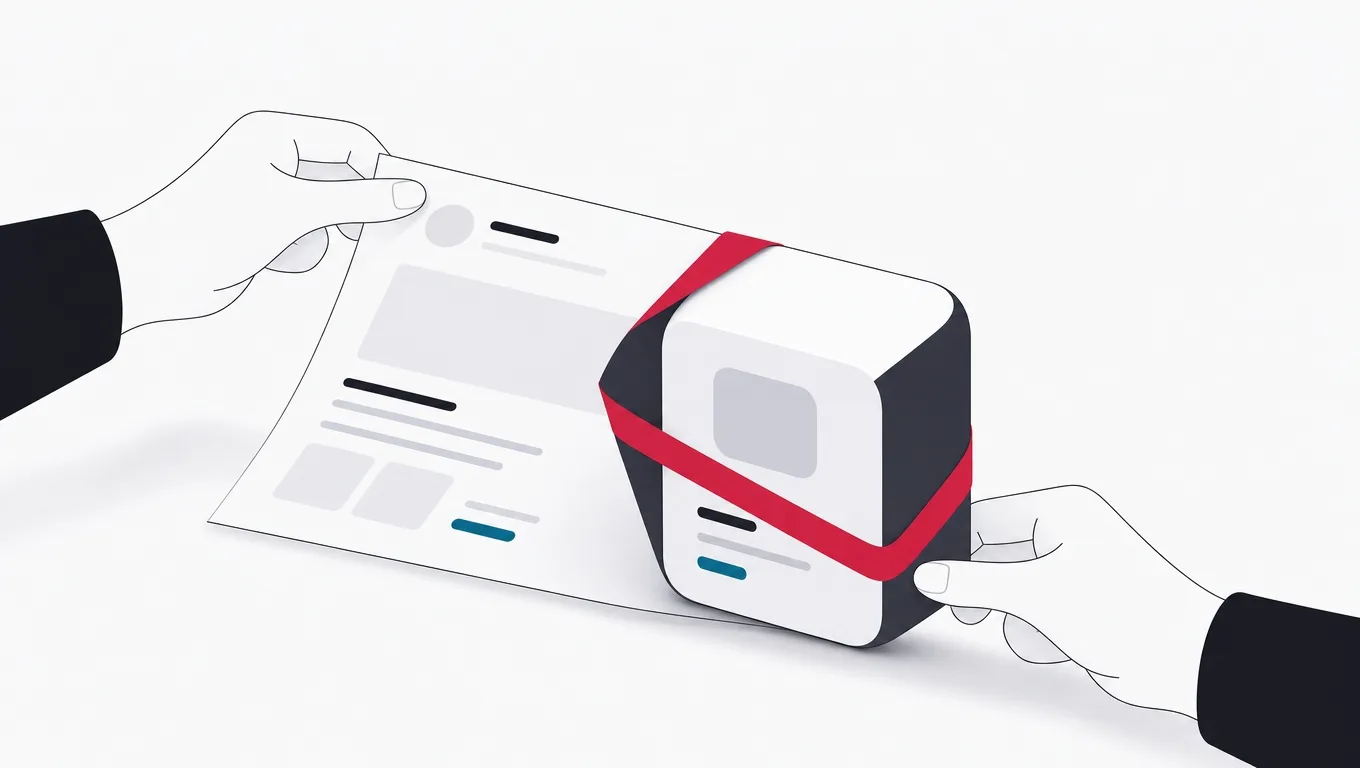
Strip the acronym and a progressive web app is a website with three specific additions that together change how it behaves on a device. A service worker, which is a script the browser runs separately from the page, able to intercept network requests and serve cached responses, which is what makes offline work possible. A manifest, which is a small file declaring the app’s name, icon, colors and display mode, which is what makes installation possible. And HTTPS, which is a precondition for both. That is the whole definition. Everything else attributed to PWAs, speed, polish, app-like feel, is a property of how well the site is built, not of the category.
The word progressive carries the design idea: the same URL serves everyone, and capability arrives in layers. A visitor on an old browser gets a working website. A visitor on a modern one gets offline support and installability. Nobody is turned away with a message to go download something. For a product whose users arrive from search results, shared links and advertisements, this is the property that matters most, because the distance between first contact and first value is one tap, not a store visit, a download, and a permission screen.
Installation is where people are most often surprised. An installed PWA gets an icon on the home screen, its own window without browser controls, and an entry in the app switcher. On most platforms it can receive push notifications, store meaningful amounts of data locally, and launch instantly from cache. What it does not get is a store listing, which cuts both ways: no store means no review queue, no revenue share on web payments, and same-hour shipping of fixes, and it also means no store search traffic and no presence on the shelf where some categories of user genuinely go to look.
The honest limits belong in the definition too. Support is uneven across platforms and has historically been weakest where the audience is often largest, on Apple devices, where installation is less discoverable and some capabilities arrive later or not at all. Background behavior is deliberately constrained: a service worker wakes to handle events, it does not run continuously, so anything that needs persistent background presence, continuous location, always-on sync, live audio, is fighting the platform. A team that knows these limits before scoping avoids the two classic failures: rebuilding a fine website as a PWA that did not need to be one, and promising a PWA where the product’s core feature sits on the wrong side of the line.
The vocabulary, defined by what each piece does
- Service worker
- A script the browser runs separately from any page, which can intercept network requests, serve cached responses, and wake for push events. It is the machinery behind offline support and notifications, and it does not run continuously.
- Manifest
- A small file declaring name, icons, colors and display mode. It is what lets a browser offer installation and render the app in its own window rather than a tab.
- Install prompt
- The browser’s offer to add the app to the home screen. Its discoverability varies sharply by platform, which is a real distribution consideration rather than a detail.
- App shell
- The cached skeleton of interface that renders instantly while fresh data loads behind it. The pattern that makes a PWA feel like an app on a slow connection.
- Push notification
- A message delivered through the browser’s push service that wakes the service worker. Supported broadly now, with platform-specific conditions on Apple devices.
- App Clip
- Apple’s mechanism for running one small task of a native app, launched from a link, code or tag, without installing the full app. Size-capped and scoped to a single flow.
- Instant App
- The equivalent mechanism on Google’s platform: a modularized slice of a native app that runs from a link without installation.
- SPA and MPA
- Single-page and multi-page architecture, a web-side structural choice about where navigation happens. Independent of whether the site is a PWA, despite constant conflation.
What native genuinely buys you
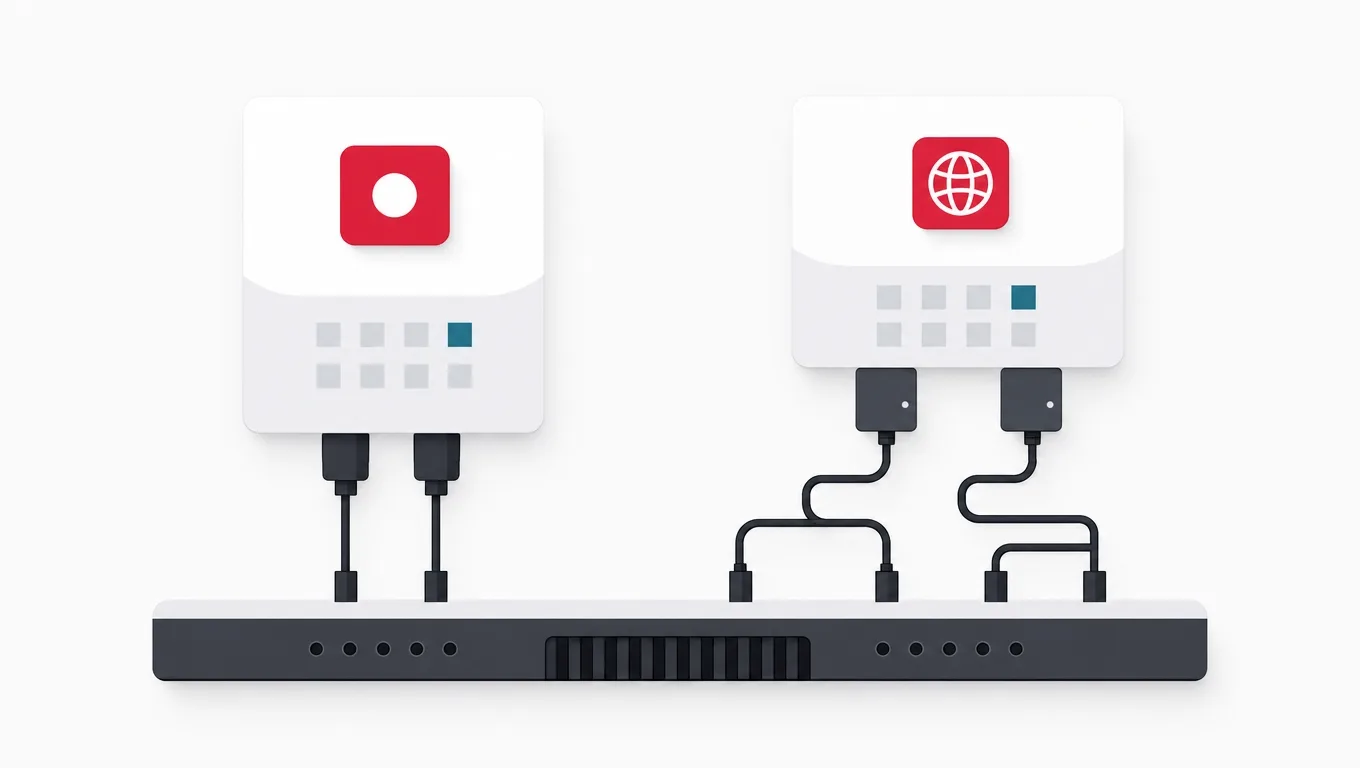
A fair comparison requires saying plainly what the web platform cannot do, because the gap is real and pretending otherwise produces PWAs that fail at their core feature. A native app is a program the operating system trusts more, and that trust is the product. It runs in the background within the platform’s rules, so continuous location for a delivery driver, uploads that survive the app being closed, and long-running sync are all ordinary. It reaches hardware the web exposes partially or not at all, the full sensor set, the secure enclave, the finer camera controls, low-level audio. And it integrates with the operating system itself: widgets, watch and car extensions, share sheets, system settings, the places a product appears without being opened.
Performance deserves an honest sentence rather than a slogan. For interface work, scrolling lists, forms, transitions, a competently built web app is indistinguishable from native on modern devices, and incompetently built native apps stutter just as badly. The difference appears at the extremes: sustained graphics load, heavy computation, real-time audio and video processing. Games, camera-centric products and media tools live at those extremes. Most business and consumer products do not, and the teams that choose native for performance usually needed it for background access instead.
The store is the other half of what native buys, and it is a genuinely double-edged purchase. A store listing carries trust, a payment relationship the user already has, and search traffic in categories where people browse stores to find things. It also carries a review queue between you and every release, a revenue share on digital goods, and a ranking algorithm you do not control. Whether the store is an asset or a tax is not a matter of opinion, it is a property of your category, and the way to find out is to look at where products like yours actually get discovered.
What native costs is the part advocates mention last. Two platforms means two codebases, two review queues, two release trains, and two sets of platform conventions to respect, or one cross-platform codebase that reduces the duplication without eliminating the platform work. Every fix ships on store time, not on your time. And the install step sits between you and every new user: each additional step between intent and value loses a meaningful share of the people who arrived with intent, which is precisely the arithmetic that produced App Clips and Instant Apps, and it is why acquisition-heavy products feel the cost of native harder than retention-heavy ones.
Which model is better, by requirement
| Requirement | Better model | Why |
|---|---|---|
| Users arrive from links, search and ads | PWA | First value is one tap away. A store install between an ad click and the product loses a large share of the users the ad already paid for. |
| Continuous background work | Native | Service workers wake for events and stop. Persistent location, sync and uploads that outlive the session are native territory by platform design. |
| Deep hardware access | Native | Full sensor set, camera controls, secure hardware and low-level audio are exposed to native code first, and to the web partially or later. |
| Shipping fixes within the hour | PWA | The web deploys on your schedule. A store release waits on a review queue, and a bad bug lives for days rather than minutes. |
| Presence on the operating system | Native | Widgets, watch and car extensions, and share targets are how a product stays visible without being opened, and they are native surfaces. |
| One team, one codebase, broad reach | PWA | One web codebase reaches every platform with a browser. Two native codebases done well cost roughly twice the engineering, forever. |
| Store trust and store payments | Native | In categories where users browse and buy through the store, the listing and the payment relationship are assets worth the revenue share. |
| Sustained graphics or media processing | Native | At the performance extremes the platform gap is real. Games and camera-centric products live there; most business products do not. |
Read by requirement rather than by column, and notice the pattern: native wins on depth of device access, the web wins on distance from first contact to first value. A product that needs both is why the hybrid patterns in the last section exist.
How this comparison gets used well and badly
Do this
- Name the feature that needs nativeOne sentence. If the sentence names background location, live audio or a specific sensor, native is justified. If it says quality or feel, it is naming a budget, not a platform.
- Look at your acquisition data firstWhere users come from is already in your analytics. Link-driven products pay the install tax on every single user, and that fact outweighs most capability arguments.
- Count the maintenance, not the buildThe second platform costs its build price again every year in parallel releases, review queues and divergent bugs. Price the five year total, not the launch.
- Prototype the risky capability earlyIf the whole choice hinges on whether the web camera or push behavior is good enough, build that one screen first and test it on the worst device your users actually own.
Not this
- Choosing native for performance by defaultFor ordinary interface work the difference is invisible. The products that need native speed know exactly which subsystem needs it, and can name it.
- Choosing a PWA to avoid store reviewAvoiding the queue is real, but if your users discover products through the store, you have optimized your release process at the price of your acquisition.
- Building both at half qualityThe most common failure. One good product beats two mediocre ones in every metric that matters, and the split team ships both slower.
- Trusting a capability table from last yearThe web platform moves quarterly and support differs by operating system. Verify the two or three capabilities you actually need, this quarter, on the devices your audience owns.
The install step, priced honestly

Every argument in this comparison eventually runs through one number: how many of the people who wanted your product are still there after the steps between intent and value. The web route from an ad or a search result is tap, load, use. The store route is tap, store page, download, wait, permission screens, use. Each additional step loses users, the loss compounds across steps, and it lands entirely on new users, the ones you paid to acquire and have no relationship with yet.
This is not an argument that installs are bad. It is an argument that the install must be earned. A user who has experienced value installs willingly, which is why the strong pattern across categories is web for first contact and the app for the returning relationship. The mistake is demanding the install before the value, at the exact moment the user has the least reason to grant it.
The platforms themselves confirmed this arithmetic by building around it. App Clips and Instant Apps exist because the store owners measured the same funnel and concluded that first contact could not afford the install step even for native apps. When both platform vendors ship machinery whose entire purpose is to defer installation, the size of the install tax stops being a matter of opinion.
For the decision this article serves, the practical conclusion is a sequencing rule rather than a platform verdict. Whatever you build eventually, the first contact experience should be reachable from a link and deliver value before asking for anything, an install, an account, a permission. A PWA satisfies that by construction. A native product satisfies it with an App Clip, an Instant App, or a genuinely useful web landing experience in front of the store. The products that ignore the rule pay for it in acquisition cost forever, and usually attribute the cost to their marketing rather than their funnel.
The funnel arithmetic that drives the whole choice
SPA vs MPA: the web architecture question, untangled

Two of the queries that reach this page conflate the platform choice with a web architecture choice, so it is worth separating them cleanly. Whether to build a PWA is a question about distribution and capability. Whether to build it as a single-page or multi-page application is a question about where navigation happens, and either answer can power a PWA. Conflating them produces the worst outcome: a heavyweight single-page architecture chosen because it sounded more app-like, serving a product that is mostly documents.
In a multi-page application, the browser does the navigating. Each destination is a page the server renders, and moving between them is a full page load. This is the web’s native grain: every page has a real URL, arrives fast on first visit because almost no application code precedes the content, and is trivially crawlable, which is why content, commerce catalogs and anything that lives on search tends to be built this way. The cost is continuity: state does not naturally persist across navigations, and interactions that should feel instant carry a round trip.
In a single-page application, your code does the navigating. The browser loads one shell, and everything afterward is the application fetching data and rewriting the screen. Interactions are immediate, state persists naturally, and complex tools, editors, dashboards, anything with a long-lived working session, feel dramatically better. The costs are the mirror image: a larger upfront download before anything renders, and the burden of reimplementing what the browser gave you free, working URLs, back-button behavior, scroll restoration, and accessibility announcements, each a solved problem, and each one solved only by a team that knows the problem exists.
The right question is what share of the product is documents and what share is a tool. A product that is mostly things to read, listings, articles, product pages, wants multi-page structure, possibly with islands of interactivity where a tool is embedded. A product that is mostly one working surface, a planner, an editor, a messaging window, wants a single-page structure behind a fast entry point. Most real products are a mix, which is why most mature frameworks now render pages on the server for arrival speed and search, then hydrate into richer behavior where it pays, and the practical decision is per surface rather than per site.
Choosing per surface, not per slogan
Should this part of the product be a rendered page or a running application?
-
The surface is mostly content that search should find
Server-rendered pages, enhanced where needed
Real URLs, fast first paint and crawlability are the whole game for content, and a page needs no application shell to be read.
-
The surface is a working tool with a long session
A single-page surface behind a fast entry
Editors, dashboards and messaging live on persistent state and instant interaction, which is what the architecture is actually for.
-
The surface is a funnel from an ad or a link
The lightest page that can deliver the value
First contact pays for every kilobyte before value. Ship the content first and load the application after, or not at all.
-
The product is genuinely both in one flow
Server-render the arrival, hydrate the tool
The mixed pattern exists because this case is the common one. Arrival is a page, the working surface is an app, and the seam is deliberate.
What an SPA team must consciously restore
- URLs that mean somethingEvery meaningful state gets an address that can be shared, bookmarked and restored. If refreshing loses the user’s place, this item was skipped.
- A back button that behavesBack means the previous view, at its previous scroll position, every time. Users do not learn exceptions; they leave.
- First paint before the applicationSomething readable renders before the bundle finishes. Skeletons are acceptable, a white screen on a mid-range phone is not.
- Announcements for assistive technologyA screen reader is told the view changed. Page loads announced this for free; the application must now say it explicitly.
- Errors that fail one view, not the sessionA failed fetch should break the panel it feeds, with a retry, rather than blanking a working screen.
- Crawlability where search mattersIf any single-page surface needs to rank, it needs server rendering or prerendering, decided per route rather than assumed either way.
None of these are exotic, and every one defaults to broken in a single-page architecture. The list is short and finite, which is the point: budget it explicitly and the architecture is fine. Discover it item by item in production and it reads as a haunted product.
App Clips and Instant Apps: the native answer to the install tax

App Clips on Apple platforms and Instant Apps on Google’s are the same idea with different constraints: let a person run one focused task from a native app without installing it. A link, a code on a table, a tag on a scooter, and a small slice of the app launches in seconds, natively, does its one job, and then offers the full install to someone who now has a reason to say yes. They are best understood as the store owners building a web-like front door onto native apps, which is both an endorsement of the web’s distribution model and a native alternative to it.
The constraints are the design. Both mechanisms cap the size of the slice, which forces the task to be genuinely small: pay for parking, order at the counter, unlock the rental, view the menu, check in. Both are launched from a context, a place, a code, a link, rather than browsed to. And both are transient by default, which means they must complete their task without demanding an account, a profile, or a tour of the brand. A team that tries to squeeze the whole product through one of these doors has misread what the door is for.
When do they beat a PWA at first contact? When the task needs the native payment sheet at its frictionless best, when it needs hardware the web reaches poorly on that platform, or when the product’s full experience is native anyway and the clip is the honest free sample. A parking payment that completes in two taps with the platform’s own payment sheet and face confirmation is a genuinely better first contact than a web form asking for a card number. That specific niche, high-intent, in-the-world, payment-or-hardware-centric micro-tasks, is where these mechanisms are not a compromise but the best available answer.
Their limits keep them a niche rather than a strategy. They require the native app to exist and to be modularized cleanly enough to slice, which is real engineering. Their discovery depends on physical context or links, and the person must be told, by the world or by your marketing, that the tap will work. And the graduation step, from clip to installed app, only happens if the full product is worth it, which returns the burden to where it always was. For most products the decision remains PWA or native for the product itself, with clips and instant experiences as a first-contact accelerator for the native path, not a third platform to build for.
The three first-contact doors, compared on what they demand and deliver
PWA: the web as the front door
- Reached by
- Any link, from anywhere: search, ads, messages, codes. No preparation on the user’s device and no store between you and them.
- Demands from the team
- A fast, well-built web product with a service worker and manifest. One codebase, shipped on your own schedule.
- Where it is weakest
- Deep hardware tasks, platform payment sheets at their best, and categories where users expect and trust the store.
App Clip: the sliced native task on Apple platforms
- Reached by
- Links, codes, tags and place cards. Launches a size-capped slice of the native app in seconds, without installation.
- Demands from the team
- A native app modularized so one flow can ship alone under the size cap, plus the invocation surfaces set up and verified.
- Where it is strongest
- In-the-world payments and unlocks, where the native payment sheet and hardware access beat any web form at the same doorstep.
Instant App: the same idea on Google’s platform
- Reached by
- Links, including from search and the store’s own try-now placement, running a modular slice without installation.
- Demands from the team
- The app split into feature modules within the instant size limits, which for an existing monolithic app is a real refactor rather than a flag.
- Where it is strongest
- Letting a store browser try the product before committing, and link-driven tasks where the native version is genuinely better than the web one.
The pattern to notice: all three doors exist to solve the same problem, distance between intent and value. The web solves it by construction, the native mechanisms solve it by engineering, and the choice between them is decided by the task, not by preference.
When both platform owners ship machinery whose only purpose is to skip their own install step, the argument about whether the install step is expensive is over. The remaining question is which door fits your task, and that is a product question, not a religious one.
The three question test that settles it
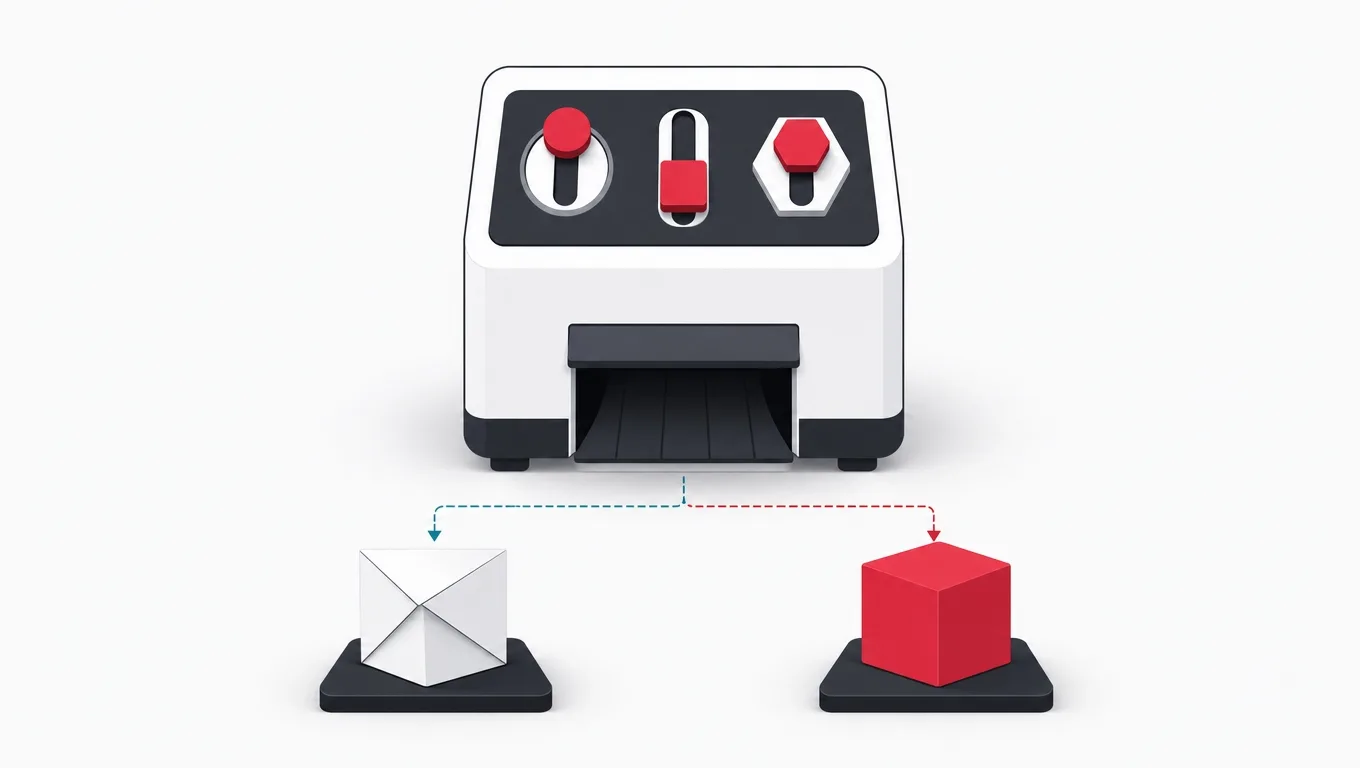
When a client asks us which to build, we ask three questions before any technology is discussed, and the answers settle the choice for most products without a capability table ever being opened.
First: name the feature that needs native. Not quality, not feel, a feature. Continuous background location, live audio processing, a specific sensor, the platform payment sheet in a physical context, watch or car presence. If the sentence exists, native is justified for that product and the discussion moves to what else the product needs. If the sentence does not exist, and for most business and consumer products it does not, the capability argument for native has failed and the remaining arguments are distribution ones.
Second: where do your users actually come from? This is a measurement, not an opinion, and most teams already have it. If acquisition is links, search, ads and shares, every install between a click and value is a tax on every new user, and the web door is worth more than any capability. If your category is genuinely store-discovered, games most of all, the store is an asset and the calculation flips. If you do not know, find out before choosing a platform, because this single fact outweighs everything else in this article.
Third: can you afford to build it twice, well, forever? Two native platforms means two codebases or one cross-platform codebase plus platform work, two release trains, and parallel maintenance for the life of the product. Teams consistently price the build and forget the decade. If the honest answer is that the budget supports one excellent product, the choice is between one excellent PWA and one excellent native app on the platform where your audience actually is, and either of those beats two mediocre siblings.
The answers compose into a small number of shapes. No native-requiring feature plus link-driven acquisition: build the PWA, and revisit only when a real feature demands more. A genuine native feature plus store-driven discovery: build native, and put an App Clip or Instant App on the front to cut the install tax. A native feature but link-driven acquisition: the hybrid, a PWA or strong web product for first contact and the native app for the deep feature, each doing what it is for. And if the product is early and the answers are unclear, build the web version first: it ships sooner, measures the demand, and loses nothing, because every later shape includes it as the front door anyway.
The test, run in an afternoon
-
Write the native-feature sentenceQuestion one
One sentence naming the capability. If the room produces adjectives instead of a feature, record that as the answer: there is no capability case, only a preference.
-
Pull the acquisition splitQuestion two
From analytics you already have: what share of new users arrives from links, search and ads versus store browsing. This number decides more than any comparison table.
-
Price the five year total, both waysQuestion three
One web codebase versus native, including parallel releases, review queues, and the second platform’s ongoing cost. Build cost is the smallest number on the sheet.
-
Prototype the one risky capabilityIf it is close
When the decision hinges on whether the web version of one feature is good enough, build that screen and test it on the cheapest device your audience owns. A day of prototype beats a month of argument.
-
Choose the shape and write it downThe output
PWA only, native plus clip, or hybrid, with the reason recorded. The written reason is what stops the choice being relitigated every quarter by whoever read a new blog post.
If the answer is a PWA: building one that earns the name
Suppose the test lands on the web. The gap between a PWA that changes the product’s numbers and one that merely adds a manifest is execution, and the execution has a known shape.
Performance is the entry fee, and it is set by the worst device your audience owns, not the best one your team carries. First contact must render something useful before the application finishes loading, which in practice means server-rendered arrival pages, a budget on script weight that someone actually enforces, and images that are sized for the screen they land on. The app shell pattern, caching the interface skeleton so repeat visits paint instantly, is what makes an installed PWA feel installed. None of this is PWA-specific, which is the point made earlier: the PWA layer amplifies a fast product and cannot rescue a slow one.
The service worker deserves respect, because it is the one piece of the stack that can hurt you if treated casually. A cached response is served instead of the network, which is the feature, and which also means a careless caching strategy can pin your users to a stale version of the product, including one with a bug you already fixed. The discipline is standard: version the caches, treat the worker’s update cycle as a real release step, decide explicitly what is cached forever, what is cached and refreshed, and what always hits the network, and test the offline path as a first-class flow rather than discovering it in a support ticket.
On frameworks, the honest guidance is criteria rather than names, because the league table changes quarterly and the criteria do not. Choose something with server rendering in its main path rather than bolted on, because arrival speed is your acquisition. Prefer boring, widely-hired-for technology over this year’s fastest benchmark, because the product will outlive the benchmark. Weigh the size of the runtime you ship to every first-time visitor, because that is a tax on the exact users the PWA strategy exists to win. And confirm the service worker tooling is maintained and understood by the team, because an abandoned build plugin in front of your caching layer is a production incident on a delay timer.
Two closing habits separate the teams that get results. Measure activation from first touch, including the users who never made it past the first paint, because that is the funnel the PWA exists to widen. And treat installation as a milestone the user reaches after value, not a gate before it: prompt when the product has just done something worth keeping, and the acceptance rate stops being embarrassing. If you want the same discipline applied to your build, that is the seat we work from, and the first conversation is about your funnel, not our stack.
A delivery shape that gets the numbers, not just the badge
-
BaselineWeeks 1 to 2
Measure the current funnel from first touch on real devices. Set the script and image budgets. Decide the arrival surfaces that must render before the application loads.
Done when A written performance budget, and a funnel baseline the later phases are judged against.
-
ArrivalWeeks 2 to 5
Server-rendered entry pages inside budget, on the worst realistic device. This phase is pure web quality, and it moves the numbers before any PWA machinery exists.
Done when First contact renders useful content inside the budget on the reference device, measured, not asserted.
-
PWA layerWeeks 5 to 8
Manifest, service worker with a versioned caching strategy, offline path for the core flows, and the update cycle rehearsed, including recovering users from a bad cached release.
Done when Offline core flows pass on device, and a deliberately broken release is provably recoverable through the worker update path.
-
Re-engagementWeeks 8 to 10
Install prompts placed after value moments, and push notifications only where a message genuinely serves the user, with platform differences tested rather than assumed.
Done when Install and notification acceptance measured against the value-moment placement, per platform.
-
Prove itWeek 10 onward
Compare activation, repeat use and acquisition cost against the baseline from phase one. This comparison is the reason the baseline exists.
Done when A before and after funnel that says whether the strategy worked, in numbers the business already uses.
Frequently asked questions
What is a progressive web app, in one paragraph?
A progressive web app is a website with three additions that change how it behaves on a device: a service worker, which is a script that can intercept requests and serve cached responses, making offline work possible; a manifest, which declares the name, icon and display mode that make installation possible; and HTTPS, which both require. An installed PWA gets a home screen icon, its own window, offline behavior for the flows the team built it for, and on most platforms push notifications. It arrives from a link with no store step, ships fixes on the team’s own schedule, and reaches every platform with a browser from one codebase. What it gives up is deep background access, some hardware, and the store’s shelf.
Is a PWA better than a native app?
Neither is better in general, and the comparison only becomes useful when it is asked about a specific product. The web side wins on distance from first contact to value, one tap from any link with no install, on shipping speed, and on reaching every platform from one codebase. The native side wins on background work, hardware depth, presence on the operating system through widgets and watch or car surfaces, and store trust in categories where users genuinely discover products by browsing. The three questions that settle it: can you name the feature that needs native access, where do your users actually come from, and can you afford to build and maintain two platforms well. Most products that answer honestly end up web-first; the ones that genuinely need native can name the feature immediately.
What is the difference between an SPA and an MPA?
The difference is where navigation happens. In a multi-page application the browser navigates: each destination is a server-rendered page, which makes first visits fast, URLs real, and search indexing natural, at the cost of state and continuity between pages. In a single-page application your code navigates: the browser loads one shell and the application rewrites the screen from data, which makes interactions instant and long working sessions natural, at the cost of a heavier first load and the duty to reimplement URLs, back-button behavior and accessibility announcements that the browser previously provided free. It is a separate decision from PWA versus native: a PWA can be built either way, and mature teams choose per surface, rendering content as pages and building tools as single-page surfaces behind a fast entry.
What are App Clips and Instant Apps, and when are they worth building?
They are the two platforms’ mechanisms for running one focused task of a native app without installing it: a size-capped slice that launches from a link, code or tag, does one job like paying for parking or unlocking a rental, and then offers the full install to someone who now has a reason to accept. They are worth building when three things are true at once: the task is genuinely completable in one short sitting, it benefits from native strengths like the platform payment sheet or hardware access, and the full native app already exists and is worth graduating to. They are not a third platform to target, and teams that try to push a whole product through one have misread what the door is for.
Can a PWA send push notifications and work offline on iPhones?
Both are supported now, with conditions that matter for planning. On Apple devices, push notifications require the PWA to be added to the home screen first, so the notification strategy depends on earning the install rather than assuming it. Offline support through service workers works, with storage that the system can evict more aggressively than on other platforms, so the offline design should treat the cache as a fast path rather than a guaranteed archive. Installation itself is less discoverable than on other platforms, which is a distribution fact to design around. The practical rule: test the two or three capabilities your product depends on, on real devices, this quarter, because the support picture changes by release and the differences are exactly where plans go wrong.
How do you build a progressive web app, step by step?
The sequence that works is to build a fast website first and add the progressive layer second, because a service worker in front of a slow product just caches the slowness. Start with the web application itself, server-rendered so first arrival is fast, and get it measurably quick before anything else. Then add the manifest, which is an afternoon of work: name, icons, colors, display mode. Then the service worker, and treat it as real engineering rather than a plugin install: decide flow by flow what should work offline, choose a caching strategy per resource type (cache-first for static assets, network-first for data), and version the caches so an update can never strand users on stale code. Then installation prompting, done politely after the user has had a reason to return, never on first visit. Push notifications last, and only if the product has something genuinely worth interrupting someone for. Test the offline flows and the update path on real devices before shipping, because those two are where PWAs quietly break.
Which framework should we use to build a PWA?
Choose on criteria rather than on this quarter’s league table, because the table changes and the criteria do not. Server rendering should be in the framework’s main path rather than bolted on, because arrival speed is what the strategy exists to win. The runtime shipped to a first-time visitor should be small, because it is a tax on the exact users you are trying to convert. The technology should be widely hired for, because the product will outlive the benchmark that made the framework famous. And the service worker tooling should be maintained and actually understood by your team, because an abandoned plugin in front of your caching layer is a production incident on a timer. Any mainstream framework meeting those four tests can build an excellent PWA; none of them can rescue a slow product.
Should a startup build a PWA or a native app first?
Build the web version first unless the product’s core feature is one the web platform cannot deliver, and be strict about the word core. The web version ships sooner, measures real demand from real traffic, reaches both platforms at once, and costs one codebase while the product is still discovering what it is. Every later shape includes it anyway: if native turns out to be justified, the web product becomes the front door that cuts your install tax, and the native app serves the deep feature that justified it. The exception is a product whose entire point is native capability, continuous background location, live audio, camera-centric experiences, where a web-first detour just delays the real build. Those products can name the feature in one sentence, which is the test.
If you are weighing this choice for a real product and want the three questions answered against your actual funnel rather than a capability table, a software development company in Hanoi that builds both sides of the comparison will tell you which shape your case gives, and the first conversation is about your users, not our stack.
Source: https://agiletech.vn/blog/pwa-vs-native/ · (c) AgileTech Vietnam. Printed from agiletech.vn.
