 Nguyen Manh Thang
Chief Executive Officer, AgileTech Vietnam
Nguyen Manh Thang
Chief Executive Officer, AgileTech Vietnam
- Published
- Last updated
- Read time
- 12 min
- Views
- 97

Read the AI overview
A progressive web app is an ordinary web application plus three engineered layers: a manifest that makes it installable, a service worker that makes it fast and offline-capable, and HTTPS end to end. The build order that works: first make the underlying web app genuinely fast on the worst device your audience owns, because the PWA layer amplifies quality and cannot create it. Then add the manifest and design the install moment around a value peak, not page load. Then engineer the service worker deliberately: choose a caching strategy per resource type, version every cache, and rehearse the update path, because the characteristic PWA failure is users pinned to a stale release. Then extend offline from read-only into queued writes only where the product needs it, add push only where a message serves the user, and test the iOS path separately because Safari implements less and differently. Ship it in phases with a funnel baseline from day one, so the before and after is measured rather than asserted.
This is the engineering half of a two-page pair. The strategic half, whether a progressive web app is the right call at all, what native genuinely buys, and where App Clips and Instant Apps fit, lives in our PWA versus native guide. This page assumes the web has won the argument and answers the next question: how to actually build a PWA that changes the product’s numbers, rather than one that merely passes an audit.
The distinction matters because the PWA label is cheap and the results are not. Adding a manifest and a boilerplate service worker takes an afternoon and moves nothing. The versions that earn their keep, instant repeat loads, offline that survives a subway tunnel, an install that users accept because the product just proved its worth, are built deliberately, layer by layer, in an order that puts web quality before web-app machinery.
The guide walks that order: what the pieces are and how they fit, the performance foundation that everything else amplifies, the manifest and the install moment, service worker engineering with the failure modes named, offline data beyond the cached shell, push and device capabilities with the iOS realities stated plainly, and a phased plan that ships the whole thing with a funnel baseline to judge it against.
Key takeaways
- Build order matters more than feature list: performance baseline first, manifest and install second, service worker third, offline data and push last. Teams that start with the service worker decorate a slow product with a cache.
- The manifest is product design wearing a config file: name, icons, display mode and start URL decide what the installed thing feels like, and the install prompt belongs after a value moment, never on arrival.
- The service worker is the one layer that can actively hurt you: pick a caching strategy per resource type, version every cache, and treat the worker update cycle as a rehearsed release step with a kill switch.
- Offline is a spectrum, not a checkbox: cached shell, readable content, queued writes and true sync are four different engineering commitments, and most products should stop at the second or third.
- iOS is a separate test matrix: Safari supports the core but trails on push nuance, storage persistence and install discovery, so the Apple path needs its own verification pass, not an assumption of parity.
- Measure from first touch: the PWA exists to widen the funnel before the install, so activation, repeat use and acquisition cost against a pre-launch baseline are the numbers that say whether the work paid off.
The anatomy: three layers on top of a web app you already know
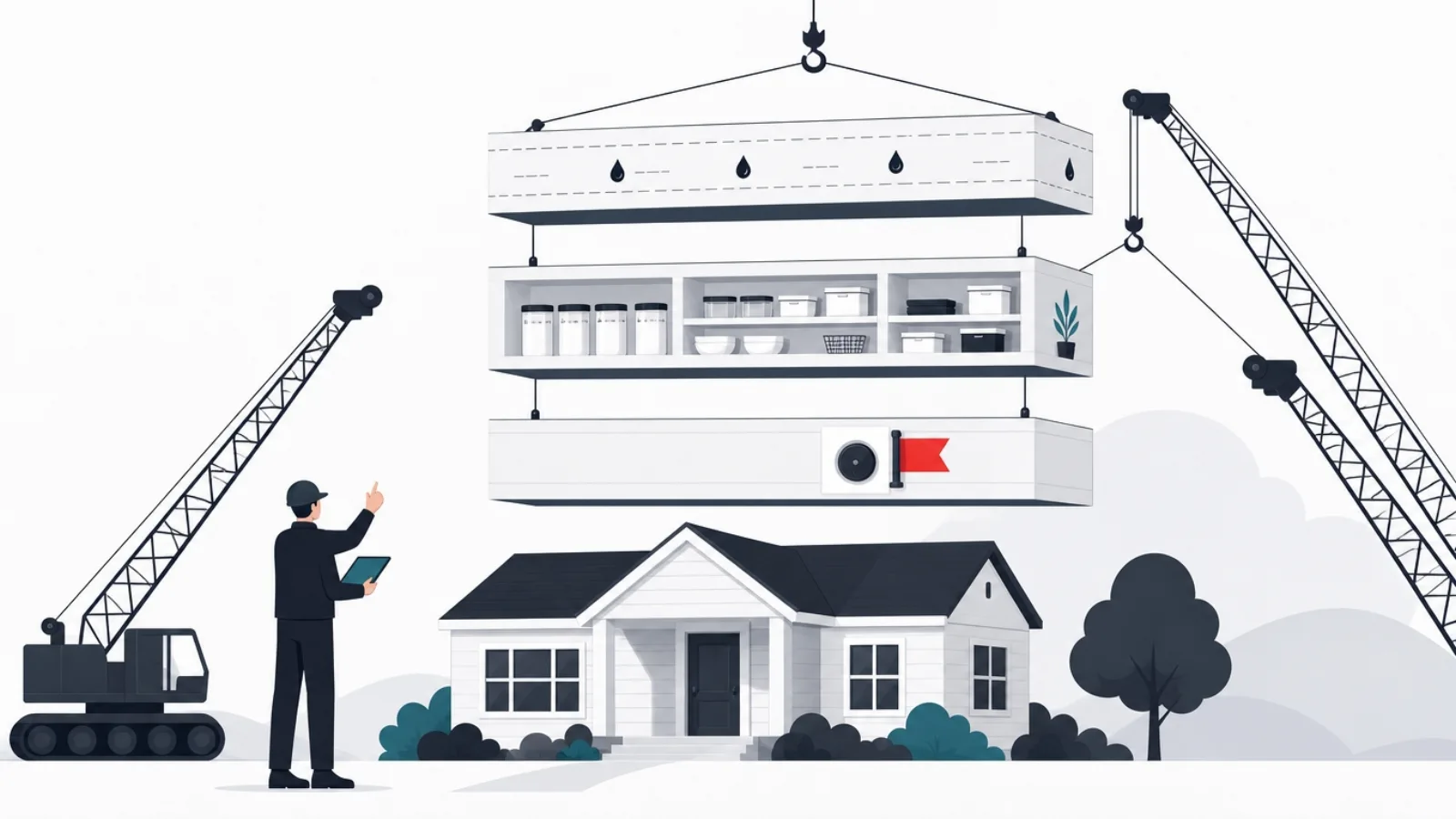
Strip the acronym and a progressive web app is an ordinary web application plus three specific layers. The first is the web app manifest, a JSON file that tells the browser this site can be installed: what to call it, which icons to use, what URL to open, whether to show browser chrome. The second is the service worker, a script the browser runs separately from your pages, sitting between the application and the network, empowered to intercept every request and answer from a cache. The third is HTTPS everywhere, which is not optional hardening but a platform requirement: browsers refuse to register service workers on insecure origins, because a script that can rewrite your network traffic must not be injectable.
Everything a PWA does traces back to those layers. Installability comes from the manifest plus a set of browser heuristics. Instant repeat loads come from the service worker answering with cached responses before the network is consulted. Offline comes from the same mechanism with a deliberate strategy behind it. Push notifications ride on the service worker’s ability to wake up without an open page. None of it changes what your application is made of: the same HTML, CSS, JavaScript and APIs, the same frontend framework choices, the same backend. The PWA layers wrap the product; they do not replace its architecture.
That wrapping has one architectural consequence worth internalizing early: the service worker makes your deployment model stateful. A plain website is whatever the server says it is on the next request. A PWA is whatever the user’s service worker decided to cache, which may be yesterday’s build, holding yesterday’s bug, talking to today’s API. Every decision in the sections that follow, cache versioning, update flow, kill switches, exists because of this one fact. Teams that internalize it ship PWAs calmly; teams that discover it in production star in the incident story.
One more framing before the build: the layers are progressive by design, which is the least appreciated word in the name. A browser that supports none of it gets a normal website. A browser that supports some of it gets a faster one. A browser that supports all of it gets the installed, offline-capable version. You are not building a separate app for capable browsers; you are building one product whose experience improves with the runtime underneath it, which is why the foundation, the plain web quality, carries more of the outcome than any PWA-specific API.
The three layers, specified
Web app manifest
- What it is
- A JSON file linked from every page, declaring identity: name, icons, colors, start URL, display mode.
- What it unlocks
- Installability, the home screen icon, the standalone window without browser chrome, and the OS-level identity of the app.
- Effort honestly
- A day to write, longer to get right: the icon set, the display mode choice and the start URL carry real product decisions.
Service worker
- What it is
- A background script the browser runs independently of your pages, intercepting every network request from its scope.
- What it unlocks
- Instant repeat loads, offline, background sync and push: every headline PWA capability rides on this layer.
- Effort honestly
- The engineering center of gravity: caching strategy, versioning and the update lifecycle are where PWA projects succeed or quietly fail.
Secure transport
- What it is
- HTTPS on every route, with no mixed content, as a hard platform precondition rather than a best practice.
- What it unlocks
- Service worker registration at all: browsers refuse the API on insecure origins, localhost excepted for development.
- Effort honestly
- Near zero on modern hosting, which is exactly why it stopped being a differentiator and became a floor.
The foundation: make the web app fast before making it a PWA
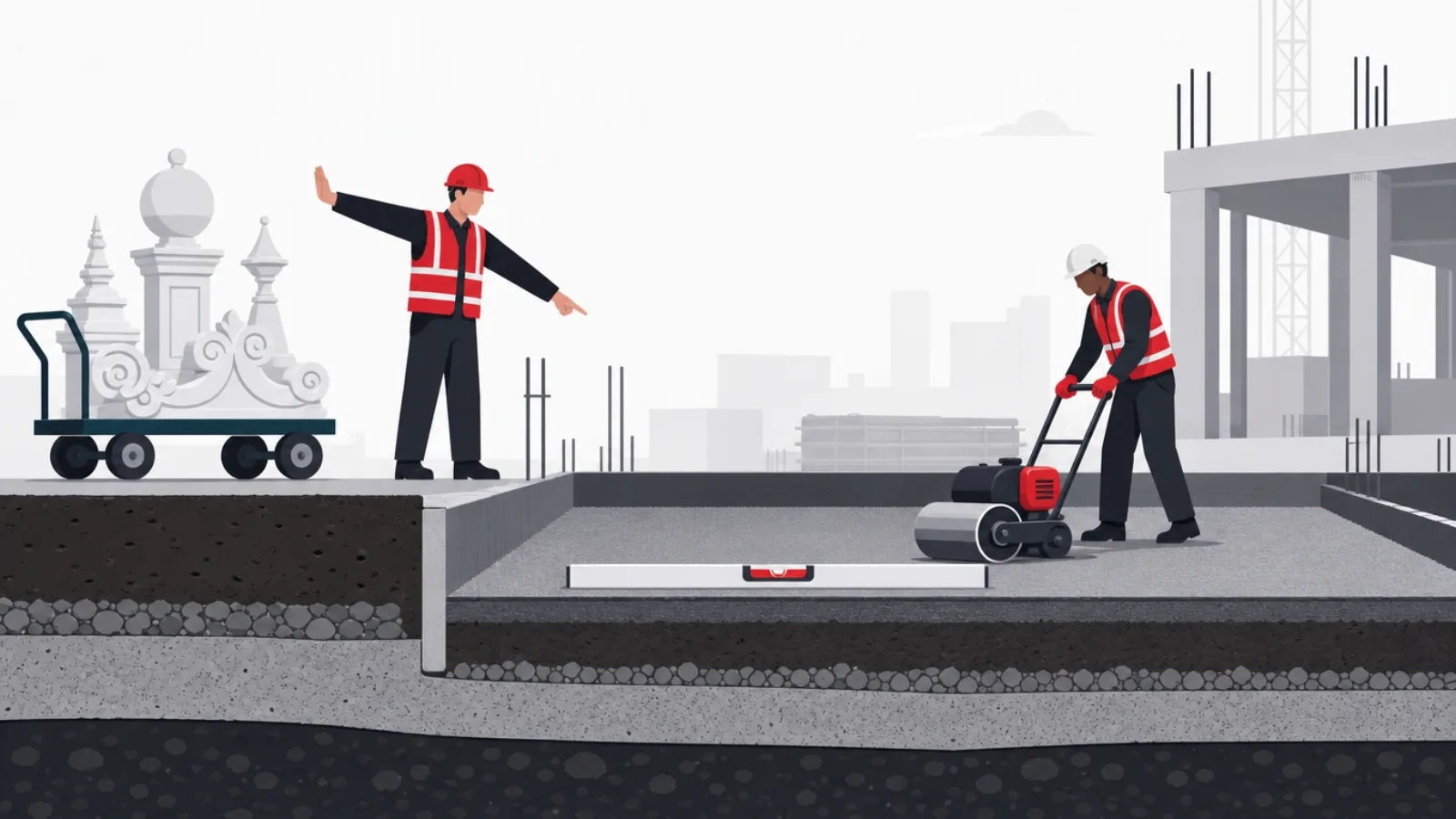
The single most common way PWA projects fail is by starting at the wrong layer: a team bolts a service worker onto a slow product and ships a cache in front of a disappointment. The PWA machinery amplifies whatever it wraps. If first contact takes eight seconds to show something useful, the manifest will not save it; if the core flows feel heavy, offline support makes them feel heavy offline. The honest build order starts below the acronym: get the plain web experience fast on the worst device your audience actually owns, then add the layers that make fast permanent.
Fast has a specific engineering meaning here. The arrival surfaces, the pages a first-time visitor lands on from search, ads or shared links, must render useful content before the JavaScript application finishes booting, which in practice means server rendering or static generation for those routes rather than a blank shell that hydrates eventually. Script weight needs a budget that someone actually enforces, because every framework, tag and widget lobbies its way onto the page one sprint at a time. Images need sizing discipline. And the measurements that matter are taken on a mid-range Android phone over a mediocre connection, not on a developer’s laptop, because the users a PWA strategy exists to win live on the former.
This is also the stage to establish the funnel baseline, and skipping it is the most expensive mistake in the whole project because it can never be repaired later. Before any PWA work ships, capture the numbers the project will be judged on: how many first-time visitors reach the first meaningful action, how many return within a week, what acquisition costs. The PWA case, made properly in the decision guide, rests on widening the funnel before the install step; without a baseline, the after has no before, and the retrospective becomes a matter of opinion.
The app shell pattern belongs to this stage conceptually, even though the service worker implements it later: structure the interface so a lightweight, rarely changing skeleton, navigation, layout, branding, is separable from the dynamic content that fills it. Once the worker exists, the shell is cached and repeat visits paint it instantly while content loads behind. Products structured this way feel installed even in a browser tab. Products that cannot separate shell from content, because every route ships its own everything, will fight the caching layer instead of riding it, and the time to fix that is before the caching layer exists.
The pre-PWA gate: pass this before writing a manifest
- Arrival routes render without the appLanding and content pages show useful, server-rendered content before the client application boots. A blank shell that hydrates is a fail at this gate.
- A script budget exists and is enforcedA written ceiling on JavaScript shipped to first-time visitors, checked in the build, with a named owner who can say no to the next widget.
- The reference device is realPerformance is measured on a mid-range Android phone on a throttled connection, chosen to match your audience, not on developer hardware.
- Shell and content are separableThe interface skeleton can be cached independently of the dynamic data that fills it, which is the structural precondition for the app shell pattern.
- The funnel baseline is capturedFirst-touch activation, repeat use and acquisition cost are recorded before any PWA work ships, because the after needs a before.
- HTTPS is totalEvery route, every asset, every third-party call. One piece of mixed content can undermine the security story the platform requires.
The manifest and the install moment: product decisions in a config file

The manifest looks like the trivial part, a page of JSON, and hides three genuine product decisions. The first is identity: the short name that fits under a home screen icon, the icon set that must survive every platform’s masking and scaling, including the maskable variants Android crops into circles and squircles, and the theme colors that decide what the OS chrome looks like around your product. Cheap to write, visible forever: this is the face of the installed app, and it deserves a designer’s hour, not a developer’s placeholder.
The second decision is display mode, and it is a bigger fork than it looks. Standalone mode removes the browser chrome and makes the product feel like an app, which is the point, and also removes the browser’s affordances: no URL bar, no back button on iOS, no refresh. Choose standalone and the application must supply its own navigation completeness, every screen reachable, every dead end escapable, because the browser is no longer there to bail the user out. Products with deep, well-structured navigation take this in stride; products that leaned on the back button discover the gap in one-star reviews. Minimal-ui is the honest middle where full app-likeness is not worth that engineering.
The third decision is the start URL, which encodes a bet about why people installed. Opening on a generic home screen is safe and usually wrong; opening on the surface that made the product worth installing, the dashboard, the reader, the order screen, respects the intent the install expressed. Tag the start URL for analytics so installed sessions are distinguishable, and keep it stable: it is baked into installed icons and survives your next information architecture redesign, whether you remember it or not.
Then there is the install moment itself, which the manifest enables and your product must design. Browsers fire an event when install criteria are met and let you defer the prompt; the difference between an embarrassing acceptance rate and a respectable one is almost entirely when you spend it. The pattern that works is prompting at a value peak, the trip is booked, the document saved, the streak extended, when keeping this makes intuitive sense, framed by an interface element that explains what installing gets. The pattern that fails is prompting on arrival, spending the one ask before the product has proven anything. And the iOS caveat belongs in the plan from day one: Safari fires no install event and shows no prompt, so the Apple path is a gently guided share-menu instruction, covered properly with the platform realities later in this guide.
Manifest fields where the product decision hides
| Field | What it controls | The decision hiding in it |
|---|---|---|
| short_name | The label under the installed icon | A name that survives truncation and still says what the product is |
| icons | Home screen, splash and task switcher art | Maskable variants that survive circular crops without amputating the logo |
| display | Browser chrome or standalone window | Standalone commits you to complete in-app navigation with no browser to bail users out |
| start_url | Where installed launches land | The surface that honors install intent, tagged for analytics, stable across redesigns |
| theme_color | OS chrome around the app | Coherence with the brand across light and dark modes, not just the marketing palette |
The JSON is trivial; these five fields carry choices a team should make deliberately.
Service worker engineering: the layer that can hurt you
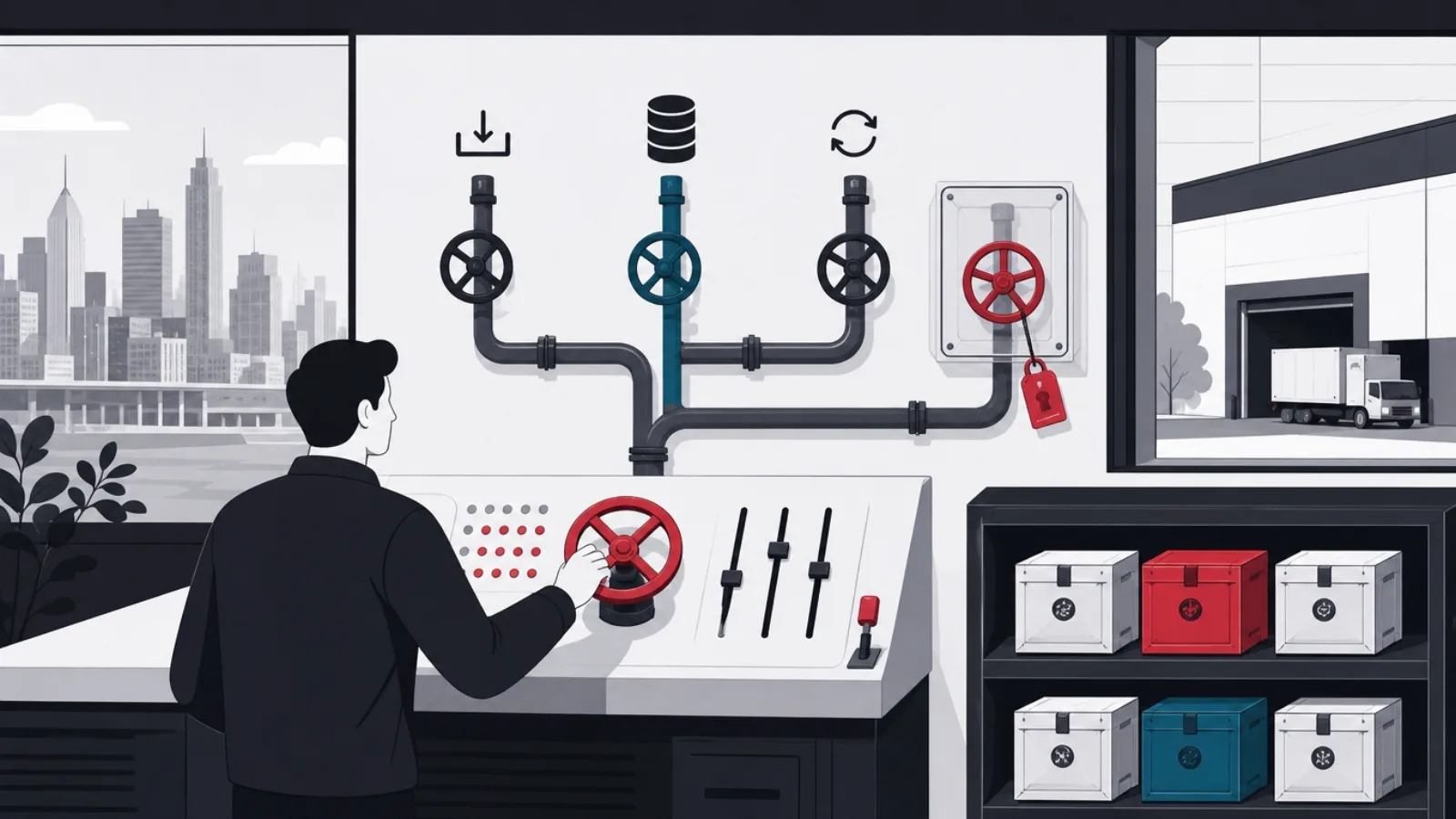
The service worker deserves to be treated as real infrastructure, because it is the one layer of the stack that can actively damage the product if handled casually. Its power is total within its scope: every network request from your pages passes through it, and whatever it answers, from cache, from network, or fabricated, is what the application receives. That is the mechanism behind instant loads and offline, and behind the characteristic PWA production incident: users pinned to a stale cached release, sometimes a broken one, invisible to the team because developers’ own browsers update constantly.
The engineering starts with the lifecycle, which is genuinely unusual and worth learning precisely. A new worker version installs in the background while the old one keeps serving; by default the new one activates only when every tab of the app has closed, which for a habitually used product can be days. During that window, your latest deploy is live on the server and absent from the device. The controls exist, an activation fast-path, a message channel to prompt users, and the product decision is choosing a posture: silently activate on next navigation for low-risk releases, or show a discreet update-available control the user taps when convenient. What is not acceptable is having no posture, which is how yesterday’s bug outlives its fix.
Caching strategy is the second discipline, and the mistake to avoid is having one. Different resources want different answers. The application shell, versioned, hashed filenames, wants cache-first: it never changes under a given name, so the network adds nothing but latency. API data wants network-first with a cached fallback, or the honest stale-while-revalidate pattern: serve the cached answer instantly, refresh behind, update the screen when truth arrives. Documents and HTML usually want the network with a timeout and an offline fallback. Third-party requests mostly want to be left alone. Write the strategy down per resource class before writing the worker, and version every cache with the release that created it, so activation can delete predecessors by name instead of guessing.
The third discipline is operational: rehearse failure before it happens. Keep the worker file itself served with no-cache headers so browsers check it on every navigation, because a worker cached by an over-eager CDN rule is how staleness becomes permanent. Build the kill switch on day one: a trivial worker version that unregisters itself and clears caches, deployable in minutes when a caching bug ships. And add the one integration test that catches the classic failure: yesterday’s cached build against today’s API, run before every backend deploy, because the server team’s innocent contract change is the client’s stale-cache incident. Libraries like Workbox make the strategies declarative and remove boilerplate; they do not remove these responsibilities.
Service worker discipline, compressed
Do this
- Version caches by releaseName every cache with the build that created it, and delete predecessors by name on activation. Staleness becomes impossible to ship accidentally.
- Choose a strategy per resource classCache-first for hashed shell assets, stale-while-revalidate or network-first for data, network with fallback for documents. Written down, then implemented.
- Serve the worker file with no-cacheThe browser must be able to check for a new worker on every navigation. A CDN rule that caches the worker script makes every other mistake permanent.
- Rehearse the bad releaseDeploy a deliberately broken worker to staging and prove the kill switch recovers real devices. Do this before launch, while it costs nothing.
Not this
- Cache everything, cache-firstThe boilerplate strategy from a copied tutorial pins users to stale data and stale code. It demos beautifully and fails in production, weeks later.
- Ignore the update windowDefault activation waits for every tab to close. Without a posture on updates, your fixed bug and its unfixed victims coexist for days.
- Treat the worker as a checkboxA worker added for the Lighthouse score, unowned and unmonitored, is a network proxy nobody maintains, sitting in front of everything you ship.
- Test only on developer machinesDeveloper browsers update constantly and hide staleness by construction. The failure mode only exists on devices you do not refresh daily.
Offline beyond the shell: data, writes and the honest ladder

Offline is marketed as a checkbox and engineered as a ladder, and the most useful thing a team can do is decide which rung the product actually needs. The first rung is the cached shell: the app opens offline, shows its skeleton and says it needs a connection. Cheap, and already better than the browser error page. The second is readable content: previously seen data, articles, orders, itineraries, remains available, which for content and reference products is most of the offline value at a fraction of the cost. The third is queued writes: the user can act offline, and actions sync later. The fourth is true bidirectional sync with conflict resolution, which is a distributed systems project wearing a feature’s name.
The rungs are priced very differently, and the price is not in storage APIs but in truth management. Reads are easy: cache what the user saw, show it with an honest freshness cue, refresh when connectivity returns. Writes change the product’s epistemology: once an action can be pending, the interface must distinguish done from queued, the sync layer must retry without duplicating, the backend needs idempotency so a twice-delivered request lands once, and someone must decide what happens when the queued action fails permanently, the item sold out, the slot was taken, hours after the user walked away believing it done. That failure conversation is a product design problem no library solves.
The storage layer underneath is settled: IndexedDB for structured data, the Cache API for request-response pairs, and a written eviction posture, because browser storage is a tenancy, not a freehold. The platform can reclaim space under pressure, and Safari is notably more aggressive about it. Persistent-storage permissions help where supported; the durable answer is architectural: the device holds a cache and a queue, never the only copy of anything the user would grieve. If the product’s promise includes device-held data the user must never lose, that promise needs a backend designed for it, not a heroic client.
Choose the rung by consulting the product’s reality rather than its ambitions. A commuting reader wants rung two and will feel it daily. A field-operations tool, technicians in basements, drivers in dead zones, justifies rung three and the idempotency work behind it. Collaborative editing justifies rung four for the team that can afford to do it properly, and bankrupts the one that discovers conflict resolution mid-project. And plenty of respectable PWAs stop at rung one deliberately: an online-only product that opens instantly and says so honestly beats one whose half-built offline mode shows stale balances as if they were true. Whatever the rung, offline is a first-class flow now: test it like one, in releases, not in the support queue.
Which offline rung does the product need?
What should this product genuinely do when the connection disappears?
-
Users hit it in motion: commutes, flights, patchy coverage, mostly consuming
Rung two: readable cached content with freshness cues
Most of the perceived offline value for a fraction of the engineering: reads are cache management, not truth management.
-
Users must act offline as part of the job: field work, deliveries, inspections
Rung three: queued writes over an idempotent API
The pending state, retry logic and failure conversations are real work, and for these products they are the product.
-
Multiple people edit shared state and disconnection is routine
Rung four, entered with eyes open, or a scope cut
Conflict resolution is a distributed systems commitment. Budget it as one or deliberately stay below it.
-
The product is inherently live: rates, inventory, anything stale is dangerous
Rung one, done honestly
An instant shell and a truthful offline message beat a cache that presents yesterday’s numbers as today’s.
Push, capabilities and the iOS reality

Push notifications are the PWA capability with the widest gap between what is possible and what is wise. Mechanically the stack is settled: the service worker receives push events even with no page open, the Push API handles subscriptions, and your backend sends through the browser vendors’ push services against a standard protocol. The product bar is higher than the technical one: permission is a one-shot resource, and the browser-level prompt, asked cold on arrival, gets declined at rates that poison the channel permanently, because a declined permission is nearly unrecoverable. The pattern that works mirrors the install prompt: ask in context, with your own interface first, your order shipped, your report is ready, shall we tell you next time, and only then trigger the platform prompt the user has already decided to accept.
Beyond push, the capability surface is wider than most teams assume and should be consulted rather than memorized: camera and microphone access, precise geolocation, web share into the OS share sheet, payment request flows, biometric-grade authentication through passkeys and WebAuthn, background sync, badging on the installed icon. The engineering habit that keeps this surface safe is progressive enhancement with feature detection: detect, offer where present, degrade gracefully where absent, and never build the core flow on a capability only some of your audience’s browsers ship. The capability tables change quarterly; the habit does not.
Then iOS, which deserves its own paragraph because it will consume its own test budget. Safari supports the core, service workers, the manifest, home screen installation, and push for installed PWAs arrived years later than Android and still behaves differently: permission can only be requested from the installed app, not the browser tab, and delivery semantics differ. There is no install prompt event at all, so the Apple install path is a designed moment of guidance around the share menu, worth building properly because it is the only path there is. Storage eviction is more aggressive. Some capabilities present elsewhere are absent or partial. None of this makes iOS PWAs pointless, plenty succeed, but it makes the Apple column of your test matrix a real column, verified per release, not assumed from Android parity.
The strategic posture that keeps all of this honest: the PWA capability story is strongest where the product’s needs are mainstream, forms, content, commerce, dashboards, media, communication, and weakens toward the hardware edge, heavy background work, deep OS integration, the sensors and radios where native keeps its moat. If the roadmap leans on that edge, the answer is not a heroic web workaround; it is rereading the choice analysis, because the decision may want revisiting for that surface. Most products never get near the edge, which is exactly why the PWA path keeps winning the mainstream.
Shipping and operating it: the plan, the tests, the numbers
The delivery plan that works runs the layers in the order this guide taught them, each phase shippable on its own. Foundation first: the performance work, the app shell structure, the baseline capture, which improves the product even if the project stopped there. Then the manifest and a deliberately minimal service worker, shell caching only, plus the designed install moment. Then the caching strategy per resource class, the update posture and the kill switch, rehearsed on staging with a deliberately broken release. Then the offline rung the product chose, then push if the product earned it. A team with solid web fundamentals typically carries this across a few months alongside feature work; what stretches it is never the manifest, always the offline rung and the operational discipline around the worker.
Testing a PWA means testing states that ordinary web QA never meets. The matrix gains three dimensions: connectivity (online, offline, and the flaky middle where requests hang rather than fail), worker state (fresh install, update pending, the version skew where yesterday’s cached client talks to today’s API), and platform (the Android column and the genuinely different iOS column). Lighthouse and the browser’s application panel police the basics, manifest validity, worker registration, installability, and they cannot see the failure that matters most: version skew is invisible to any single-build audit, which is why the cached-yesterday-against-deployed-today test earned its place in the release gate two sections ago.
Operating a PWA adds one monitoring habit to a normal web product: track version adoption in the field. Every release should report its build identity in analytics and error reports, so the team can see the update wave move through the installed base, spot the long tail still running last month’s build, and correlate errors with the version that actually threw them rather than the one currently deployed. Error tracking without build identity in a service-worker product is guesswork wearing a dashboard. Alongside it, watch storage eviction rates and re-engagement from push, both of which drift silently as platforms adjust their policies.
And then judge the project by the numbers it was built to move, against the baseline captured before any of this shipped: first-touch activation, because arrival got faster; repeat use, because the icon and the instant loads exist to feed it; acquisition cost, because the funnel widened before the install step. Teams that skipped the baseline get a retrospective made of opinions. As for what the build costs in team-shape terms, it is ordinary web engineering plus the worker discipline this guide kept emphasizing, priced like the custom web work it is, not like a second native codebase, which is the economic argument that usually won the platform decision in the first place.
The build, phased so every stage ships value
-
Foundation and baselinePure web quality
Server-rendered arrival routes, enforced script budget, app shell structure, and the funnel baseline captured. The product gets faster before any PWA machinery exists.
-
Manifest and install momentInstallability
Identity, icons with maskable variants, display mode and start URL decided deliberately; the install offer designed around a value peak, with the iOS guidance path built.
-
Worker with a written strategyThe engineering core
Caching strategy per resource class, versioned caches, update posture, no-cache worker delivery, and the kill switch rehearsed against a deliberately broken staging release.
-
The offline rung the product choseScope by decision
Readable content, or queued writes over an idempotent API, per the decision made earlier. Offline joins the release checklist as a first-class tested flow.
-
Push, if earnedRe-engagement
Context-first permission flow, worker push handling, backend delivery, and the iOS-specific behavior verified separately on installed apps.
-
Operate and judgeThe verdict
Version adoption tracked in the field, skew tested before backend deploys, and the funnel compared against the phase-one baseline in the business’s own numbers.
Frequently asked questions
How do you build a progressive web app, step by step?
In this order: first make the plain web app fast, server-rendered arrival pages, an enforced script budget, an app shell structure, measured on a mid-range phone, and capture your funnel baseline. Second, add the manifest, name, icons with maskable variants, display mode, start URL, and design the install prompt around a value moment. Third, engineer the service worker deliberately: a caching strategy per resource class, versioned caches, a chosen update posture and a rehearsed kill switch. Fourth, build the offline tier the product actually needs, from readable cached content up to queued writes. Fifth, add push with a context-first permission flow if the product earns it. Then judge the result against the baseline.
What exactly makes a website a PWA?
Three technical layers on top of an ordinary web app: a web app manifest (a JSON file declaring name, icons, colors and display mode, which makes the site installable), a registered service worker (a background script that intercepts requests and enables caching, offline and push), and HTTPS everywhere, which browsers require before allowing service workers at all. Meeting those makes it a PWA by definition; making it a good one is the performance, caching and install-experience engineering the definition does not mention.
Which framework is best for building a PWA?
The honest answer is criteria rather than a name, because any mainstream framework can produce a PWA. Choose one with server rendering in its main path, because arrival speed is acquisition; prefer widely-hired-for technology over this quarter’s benchmark winner; weigh the runtime size you ship to every first-time visitor; and check the service worker tooling is maintained and understood, whether that is Workbox or a framework-native PWA plugin. The framework choice matters less than the discipline around it, and the fuller reasoning lives in our frontend framework guide.
How long does it take to build a PWA?
On top of an existing, reasonably healthy web app: the manifest and install experience are days; a disciplined service worker with per-resource caching strategies, versioning and a rehearsed update path is a few weeks including testing; offline beyond the cached shell ranges from days (readable content) to months (queued writes with sync and conflict handling); push is days of mechanics plus the permission-flow design. As a phased program alongside feature work, a few months end to end is typical. Building the product itself from scratch is a normal web project, priced and planned like one.
Do PWAs work properly on iPhone?
Yes, with named differences that deserve their own testing column. Safari supports the core: service workers, the manifest, home screen installation and, for installed PWAs, push notifications, which arrived later than on Android and behave differently, permission can only be requested from the installed app. There is no install prompt event, so the iOS install path is a designed piece of guidance around the share menu. Storage eviction is more aggressive, and some device capabilities are absent or partial. Plenty of successful PWAs serve iOS users well; they got there by testing the Apple path per release rather than assuming Android parity.
What is the most common mistake when building a PWA?
Treating the service worker as a checkbox: copying a cache-everything, cache-first tutorial worker to pass an audit, then discovering weeks later that users are pinned to a stale release, sometimes a broken one, invisibly, because developer browsers refresh constantly and hide the failure. The prevention is the discipline this guide centers on: versioned caches deleted by name on activation, a strategy per resource class, the worker file served with no-cache headers, an explicit update posture, a rehearsed kill switch, and one release-gate test that runs yesterday’s cached build against today’s API.
Performance first, install prompts second, service worker discipline third. We wrote the engineering playbook, and AgileTech is an AI native software development company in Hanoi that builds to it, from the performance foundation to the release discipline that keeps caches honest.
Source: https://agiletech.vn/blog/how-to-build-a-progressive-web-app/ · (c) AgileTech Vietnam. Printed from agiletech.vn.
