 Nguyen Manh Thang
Chief Executive Officer, AgileTech Vietnam
Nguyen Manh Thang
Chief Executive Officer, AgileTech Vietnam
- Published
- Last updated
- Read time
- 12 min
- Views
- 401
Read the AI overview
The best free reading apps in 2026 depend on what free means to you. Libby is the standout: genuinely free bestsellers and new releases through your public library card, with Hoopla as its no-waitlist companion. Kindle and Google Play Books are excellent free readers for books you already own or buy. Project Gutenberg clients like KOReader unlock 70,000 plus public-domain classics. Wattpad and Royal Road offer enormous free original-fiction catalogs. The main trap is apps that advertise free but meter reading through coins or timers; the library route beats them on both cost and quality.
Search for free reading apps and you will drown in lists that mix four completely different things: apps that lend you real books for free, apps that read files you already own, apps serving the public domain, and apps that say free in the store listing but meter your reading with coins and timers. They are all technically reading apps and technically free, and treating them as one category is how people end up disappointed.
This guide sorts the market by what free actually means in each app, recommends the best in each model as of 2026, and is honest about the catches: waitlists at the library, catalog age in the public domain, and the coin economies that make some free apps more expensive than a paperback habit. Nothing here is an affiliate pick; the recommendations are what we install on our own phones.
There is also a builder's thread running through this piece, because AgileTech builds consumer content apps for clients, and the reading category is one of the best-designed corners of the app economy. How Libby handles offline lending, how Kindle syncs position across devices, how Wattpad turned readers into writers, these are patterns worth stealing for any product that delivers content to a phone, and the closing sections make that explicit.
Key takeaways
- Free has four different meanings in reading apps: library-funded (Libby, Hoopla), free reader for owned books (Kindle, Google Play Books), public domain (Gutenberg clients), and free-with-metering (coin and timer apps), and knowing which model an app runs tells you its catalog and its catch before you install it.
- Libby is the single best answer for most readers: a library card most people already qualify for unlocks current bestsellers, audiobooks and magazines at zero cost, with the only price being waitlists on popular titles.
- The public domain is deeper than people expect: everything published before 1930, plus much since, is legally free, and a good Gutenberg client turns that into a lifetime reading list of classics at no cost.
- Metered-free apps, coins, timers, ad-gated chapters, are monetization funnels wearing a free badge: fine for discovering serialized fiction, expensive as a primary reading habit.
- Reading apps are retention machines: streaks, progress syncing, social annotation and offline-first design explain why people stay in one app for years, which is exactly why they reward study by anyone building a content product.
- For teams building reading or content apps, the lesson from this market is that catalog access, not reader features, decides winners: every leader on this page won by solving where books come from, not by rendering pages better.
What free actually means in a reading app
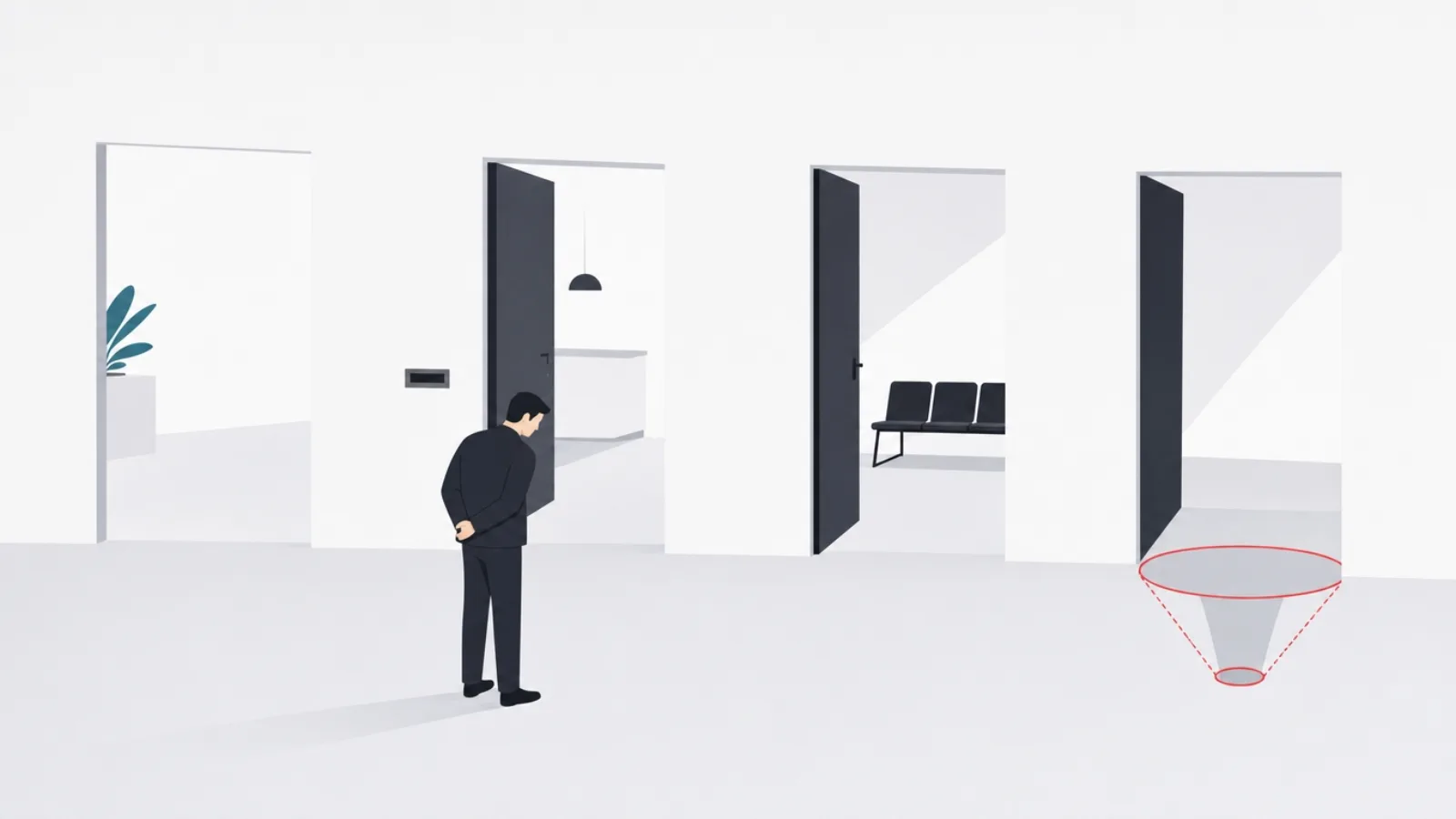
Every free reading app answers one expensive question, who pays the publisher, and its answer determines everything else about it. Libraries pay on your behalf in the Libby and Hoopla model, so you get real, current books with the mild friction of holds and due dates. Nobody needs to pay in the public-domain model, so Gutenberg-based apps offer enormous but older catalogs. You already paid in the free-reader model, Kindle and Google Play Books cost nothing but read books you bought or imported. And in the metered model, you pay with attention or microtransactions: ads between chapters, coins per episode, timers that refill overnight.
None of these models is dishonest, but only one of them is advertised accurately. The store listing for a coin-metered fiction app and the store listing for Libby both say free, and the difference in what your next hundred hours of reading will cost is roughly the difference between zero and a streaming subscription. The single most useful habit when evaluating a reading app is identifying the model before creating an account: check who supplies the catalog and what happens after the first chapter.
The model also predicts catalog shape. Library apps carry what publishers license to libraries, which is most commercial publishing with some frustrating holdouts. Public-domain apps carry the pre-1930 canon plus openly licensed modern work. Metered apps carry serialized original fiction optimized for cliffhangers, because cliffhangers sell coins. Free readers carry whatever you bring. If the app's catalog seems mismatched to its price, the mismatch is the business model showing.
This guide is organized by those models rather than by a ranked top ten, because ranking Libby against a Gutenberg client is a category error, the same book is free in one and absent from the other for structural reasons, not quality reasons. Pick the model that matches how you read, then pick the best app inside it; the sections below do both, and the same audience-first logic drives our companion guides to streaming alternatives and social platforms.
The four free models, defined
- Library-funded
- Your public library pays licensing; you borrow real current books free with a card. Examples: Libby, Hoopla. Catch: waitlists and loan periods.
- Free reader
- The app is free; the books are ones you bought or imported. Examples: Kindle, Google Play Books, Apple Books. Catch: the catalog is your wallet.
- Public domain
- Copyright has expired, so the books are legally free forever. Examples: Project Gutenberg via KOReader or Cool Reader. Catch: mostly pre-1930 works.
- Metered free
- Reading is rationed by coins, timers or ads that convert to purchases. Examples: most webnovel apps. Catch: heavy readers pay more than a book budget.
The library route: Libby and Hoopla
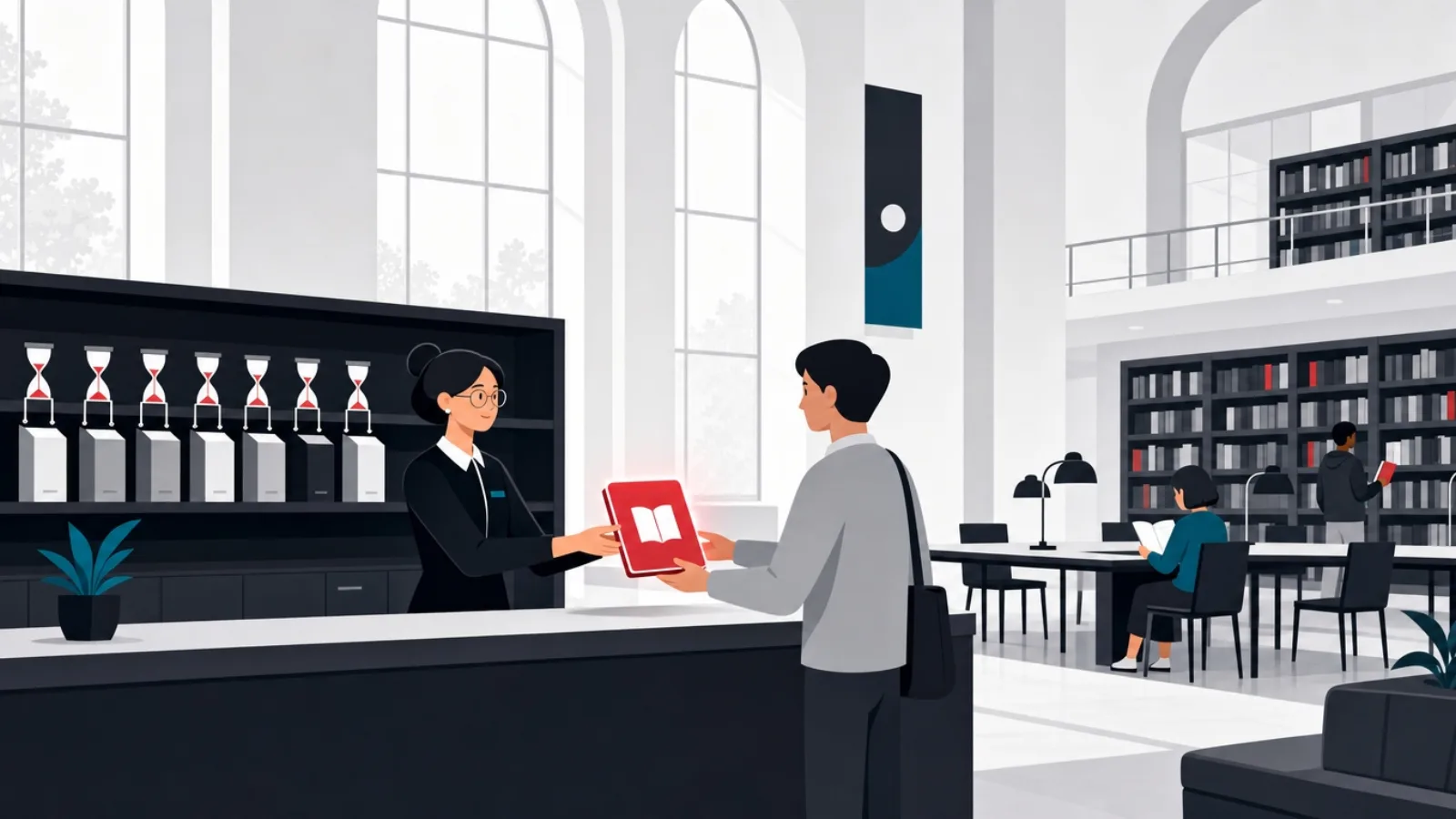
Libby, by OverDrive, is the best free reading app for most people in most countries where it operates, and it is not close. A public library card, which most readers qualify for and many can register for online in minutes, unlocks the library's licensed collection of ebooks, audiobooks and magazines: current bestsellers, new releases, full backlists. The app itself is genuinely well made, clean typography, solid offline downloads, position sync across devices, and sending loans to a Kindle in supported regions. The only costs are patience, popular titles carry waitlists, and the mild discipline of loan periods.
Hoopla is the companion app that fixes Libby's one frustration. Its licensing model charges libraries per borrow rather than per licensed copy, which means no waitlists: if your library offers Hoopla and the title is in its catalog, you borrow it instantly, subject to a monthly borrow allowance your library sets. Its catalog skews differently, strong on audiobooks, comics and midlist titles, lighter on the newest bestsellers, so the two apps together cover far more than either alone. Registering cards at every library system you legitimately qualify for, home city, workplace city, state programs, multiplies both catalogs at zero cost.
The honest caveats: library ebook licensing is a genuinely contested space, publishers charge libraries multiples of consumer prices and expire licenses after set loan counts, which is why waitlists exist and why some titles vanish. Availability outside North America, the UK, Australia and parts of Europe is thinner. And audiobook listeners should check both apps first, library audio catalogs are the single biggest free replacement for a paid audiobook subscription that most people never discover.
For a household deciding where reading money goes, the practical sequence is: exhaust the library apps first, then buy only what the library cannot supply. Readers who adopt that sequence routinely cut a book budget by more than half without reading less, the same substitution logic that applies when replacing paid streaming with free tiers, applied to books.
The library route in numbers
Free readers: Kindle, Google Play Books and Apple Books
The second model is apps that cost nothing and read superbly, where the catalog is whatever you bring. Kindle is the reference implementation: free on every platform, best-in-class position sync, and the WhisperSync ecosystem that keeps a phone, a tablet and an e-reader on the same page. Its lock-in is equally famous, books bought on Kindle stay in Kindle, but as a free reader for Amazon purchases, library sends and personal documents mailed to its import address, it is excellent. The store also carries a rotating shelf of genuinely free books, classics and promotional first-in-series titles that cost nothing with an account.
Google Play Books is the underrated pick in this category, chiefly because it reads your own files well: upload EPUBs and PDFs to a personal cloud locker and they sync position across devices exactly like purchased books. For readers who accumulate DRM-free ebooks, from indie stores, humble bundles, technical publishers, that locker plus decent typography makes it the best free home for a personal library that exists outside any store. Apple Books fills the same role competently inside Apple's ecosystem, with the same house rule: gorgeous reader, bring your own catalog.
The strategic point about this trio is that their freeness is a funnel, the reader costs nothing because it is the storefront's front door. That is not a criticism; it is the reason these apps are so polished. The reader you use daily shapes where you buy, so the platforms compete on reading experience, and users of the free tier collect the winnings. It is the same funnel economics that shape free tiers in streaming, applied to text.
Practical guidance: pick the free reader that matches where your books already live, and check one feature before settling, personal file import. Kindle imports via email and app sharing, Play Books via upload, Apple Books via file open. A reader that treats your own EPUBs as first-class citizens keeps your library yours; one that ignores them quietly converts you into a single-store customer.
The three free readers, compared where it matters
| App | Best at | Own-file support | The catch |
|---|---|---|---|
| Kindle | Cross-device sync, e-reader pairing, library sends (US) | Email and share-sheet import, converted formats | Purchases lock into the Kindle ecosystem |
| Google Play Books | Reading your own EPUB and PDF library in the cloud | Direct upload locker, position sync on own files | Weakest social and annotation features |
| Apple Books | Polish and typography inside the Apple ecosystem | File open import, iCloud sync | Apple devices only; exports are painful |
The public domain: 70,000 books nobody has to pay for
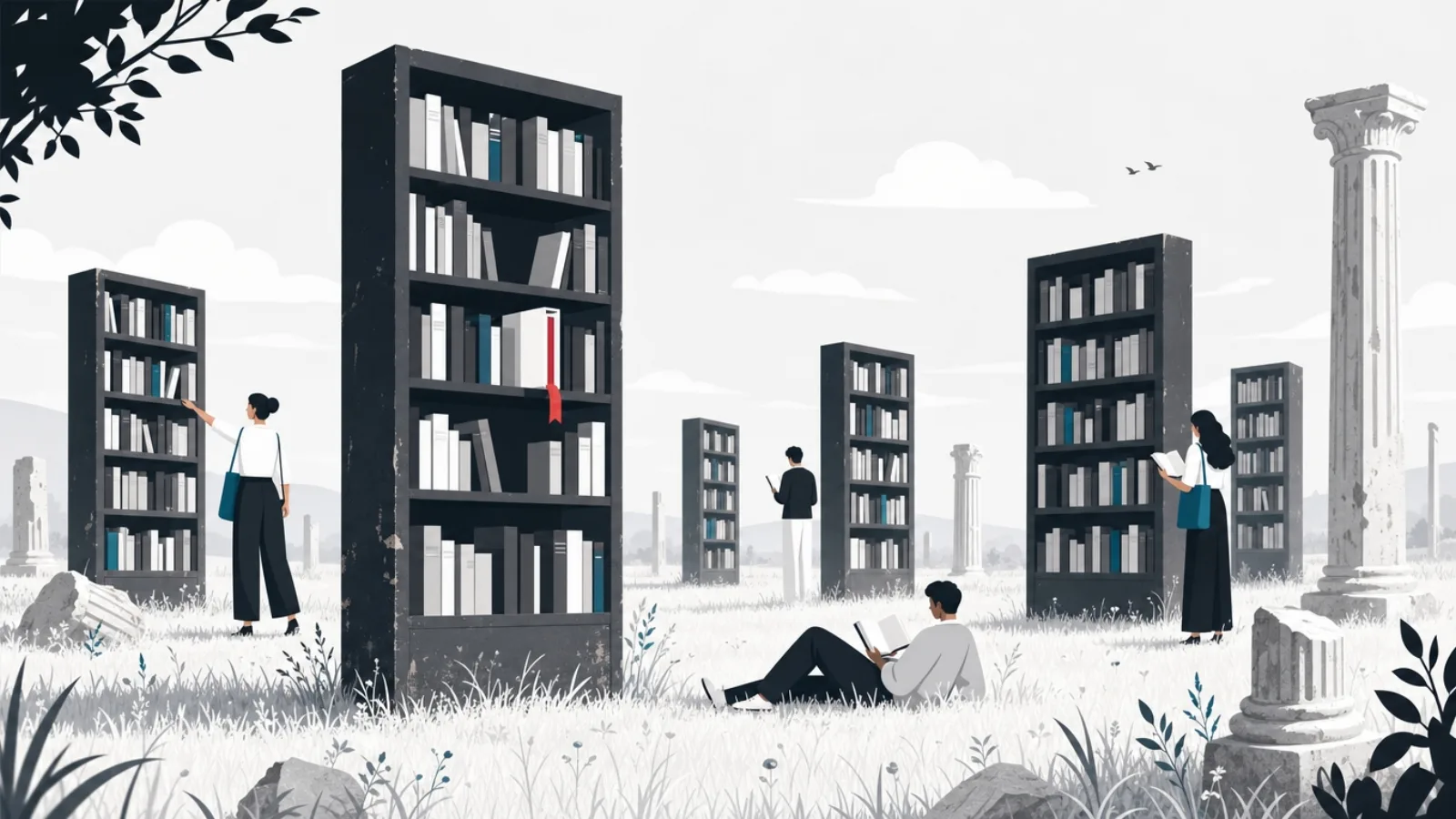
Everything published before 1930, and a growing body of work since, is in the public domain in the United States, which means the complete Austen, Dickens, Tolstoy, Conan Doyle, Dumas and tens of thousands of contemporaries are legally free forever. Project Gutenberg alone hosts over 70,000 volumes in clean EPUB form, Standard Ebooks curates a smaller shelf of beautifully re-typeset editions, and LibriVox provides volunteer-read audiobook versions of much of the canon. This is not a consolation-prize catalog; it is most of the literary canon, free without asterisks.
The app question in this model is which reader serves those files best, because Gutenberg itself is a library, not an app. On Android, KOReader, open source, absurdly configurable, brilliant on e-ink devices, and Moon+ Reader are the enthusiast picks; ReadEra is the clean minimalist choice with no account and no ads. On iOS, Apple Books and KyBook handle Gutenberg EPUBs gracefully. And the free readers from the previous section all accept these files too: a Play Books locker full of Standard Ebooks editions is a genuinely premium reading experience at zero lifetime cost.
The honest limits: the public domain is old by definition, the freshest US entries are from 1929, joined by a new year every January, so contemporary fiction and current nonfiction live elsewhere on this page. Translations matter too; many free editions of translated classics carry stiff Victorian translations when better modern ones remain under copyright. Standard Ebooks' curation helps, as does checking which translation a free edition uses before committing to eight hundred pages of it.
For a certain kind of reader, and for anyone building reading habits on a zero budget, students especially, this model plus the library route covers essentially everything. The pairing is the quiet answer to the best free reading apps question: Libby for the new, a good EPUB reader full of Gutenberg for the eternal, and no coin economy anywhere in sight.
Building a free classics library in an afternoon
- Pick your reader firstKOReader or ReadEra on Android, Apple Books or KyBook on iOS, or a Google Play Books locker on anything. Own-file support is the only requirement.
- Start at Standard EbooksIts curated, re-typeset editions are the best-looking free books on the internet. Take everything that interests you; it is all free.
- Go deep at Project GutenbergOver 70,000 titles. Download EPUB with images. The search is basic, so arrive with an author list.
- Check translations on foreign classicsFor Tolstoy, Dumas or Kafka, search which free translation you are getting. Some are excellent; some are 1880s homework.
- Add LibriVox for audioVolunteer-read audiobooks of the canon. Narration quality varies by reader, so sample before a long book.
- Back up your collectionThese files are DRM-free and yours. Keep the folder in your own cloud storage; no store can take it back.
Free original fiction: Wattpad, Royal Road and the webnovel world
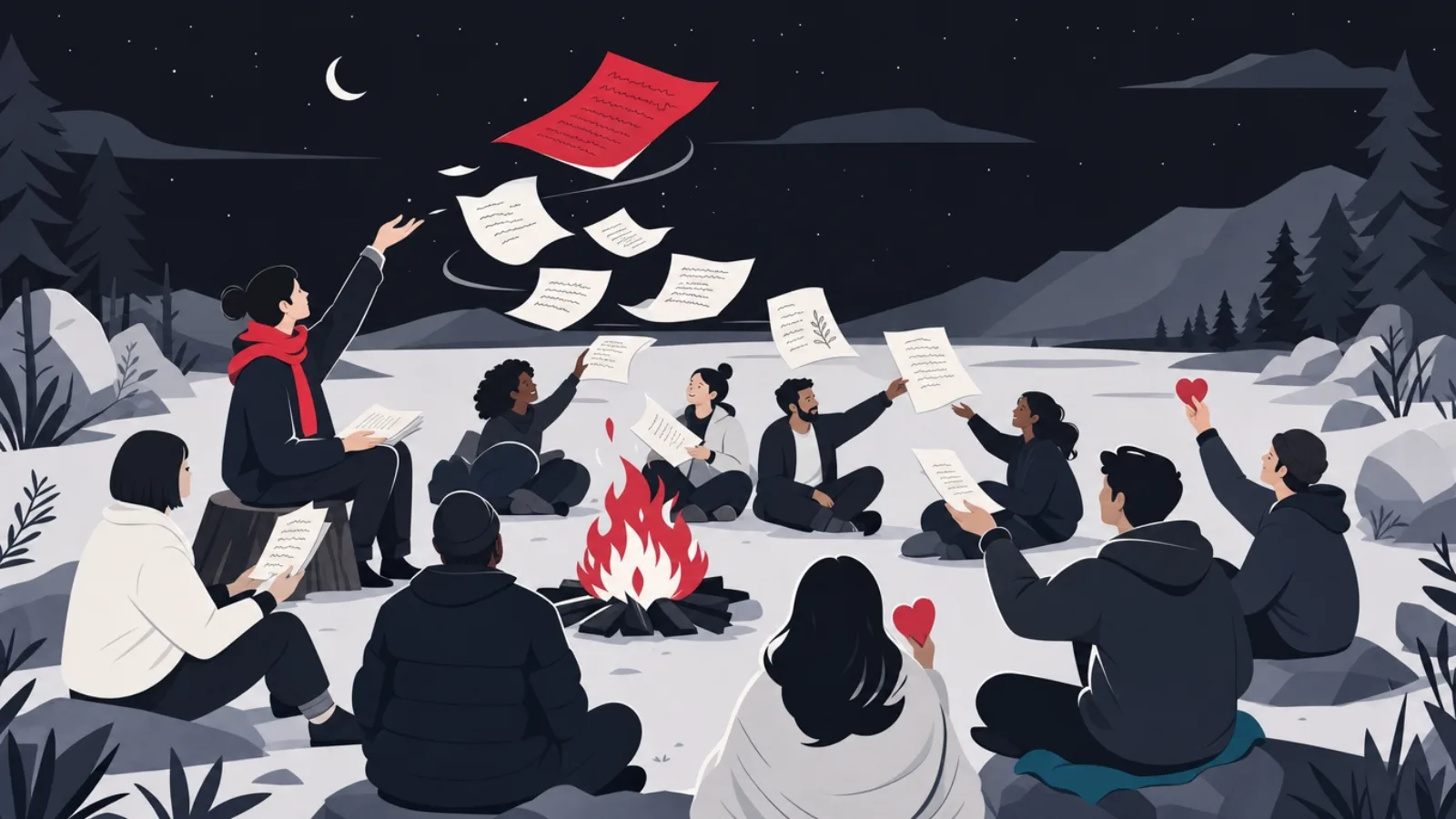
The fourth catalog is fiction written for the platform itself. Wattpad is the giant, an enormous community of amateur and increasingly professional serialized fiction, strongest in romance, young adult and fan-adjacent genres, free to read with ads and an optional premium tier. Its cultural footprint is real: traditionally published novels and streaming adaptations now begin as Wattpad serials. Royal Road is its scrappier cousin for fantasy, LitRPG and progression fiction, free, community-driven, and the proving ground from which several of the past decade's bestselling self-published fantasy careers launched.
Reading on these platforms differs from reading books. Stories arrive in chapters, often mid-write, with comment sections attached to paragraphs; the experience is closer to following a show than finishing a novel. Quality variance is extreme and discovery is the skill: rankings, completed-story filters and review counts separate the remarkable from the abandoned. The price of free here is patience with unfinished work and tolerance for ads, both of which the communities consider fair trade.
Adjacent to these sit the coin-metered webnovel apps, translated East Asian webnovels and original serials where early chapters are free and continuation costs coins earned by watching ads or bought outright. As discovery engines they are fine; as a primary reading habit they are the most expensive free apps on this page, heavy readers can outspend a hardcover budget without noticing, one timer refill at a time. The tell is any app whose store screenshots feature its currency more prominently than its books.
The builder's footnote: this corner of the market is the most instructive on the whole page, because these platforms solved the hardest problem in content apps, supply, by turning readers into writers. Wattpad's contribution funnel, Royal Road's reputation systems and the coin apps' monetization mechanics are case studies for anyone designing a community-driven product, for better and for worse.
Navigating free fiction platforms
Do this
- Filter for completed stories firstFinished serials with high review counts are the platform's vetted catalog. Start there before following works in progress.
- Use rankings as a discovery toolRising and trending lists surface quality fast on Royal Road and Wattpad. The crowd's taste is imperfect but efficient.
- Treat coin apps as samplersRead the free opening of a translated serial, then check whether the licensed ebook exists. Buying the book is often cheaper than coining the chapters.
- Support writers you loveMany serial authors run Patreon pages with advance chapters. Direct support beats coins for the writer and usually for you.
Not this
- Judge platforms by their worst workOpen submission means an ocean of drafts around the gems. The sorting tools exist precisely because of this.
- Buy coins to beat a timerTimer pressure is engineered impulse spending. If a story is worth paying for, pay for it deliberately, not one cliffhanger at a time.
- Assume free means finishedSerials get abandoned. Checking the last update date before chapter one saves recurring heartbreak.
- Ignore the licensed editionPopular webnovels often have official ebook releases. One purchase can replace hundreds of metered chapters.
The metering trap: when free costs more than buying
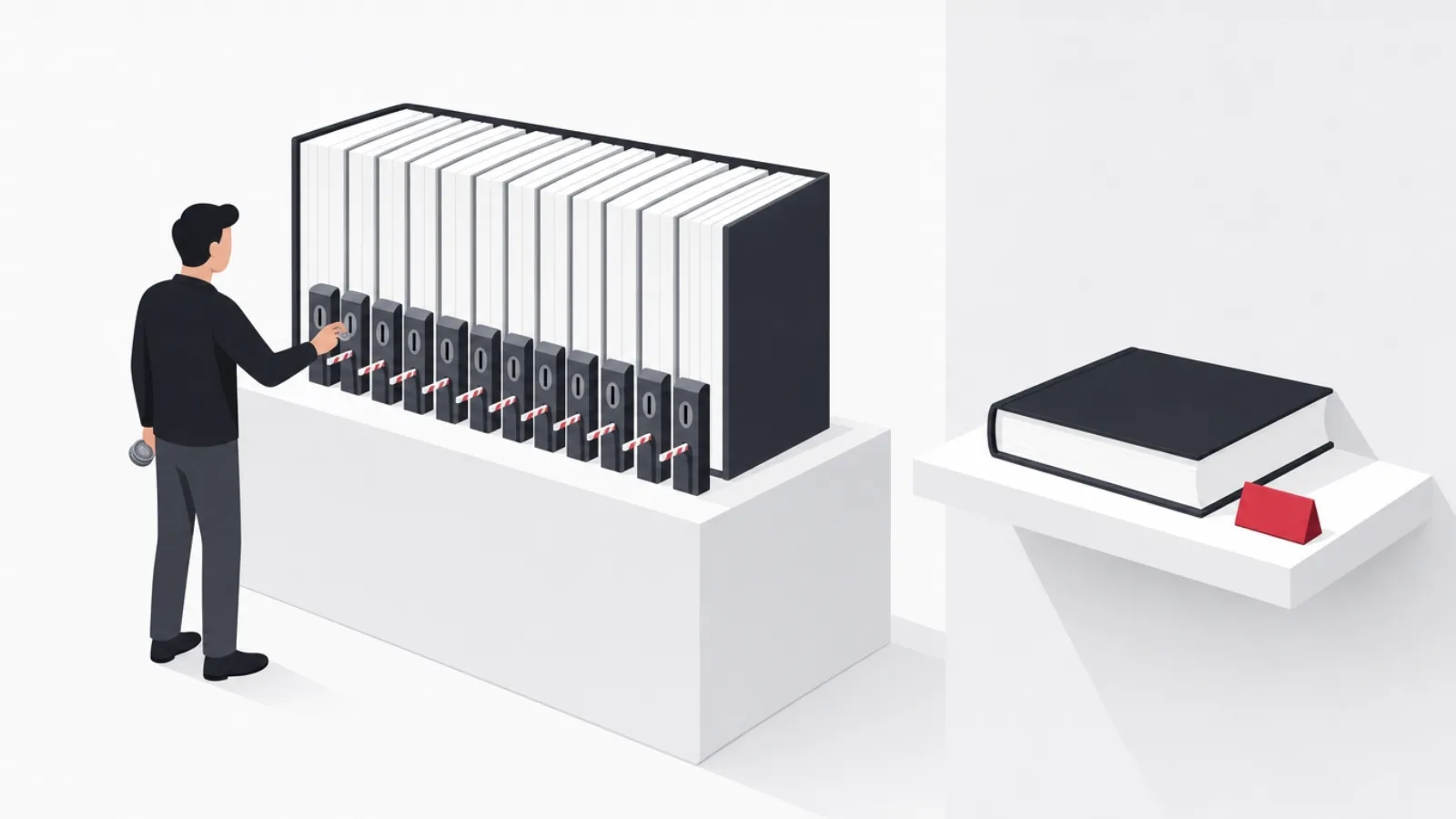
It is worth being precise about how metered-free reading apps work, because their mechanics are imported directly from free-to-play gaming and most readers meet them unprepared. The pattern: the first chapters are free, the story hooks, and continuation requires currency, coins, keys, tickets, obtained by waiting for timers, watching ads, completing offers or paying. Prices are denominated in the app's currency rather than dollars precisely because 300 coins obscures what a chapter costs, and daily-bonus mechanics build a visit habit before the paywall tightens.
The arithmetic deserves daylight. Serialized chapters typically cost the coin equivalent of a few cents to over ten cents each, and webnovels run long, hundreds or thousands of chapters. A reader clearing a 1,200-chapter serial at even five cents per gated chapter spends more than a year of a premium ebook subscription on a single story, delivered in the least convenient possible increments. Ad-supported timer refills convert the cost to time instead: minutes of advertising per chapter, hours per book.
None of this makes the apps evil, they fund translation and pay authors under models where upfront purchase never worked, and disciplined readers genuinely can read free by waiting out timers. But the design intent is conversion, and the conversion targets are the most engaged readers. The practical defenses are the ones from the previous section: use metered apps for discovery, check for licensed ebook editions, support authors directly, and watch monthly spend the way you would watch any subscription.
For product builders, this section is the cautionary half of the lesson. Metering monetizes brilliantly and burns trust predictably; app-store reviews of coin apps are a museum of exactly how users feel when free reveals its price. Products that state their price honestly, subscription, purchase, or genuinely free with visible sponsorship, keep users for years longer, a trade-off we walk clients through whenever product monetization comes up.
What reading apps teach product builders
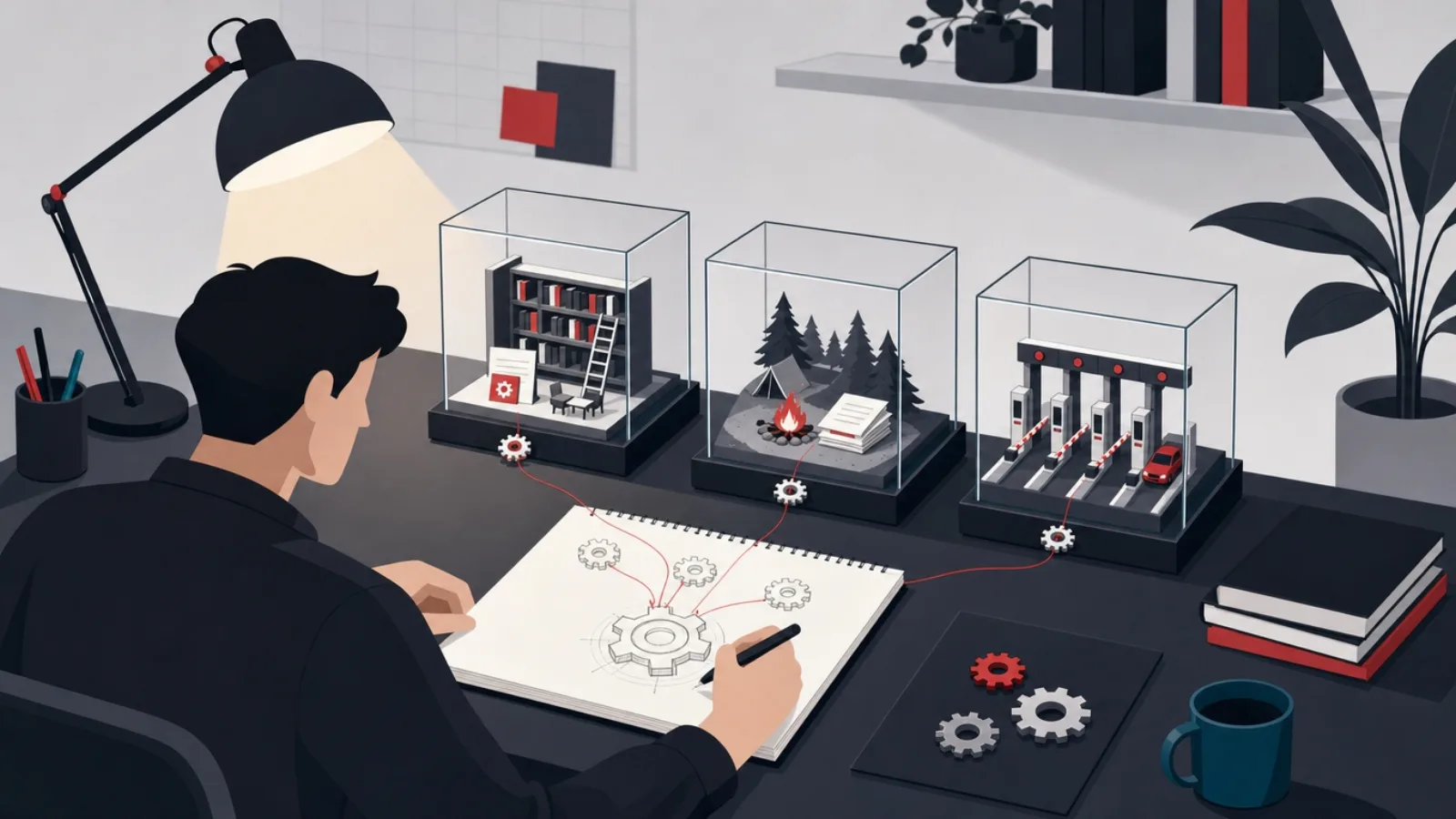
Reading apps are among the most instructive consumer products to study, because they solve retention without infinite content feeds. A book is finite; the app's job is to make returning to it frictionless and finishing it satisfying. The mechanics that do this, streaks and reading goals, position sync so the book opens exactly where the reader left it on any device, progress visualization, gentle social proof, transfer directly to any product whose users consume long-form anything: courses, podcasts, documentation, fitness programs.
Offline-first architecture is the second transferable lesson. Every serious reading app treats the network as optional, downloads are explicit and reliable, position and annotations sync opportunistically, and nothing blocks on connectivity. That discipline, local state as the source of truth with background reconciliation, is exactly what commuters, travelers and emerging-market users need from most content apps and rarely get. Libby's lending model even handles expiring offline rights gracefully, which is a small masterclass in DRM that respects users.
The third lesson is the one running through this whole guide: catalog beats features. Libby wins on library licensing, Kindle on store depth, Gutenberg clients on the public domain, Wattpad on user-generated supply. No reading app has ever won by rendering pages better, and every failed reading startup in memory had a lovely reader and nothing to read. For anyone scoping a content product, supply strategy, licensing, user generation, open catalogs or owned content, is the first architectural decision, not a post-launch growth question.
AgileTech builds this category of product, readers, learning apps, media libraries, content communities, and the engineering shape is consistent: an offline-capable client, a sync layer that reconciles positions and annotations, a catalog service wrapping whatever the supply strategy is, and analytics tuned to completion rather than raw session time. The stack is well understood; the differentiation lives in supply and in the retention details above. Our cost guide covers what builds like this actually cost.
Every reading app that mattered won on where the books come from. The reader is table stakes; the catalog is the product. We repeat that to every client who arrives with beautiful reader mockups and no licensing plan.
The shortlist: the right free app for each reader
Compressing the guide into direct answers: the general reader should install Libby today, add Hoopla if their library offers it, and let those two carry the bestseller and audiobook load for free. The classics reader should pair a good EPUB app, ReadEra or KOReader on Android, Apple Books on iOS, with Standard Ebooks and Project Gutenberg, and own the canon outright. The reader with an existing ebook collection should put it in Google Play Books' locker and get store-grade sync on their own files.
The fiction explorer should start with Wattpad or Royal Road by genre, filtered to completed, highly reviewed work, and treat coin-metered webnovel apps strictly as samplers with the coin-price test from earlier applied before any purchase. Students should stack the library route with the public domain, which together cover a striking share of any reading list. And audiobook listeners should check Libby and Hoopla before paying for any subscription, the free library audio catalog is this page's single most underused resource.
Two habits multiply everything above: register every library card you legitimately qualify for, each one is a whole additional catalog, and keep personal files DRM-free and backed up in your own storage so no app decision is ever permanent. Free reading in 2026 is not a compromise position; assembled from these pieces, it is a better catalog than any single paid subscription offers.
And if your interest in this page is professional, because you are scoping a reading, learning or content product, the market's lesson bears repeating one last time: solve supply first, design for offline, and monetize honestly. Those three decisions, made early, separate the reading apps people keep for a decade from the ones they uninstall at the first coin prompt.
The zero-cost reading stack, in order
-
Install Libby and register your library cardCovers new and popular titles
Ten minutes of setup unlocks current ebooks, audiobooks and magazines. Add every library system you qualify for.
-
Add Hoopla if your library offers itCovers the waitlist problem
Instant borrows with no waitlists fill Libby's gaps, especially in audio and comics.
-
Pick one reader for your own filesCovers the classics, forever
Google Play Books locker, ReadEra, KOReader or Apple Books. Load it with Standard Ebooks and Gutenberg.
-
Add one fiction community by tasteCovers original serialized fiction
Wattpad for romance and YA, Royal Road for fantasy and LitRPG. Filter to completed, well-reviewed serials.
-
Audit anything meteredCovers the trap
Apply the coin-price test before spending. Prefer licensed ebooks and direct author support over coins.
Frequently asked questions
What is the best completely free reading app?
Libby, if you qualify for a public library card, and most people do. It lends real current ebooks and audiobooks at zero cost, with waitlists on popular titles as the only friction. For books outside library licensing, pair it with a free EPUB reader loaded with Project Gutenberg and Standard Ebooks, which together cover the classics forever at no cost.
Is Libby really free, and what is the catch?
Genuinely free: your public library pays publishers for the licenses, funded by the taxes you already pay. The catches are structural rather than hidden, popular titles carry waitlists because libraries license limited copies, loans expire on due dates, and catalog depth depends on your library system. Registering cards at multiple systems you qualify for multiplies the catalog.
How can I read current bestsellers for free legally?
The library route is the only legitimate answer: Libby for licensed ebook and audiobook lending, and Hoopla for instant no-waitlist borrows where your library offers it. Store free shelves occasionally include promotional first-in-series bestsellers, but sustained free access to current commercial books runs through library licensing, which is exactly what it exists for.
Are free reading apps with coins actually free?
Only for very patient readers. Coin and timer apps give away early chapters, then meter the rest through ads, waiting periods or purchases. At typical rates, finishing a long serial through paid unlocks costs several times the licensed ebook price. Use them to sample serialized fiction, then apply the coin-price test: coins per chapter times chapter count, compared against the real book.
What is the best free app for reading my own EPUB files?
Google Play Books is the strongest cross-platform answer: upload EPUBs and PDFs to its locker and get store-grade position sync across devices on your own files. On Android alone, ReadEra and KOReader are excellent no-account readers; on iOS, Apple Books handles imported EPUBs cleanly. Whichever you pick, keep the source files backed up in your own storage.
What can app builders learn from free reading apps?
Three durable lessons. Catalog beats features: every winner on this page solved where content comes from, not how pages render. Offline-first design earns loyalty: downloads, local state and background sync are why commuters keep these apps for years. And monetization honesty compounds: metered coin models convert well and burn trust, while clearly priced or genuinely free models retain users far longer.
The reading app market proves that catalog strategy, offline engineering and honest monetization decide winners. If you are building a content product on those principles, work with AgileTech, a software development partner in Hanoi that has shipped the reader, sync and catalog architecture your roadmap needs.
Source: https://agiletech.vn/blog/best-free-reading-apps/ · (c) AgileTech Vietnam. Printed from agiletech.vn.
