 Nguyen Manh Thang
Chief Executive Officer, AgileTech Vietnam
Nguyen Manh Thang
Chief Executive Officer, AgileTech Vietnam
- Published
- Last updated
- Read time
- 14 min
- Views
- 59
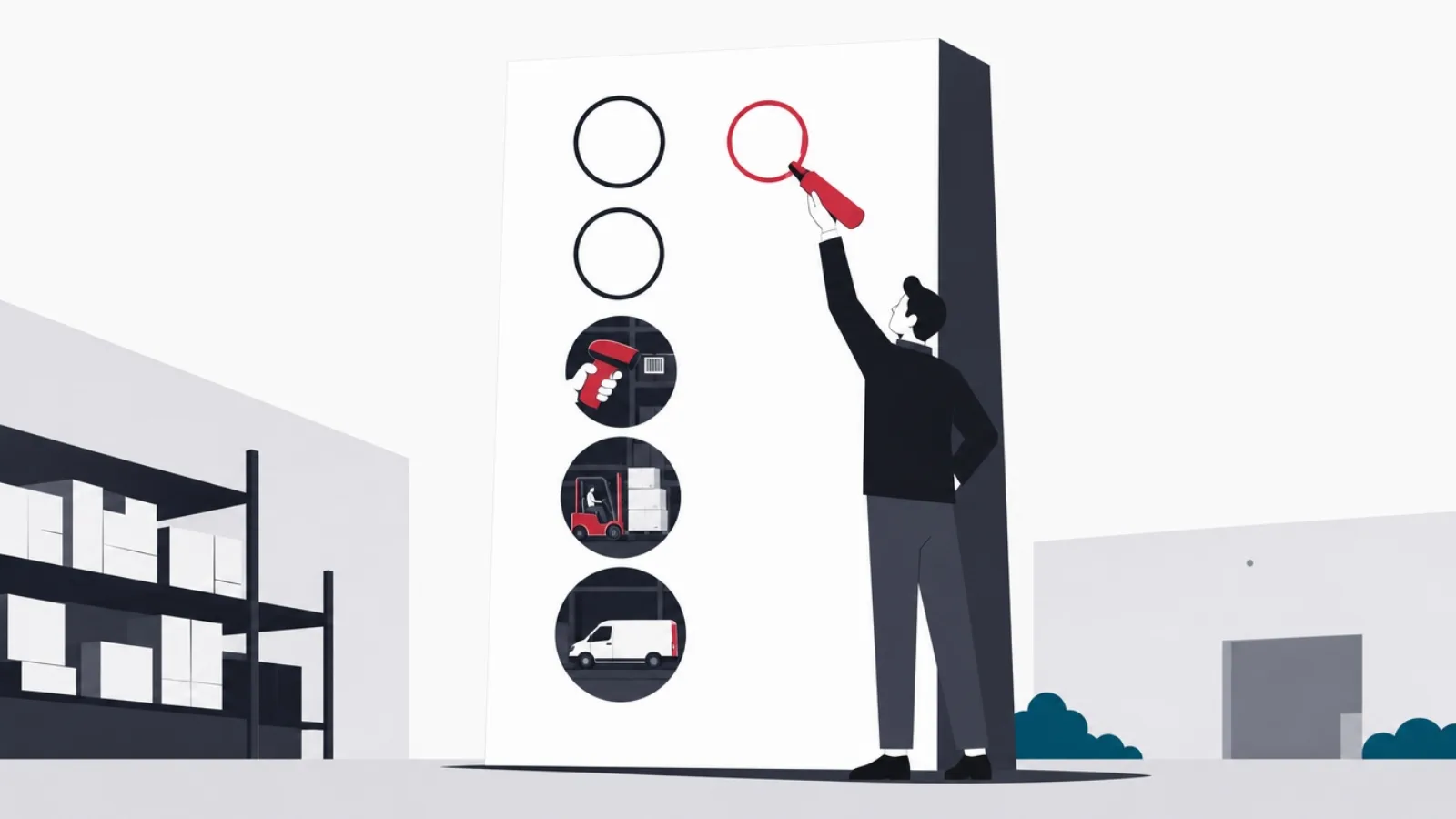
Read the AI overview
The inventory management software features that matter divide into six jobs: stock tracking that distinguishes on-hand, available, committed and in-transit quantities; capture workflows built on barcodes or RFID so the record matches the shelf; reordering machinery with reorder points, safety stock and purchase order generation; multi-location and multi-channel synchronization so every warehouse and sales channel sees one truth; reporting that surfaces valuation, aging and turnover; and integrations with accounting, e-commerce and shipping systems. Evaluate systems against these six jobs in your operation's order of pain, not against vendor feature counts.
Inventory management software is sold by feature count and bought by pain. The vendor deck lists fifty capabilities; the buyer has three problems: the website oversold something the shelf did not have, the last physical count took a weekend and found chaos, and nobody trusts the reorder spreadsheet since the person who built it left. This guide maps the features to the pain, so an evaluation can rank what matters for your operation instead of tallying checkmarks.
The structure is six jobs: tracking stock truthfully, capturing movements at the shelf, reordering before stockouts, synchronizing locations and channels, reporting what the numbers mean, and integrating with the systems around inventory. For each job, the guide names the features that do the work, the ones that sound essential and rarely are, and the questions that expose weak implementations in a demo.
A companion piece on this blog, what inventory management software is and when you need it, covers the buy-versus-build decision itself. This article assumes you are past that and comparing candidates. And because AgileTech builds custom inventory and operations systems from Hanoi, the closing sections are honest about the boundary: which requirements packaged software serves well, and which ones are cheaper to build than to force into a package.
Key takeaways
- Feature lists mislead; jobs do not. Every credible system claims fifty features, but only six jobs matter: track, capture, reorder, synchronize, report and integrate. Rank systems on the two jobs your operation feels most.
- Quantity states are the foundation feature: software that shows one stock number instead of distinguishing on-hand, available, committed and in-transit will oversell during your first busy week.
- Scanning is what makes the record true: barcode-driven receive, pick and count workflows are the difference between a system that reflects the shelf and a spreadsheet that reflects last month.
- Reorder automation is where the money is: reorder points, safety stock and generated purchase orders convert the record into fewer stockouts and less capital frozen in overstock.
- Multi-channel sync is the modern dealbreaker: selling on a website, a marketplace and a counter demands one stock truth pushed everywhere within minutes, and it is the feature mid-market systems most often fumble.
- Integrations decide total cost: accounting, e-commerce and shipping connections are where implementations stall, so verify the specific connectors you need against the specific versions you run, in a trial.
Stock tracking: quantity states, units and the lot-and-serial layer
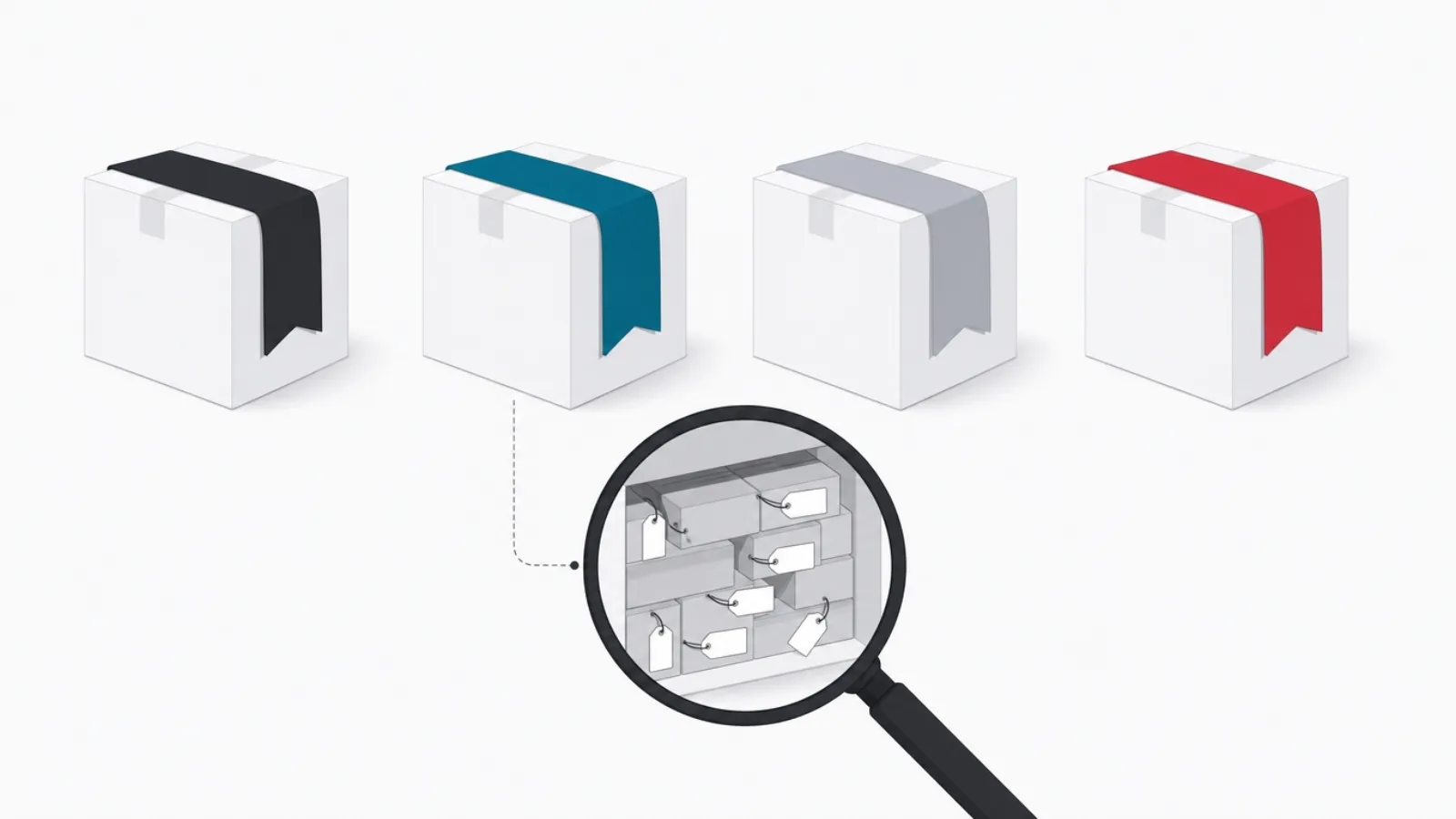
The foundation feature is not counting stock; it is distinguishing kinds of stock. A serious system separates on-hand (physically present), available (on-hand minus committed), committed (sold but not shipped), on-order (purchased but not received) and in-transit (moving between locations). Software that collapses these into one number will oversell during your first busy week, because the website will sell what the warehouse has already promised to someone else. In demos, ask to see the quantity-state breakdown for one SKU; the answer reveals the data model instantly.
Unit-of-measure handling sounds bureaucratic and decides real usability: buying in cases, storing in eaches, selling in packs is normal retail life, and the software must convert automatically at each step. Related and equally unglamorous: SKU and variant modeling. Apparel needs size-and-color matrices, food needs catch weights, and configurable products need bills of materials. A system whose variant model fights your catalog structure will fight it forever.
The lot, batch and serial layer is where industries diverge. Food, pharma and cosmetics need lot tracking with expiry dates and first-expired-first-out picking, because a recall must trace exactly which batch went to which customer. Electronics and equipment need serial-number tracking per unit for warranty and service history. If your industry needs this layer, it is a hard requirement to verify early, because bolting traceability onto a system without it is a rebuild, not a configuration.
The quantity states, defined once
- On-hand
- Physically in the building right now, including damaged and quarantined units unless separately staged.
- Available
- On-hand minus committed: what you can honestly promise a new customer this moment.
- Committed
- Sold or allocated but not yet shipped. The number that prevents overselling when the website is busy.
- On-order
- On a purchase order but not yet received. Feeds honest lead-time math for reordering.
- In-transit
- Moving between your own locations. Invisible in single-warehouse systems, essential in multi-location ones.
Five numbers per SKU, not one. This vocabulary is the fastest test of whether a system is serious.
Capture workflows: barcodes, mobile scanning and cycle counting

A stock record is only as true as its capture discipline, and capture discipline is a workflow feature, not a willpower feature. The workflows that matter: receiving (scan the purchase order, scan the items, discrepancies flagged on the spot), putaway (scan the item, scan the bin, so the system knows where things live, not just that they exist), picking (scan-verified so the right variant leaves the shelf), and adjustments (damage, samples, shrinkage, each with a reason code that reporting can later aggregate).
Mobile matters more than desktop here. The work happens at shelves and docks, so evaluate the scanning app, not the back-office screens: does it work offline in a metal-shelved warehouse corner with no signal, does it run on cheap Android devices or demand dedicated scan guns, and can a seasonal hire learn receiving in ten minutes? A beautiful desktop dashboard on top of a clumsy scanning app produces exactly the untrusted numbers you are trying to escape.
Cycle counting is the feature that replaces the annual wall-to-wall count nobody trusts. Instead of shutting down for a weekend, the system schedules small daily counts, high-value and fast-moving SKUs more often, and reconciles variances continuously. Ask vendors how counts are scheduled, whether counting can happen without freezing operations, and how variances post. An operation that adopts cycle counting typically discovers its record accuracy for the first time, which is uncomfortable and then transformative.
The scanning-app test to run in every trial
- Receive against a PO with a discrepancyShort-ship two units and watch what the app does. Silent acceptance means bad data forever.
- Kill the network mid-pickAirplane mode in the middle of a pick list. The app must queue and sync, not crash and lose work.
- Scan a wrong variant on purposePick the blue medium when the order says blue large. The scan should refuse, loudly.
- Time a putawayItem to bin, scan-scan-done, under fifteen seconds. Slower becomes skipped becomes untrue records.
- Hand it to your newest hireTen minutes of training, then a supervised receive. If they need the manual, your peak season will hurt.
Run these five checks on the mobile app with a real device before any contract. They fail more demos than pricing does.
Reordering and forecasting: where the record turns into money

Everything before this section keeps the record true; this section is why the record is worth keeping. Reorder automation has three layers. The base layer is reorder points: a minimum per SKU per location that triggers an alert or a draft purchase order. The middle layer makes the point honest: lead-time tracking per supplier and safety stock that buffers demand variability, so the trigger fires while there is still time to replenish. The top layer is forecasting: seasonality-aware demand projection that adjusts the points themselves, so June and December do not share a minimum.
The feature to inspect closely is purchase order generation. Good systems convert a reorder trigger into a draft PO grouped by supplier, respecting minimum order quantities, case-pack rounding and supplier price breaks, and route it for approval. That single workflow, trigger to approved PO in minutes, is where inventory software pays its subscription: fewer stockouts on the sales side, less capital frozen in just-in-case overstock on the buying side.
Forecasting deserves skeptical evaluation, because it is the most oversold feature in the category. Ask what the forecast actually uses (your sales history, or an opaque model), how it handles new SKUs with no history, whether promotions and stockout periods can be excluded so the model does not learn from distorted weeks, and whether you can see and override its recommendations. A forecast you cannot interrogate is a random number generator with a confident interface. For most small and mid-size operations, honest reorder points with good safety-stock math beat black-box forecasting.
The numbers reordering automation moves
Directional magnitudes from industry reporting; exact results depend on baseline discipline.
Multi-location and multi-channel: one truth, pushed everywhere

Multi-location support means more than a location dropdown. The features that matter: per-location quantity states and reorder points (the store and the warehouse have different rhythms), transfer orders with in-transit tracking (stock between buildings must belong somewhere), and location-aware fulfillment logic (which site ships this order, by rule, not by argument). If your operation includes a third-party logistics provider, add 3PL connectivity to the hard requirements: the system must treat an outsourced warehouse as a location it can see into.
Multi-channel synchronization is the modern dealbreaker feature. A business selling through its own website, one or two marketplaces and a physical counter needs every channel to see one available-to-promise number, updated within minutes of every sale anywhere. The failure mode is familiar to anyone who has run it: the marketplace sells the last unit that the website sold an hour ago, and the refund-and-apology workflow begins. In evaluation, ask specifically how fast a sale on one channel decrements availability on the others, and what happens during a flash-sale burst.
Channel-specific stock rules are the sophistication layer: reserving units for a channel, capping marketplace exposure to protect the flagship store, or holding safety units back from all channels. These rules are where multi-channel selling stops being a synchronization problem and becomes a strategy instrument. Mid-market systems vary enormously here, and the variance is invisible in feature lists, because sync appears on every one of them.
How much location and channel machinery do you need?
How many locations and channels hold your stock truth?
-
One location, one or two channels
Standard sync tier
Any credible mid-market system handles this; evaluate capture workflows and reordering instead.
-
Multiple owned locations
Transfer orders and per-location points
In-transit states and location-level reordering are the features that stop inter-store chaos.
-
Marketplaces plus 3PL
Sync latency and 3PL connectors, verified
Minutes of sync lag and blind outsourced stock are the two failure modes that cost real money.
-
Channel strategy rules
Reservation and allocation features
Protecting channels and capping exposure needs allocation machinery most systems only gesture at.
The honest sizing question, as one decision.
Reporting and valuation: what the numbers must be able to say
Inventory reporting has four questions to answer. What is it worth: valuation by your accounting method (FIFO, weighted average, or standard cost), consistent with what the books say, because a system that disagrees with accounting gets abandoned by one side or the other. What is moving: turnover and velocity per SKU, the report that separates the products earning their shelf space from the ones renting it. What is dying: aging and dead-stock reports that surface the capital quietly freezing in the corner. And what happened: movement history per SKU, per user, per reason code, which is both an operations tool and the audit trail.
The report that pays for itself fastest is shrinkage analysis fed by adjustment reason codes. When every damage, sample, correction and loss carries a coded reason, patterns emerge: a receiving process that damages one supplier's cartons, a variance cluster on one shift, a product that walks. Without reason codes, shrinkage is a single depressing number; with them, it is a to-do list.
Evaluate reporting on flexibility, not gallery size. Fifty canned reports matter less than whether you can filter, group and export the four questions above by your dimensions, location, category, supplier, channel, and schedule the results to arrive by email before the Monday meeting. And confirm the data can leave: a clean export or API for the warehouse of record protects you when the analysis outgrows the built-in reports, which in a growing operation it will.
The integrations that actually decide implementations
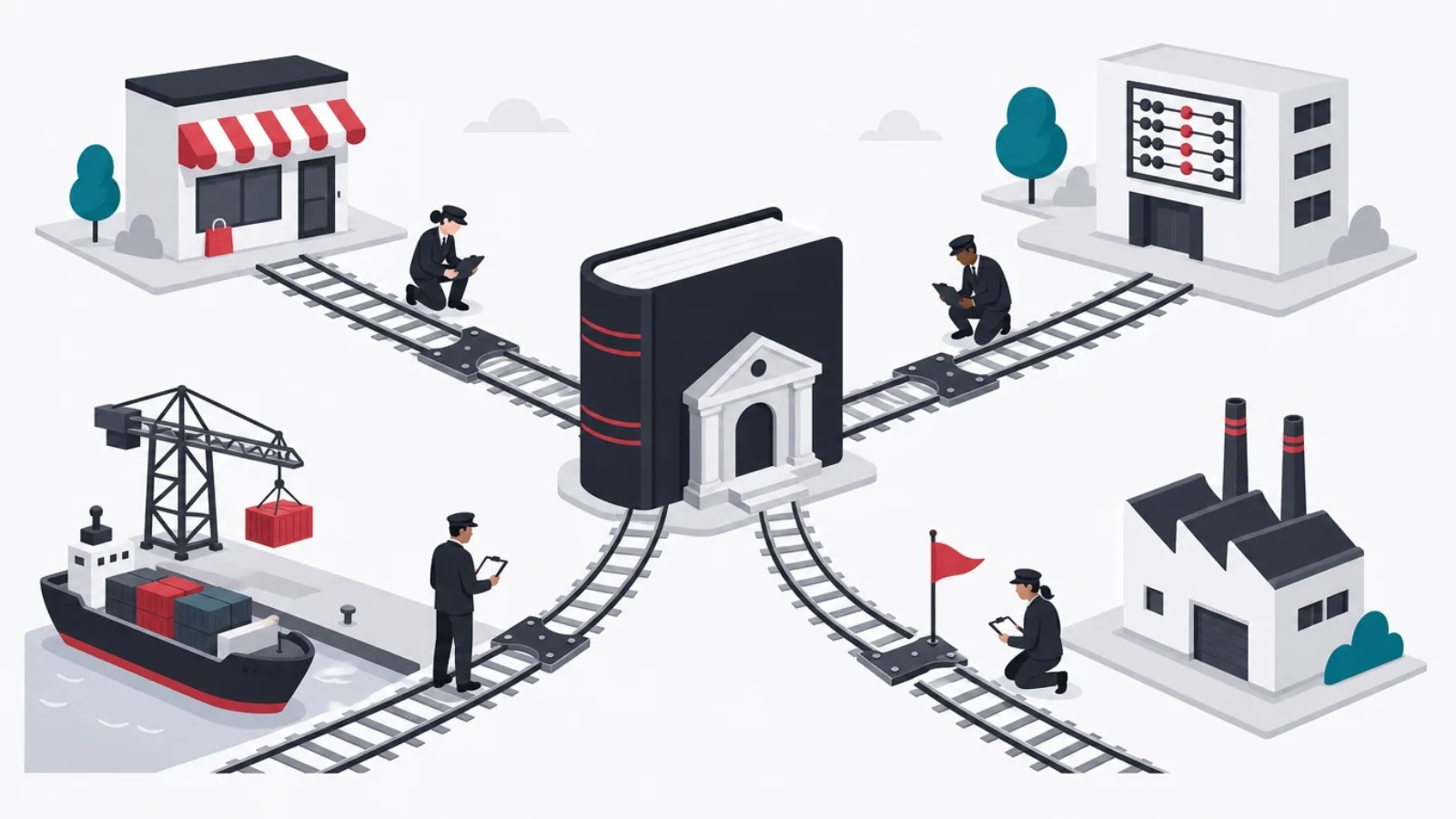
Inventory software lives in the middle of a system diagram, and the connections are where implementations stall. Accounting is the non-negotiable one: stock movements become journal entries, purchases become payables, and the sync must be two-way clean with whatever your accountant runs. E-commerce and marketplace connectors are next: the sync-latency questions from the channel section are really integration questions, and the connector's quality, not the core system's, usually sets that speed limit.
Shipping and fulfillment integrations close the loop: orders flow in, pick lists generate, labels print, tracking flows back. If a 3PL is in the picture, its warehouse system becomes a peer your inventory software must talk to. Purchasing-side integrations, supplier catalogs, EDI for larger partners, price lists, matter for operations with serious supplier counts and are irrelevant below that.
The evaluation discipline that saves projects: verify the specific connectors you need against the specific versions and plans you run, in a trial, with your data. Both sides of an integration claim marketplace compatibility means the happy path works; your catalog's bundles, your marketplace's regional quirks and your accountant's tax configuration are where the demo diverges from reality. An afternoon of connector testing before contract beats a quarter of connector debugging after.
Integration evaluation, honestly
Do this
- Test connectors with your real catalogBundles, variants and catch weights break integrations that demo data sails through.
- Confirm the accounting sync direction by fieldWhich system owns cost, which owns quantity, and what happens on conflict. Get it in writing.
- Ask what happens when the connector breaksQueued and retried, or silently dropped? The answer predicts your worst future weekend.
Not this
- Accept integration available as an answerAvailable via a third-party connector at extra monthly cost is a different fact than built-in.
- Plan a big-bang cutoverRun receiving and one channel on the new system first; expand after a clean month. Parallel running is cheap insurance.
- Skip the API question because you have no developersYou will someday. A real API is the difference between a system you extend and one you replace.
Where inventory implementations actually succeed or stall.
When the feature list points to custom software instead

Packaged inventory software serves the standard shape of the problem superbly, and this guide has been a map of that standard shape. The signal to consider custom is when your competitive advantage lives in the exceptions: a workflow no package models (rental and return cycles, produce with daily repricing, consignment networks, made-to-order manufacturing with nested bills of materials), an integration surface no connector covers, or a scale of SKU-location-channel combinations that mid-market systems price punitively.
The honest arithmetic: packaged systems cost little upfront and compound monthly per user, location and channel, while custom systems cost real money upfront, typically 60,000 to 180,000 US dollars for a focused operations core with an offshore team, and then belong to you. The crossover point is real but further out than build-enthusiasts admit; the software development cost guide shows the full math. The stronger argument for custom is never license savings; it is when forcing your differentiated operation into a package's standard workflow costs you the differentiation.
The hybrid pattern usually wins: a packaged core for the standard jobs this guide covered, plus custom software at the edges where your business is genuinely unusual, connected through the APIs whose importance the integration section argued. That pattern is most of AgileTech's operations work from Hanoi: not replacing the package, but building the pieces around it, the customer-facing layer, the unusual workflow, the analytics warehouse, that the package was never going to do well. The supply chain implementation guide walks through how those projects run.
The shortlist: features ranked by the pain they remove
Ranked for a typical growing product business, first the features that keep the record true: quantity states, barcode receive-pick-count workflows on a mobile app your team will actually use, and cycle counting. A true record is the precondition for everything else; a system weak here is weak everywhere, whatever the feature list says.
Then the features that turn the record into money: reorder points with safety stock and generated purchase orders, multi-channel sync fast enough for your busiest hour, and the accounting integration verified field by field. Then the features that compound over years: reporting on turnover, aging and shrinkage with reason codes, transfer and 3PL machinery as locations multiply, and an API that keeps your options open.
And the features to weight last, whatever the demo emphasizes: black-box forecasting ahead of honest reorder math, RFID before barcode discipline exists, and dashboard aesthetics ahead of scanning-app speed. The system that wins an evaluation structured this way is rarely the one with the longest list; it is the one whose bones, data model, capture workflows and connectors, match the way your stock actually moves.
Frequently asked questions
What are the most important features of inventory management software?
Six jobs cover the field: stock tracking with real quantity states (on-hand, available, committed, on-order, in-transit), barcode-driven capture workflows for receiving, picking and counting, reorder automation with safety stock and generated purchase orders, multi-location and multi-channel synchronization, reporting on valuation, turnover and shrinkage, and integrations with accounting, e-commerce and shipping. Rank candidates on the two jobs your operation feels most, not on total feature count.
What is the difference between on-hand and available inventory?
On-hand is what is physically in the building; available is on-hand minus committed stock, units already sold or allocated but not yet shipped. Available is the number you can honestly promise a new customer. Software that shows one stock number instead of distinguishing these states causes overselling the first time sales outpace shipping, which is exactly when you can least afford it.
Do I need barcode scanning for inventory management?
For any operation past a few hundred SKUs or a couple of people touching stock, effectively yes. Scanning is what keeps the digital record matching the physical shelf: scan-verified receiving catches short-ships, scan-verified picking stops wrong-variant errors, and cycle counting replaces the annual count nobody trusts. Evaluate the mobile scanning app harder than the desktop dashboard, because the shelf is where the truth is made.
Is inventory forecasting worth paying for?
Only if you can interrogate it. Ask what data the forecast uses, how it handles new SKUs, whether stockout and promotion periods can be excluded so the model does not learn from distorted weeks, and whether you can see and override recommendations. For most small and mid-size operations, honest reorder points with good safety-stock math outperform black-box forecasting, and they are usually included in cheaper tiers.
How does multi-channel inventory sync work?
The inventory system holds one available-to-promise number per SKU and pushes it to every channel, website, marketplaces, point of sale, while pulling sales from each channel to decrement it. The quality questions are latency (a sale on one channel should reduce availability on the others within minutes) and burst behavior during flash sales. Channel rules, reserving stock for one channel or capping marketplace exposure, are the sophistication layer that separates mid-market systems.
When should a business build custom inventory software instead of buying?
When the competitive advantage lives in workflows no package models: rental cycles, consignment networks, made-to-order manufacturing, daily repricing, or an integration surface no connector covers. A focused custom operations core typically runs 60,000 to 180,000 US dollars with an offshore team, against packaged subscriptions that compound monthly per user, location and channel. The hybrid pattern usually wins: a packaged core for the standard jobs, custom software at the genuinely unusual edges, joined through APIs.
When the feature checklist ends and the requirements are still standing, the answer is usually engineering. For operations software beyond what packages model, work with AgileTech, a trusted software development company in Hanoi that builds inventory, warehouse and supply chain systems around how your stock actually moves.
Source: https://agiletech.vn/blog/inventory-management-software-features/ · (c) AgileTech Vietnam. Printed from agiletech.vn.
