 Nguyen Manh Thang
Chief Executive Officer, AgileTech Vietnam
Nguyen Manh Thang
Chief Executive Officer, AgileTech Vietnam
- Published
- Last updated
- Read time
- 11 min
- Views
- 73
Read the AI overview
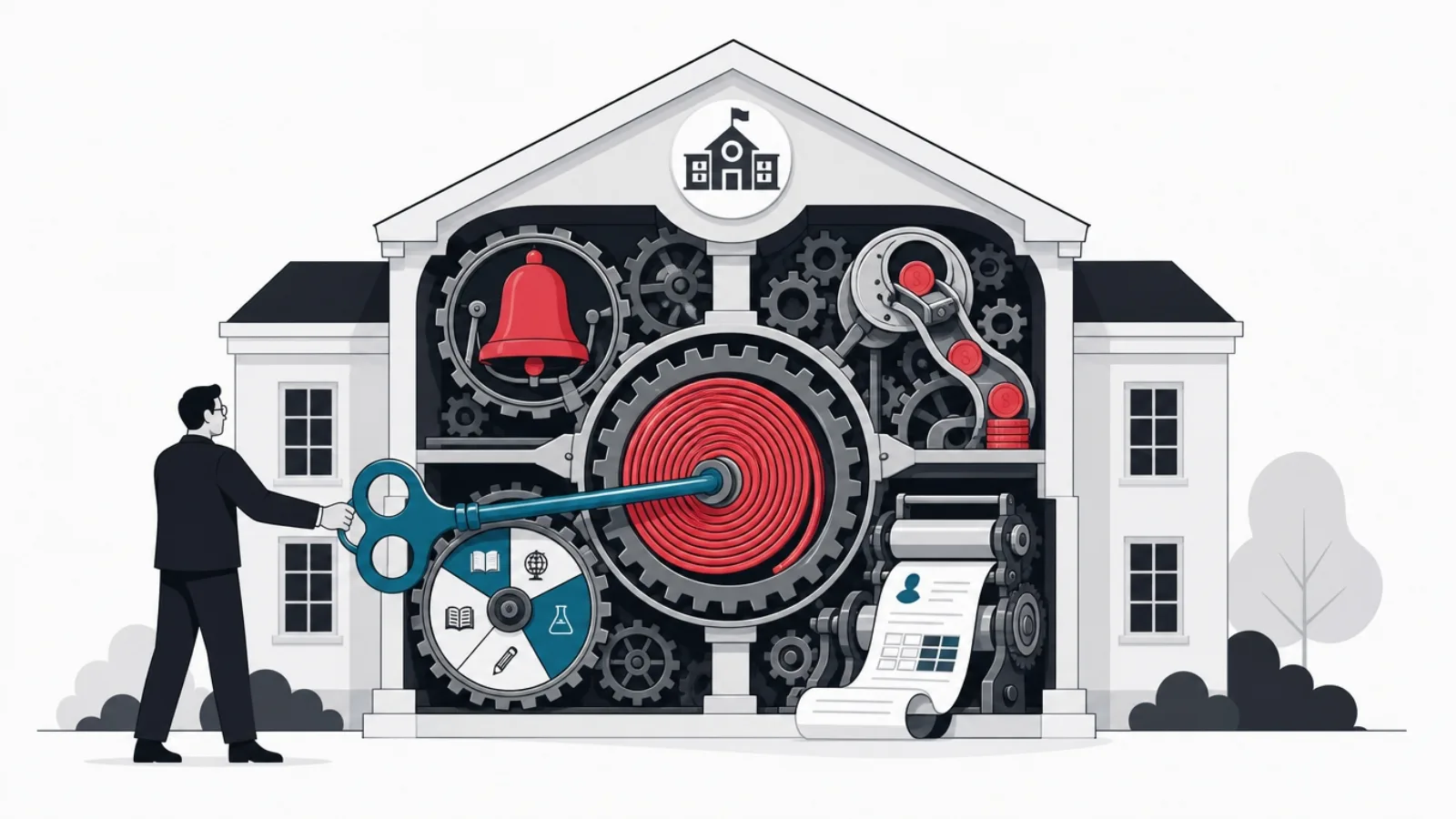
A school ERP is the administrative backbone of an educational institution: one system holding the master records, students, staff, classes, fees, and running the operational workflows around them, admissions, enrollment, attendance, timetabling, examinations and grading, fee billing and collection, payroll, transport, hostel and library management, and parent communication. It differs from an LMS, which manages learning itself, courses, content, assignments, while the ERP manages the institution; mature schools run both, integrated so rosters, grades and calendars flow between them. Cloud subscription products fit most schools, priced per student per year, and selection should be tested against your actual workflows, local fee and grading formats, and data migration. Building custom makes sense mainly for school networks with nonstandard operating models and for edtech companies productizing school administration, not for a single school solving its own paperwork.
Every school runs on the same invisible machine: who is enrolled, who showed up, who paid, who teaches what and when, who passed. In most institutions that machine is a patchwork, a spreadsheet for admissions, a ledger for fees, a register for attendance, a printing marathon for report cards, and the patchwork's cost is measured in clerical hours, reconciliation errors and parents who find out about things too late. A school ERP is the machine made explicit: one system, one set of master records, and the workflows of the academic year running on top.
The term carries baggage from its corporate origins, and the education version is genuinely different: the fiscal year is an academic year, the customer is a family rather than a buyer, the inventory is seats in sections, and the compliance surface is education regulation rather than accounting standards alone. This guide explains the system on its own terms: what the modules actually do, where the ERP ends and the LMS begins, what deployment and pricing look like, the selection tests that predict success, and the narrower question of when building beats buying.
The lens is practical throughout, written for school administrators evaluating systems and for founders and product teams building in education operations. For the learning-side counterpart, choosing an LMS covers the other half of the stack, and how to build an education app covers the product-building path this guide's final sections open.
Key takeaways
- The ERP runs the institution; the LMS runs the learning. Admissions, fees, attendance and timetables belong to the ERP; courses, content and assignments belong to the LMS. Confusing the two is the most common buying error.
- The master data is the product: one student record feeding every module. Systems that fragment the student across modules multiply every clerical task the ERP was bought to remove.
- Fees and communication are where school ERPs are won and lost in practice: local payment rails, installment plans, receipts that match regulation, and parent messaging that actually gets read.
- Selection is a workflow test, not a feature-list comparison. Run your real admissions cycle, your real fee structure and your real report cards through the demo, with your own staff driving.
- Data migration is the hidden project inside every ERP purchase: years of student records, ledgers and transcripts must arrive intact, and the vendor's migration tooling deserves as much scrutiny as the product.
- Build custom only with a structural reason: a school network with a nonstandard operating model, or an edtech company making school administration its product. A single school almost always buys.
What a school ERP actually is

Strip the acronym and the system is simple to state: a school ERP is the single source of truth for an institution's people, money and schedule, plus the workflows that keep those records moving through the academic year. The people: student records from application through alumni status, guardian relationships, staff and teacher profiles. The money: fee structures, invoices, collections, concessions, refunds, and usually payroll. The schedule: the academic calendar, class and section structures, timetables, examinations. Around this core, modules automate the year's recurring work, admissions season, daily attendance, exam cycles, report cards, parent communication, transport routes, hostel beds, library loans.
The defining architectural idea is the master record. One student entity, created at admission, carries through every module: the same record accrues attendance, fee ledger entries, exam scores, library loans and disciplinary notes, and every report the school produces is a view over that record. This is what separates an ERP from the patchwork it replaces: in the spreadsheet world, the student exists five times in five files that disagree; in the ERP, clerical work shrinks because data is entered once and flows everywhere. When evaluating any product, the master-record test is the first filter: if the fees module and the academics module hold separate student lists synced by import, the product is a patchwork wearing a login page.
What the ERP is not: a learning platform. It does not host course content, run assignments, play lectures or grade quizzes; that is the LMS's territory, covered in the next section. It is also not a magic process fixer: an ERP encodes the school's processes, and a school with chaotic fee rules or improvised timetabling will meet its own chaos again inside the software, now with license fees. The institutions that gain most from an ERP are those willing to standardize the process as they systematize it, and the implementation section returns to that discipline.
- One master record per person. Student, guardian and staff entities entered once, flowing to every module. The test that separates systems from patchworks.
- The year as workflows. Admissions, attendance, exams, fees and communication as recurring, automated cycles rather than annual improvisations.
- Views, not documents. Report cards, fee receipts, transfer certificates and board returns generated from the record, not assembled by hand.
ERP versus LMS: the institution versus the learning

The cleanest boundary in education software runs between managing the institution and managing the learning, and the two system categories sit on opposite sides. The ERP owns the institution: enrollment, money, schedule, compliance, communication. The LMS owns the learning: courses, content, assignments, quizzes, discussion, learning progress. A student's fee ledger has no business in an LMS; a physics course's lesson content has no business in an ERP. Products exist that claim both, and some serve small institutions adequately, but the pattern across the market is that combined products do one side well and the other side as a checkbox.
The boundary matters at purchase time because the two systems are bought on different logic. The ERP is bought by the administration on operational grounds, clerical hours saved, collections improved, compliance automated, and its users are office staff, teachers in their administrative capacity, and parents. The LMS is chosen closer to the academic side, teachers in their teaching capacity and students, on pedagogical grounds. Schools that buy one system hoping to cover both constituencies usually discover they optimized for whichever side ran the procurement and left the other side unserved, which is how institutions end up owning shelfware.
Mature schools run both, integrated, and the integration points are worth specifying in any contract: rosters flow from ERP to LMS, sections, students, teachers, so classes exist in the learning platform without re-entry; grades flow back from LMS to ERP so report cards and transcripts assemble from one gradebook; calendars and single sign-on span both so families live in one account. When evaluating an ERP, ask to see a live roster sync with whichever LMS you run or plan to run; when the answer is a manual CSV export, price the clerical hours that export will cost every term, forever. The full learning-side selection logic lives in the LMS choosing guide.
ERP or LMS: where each job belongs
| Job | System | Why |
|---|---|---|
| Admissions, enrollment, student records | ERP | Master data and institutional workflow |
| Fee billing, collection, concessions | ERP | Money is institutional, regulated and audited |
| Timetables, attendance, exams schedule | ERP | The institution's calendar and resources |
| Course content, assignments, quizzes | LMS | Learning material and pedagogy |
| Learning progress and mastery tracking | LMS | Pedagogical analytics over coursework |
| Report cards and transcripts | ERP, fed by LMS grades | Regulated documents over the master record |
| Roster and grade sync, single sign-on | The integration | The seam to test hardest in any demo |
The boundary, job by job. The integration row is where the two systems must meet, and where demos deserve the hardest questions.
The module map: what runs the academic year
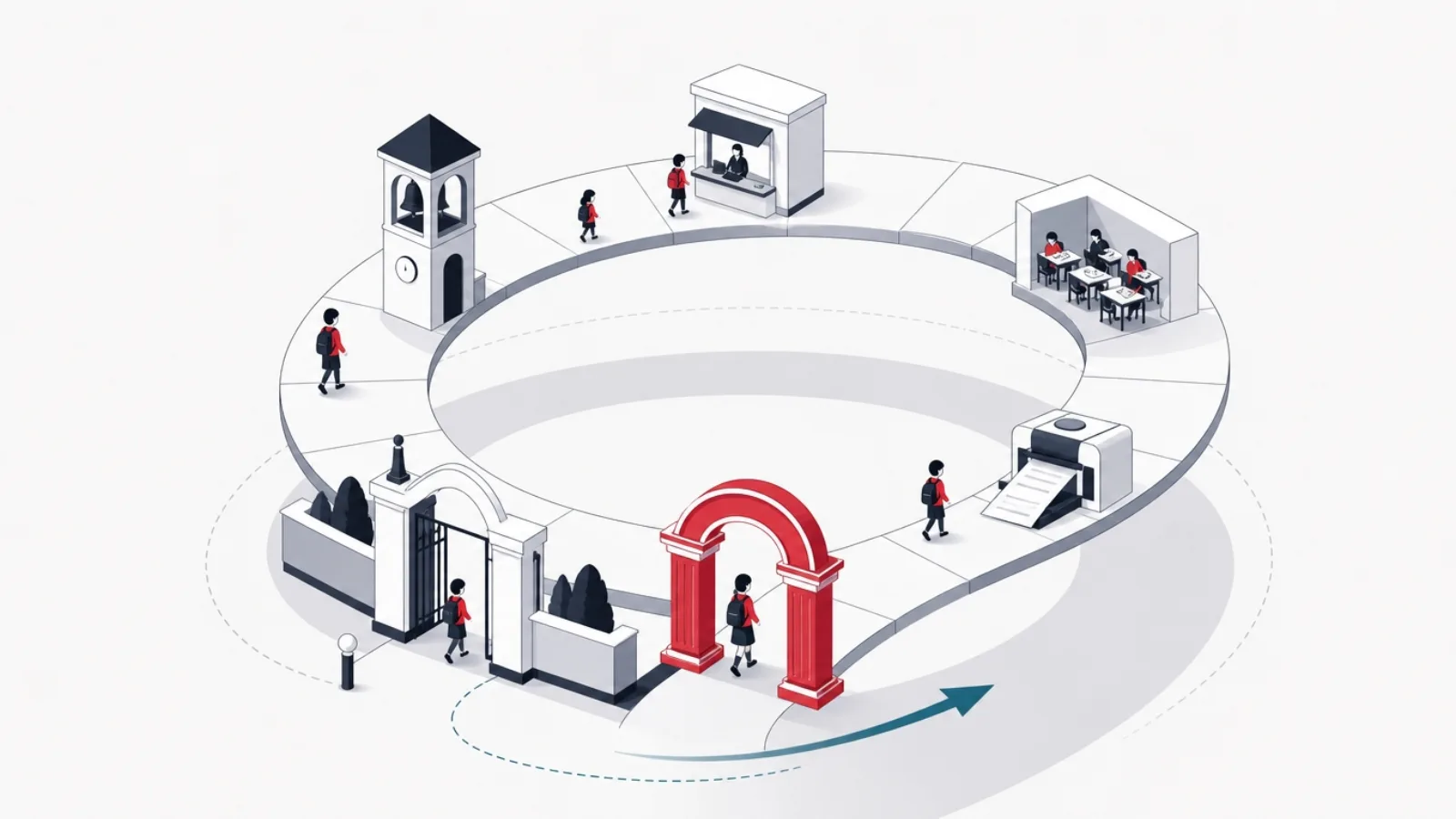
The student information core opens the map: admissions pipelines from inquiry through application, testing, offer and enrollment; the student master record with guardians, documents, medical flags and status history; class and section management with promotion at year end and transfer certificates on exit. Admissions deserves particular scrutiny in selection because it is a sales funnel wearing school clothes, inquiry capture, follow-up, seat management against capacity, and its quality decides whether the school's busiest season runs on the system or beside it.
The operational modules run the term. Attendance, daily or per period, captured by teachers in seconds, feeding automatic parent alerts and shortage reports; timetabling against teacher availability, room capacity and subject loads, with substitution management for the daily reality of absent staff; examinations from schedule through marks entry, moderation, grade computation on the school's scheme, and report card generation in the formats local boards require. Fees complete the money loop: structures by grade and category, installment plans, sibling and scholarship concessions, online collection through local payment rails, receipting that satisfies auditors, defaulter tracking, and reconciliation views the accountant actually trusts.
The extended ring covers institution-specific operations: transport with routes, stops and vehicle tracking where fleets exist; hostel management with rooms, beds and mess billing for residential schools; library circulation; inventory and asset registers; staff payroll or its integration with a dedicated payroll system; and the communication layer across everything, announcements, circulars, absence and fee alerts, delivered through the channels parents really use, which in most markets means mobile apps and messaging platforms above email. No school needs every module on day one; the selection craft is matching the module set to the institution's actual shape, and the pricing section returns to what that modularity costs.
The modules, one line each
- Student information system
- The master record core: admissions, enrollment, guardians, documents, status history. Everything else is a view over it.
- Fee management
- Structures, installments, concessions, online collection, receipts and reconciliation. The module that usually pays for the system.
- Attendance and timetable
- Daily capture with parent alerts; schedules against teachers, rooms and loads, with substitution handling.
- Examination and report cards
- Exam cycles, marks entry, grade computation on the local scheme, regulated report formats.
- Communication layer
- Announcements and alerts to parents through mobile apps and messaging, the module modern expectations promoted to baseline.
- Extended operations
- Transport, hostel, library, inventory, payroll: bought as the institution's shape demands, not by default.
Deployment and pricing: what schools actually pay
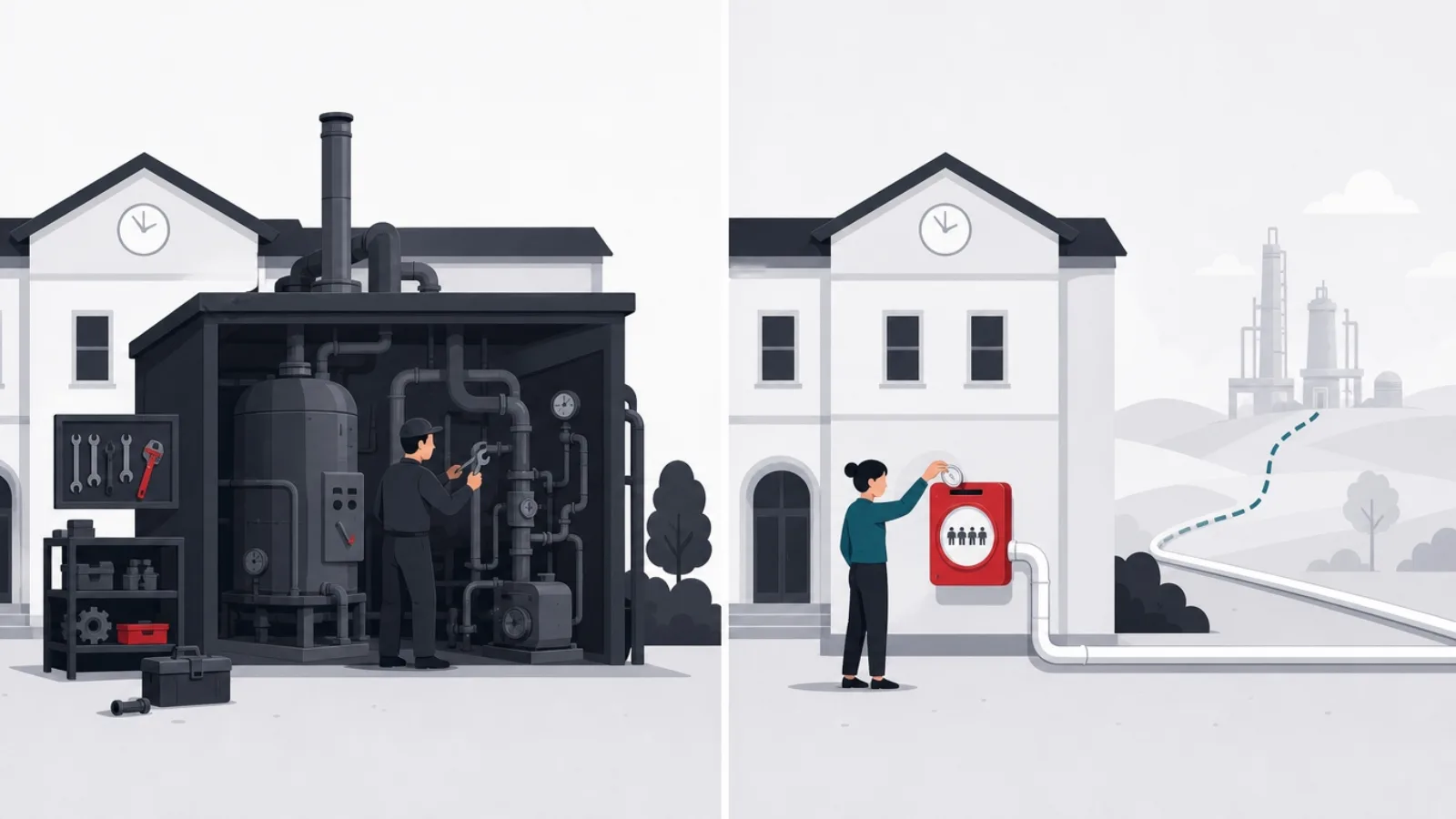
The market has consolidated on cloud subscription as the default deployment, and for good reason: schools rarely staff server administration, and the vendor-managed model delivers updates, backups and uptime without an IT department. Pricing is most commonly per student per year, with tiers by module set, typically landing in the low single-digit dollars per student annually in emerging markets and higher in developed ones, sometimes with setup, training and migration charged once at the start. On-premise deployments persist mainly where regulation or institutional policy demands local data residency, at the cost of owning the infrastructure burden the subscription would have carried.
The subscription quote is not the cost; the cost is the quote plus implementation. Data migration, years of student records, fee ledgers, marks histories, arriving intact from spreadsheets and legacy systems, is the hidden project inside every purchase, and vendor migration tooling ranges from genuine importers with validation to a shrug and a template. Training and adoption carry the second hidden cost: an ERP's value is a function of usage discipline, teachers marking attendance daily, the office receipting through the system rather than beside it, and the vendor's onboarding program, in your language, for your staff's actual digital fluency, predicts more about outcomes than any feature.
Contract structure deserves adult attention. Data ownership and exit: the school's records are the school's, and the contract should name the export formats and the exit assistance before the relationship starts, because switching costs are the vendor's deepest moat and your deepest risk. Uptime and support commitments matter most in the seasons the school cannot absorb failure, admissions and exams, and a vendor's support reality is best checked by reference calls to schools of your size in your region, made without the salesperson on the line.
The purchase in three numbers
The selection tests that predict success
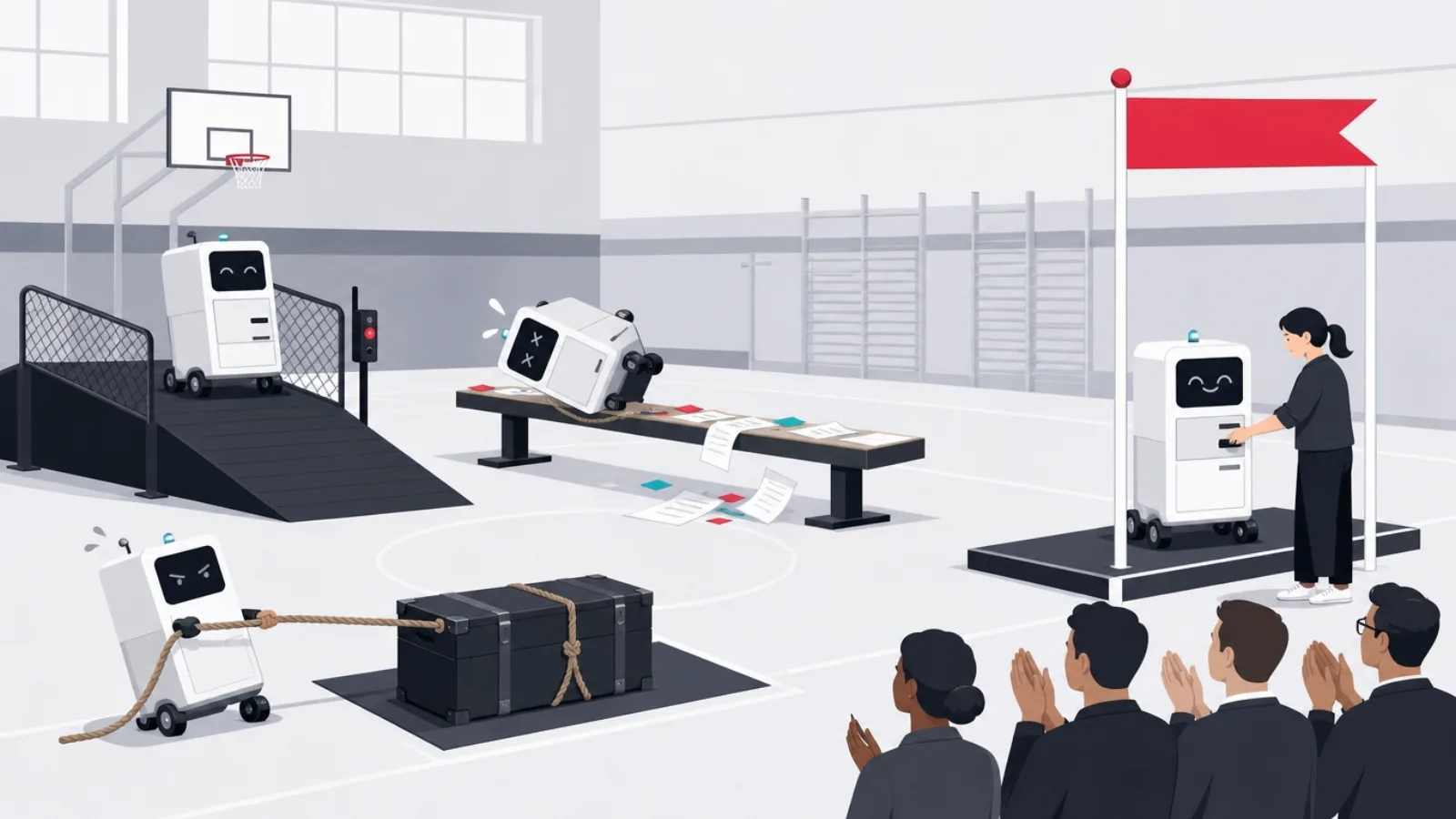
Feature matrices converge; workflows diverge. Every serious product claims the same module list, so the discriminating test is running your institution's reality through the demo: your fee structure with its installments, sibling discounts and mid-term admissions; your report card format with the local board's grading scheme and its exceptions; your timetable with the shared labs and the part-time teachers. Insist that your office staff drive the demo hands-on rather than watching the vendor's polished operator, because the system's daily users are clerks and teachers, not procurement committees, and friction they feel in the demo multiplies by every working day of the contract.
Localization is a hard gate, not a preference. Fee receipting formats, tax handling, grading schemes, board return formats, academic calendar structures and language support vary by country and often by state or board, and a product built for another market's conventions will fight yours in exactly the regulated documents that cannot be wrong. The parent-facing layer carries the same test: communication channels must match what families in your market actually open, and payment collection must ride the rails they actually use. A globally impressive product that localizes poorly loses, in practice, to a plainer product that fits.
Two final gates close the evaluation. Migration proof: give the vendor a real slice of your data, one class's records, one year's ledger, and evaluate the import on accuracy and effort before contracting, because the vendor who struggles with a hundred records will not manage ten thousand. Reference reality: two or three schools of your size, in your region, on the modules you will use, asked specifically about support responsiveness in fee season and what they wish they had known. An afternoon of reference calls outpredicts a month of feature comparison.
The evaluation gauntlet, in order
- Master-record testOne student entity across all modules, or synced lists pretending. Ask to see the same student in fees, attendance and exams.
- Workflow demo, staff drivingYour fees, your report cards, your timetable, operated hands-on by your office staff and a skeptical teacher.
- Localization gateReceipts, grading schemes, board formats, language and payment rails for your market. Regulated documents cannot be almost right.
- Migration proof on real dataA live import of one class and one ledger year, evaluated on accuracy and effort, before any contract is signed.
- References without the salespersonSchools of your size, your region, your modules. Ask about fee-season support and surprises.
- Exit terms in writingData export formats, exit assistance and ownership named in the contract at the start, when leverage is yours.
Implementation: where ERP projects actually succeed or fail
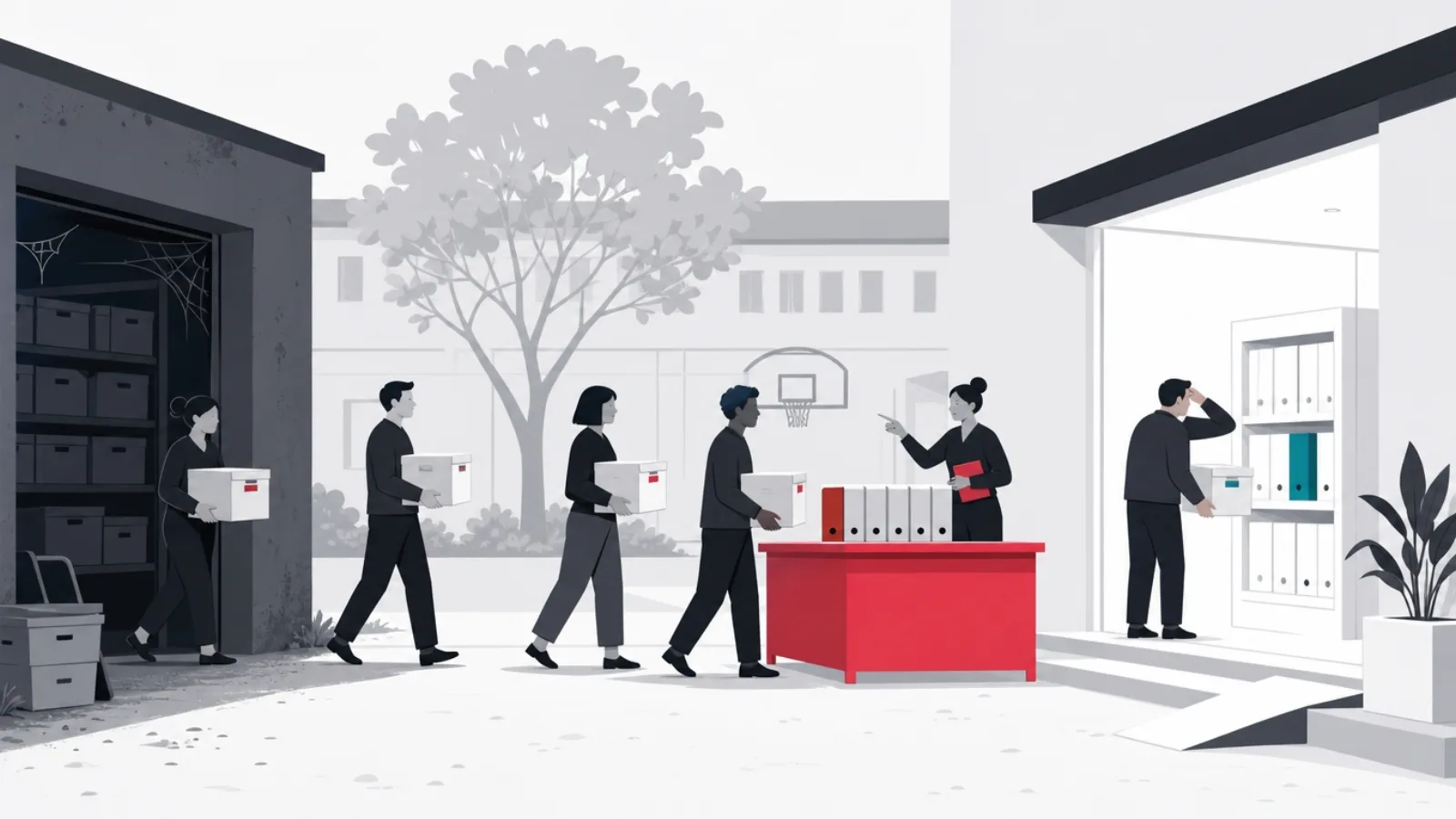
The pattern behind failed school ERP projects is rarely the software; it is the rollout. The successful shape is phased: start with the master data and the money, student records and fee management, because collections improvement is visible, measurable and funds institutional patience; add attendance and communication next, where daily usage builds the habit; bring examinations aboard before the first report card season on the system; and leave the extended ring, transport, hostel, library, for the second year. Big-bang rollouts of every module at once fail for the same reason everywhere: they ask every constituency to change every habit in the same term.
Run one cycle in parallel before trusting each critical module. The first fee season runs on the system and the old ledger simultaneously, reconciled weekly; the first report cards are generated by the system and checked against a hand-assembled sample before printing. Parallel running is tedious and is also the only honest verification that configuration, migration and staff usage have converged on correctness, and it converts the office from skeptics into the system's owners, because they have personally seen it match their ledger.
Name an internal owner with real authority, usually a senior administrator, whose job is adoption: attendance marked daily by every teacher, receipts issued only through the system, no shadow spreadsheets. Shadow systems are the death of ERP value, every record kept outside the system subtracts from the single source of truth, and they emerge wherever the official workflow is slower than the old habit, which makes staff-felt friction a project risk rather than a comfort issue. Measure adoption explicitly for the first year: module usage rates, alert delivery, collection lag, and treat drops as incidents to investigate rather than statistics to file.
The phased rollout that survives contact with a real school
-
Master data and feesTerm one
Migrate records, configure fee structures, run collections through the system with a parallel ledger for one season.
-
Attendance and communicationTerm one to two
Daily teacher capture, automatic parent alerts. The habit-forming modules that make the system ambient.
-
Examinations and report cardsBefore exam season
Marks entry, grade schemes, report generation checked against hand-assembled samples before the first printing.
-
The extended ringYear two
Transport, hostel, library and payroll as the institution's shape demands, once the core is trusted.
Build or buy: the honest boundary
For a single school, the answer is almost always buy. The subscription products cost a few dollars per student per year; a credible custom build costs a mid-five to six figure engagement plus permanent maintenance, and the school's administrative workflows, however cherished, are rarely different enough to justify owning software. The cases that genuinely flip the answer share one property: the operating model itself is nonstandard at scale. School networks running dozens of institutions on unified admissions, centralized finance and cross-campus staffing hit the ceilings of single-school products and can amortize a platform across the network. Institutions whose structure breaks the products' assumptions, multi-board campuses, hybrid vocational models, after-school chains with subscription billing, spend more bending an off-the-shelf product than building the core they need.
The second builder is not a school at all: the edtech company productizing school administration for a market segment the incumbents serve poorly, a country's board formats, a language, a school type. For that builder the calculus is a startup's, and the architecture lessons transfer directly from this guide: the master record as the spine, modules as products with their own adoption curves, fees and communication as the wedge that sells, localization as the moat, and integration, LMS sync, payment rails, messaging platforms, as first-class product surface rather than afterthought. The build path and team shape for that journey are the territory of the education app build guide.
For either builder, the scope discipline is the same: the system above is five years of product; version one is the student information core, fees and communication for one concrete institutional shape, run live in a handful of real schools before the module map grows. Custom builds that begin by cloning the incumbents' full module list join the long tradition of education software that demos everything and runs nothing. Build the spine, win the office, and let real schools' pull decide the roadmap's order.
The build decision: signals worth trusting
Do this
- Build for a network's operating modelUnified admissions, central finance and cross-campus staffing across dozens of schools genuinely exceed single-school products.
- Build as an edtech product thesisA poorly served segment, board, language or school type, with localization as the moat and fees as the wedge.
- Start with the spineStudent core, fees, communication, live in real schools. Modules earn their place by pull, not by parity.
- Treat integrations as productLMS roster sync, local payment rails and messaging channels are selling points, not chores.
Not this
- Building because the demo annoyed youWorkflow friction is a configuration or vendor-choice problem. A custom build is a decade of being your own vendor.
- Cloning the full module list firstTwenty modules at demo depth lose to five at operational depth. Education software's oldest failure mode.
- Ignoring the regulated documentsReceipts, report cards and board returns must be exactly right per market. This is where localization is won or lost.
- Underpricing the forever-costBoards change formats, tax rules change, payment rails change. The build includes the team that tends it, permanently.
Frequently asked questions
What is a school ERP?
A school ERP is the administrative backbone of an educational institution: one system holding the master records, students, guardians, staff, classes, fees, and running the academic year's workflows over them: admissions, attendance, timetables, examinations, report cards, fee billing and collection, and parent communication, often extended with transport, hostel, library and payroll modules. Its defining property is the single master record: data entered once flows to every module, which is what removes the clerical duplication of the spreadsheet patchwork it replaces.
What is the difference between a school ERP and an LMS?
The ERP manages the institution; the LMS manages the learning. Admissions, enrollment, fees, attendance, timetables and report cards belong to the ERP; courses, content, assignments, quizzes and learning progress belong to the LMS. Mature schools run both, integrated: rosters flow from ERP to LMS so classes exist without re-entry, grades flow back so transcripts assemble from one gradebook, and single sign-on spans both. Combined products exist but typically do one side well and the other as a checkbox.
How much does a school ERP cost?
Cloud products, the market default, price per student per year, commonly in the low single-digit dollars annually in emerging markets and higher in developed ones, tiered by module set, plus one-time setup, migration and training charges. The quote understates the true cost: data migration and staff adoption are real projects, and a realistic mid-size implementation runs two to four months. Custom builds start in the mid five figures and carry permanent maintenance, which is why single schools almost always buy rather than build.
How do I choose a school ERP?
Test workflows, not feature lists. Run your actual fee structure, report card format and timetable through the demo with your own office staff driving; gate on localization, receipts, grading schemes, board return formats, language and local payment rails must fit your market exactly; prove migration on a real slice of your data before contracting; call references at schools of your size in your region without the salesperson present; and get data export and exit terms in writing at the start. An afternoon of reference calls predicts more than a month of comparisons.
Why do school ERP implementations fail?
Rarely because of the software; usually because of the rollout. Big-bang launches of every module at once ask every constituency to change every habit in one term. The successful pattern is phased: master data and fees first with one parallel-run season, attendance and communication next to build daily habit, examinations before the first report card season, extended modules in year two. Shadow spreadsheets are the other killer: every record kept outside the system subtracts from the single source of truth, so adoption needs a named internal owner and explicit measurement for the first year.
Should a school build its own ERP?
A single school, almost never: subscriptions cost a few dollars per student per year, while a credible build costs five to six figures plus a permanent maintenance team, for workflows that are rarely as unique as they feel. The honest build cases are structural: school networks whose unified admissions, central finance and cross-campus staffing exceed single-school products; institutions whose operating model breaks product assumptions; and edtech companies making school administration their product, for whom the spine, fees wedge and localization moat are startup strategy rather than procurement.
If your institution is commissioning this system rather than renting it, AgileTech is a software house in Vietnam that builds school platforms with the data model designed before the modules.
Source: https://agiletech.vn/blog/school-erp-guide/ · (c) AgileTech Vietnam. Printed from agiletech.vn.
