 Nguyen Manh Thang
Chief Executive Officer, AgileTech Vietnam
Nguyen Manh Thang
Chief Executive Officer, AgileTech Vietnam
- Published
- Read time
- 16 min
- Views
- 161
Read the AI overview
ERP development is the work of giving a company one system of record for its core operations, finance, inventory, purchasing, sales, manufacturing, HR, and the reporting across them, and there are three ways to do it. Configure a packaged ERP (SAP, Oracle, Microsoft Dynamics 365, NetSuite) when the business runs on standard processes and can afford per-user licensing; extend an open source platform (Odoo, ERPNext) when the business needs most of the standard modules plus real customization at a fraction of the license cost; or build a custom ERP when the operation is genuinely unlike anything a package models and the system is a competitive asset. Whichever route, the project has the same shape: define the processes and the data model first, deliver finance and the one operational module that hurts most, migrate and reconcile data with more care than anyone budgets, integrate with the systems that stay, and phase the rest. Indicative costs run from tens of thousands of dollars for a configured open source deployment to several hundred thousand for a custom build with a few modules, and into the millions for a packaged enterprise rollout. The projects that fail do so on scope, data, and change management, not on code.
Every growing company hits the point where the spreadsheets, the accounting package, the inventory app, and the CRM stop agreeing with each other. Stock the sales team promised is not in the warehouse, the month-end close takes two weeks because three systems have to be reconciled by hand, and nobody can answer a simple question like what did we actually make on that product line last quarter. The answer to that point is an ERP: one system of record for finance, inventory, purchasing, sales, and whatever else the business runs on, so that the numbers agree because they are the same numbers.
ERP development is how a company gets there, and the term covers three quite different projects: configuring a packaged system, extending an open source platform, or building something custom. This guide covers all three, because the right choice depends on the business and the wrong choice is expensive in every direction. It then walks through the parts of the project that are the same whichever route is taken: the process and data model work that comes first, the module architecture, a phased delivery plan, indicative cost bands, the data migration problem, integration, and the change management without which the system is not used.
It is written for the founder, operations lead, or CFO who has been handed the problem, and for the engineering lead who will deliver it. The school sector version of this decision is covered in the school ERP guide; this article is the general case. Companies that already know they want a build should read the routes section anyway, because roughly half of them turn out to want an extension.
Key takeaways
- There are three routes, not one: configure a package, extend an open source platform, or build custom. Most mid-size companies should start by ruling two of them out.
- The data model and the process map come before any code or configuration. An ERP is a shared model of the business; the software is how people interact with it.
- Deliver finance and the one operational module that hurts most first. Everything else is a later phase, and the later phases are cheaper because the foundation exists.
- Data migration is the schedule risk. Cleaning, mapping, loading, and reconciling legacy data takes a third of the project and is planned as a tenth.
- Integration decides usability. The ERP is the system of record, but e-commerce, banks, payroll, carriers, and BI all have to talk to it, and each interface is a deliverable.
- Change management is not a soft skill here. Users who were not involved in defining the process will keep the spreadsheet, and the ERP becomes an expensive ledger nobody trusts.
What an ERP actually is, and why the modules are the least important part
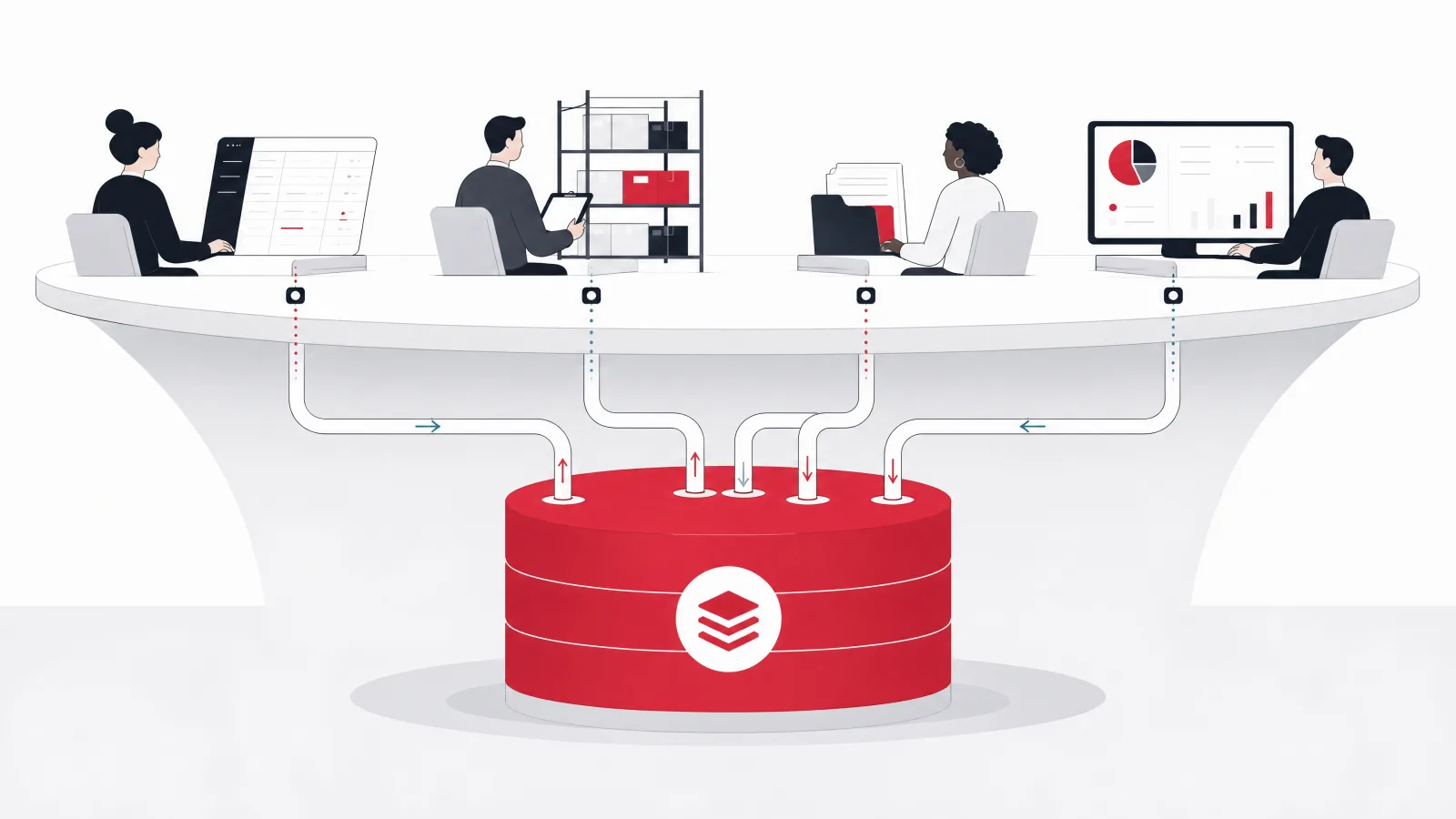
Strip away the vendor language and an ERP is three things. It is a shared data model: one definition of a customer, a product, a location, a supplier, an order, and a transaction, used by every function. It is a set of transactional workflows that create and change records in that model: an order is taken, stock is allocated, goods are shipped, an invoice is raised, cash is received, and each step posts to the same ledger. And it is a reporting layer that reads the model, so that finance, operations, and management see the same numbers because they are reading the same tables. The modules that vendors list (finance, inventory, purchasing, sales, manufacturing, HR, projects, CRM) are groupings of workflows over that shared model; they matter, but the model matters more.
This is why an ERP is different from a collection of best-of-breed applications connected by integrations. Best-of-breed gives each function the tool it likes, at the cost of reconciling the data between them, which is exactly the problem the company was trying to escape. An ERP gives every function an adequate tool over one model, at the cost of some functions getting a less specialized tool than they would choose. The trade is worth it for the core transactional functions, finance, inventory, order-to-cash, and procure-to-pay, and often not worth it for the edges, where a specialized tool integrated to the ERP is the better answer. Knowing where the edge is for a particular company is most of the architectural judgment in an ERP project.
It is also why the first deliverable of any ERP project is not software. It is the process map and the data model: how the company actually runs its order-to-cash and procure-to-pay cycles, where the exceptions are, what the master data is and who owns it, and what the chart of accounts and the dimensional structure for reporting need to be. A company that skips this and starts configuring or coding will encode its current mess into a system that is much harder to change than a spreadsheet, and it will discover the mess at go-live.
Terms this guide uses precisely
- System of record
- The one place a fact is authoritative. In an ERP the general ledger is the system of record for financial truth, and the item, customer, and supplier masters are the systems of record for their entities.
- Master data
- The slowly changing reference data everything else refers to: items, customers, suppliers, locations, employees, the chart of accounts. Its quality decides the quality of every transaction.
- Order-to-cash
- The end-to-end cycle from a customer order through allocation, fulfillment, invoicing, and cash receipt. One of the two cycles every ERP must get right.
- Procure-to-pay
- The cycle from a purchase requisition through ordering, receiving, invoice matching, and payment. The other cycle every ERP must get right.
- Configure, extend, customize
- Configure: set options the software already has. Extend: add fields, workflows, and modules through supported extension points. Customize: change the core code. The third is where upgrade pain lives.
- Cutover
- The controlled switch from old systems to the new ERP, including final data migration, reconciliation, and the go-live decision. The most dangerous week of the project.
ERP vocabulary is used loosely in vendor material. Fixing the meanings up front makes the rest of the article shorter.
The three routes: configure a package, extend a platform, or build custom
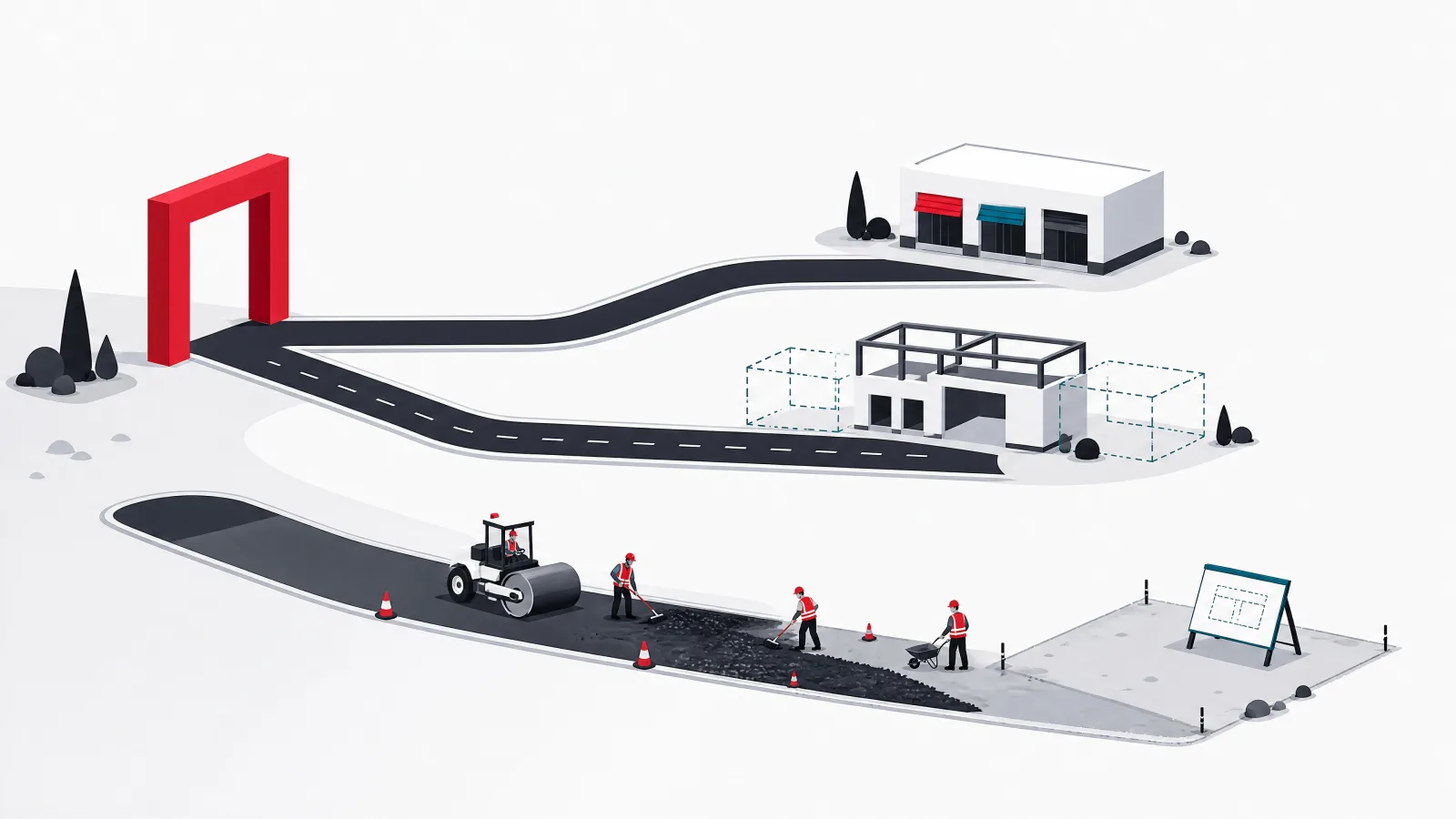
Configuring a packaged ERP is the route for companies whose processes are standard and whose budget can carry per-user licensing. SAP S/4HANA and Oracle Fusion serve large enterprises; Microsoft Dynamics 365 Business Central and Finance and Operations, NetSuite, Sage, and Acumatica serve the mid-market. The software is mature, the finance modules are audited by thousands of companies, and a partner ecosystem exists to implement it. The costs are licensing that scales with users forever, implementation partners who charge by the day, and the discipline of adapting the business to the software where they differ, because customizing packaged core code is how companies end up unable to upgrade.
Extending an open source platform is the route that has grown fastest in the last decade, and Odoo is the reason. Odoo, ERPNext, and to a lesser extent Dolibarr and Tryton provide the standard modules (accounting, inventory, purchasing, sales, manufacturing, HR, CRM, e-commerce) under an open source license, with a clean extension framework for adding fields, workflows, reports, and whole modules without touching the core. Licensing is free for the community edition or a modest per-user fee for the enterprise edition with hosted support. The result is a system that is eighty percent standard and twenty percent exactly what the business needs, at a fraction of packaged cost. The trade is that the company or its partner owns the extensions and the upgrade path, and that some functions (complex multi-entity consolidation, some industry compliance) are thinner than in the packages.
Building a custom ERP is the route for a small set of companies, and the set is smaller than the number who choose it. It is right when the operation is genuinely unlike what any package or platform models (an unusual manufacturing process, a marketplace with its own economics, a regulated niche), when the system is a competitive asset rather than a utility, or when the company has the engineering culture to own a core system indefinitely. It is wrong when the motivation is that the packages seem expensive or the platforms seem limited, because a custom build recreates the finance module, which is the one part of an ERP nobody should reinvent. The pragmatic hybrid, which this guide recommends more often than any pure route, is an open source or packaged core for finance and standard modules with custom-built operational modules where the business is different, integrated as first-class citizens of the same data model.
The three routes compared
| Route | Fits when | Indicative cost shape | Time to first module live | Main risk |
|---|---|---|---|---|
| Configure a package (Dynamics, NetSuite, SAP, Oracle) | Standard processes; budget for licensing; audit and compliance needs | Per-user license forever plus partner days; six figures for mid-market, seven for enterprise | 4 to 9 months | Customizing core; partner dependence; license growth |
| Extend an open source platform (Odoo, ERPNext) | Mostly standard with real customization needs; cost sensitivity; wants ownership | Low or no license; implementation and extension work; five to low six figures | 3 to 6 months | Owning extensions and upgrades; thinner edges |
| Build custom | Operation unlike any package; system is a competitive asset; strong engineering culture | Engineering time; mid six figures upward for a few modules; ongoing team | 6 to 12 months | Rebuilding finance; scope; long-term ownership |
| Hybrid: platform core, custom operational modules | Standard finance, unusual operations | Platform cost plus targeted build; low to mid six figures | 4 to 8 months | Integration design between core and custom |
Indicative and generalized. The hybrid row is the most common right answer for mid-size companies with one or two genuinely unusual processes.
Architecture: the shared model, the modules, and the integration layer
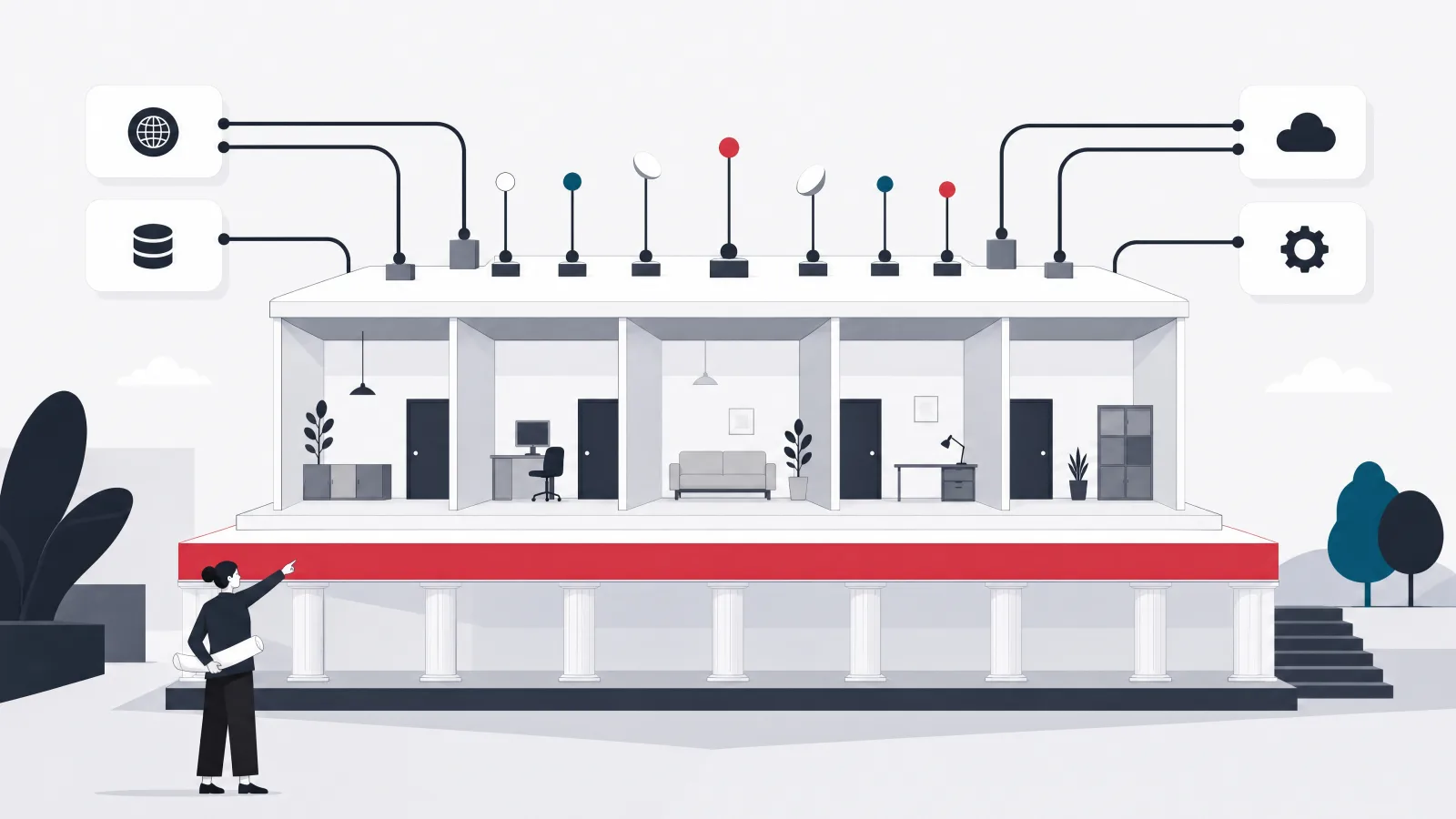
Whatever the route, a modern ERP architecture has the same layers, and understanding them helps a buyer evaluate a package and helps a builder avoid the classic mistakes. At the center is the shared data model and the general ledger: master data (items, partners, locations, accounts, dimensions) and the posting engine that turns every operational transaction into journal entries. Around it sit the transactional modules, each owning its workflows but posting to the same ledger and reading the same masters: inventory and warehouse, purchasing, sales and order management, manufacturing, projects, HR and payroll, and fixed assets. Above them is the reporting and analytics layer, reading the model directly or through a warehouse. And around the whole thing is the integration layer: APIs and events by which external systems (e-commerce, banks, payroll providers, carriers, CRM, BI, tax authorities) exchange data with the ERP.
Two architectural decisions matter more than the rest. The first is the posting model: every module must post to the ledger through one engine with one set of rules, so that an inventory receipt, a sales invoice, and a payroll run all produce journals the same way and reconcile automatically. Systems that let modules keep their own sub-ledgers and reconcile later recreate the problem the ERP was meant to solve. The second is the extension model: how the business adds fields, workflows, and modules without changing the core. Packages and open source platforms provide this; a custom build must design it in from the start, or every change becomes a core change.
For custom or hybrid builds, the technical architecture is a modular monolith or a small set of services over one database, not a fleet of microservices. An ERP is transactional and consistency-heavy: an order that allocates stock and posts revenue must do all of it or none of it, and distributed transactions across services are where custom ERPs go to die. A well-structured monolith with clear module boundaries, a shared posting engine, and an API layer for integration is the pattern that works, and it can be split later if a module genuinely needs to scale independently. Teams building an ERP or extending one should resist the architecture that looks modern in favor of the one that keeps the ledger consistent.
Phasing: finance first, then the module that hurts, then the rest
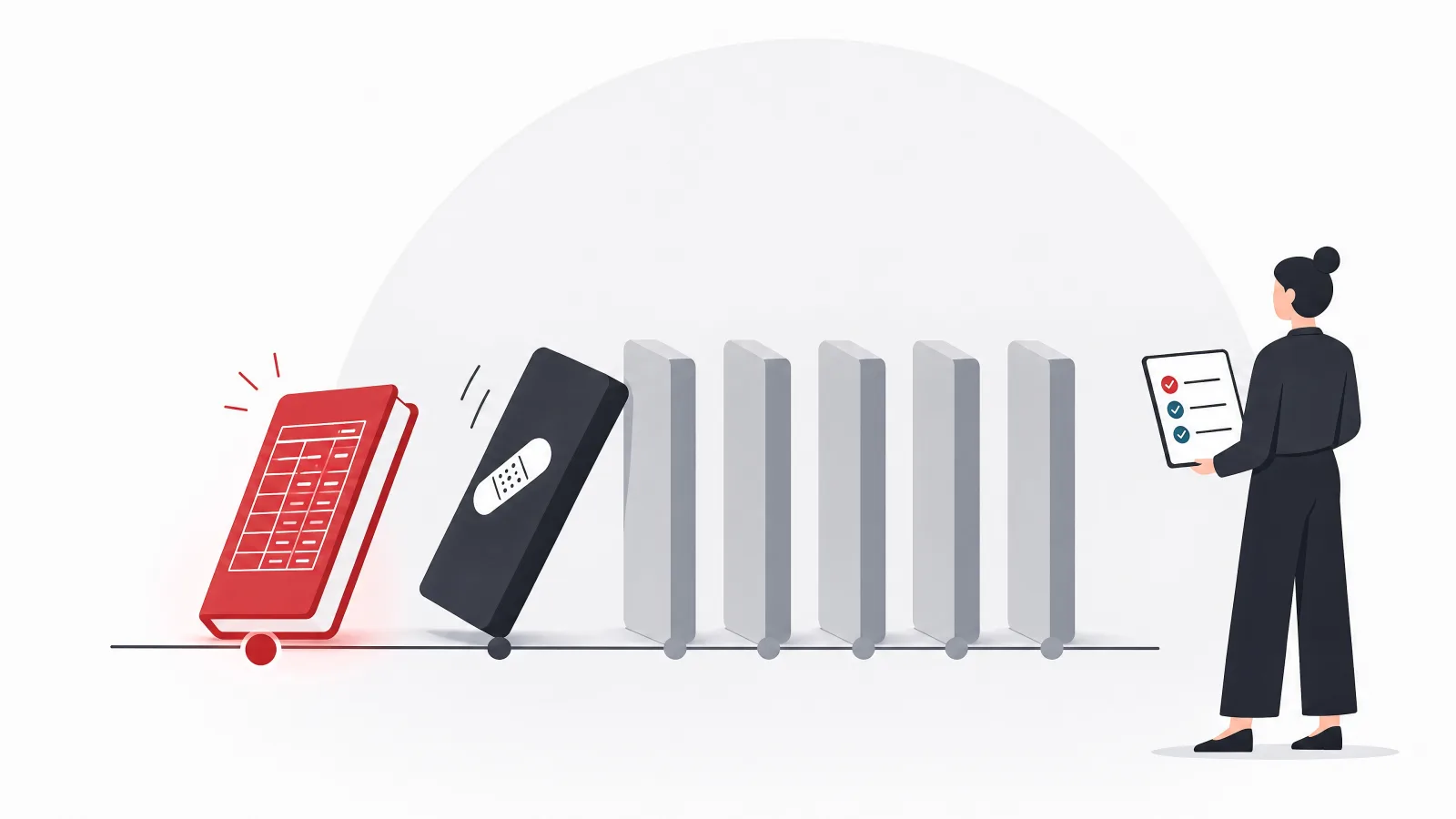
The single most reliable way to lose a year on an ERP project is to try to go live with every module at once. The alternative is a phased plan with a logic that rarely changes. Phase one is the foundation: the process map and data model, the chart of accounts and reporting dimensions, master data cleanup and governance, and the general ledger with accounts payable and receivable live, running in parallel with the old accounting system for at least one month-end close. Finance goes first not because it is exciting but because it is the ledger every other module posts to; going live with inventory before finance means inventory postings have nowhere to land.
Phase two is the operational module that hurts the most, which is usually inventory and order management for distributors and retailers, manufacturing for makers, and projects for services firms. This is the phase where the business sees the ERP change its daily work, where the warehouse or the shop floor gets devices and workflows, and where the integrations to e-commerce, carriers, and suppliers land. It is also the phase where the process map from phase one is tested against reality, and the exceptions nobody mentioned appear. Budget for a pilot in one site or one product line before the full rollout.
Phase three and beyond add the remaining modules in order of pain: purchasing and supplier management if not already in, HR and payroll (or integration to a payroll provider), fixed assets, projects, CRM, and the reporting layer as the data accumulates to make it worth reporting on. Each later phase is cheaper than the earlier ones because the model, the masters, the integration layer, and the team's understanding all exist. The software development process guide covers how a delivery team runs each phase; the point here is the order.
A phased ERP delivery for a mid-size distributor or manufacturer
-
Foundation and financeMonths 1 to 4
Process map; data model; chart of accounts and dimensions; master data cleanup; GL, AP, AR live; bank integration; parallel close with the old system.
Done when One month-end closed in the new system and reconciled to the old within tolerance; masters owned and governed.
-
Core operationsMonths 4 to 8
Inventory and orders (or manufacturing, or projects); warehouse devices; e-commerce, carrier, and supplier integrations; pilot in one site; full rollout.
Done when Stock accuracy above threshold by cycle count; all orders flow to invoice in the ERP; old operational system read-only.
-
Inbound and peopleMonths 8 to 11
Purchasing and supplier management; HR core and payroll integration; fixed assets; expense management.
Done when Three-way match live; payroll journals post automatically; asset register reconciles.
-
Reporting and edgesMonths 10 to 14
Management reporting and dashboards over the model; CRM integration or module; specialized edge tools integrated; decommission of legacy.
Done when Finance and operations quote the same numbers from the ERP; legacy systems switched off.
Spans are illustrative for a company of a few hundred people on the extend or hybrid route. Exit criteria are written so someone outside the project can apply them.
What it costs: indicative bands by route and where the money actually goes
Cost varies more in ERP than in almost any other software category, because the routes differ so much and because the largest costs are not software. Indicatively, as of 2026, a small company configuring an open source platform with a partner for finance and inventory might spend 30,000 to 80,000 dollars in implementation and a few thousand a year in hosting and optional enterprise licensing. A mid-size company on the extend or hybrid route, with several modules, meaningful customization, integrations, and data migration, typically lands between 150,000 and 500,000 dollars over the first year plus an ongoing team or partner retainer. A packaged mid-market ERP (Dynamics, NetSuite) implementation for the same company runs 200,000 to 800,000 dollars in partner fees plus licensing that commonly reaches 50,000 to 200,000 dollars a year. Enterprise SAP and Oracle programs start in the low millions. A custom build with three or four modules by a competent team runs 300,000 to 1,000,000 dollars and needs a permanent team afterward.
Where the money goes is more useful than the totals. Across routes, software licensing is typically 10 to 30 percent of first-year cost (near zero for open source, higher for packages); process design, configuration, and development is 30 to 40 percent; data migration and reconciliation is 15 to 25 percent and is always underestimated; integration is 10 to 20 percent; and training, change management, and hypercare after go-live is 10 to 15 percent and is the first line cut when budgets tighten, which is why so many ERPs are not used. A budget that shows 5 percent for data migration and nothing for change management is a budget that will be exceeded.
The rate structure of the delivery team moves the totals. The same project delivered by a Western consultancy at 150 to 250 dollars an hour, by a nearshore partner at 60 to 120, or by an experienced offshore team in Vietnam at 25 to 50, differs by a factor of three to five in labor cost, which is most of the project. The software development cost guide covers the rate landscape; the ERP-specific caution is that the team must know the domain, because a cheap team learning double-entry accounting on the client's ledger is not cheap.
Indicative first-year cost bands by route, 2026
| Route | Software and licensing, year one | Implementation, extension, migration, integration | Ongoing per year | Indicative first-year total |
|---|---|---|---|---|
| Open source platform, small scope | 0 to 10,000 | 30,000 to 80,000 | 5,000 to 30,000 | 35,000 to 90,000 |
| Open source platform or hybrid, mid scope | 0 to 40,000 | 150,000 to 450,000 | 40,000 to 150,000 | 150,000 to 500,000 |
| Packaged mid-market ERP | 50,000 to 200,000 | 200,000 to 800,000 | 80,000 to 300,000 | 250,000 to 1,000,000 |
| Custom build, three to four modules | 10,000 to 50,000 in infrastructure | 300,000 to 1,000,000 | A permanent team | 300,000 to 1,000,000 plus |
| Enterprise package (SAP, Oracle) | 300,000 upward | 1,000,000 upward | 300,000 upward | Low millions upward |
Indicative US dollar bands for a company of roughly 100 to 500 people with several modules. Regional delivery rates move the implementation figures by a factor of three or more.
Data migration: the third of the project that is planned as a tenth
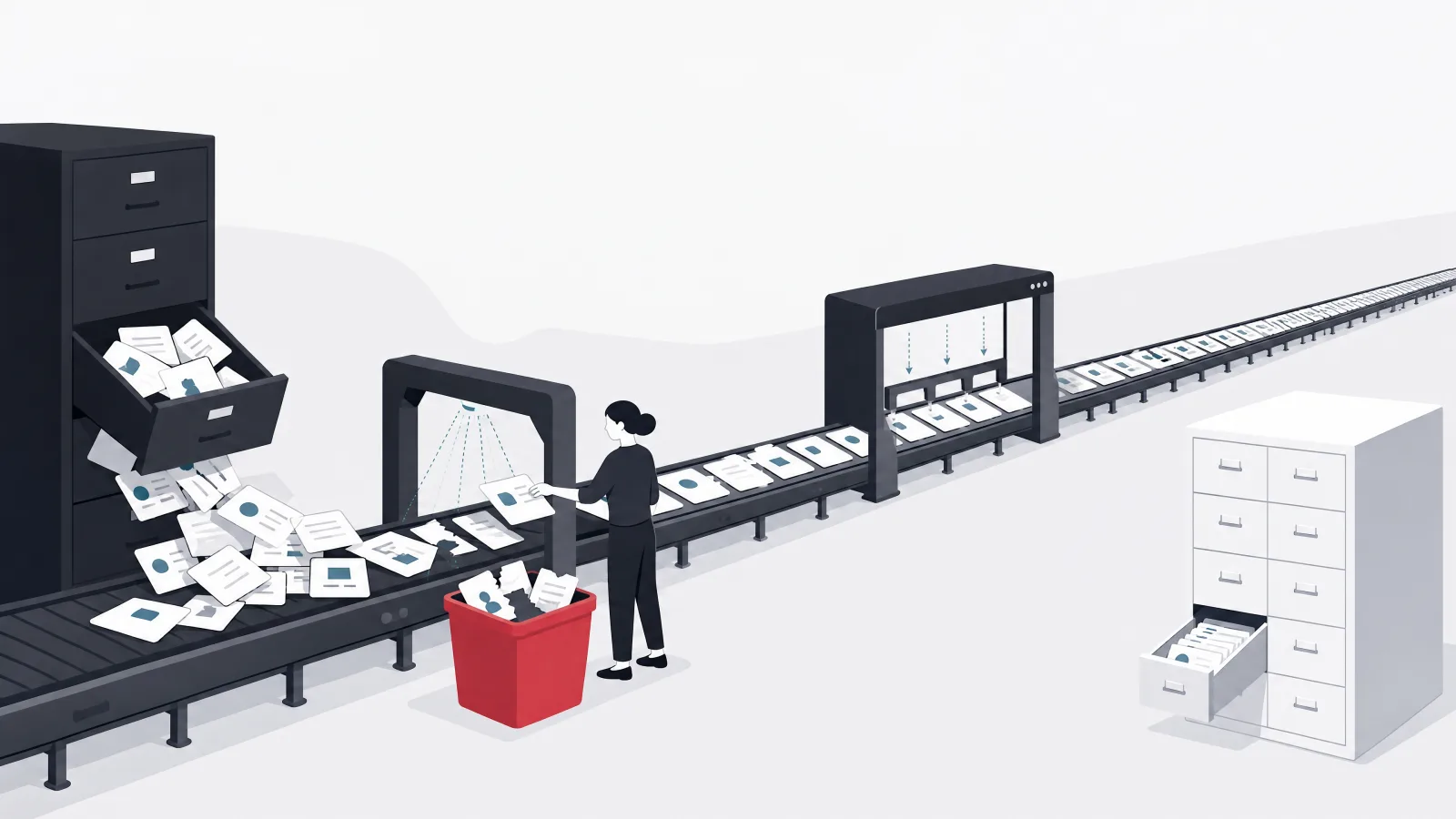
Every ERP project inherits data from the systems it replaces, and that data is worse than anyone believes until they look. Customer records duplicated with different spellings, items with inconsistent units of measure, a chart of accounts that grew by accretion, open orders and invoices in three systems that do not agree, inventory balances that have not been physically verified in years. Migration is the work of extracting that data, cleaning it, mapping it to the new model, loading it, and reconciling the result to the old system closely enough that finance will sign off. It is consistently a quarter to a third of total project effort and consistently planned as a tenth.
The approach that works has four parts. First, decide what not to migrate: historical transactions older than the audit requirement can stay in a read-only archive, and closed records rarely need to move. Migrating opening balances and open items rather than history cuts the work by half or more. Second, clean in the source before mapping, with the business owning the cleanup (finance owns the chart of accounts and customer balances, operations owns items and stock), because the project team cannot decide which of two duplicate customers is real. Third, build the migration as repeatable code, not a one-time manual load, and run it many times against a test environment until the reconciliation passes; the final cutover load is then the tenth run, not the first. Fourth, reconcile formally: trial balance to trial balance, open AR and AP by customer and supplier, stock by item and location, with variances explained and signed off.
Cutover itself deserves its own plan. It is typically a weekend or a month-end: transactions in the old system stop, the final migration runs, reconciliation is performed, a go or no-go decision is made against pre-agreed criteria, and the new system opens on the next business day with hypercare support on the floor. A rollback plan must exist and be rehearsed even though nobody wants to use it. Companies that treat cutover as the day the software is switched on, rather than as a controlled operation with rehearsals, are the companies that spend the following quarter reconciling.
Migration as a repeatable operation, not a one-time event
-
Scope what movesMonth 1
Masters, opening balances, open orders, open AR and AP, current stock. History to an archive. Agree it with finance and audit.
-
Clean in the source, owned by the businessMonths 1 to 3
Finance cleans accounts and balances; operations cleans items and stock. The project team provides tooling and reports, not decisions.
-
Build the migration as codeMonths 2 to 4
Extract, transform, load scripts with validation rules. Every run logs what loaded, what failed, and why.
-
Run, reconcile, repeatMonths 3 to 5
Load into test; reconcile trial balance, open items, and stock; fix; run again. Aim for at least five full rehearsals.
-
Rehearse cutoverMonth 5
A timed dry run of the whole weekend, including the rollback. Fix what took too long.
-
Cut over with a go or no-goGo-live
Final load, formal reconciliation against pre-agreed tolerances, sign-off, open for business with hypercare on site.
Integration and change management: the two things that decide whether it is used
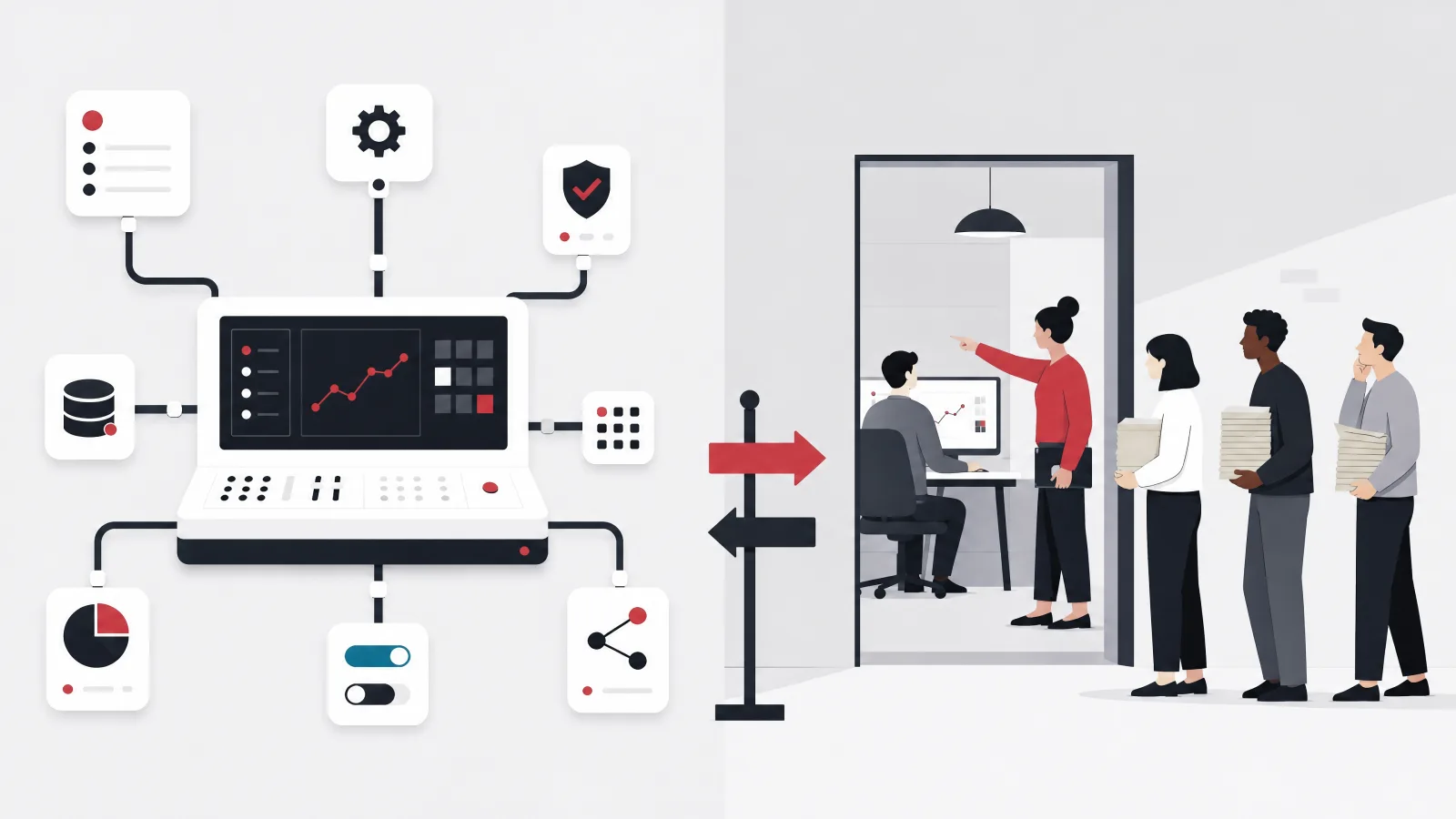
An ERP is the system of record, but it is never the only system. E-commerce platforms send orders and need stock and status back; banks send statements and receive payment files; payroll providers receive hours and send journals; carriers rate and track; a CRM may own the pipeline; tax authorities in many countries now require electronic invoicing; and a BI layer reads everything. Each is an integration deliverable with a direction, a mechanism (API, file, EDI), a schedule, error handling, and an owner, and the list belongs in the plan from the start. The architectural rule is that the ERP exposes a stable API and publishes events for its core entities, and integrations are built against that rather than against the database, so that the ERP can change internally without breaking the world around it. The supply chain requirements checklist includes an integration table that applies almost unchanged to any ERP project.
Change management is where ERP projects that were technically successful still fail. The warehouse keeps the paper picklist because the device workflow was designed without them; sales keeps the spreadsheet because the ERP order screen takes six clicks where the spreadsheet took one; finance keeps a shadow ledger because they do not yet trust the postings. Each of these is a process design failure dressed as a training failure, and the cure is upstream: the people who do the work must be in the room when the process is mapped, must see their exceptions handled in the design, must pilot the system before rollout, and must have someone on the floor during hypercare who can fix a problem in hours. Budget for this. It is 10 to 15 percent of the project and it is the difference between a system of record and an expensive ledger nobody believes.
The organizational structure that makes both work is a business owner for each module (not an IT owner), a small core team seconded from the business for the duration, a delivery team that knows the domain as well as the technology, and an executive sponsor who will make the process decisions the project surfaces. ERP projects surface decisions that have been avoided for years: which of two pricing methods is right, whether the warehouse or sales owns the allocation rule, what the real chart of accounts should be. A sponsor who defers them defers the project.
ERP delivery habits that hold up, and the ones that do not
Do this
- Business owner per moduleFinance owns the ledger, operations owns inventory, HR owns people. IT enables; it does not own the process.
- Users in the process mappingThe picker, the buyer, and the AR clerk know the exceptions. Design with them or design around them later.
- Pilot before rolloutOne site, one product line, one month. The exceptions the map missed appear here, cheaply.
- Hypercare on the floorSomeone who can fix a workflow in hours, present for the first two closes and the first peak.
Not this
- Big-bang go-live of every moduleThe most reliable way to lose a year. Phase it.
- Migration as a one-time manual loadThe first load is never right. Build it as code and rehearse.
- Customizing packaged core codeYou will not be able to upgrade. Extend through supported points or change the process.
- Cutting training and hypercare to save budgetThe system is delivered and not used. The saving is the whole project.
Industry variants: where the standard modules stop and the build begins
The standard modules cover finance, inventory, purchasing, sales, and HR well for most industries; the variation is in the operational core, and it decides how much of the project is configuration and how much is build. Manufacturers need bills of material, routings, work orders, capacity planning, and shop floor data capture, which the platforms provide in a standard form that fits discrete manufacturing well and process manufacturing (food, chemicals, pharmaceuticals) less well; batch genealogy, yield variance, and quality management often need extension. Distributors need the warehouse and order features covered in the supply chain requirements article, and their variation is in pricing (contract, tiered, rebate) and in carrier and EDI integration.
Healthcare organizations, whose legacy URL this article inherits, need the standard finance and procurement modules plus supply chain for clinical consumables, fixed assets for equipment, and HR for a large and shift-based workforce; what they do not need from the ERP is the clinical record, which lives in the EMR or EHR and integrates to the ERP for billing and materials. The mistake in healthcare ERP is trying to make one system do both. Services and project firms need project accounting, time and expense capture, resource planning, and revenue recognition by milestone or percentage of completion, which the mid-market packages do well and the open source platforms do adequately with extension. Retailers need point of sale integration, promotions, and store replenishment, where the platforms vary widely.
The pattern across industries is the same: the finance core is standard everywhere, the operational core is where the industry lives, and the question for each company is whether its operational core is close enough to a platform's standard module to extend it or different enough to build. A manufacturer of standard discrete products should extend; a specialty chemicals maker with complex batch processes may build the manufacturing module on a platform core. The manufacturing software and healthcare software practices on this site are built around exactly that judgment.
Standard module fit by industry
| Finance | Inventory | Operational core | HR and payroll | Industry-specific | |
|---|---|---|---|---|---|
| Distribution and wholesale | Yes | Yes | Partial | Yes | Partial |
| Discrete manufacturing | Yes | Yes | Yes | Yes | Partial |
| Process manufacturing | Yes | Partial | Partial | Yes | No |
| Healthcare providers | Yes | Partial | No | Partial | No |
| Professional services | Yes | No | Partial | Yes | Partial |
| Retail | Yes | Yes | Partial | Yes | Partial |
Filled means the standard modules on a platform or package fit with configuration; partial means extension is usually needed; empty means the module is typically built or bought as a specialized system and integrated.
Conclusion: pick the route by ruling out, then protect the data and the people
ERP development is a decision about a route before it is a project, and the decision is best made by ruling out. Rule out a custom build unless the operation is genuinely unusual and the company will own a core system for a decade. Rule out a packaged enterprise ERP unless the budget and the compliance needs demand it. What remains for most mid-size companies is an open source platform or a mid-market package, extended where the business is different, with custom operational modules only where the difference is real. Whichever route, the shape of the project is the same: process and data model first, finance and the module that hurts, migration as a rehearsed operation, integration as first-class deliverables, and change management as a budget line, not an afterthought.
The projects that lose a year do so on scope that was never phased, data that was never cleaned, and users who were never in the room. None of those is a technology problem, and no route avoids them. The companies that come out the other side with one set of numbers everyone believes are the ones that treated the ERP as a model of the business first and a piece of software second.
- Three routes; rule out two. Configure, extend, or build. Most mid-size companies land on extend or hybrid.
- Model before software. The process map, the data model, and the chart of accounts are the first deliverables.
- Finance first, then the pain. The ledger everything posts to, then the operational module that hurts, then the rest.
- Migration and people are the risk. A third of the effort for data; a budget line for change. Cut either and the system is not used.
Frequently asked questions
What is ERP development?
The work of giving a company one system of record for its core operations, finance, inventory, purchasing, sales, manufacturing, HR, and the reporting across them. It covers three routes: configuring a packaged ERP such as Dynamics 365, NetSuite, SAP, or Oracle; extending an open source platform such as Odoo or ERPNext through supported extension points; or building a custom ERP, usually on a platform core for finance with custom operational modules. All three share the same project shape: process and data model first, finance and the most painful operational module first, rehearsed data migration, integration as deliverables, and change management.
How much does it cost to develop an ERP?
Indicatively, as of 2026: 35,000 to 90,000 dollars for a small open source deployment with finance and inventory; 150,000 to 500,000 for a mid-size company on the extend or hybrid route with several modules, integrations, and migration; 250,000 to 1,000,000 for a packaged mid-market ERP including partner fees and first-year licensing; 300,000 to 1,000,000 or more for a custom build of three or four modules, plus a permanent team; and low millions upward for enterprise SAP or Oracle programs. Regional delivery rates move implementation costs by a factor of three or more. Migration is typically 15 to 25 percent of the total and is always underestimated.
Should we build a custom ERP or use Odoo?
For most mid-size companies, extend Odoo or a similar platform. It provides the standard modules, especially finance, which nobody should rebuild, with a clean extension framework for the parts of the business that are different, at low or no license cost. Build custom only where the operational core is genuinely unlike what any platform models and the system is a competitive asset, and even then build it as a custom module on a platform core for finance. The most common right answer is the hybrid.
How long does an ERP implementation take?
Phased properly, three to five months to finance live with a parallel close, four to eight months to the core operational module live after a pilot, and ten to fourteen months to the remaining modules and legacy decommissioned, for a company of a few hundred people on the extend or hybrid route. Packaged mid-market implementations run four to nine months to first module; enterprise programs run one to three years. Big-bang go-lives of every module at once are the most common way to add a year.
What are the biggest risks in an ERP project?
Scope that was never phased, data that was never cleaned, and users who were never in the room. Specifically: attempting a big-bang go-live; planning migration at a tenth of the effort it takes and running it once instead of rehearsing; customizing packaged core code and losing the upgrade path; cutting training and hypercare to save budget so the system is delivered but not used; and an executive sponsor who defers the process decisions the project surfaces. None of these is a technology risk, and no route avoids them.
Does a hospital or clinic need an ERP or an EHR?
Both, and they are different systems. The EHR or EMR is the clinical record: patients, encounters, orders, results, medication administration. The ERP is the business system: finance, procurement and supply chain for clinical consumables, fixed assets for equipment, and HR for a large shift-based workforce. They integrate, with the EHR sending charges and material consumption to the ERP for billing and replenishment. The mistake in healthcare is trying to make one system do both.
When a company needs one set of numbers everyone believes, AgileTech is an AI native software development company in Vietnam that implements, extends, and builds ERP systems with migration rehearsed and change management budgeted.
Source: https://agiletech.vn/blog/erp-development-guide/ · (c) AgileTech Vietnam. Printed from agiletech.vn.
