 Nguyen Manh Thang
Chief Executive Officer, AgileTech Vietnam
Nguyen Manh Thang
Chief Executive Officer, AgileTech Vietnam
- Published
- Last updated
- Read time
- 13 min
- Views
- 60
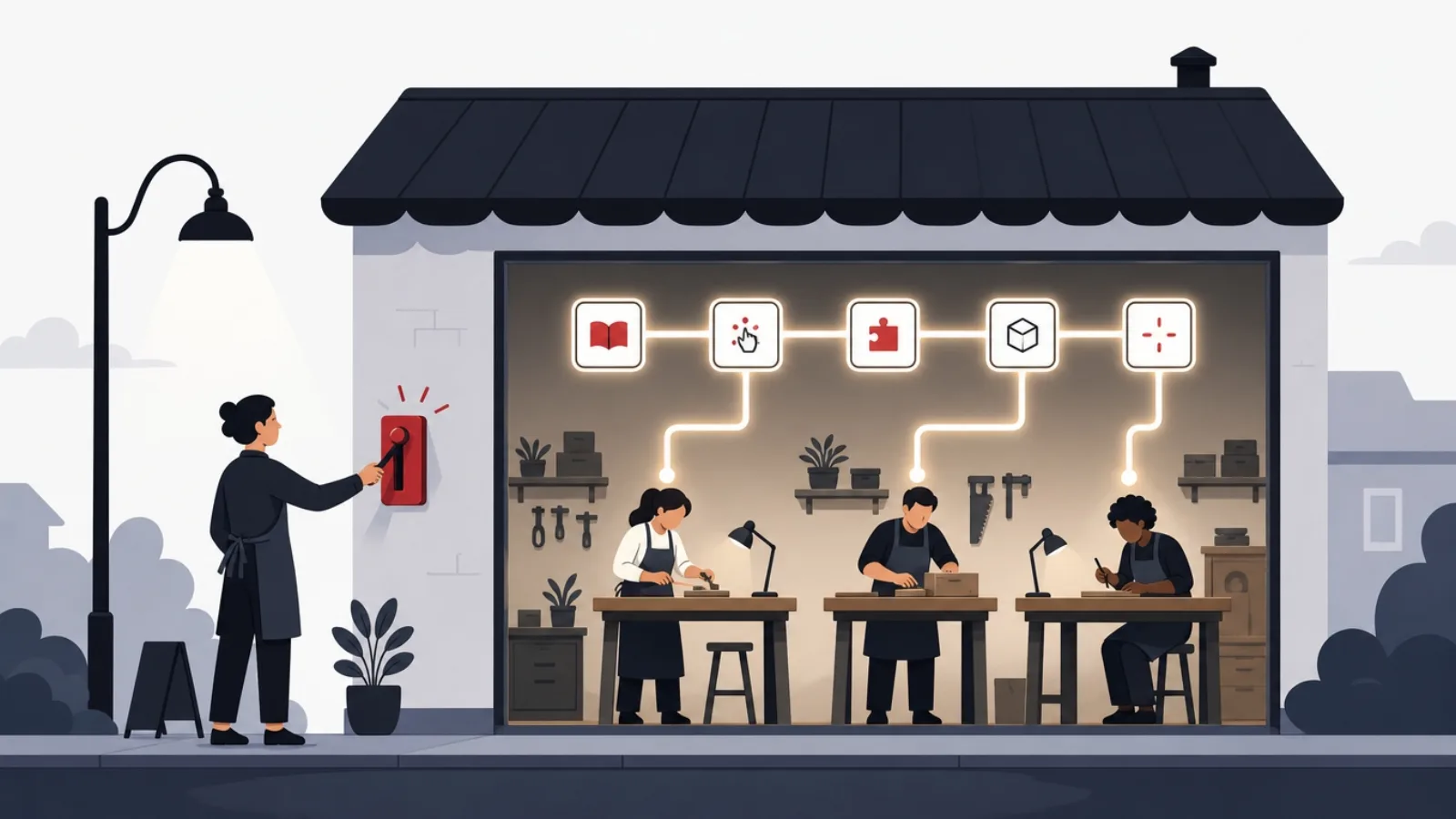
Read the AI overview
The best LMS for a small business in 2026 depends on the training job. For employee onboarding and process documentation, Trainual is the most direct fit. For general course delivery on a tight budget, TalentLMS offers the strongest free-to-paid ladder. For selling courses to customers, LearnWorlds and Teachable lead. Moodle remains the free power option if you have someone technical, and iSpring Learn wins where PowerPoint-based authoring matters. Price per active learner, not per feature list: most small teams need five LMS features and pay for forty.
Small businesses shop for a learning platform with a problem, not a category: new hires take too long to become useful, a regulator wants proof of training, or customers keep asking the same questions a course could answer. The LMS market answers with several hundred products, most demoed for enterprise buyers, priced in ways that hide the real cost from a ten-person team, and reviewed by sites paid on referral. This guide is the opposite: a short, honest list organized by the job you are hiring the LMS to do.
The picks below come with their catches attached, because every LMS has one: a free tier that ends exactly where you get dependent, an authoring tool your operations manager will refuse to open, a per-learner price that triples the year you grow. We name them, because a small business cannot absorb a wrong platform choice the way an enterprise can.
One more perspective this page carries: AgileTech builds learning systems for clients, from LMS customization to full learning products, so the final sections answer the question the listicles skip: when a small business should stop configuring someone else's LMS and consider building, and what that honestly costs. For most readers the answer is buy, and we say so plainly.
Key takeaways
- Small businesses buy an LMS for one of three jobs, onboarding staff, proving compliance, or training customers, and the best product differs for each; a tool great at one is usually mediocre at the others.
- Per-learner pricing punishes growth and per-course pricing punishes depth: model your real learner count at 12 and 24 months before comparing prices, because the cheap tier today is rarely the cheap tier next year.
- The free options are genuinely usable: TalentLMS's free tier covers a five-person team, and Moodle is free forever if someone can run it, which most small businesses underestimate as a real cost.
- Authoring is where teams actually stall: the LMS matters less than whether anyone produces courses, so the tool your least technical trainer will actually use beats the tool with the best feature grid.
- SCORM and xAPI compatibility sounds academic until you buy off-the-shelf compliance content, at which point it decides whether purchased courses run at all.
- Build-versus-buy has a real threshold: below a few hundred learners, buying always wins; a custom learning product only pays when training IS the product or the workflow cannot be bent into any vendor's model.
Start with the job: onboarding, compliance, or customer training
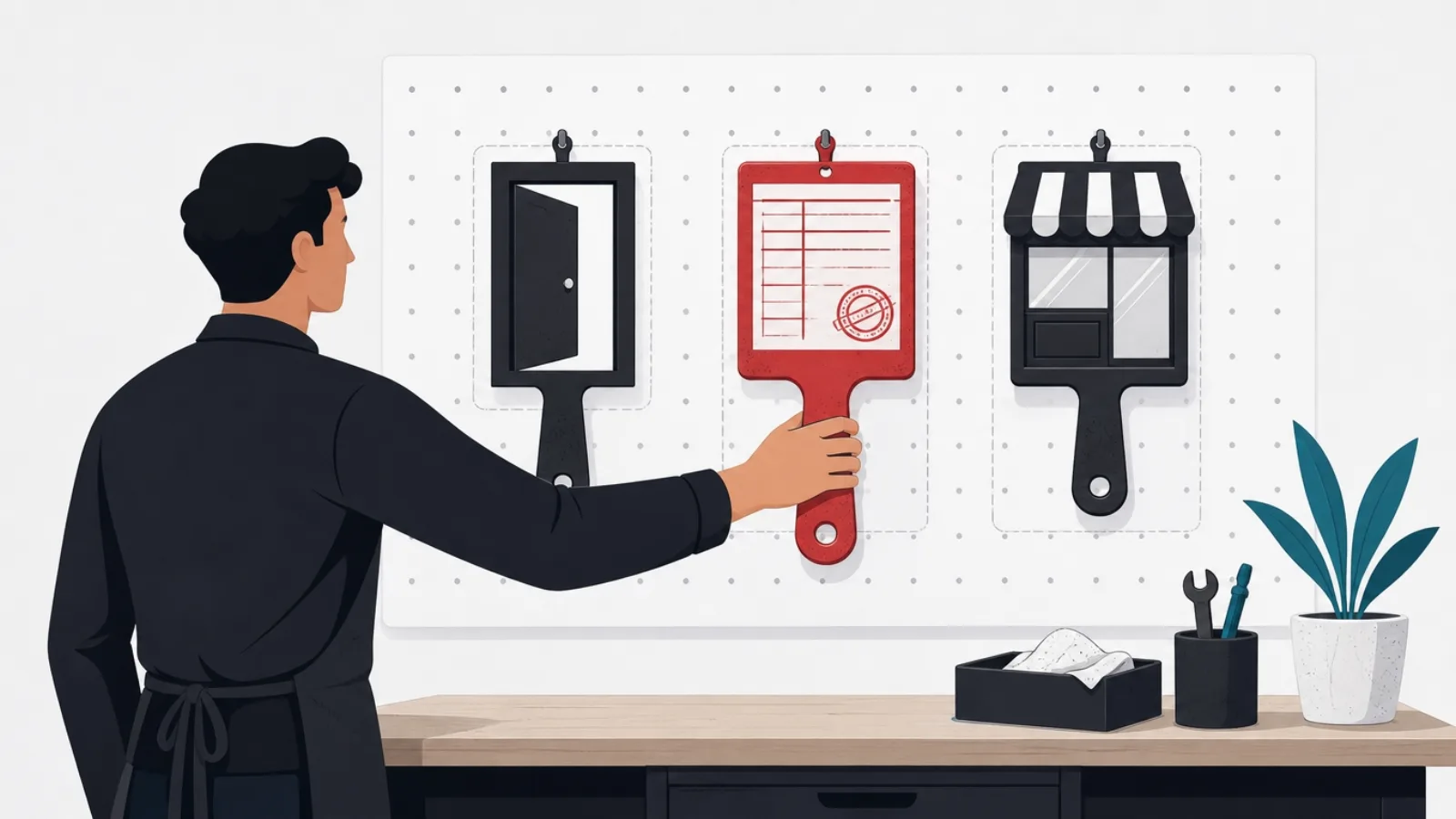
The single most useful filter in the LMS market is naming which of three jobs you are hiring for. Employee onboarding and internal process training is the most common small-business job: get new people productive, document how the company works, stop the founder repeating the same walkthrough. Compliance training is the second: deliver mandated courses, capture completions, and produce an audit trail a regulator or insurer will accept. Customer and partner training is the third: courses that reduce support load or generate revenue, which is really a product decision wearing training clothes.
The jobs pull in different directions, which is why "best LMS" lists that ignore them mislead. Onboarding rewards ease of authoring and process-checklist structure. Compliance rewards certification tracking, recurring assignment automation and reporting rigor. Customer training rewards branding control, commerce features and a public-facing polish that internal tools skip. A product stretched across all three exists, but a small team pays for that stretch in complexity it will never use.
Decide the job, then the secondary question: who authors the content? If courses will be built by whoever runs operations, authoring simplicity dominates every other criterion, because the graveyard of small-business LMS projects is not bad platforms, it is empty ones. The honest sequencing is job, author, then budget, and only then the feature grid everyone starts with.
Best for employee onboarding and process training
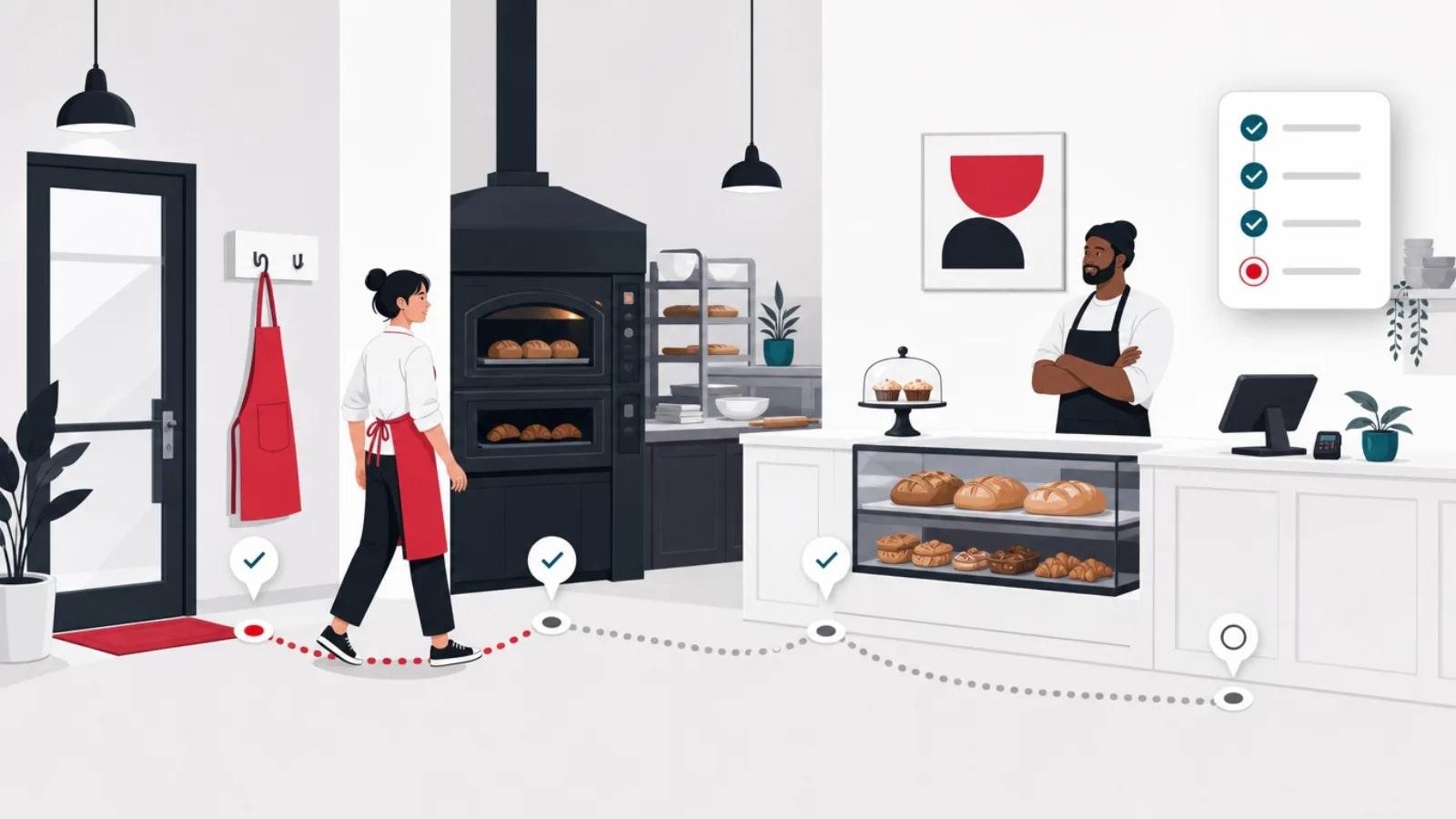
Trainual is the most honest match for the onboarding job because it does not pretend to be a university: it is a structured home for how the company works, playbooks, role handbooks, process checklists, with tests and completion tracking attached. Small teams fill it faster than a traditional LMS because writing a process page feels like documentation, not course design. The catch is its ceiling: rich media courses, certifications and external training push past what it wants to be, and its per-seat price stings as headcount grows.
TalentLMS is the strongest general pick for small teams that want a real LMS shape without enterprise weight. The free tier is a genuine trial for up to five users, paid tiers price predictably, authoring is drag-and-drop simple, and it swallows SCORM content when you buy courses instead of writing them. It is the default recommendation when the job is broader than onboarding but the team is under fifty people, and its catch is the flip side of its breadth: it is very good at everything and spectacular at nothing.
The workaround tier deserves honest mention because many teams under ten people need it and no vendor will say so: a well-organized Notion or Google Drive space with a checklist per role, plus recorded walkthrough videos, covers onboarding for teams too small to feed an LMS. The moment it breaks, no completion tracking, no recurring assignments, no proof, is the moment to buy, and arriving at that break with three course outlines already drafted makes the purchase land.
The small-business LMS picks, honestly compared
| Product | Best for | Pricing shape | The catch |
|---|---|---|---|
| Trainual | Onboarding and process playbooks | Per seat, flat tiers | Ceiling on rich courses and certifications |
| TalentLMS | General training under ~50 people | Free tier, then per active user bands | Great at everything, spectacular at nothing |
| iSpring Learn | Teams authoring from PowerPoint | Per user, authoring suite extra | Authoring suite is the real product and cost |
| LearnWorlds | Selling courses to customers | Monthly platform fee plus transaction cuts on lower tiers | Overkill for purely internal training |
| Moodle (self-hosted) | Free power with technical staff | Free software, real hosting and admin cost | The admin burden is the price |
| Google Classroom | Informal training on a zero budget | Free with Workspace | No compliance trail, no commerce, education-shaped |
Prices move; the pricing shape and the catch are what to compare. Model your learner count a year out before trusting any entry price.
Best for compliance training and audit trails
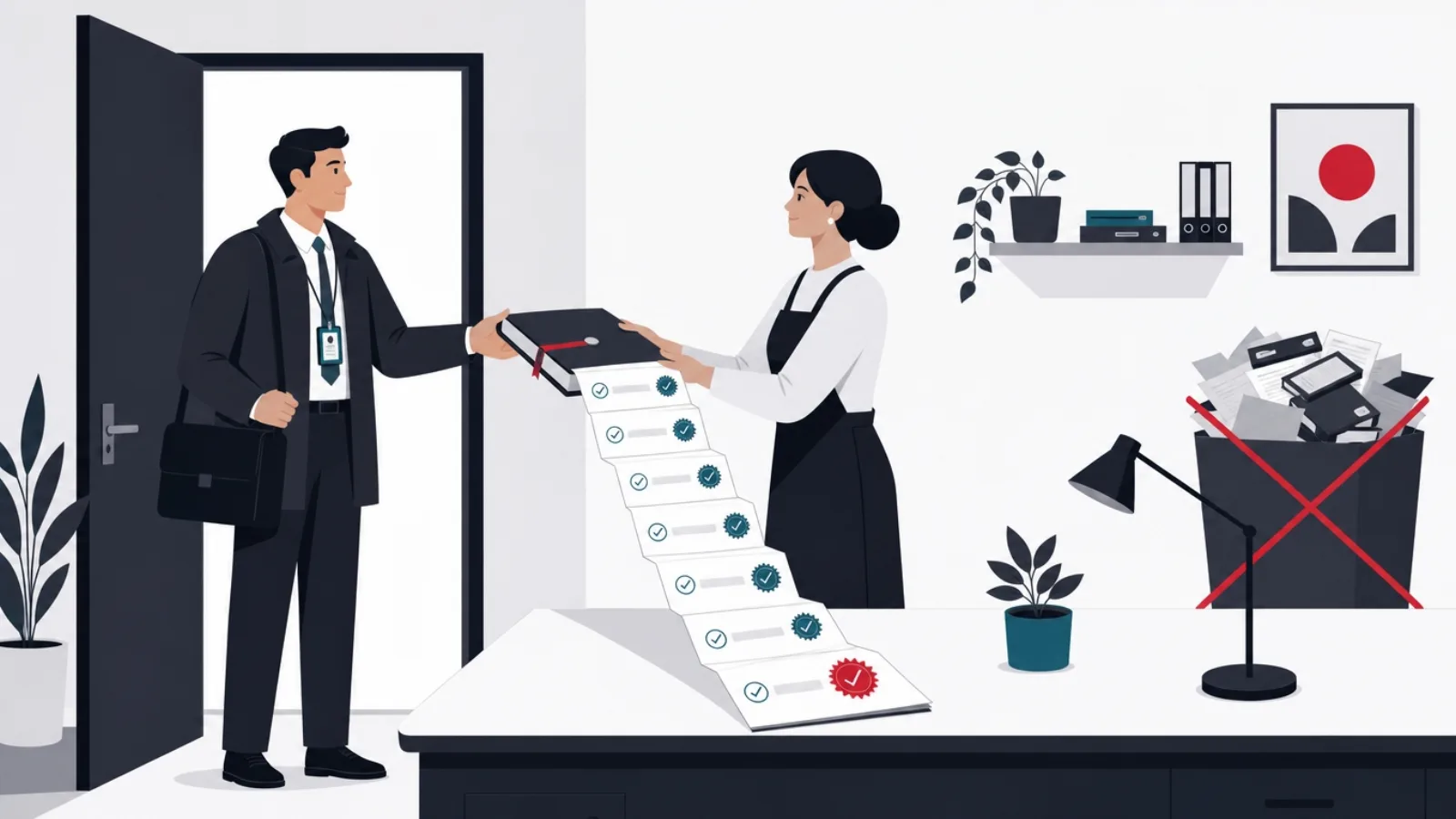
Compliance flips the evaluation: the report is the product. What matters is recurring assignment automation (annual refreshers assign themselves), certification records with expiry dates, sign-off capture, and exports an auditor accepts without a meeting. TalentLMS handles this well at small scale; iSpring Learn is particularly strong where training is built from existing PowerPoint decks, because its authoring add-on converts decks into tracked courses with quizzes faster than any rebuild.
The content question dominates compliance more than the platform question. Mandated topics, safety, harassment prevention, data protection, industry rules, are usually bought, not written, and purchased courses arrive as SCORM or xAPI packages. This is the moment format compatibility stops being jargon: an LMS that runs SCORM cleanly lets you buy a course library and be compliant in a week. Confirm the specific packages you plan to buy run on the specific LMS you plan to rent, in a trial, before either contract.
A sizing note for the smallest teams: if compliance is the only job and headcount is under ten, several course-content vendors sell their libraries with a minimal delivery portal attached, which can beat buying a general LMS and filling it. The trade is flexibility later; the win is proof of training this quarter with near-zero administration.
Best for customer training and selling courses
When the learners are customers, the LMS becomes a storefront, and different products lead. LearnWorlds is the strongest all-around pick for a small business selling or giving courses to customers: real branding control, a capable site builder, assessments and certificates, and commerce built in. Teachable and Thinkific play in the same lane with simpler authoring and lighter feature sets; Kajabi bundles marketing automation at a price that only makes sense when courses are the business rather than a support channel.
The decision inside this lane is revenue versus deflection. If courses exist to reduce support tickets and improve activation, product-led customer education, then polish, embeddability in your product, and completion analytics matter, while payments may not: several teams do well delivering free customer academies on TalentLMS or LearnWorlds' lower tiers. If courses are a revenue line, transaction fees change the arithmetic: platform fees on lower tiers take a real cut per sale, and the upgrade-to-remove-fees tier usually pays for itself surprisingly early.
Customer training is also where build-versus-buy first becomes a real question, because the LMS is now customer-facing surface area. A vendor academy that looks like a vendor academy is fine for support deflection; a learning experience that IS the product, cohort mechanics, community, custom interactions, starts to strain what course platforms allow, and that strain is the honest signal to read the build section below.
The trial checklist: what to verify before paying
- Author one real course end to endYour actual trainer, your actual material. If they stall in the trial, they will stall in production.
- Run your purchased SCORM packageUpload the actual compliance course you plan to buy and complete it on a phone.
- Pull the audit exportProduce the completion report you would hand an auditor. If it needs explanation, it fails.
- Model the price at next year's headcountPrice the tier your growth lands you in, not the tier you enter on.
- Test the learner experience on mobileDeskless staff train on phones. A desktop-only experience quietly excludes them.
- Check the export path outConfirm you can extract courses and records. The exit door is a feature you buy on entry.
Run every candidate through these in a free trial with real content, not the vendor's sample course.
The free tier: Moodle, Google Classroom, and honest workarounds

Moodle is the free option everyone names and most small businesses should not choose. The software costs nothing and does nearly everything; the price is administration: hosting, updates, plugin curation, theme work to escape its default look, and a learning curve authored for universities. With a technical person who owns it, Moodle delivers enterprise capability at hosting-bill prices, and MoodleCloud's hosted tiers soften the burden at small scale. Without that person, the free LMS becomes the most expensive kind: an abandoned one.
Google Classroom is free with Workspace and genuinely usable for informal internal training: assignments, materials, quizzes via Forms, familiar interface. Its limits are structural, it is education-shaped, not compliance-shaped: no certification records, no recurring assignment automation, no SCORM, no commerce. As a zero-budget bridge for a small team's soft-skills and process training, it works; as the system a regulator asks about, it does not.
The honest role of the free tier is sequencing, and it connects to the framework in our guide to choosing an LMS: start free, learn what you actually need by filling it, then buy the paid product whose strengths match the gaps you personally hit. Teams that sequence this way buy once; teams that start from the feature grid tend to buy twice.
LMS pricing mechanics: where small businesses get surprised
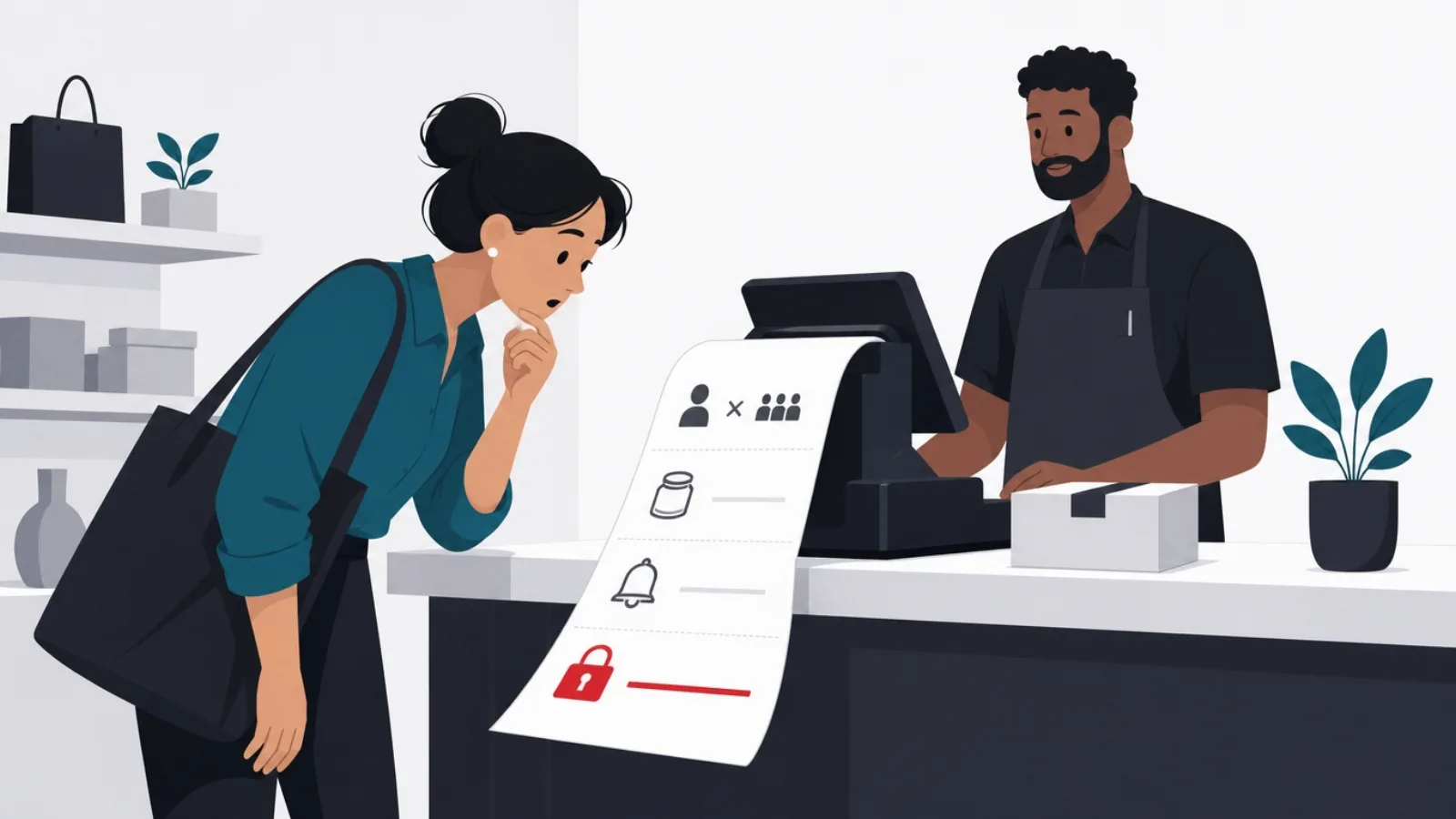
LMS pricing has three shapes, and each punishes a different growth pattern. Per registered user charges for everyone who exists in the system, which punishes staff turnover and archived learners. Per active user charges for who logged in this month, friendlier to seasonal training, but watch the definition of active, which varies by vendor and can include anyone who received an email. Flat platform tiers cap learners per tier, which reads as predictable until you cross a cap mid-year and the next tier doubles the bill.
The surprises cluster in four places. Authoring tools sold separately: iSpring's suite is the canonical example, superb and priced like the real product it is. Transaction fees on commerce tiers, which quietly take a percentage of every course sold until you upgrade. Onboarding and support fees that enterprise-lineage vendors attach even to small plans. And the annual-only discount trap: the two-month discount for paying yearly is real money, but only after the trial checklist above has passed, never before.
The defensible move is modeling: write down expected learners at month 1, 12 and 24, price every candidate at all three points including the add-ons your job needs, and compare those totals. Ten minutes of spreadsheet honestly beats every review site, because the review sites are paid on the click and the vendors price for the demo.
The numbers that decide a small-business LMS purchase
Model these four before any demo call, and the shortlist mostly builds itself.
When a small business should build instead of buy

The default answer is buy, and for internal training it is nearly absolute: below a few hundred learners, no custom build competes with a 3,000-dollar-a-year TalentLMS bill, and we say that as a company that builds software for a living. The build conversation opens only when one of three conditions holds: learning IS the product you sell, the training workflow is genuinely unrepresentable in vendor models (field skill verification with photo evidence, apparatus-based assessment, regulated sign-off chains), or the LMS must live inside your product so seamlessly that a vendor's frame breaks the experience.
When those conditions do hold, the honest budget conversation looks like this: a focused learning product MVP, courses, progress, assessment, admin, reporting, typically runs 60,000 to 150,000 US dollars with an offshore product team, and the full costing framework is in our guide to what software genuinely costs. The build-versus-buy sequencing in our education app guide applies directly: prove demand on a rented platform first, build when the rented platform is what limits you, and carry your content and completion records across the migration.
The middle path serves many teams best: buy the LMS, build the edges. Custom integrations that sync completions into HR systems, single sign-on against your identity provider, custom reporting dashboards over LMS APIs, branded learner portals over a headless LMS: each is a fraction of a full build and removes a specific wall. This is the majority of the LMS work clients actually bring us, and it preserves the vendor's upgrades while removing the vendor's ceiling.
Buy, extend, or build: the honest branches
What is stopping the off-the-shelf LMS from working?
-
Nothing yet, we are starting
Buy: TalentLMS or Trainual by job
Below a few hundred learners, no build competes with rental prices. Sequence: free tier, fill it, upgrade.
-
One specific wall: integration, SSO, reporting
Extend: keep the LMS, build the edge
API-level extensions cost a fraction of a build and remove the wall without forfeiting vendor upgrades.
-
Learning is our product, or the workflow will not bend
Build the focused learning product
When training is revenue or the workflow is unrepresentable, the vendor ceiling is permanent and the build pays.
Sequenced by cost and reversibility. Most small businesses stop at the first branch and should.
The shortlist, by situation
Under ten people, informal training, zero budget: Google Classroom or a disciplined Notion space, with the honest commitment to buy when tracking starts to matter. Ten to fifty people, onboarding and process: Trainual if playbooks are the shape, TalentLMS if courses are. Compliance-driven, any size: TalentLMS or iSpring Learn, chosen by whether your content comes from purchases (SCORM compatibility first) or from PowerPoint (authoring suite first), with the audit export verified in trial.
Customer academies and course sales: LearnWorlds as the default, Teachable for the simplest start, and an upgrade past transaction-fee tiers as soon as revenue is real. Technical team wanting maximum control per dollar: Moodle, self-hosted or MoodleCloud, with clear ownership of the admin burden. And for the small business whose ambitions outgrew every branch above: the build conversation, entered with demand already proven on a rented platform.
Whatever the branch, the sequencing beats the selection: name the job, name the author, draft three courses, trial with real content, model the two-year price, then commit. The LMS market rewards buyers who arrive knowing those five things, and quietly overcharges everyone else. For the fuller decision framework behind this list, the companion guide on how to choose an LMS goes deeper on requirements and vendor evaluation.
Frequently asked questions
What is the best LMS for a small business in 2026?
By job: Trainual for employee onboarding and process playbooks, TalentLMS for general training under about fifty people, iSpring Learn where PowerPoint-based authoring matters, LearnWorlds for customer-facing academies and course sales, and Moodle where a technical owner wants maximum capability per dollar. There is no single best; the job you are hiring it for decides.
Is there a genuinely free LMS for small business?
Three real options. TalentLMS's free tier covers up to five users and works as a proper trial. Google Classroom is free with Workspace and handles informal internal training, but has no compliance trail or commerce. Moodle is free software with real hosting and administration costs, worth it only with a technical owner. Most teams should start free, learn their actual needs by filling it, then upgrade.
How much does an LMS cost for a small business?
Typical paid plans for small teams run from a few dollars per user per month, with meaningful totals of roughly 1,000 to 5,000 US dollars a year for a 25-to-50-person company by the time real usage settles. The license is usually the smallest cost: author time to produce courses and any purchased course content routinely exceed it. Model your learner count at 24 months, not at signup, because growth changes tiers.
What LMS features does a small business actually need?
Five, for most: simple course authoring your least technical trainer will use, completion tracking with recurring assignments, quiz and certification basics, mobile-friendly delivery, and a clean report export for audits. SCORM compatibility joins the list the moment you buy off-the-shelf course content. The forty other features on enterprise comparison grids are what small teams pay for and never open.
Should a small business build its own LMS?
Almost never for internal training: below a few hundred learners, rented platforms win on every axis, and the better investment is authoring. Building pays in three cases: learning is the product you sell, the workflow is genuinely unrepresentable in vendor models, or the learning experience must live inside your product seamlessly. Even then, prove demand on a rented platform first, and consider extending a bought LMS through its APIs before replacing it.
What is the difference between an LMS for employees and one for customers?
Audience changes the product. Employee training rewards authoring ease, assignment automation and audit reporting; the interface can be plain. Customer training is public surface area: it rewards branding control, polish, commerce features and analytics on engagement, because the academy represents your product. Tools that lead one lane (Trainual internally, LearnWorlds externally) are usually mediocre in the other, which is why naming the audience first shortcuts the market.
The right LMS is the one your team actually fills. When the bought platform hits its ceiling, work with AgileTech, an AI software development company in Hanoi that extends, integrates and, when it truly pays, builds learning products.
Source: https://agiletech.vn/blog/best-lms-for-small-business/ · (c) AgileTech Vietnam. Printed from agiletech.vn.
