 Nguyen Manh Thang
Chief Executive Officer, AgileTech Vietnam
Nguyen Manh Thang
Chief Executive Officer, AgileTech Vietnam
- Published
- Read time
- 13 min
- Views
- 581
Read the AI overview
The best AI chatbot app in 2026 depends on what you need from a phone. ChatGPT is the broadest mobile assistant, Claude is the strongest for thoughtful writing and analysis with good iOS widgets and shortcuts, Gemini is the Android-integrated choice with Live camera and screen sharing, Copilot fits Microsoft account and 365 users, Perplexity is built for research with visible sources, and Character.AI serves character conversation and entertainment rather than productivity. On-device assistants add local processing for selected tasks but do not replace cloud chatbots. All six offer free tiers with limits, none of them is private by default, and the practical answer for most people is a deliberate combination of two rather than a single winner.
The best AI chatbot app question has stopped being about intelligence and started being about fit. The frontier models inside ChatGPT, Claude, Gemini, and Copilot are close enough in everyday capability that the mobile experience around them, voice quality, widgets, camera workflows, usage limits, and privacy behavior, now decides which app actually earns a place on your home screen. That is good news for users and bad news for rankings: the honest answer depends on your phone, your ecosystem, and the three tasks you actually do most.
This guide compares the six apps worth installing in 2026, ChatGPT, Claude, Gemini, Microsoft Copilot, Perplexity, and Character.AI, plus the on-device assistant category that ships with the phone itself. For each one it describes the mobile experience specifically, names who should choose it, and attaches the practitioner caveat the app store listing omits. It then answers the questions that cut across all of them: which is best on Android and iPhone, what the privacy reality is, what works offline, and, for the readers who arrive here as builders rather than users, what it takes to put an AI chat experience inside your own product.
One framing note before the list. This page covers the consumer mobile apps; if your question is which model platform to standardize on for work, the trade-offs are different enough that we wrote them up separately in ChatGPT alternatives. And if your interest is commercial, the last two sections are yours: the same capabilities these apps demonstrate can be embedded in your own product with the right generative AI engineering, and the build is smaller than most teams assume.
Key takeaways
- Match the app to the job, not the leaderboard. General assistance points to ChatGPT, writing and analysis to Claude, Android integration to Gemini, Microsoft workflows to Copilot, sourced research to Perplexity, and entertainment to Character.AI.
- Voice is the mobile differentiator in 2026: every major app now supports spoken conversation, and the practical test is how each one behaves while walking, commuting, or cooking, not how it demos in silence.
- On-device AI is a category, not an app, and the label does not mean data stays on the phone. Hybrid assistants route demanding tasks to the cloud, so the privacy notice and task-level indicators matter more than the marketing term.
- No consumer chatbot app is private by default. Prompts, voice, images, and history typically reach cloud infrastructure, so check retention, training use, and permissions, and never paste confidential business information into a consumer app because its interface looks professional.
- Test candidates with the same three real tasks from your own week rather than general impressions. Workflow comparison beats reputation, and most people end up with a deliberate two-app combination.
- For companies, the consumer apps are the ceiling of expectation, not the answer: an in-product assistant preserves workflow context, permissions, and brand control, and a focused build takes roughly two to four months with a small cross-functional team.
What are the best AI chatbot apps in 2026?
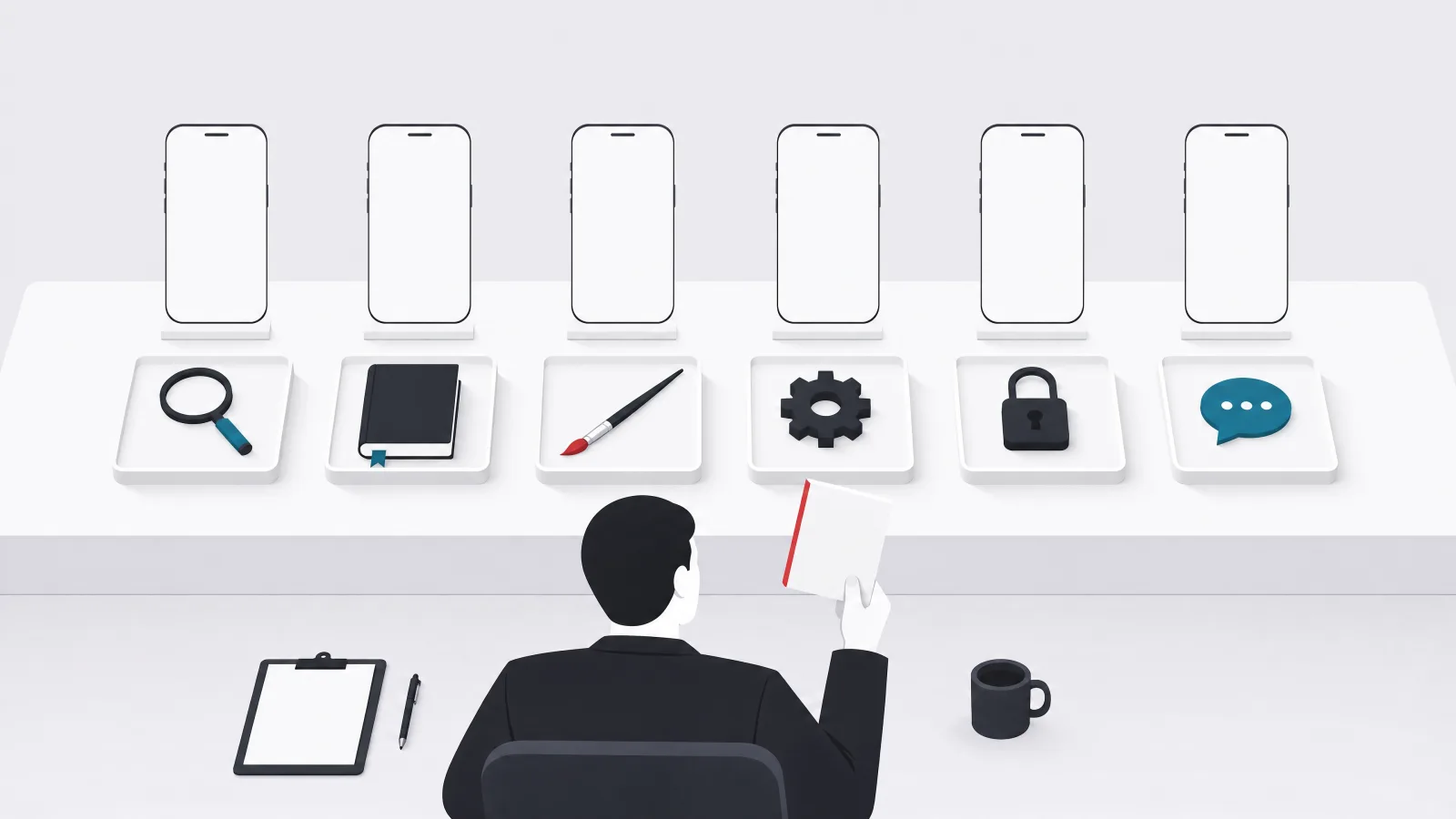
The strongest mainstream mobile options are ChatGPT, Claude, Gemini, Microsoft Copilot, Perplexity, and Character.AI, with on-device assistants as a seventh, structurally different entry. All provide free access in some form, with higher limits and additional capabilities behind paid plans. The table below compresses the field into maker, standout mobile feature, and free-tier status, with the standing caution that features and limits vary by account, device, operating system, region, and subscription, and change often enough that the current app listing is the only reliable source for plan details.
What the table cannot show is how differently these apps are shaped. Four of them, ChatGPT, Claude, Gemini, and Copilot, are general assistants competing on the same ground with different ecosystem gravity. Perplexity is an answer engine that happens to converse, and it behaves differently because of it. Character.AI is an entertainment platform that happens to use the same underlying technology, and evaluating it as a productivity tool misses its point entirely. The sections below take them in that order, generalists first.
The seven options at a glance
| App | Maker | Standout mobile feature | Free tier |
|---|---|---|---|
| ChatGPT | OpenAI | Integrated voice conversations | Yes, with limits |
| Claude | Anthropic | Voice plus iOS widgets and shortcuts | Yes, with limits |
| Gemini | Live mode with camera and screen sharing | Yes, with limits | |
| Copilot | Microsoft | Voice and mobile vision | Yes |
| Perplexity | Perplexity | Sourced research and voice assistant | Yes, limited advanced searches |
| Character.AI | Character Technologies | Character voices and calls | Yes, with paid upgrades |
| On-device assistants | Device and OS vendors | Local processing for selected tasks | Included with supported devices |
Free-tier details and features change frequently; verify against the current app listing before paying for anything.
ChatGPT and Claude: the general assistants
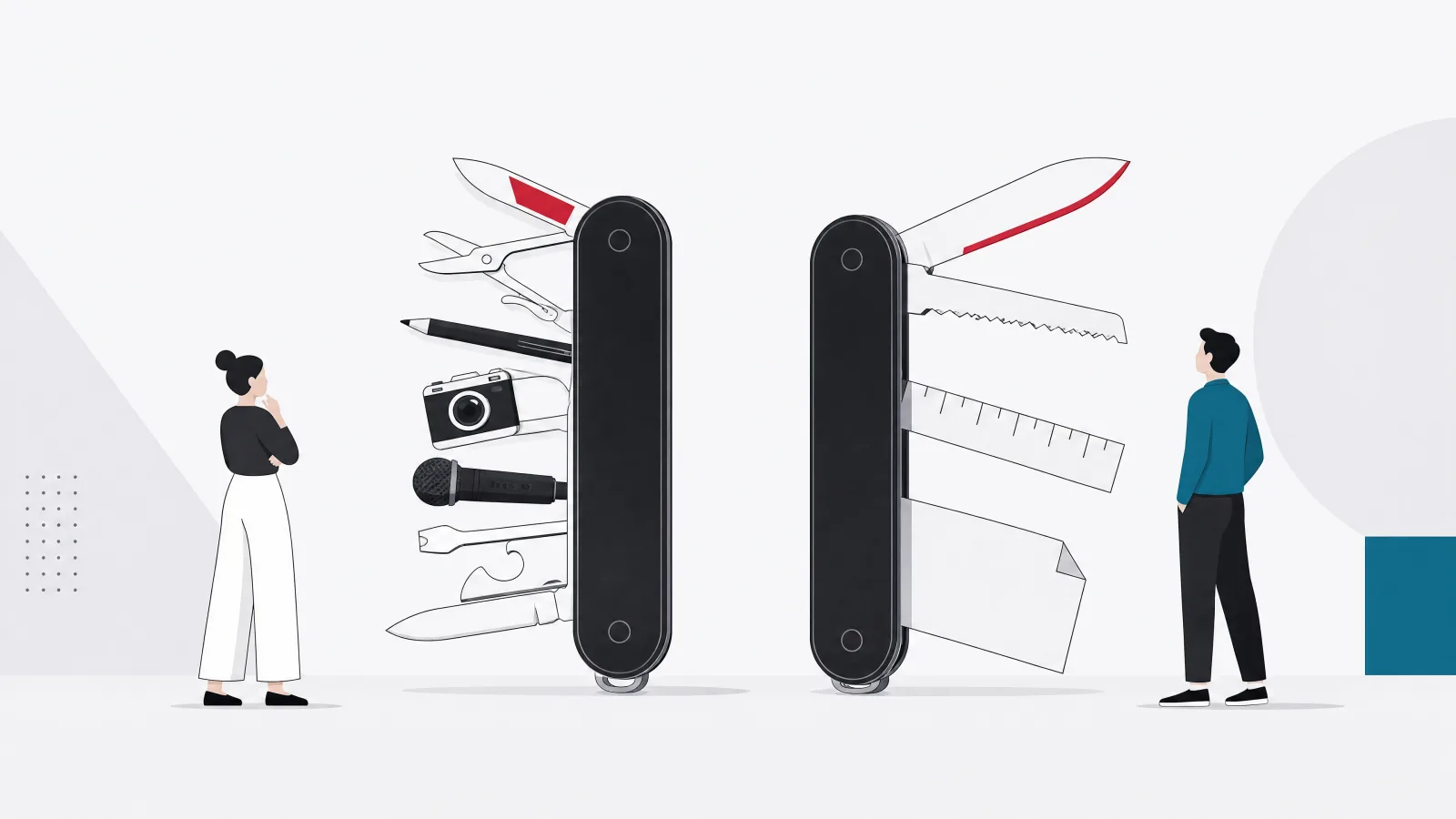
ChatGPT remains the broadest single choice on a phone. The iOS and Android apps handle questions, drafting, brainstorming, learning, and hands-free use, and ChatGPT Voice is the feature that changed how people actually use it: natural spoken conversation with spoken responses, valuable while walking, commuting, cooking, or anywhere a keyboard is not. Image input covers the photographed object, document, interface, or visual problem. The quiet advantage is continuity: a question begun on the phone carries its follow-ups without ever becoming a formal search query. The mobile caveats are environmental, voice sessions degrade with network quality, background app behavior, and noise, and the practitioner caveat is universal but worth stating here first: conversational confidence is not verification, and medical, legal, financial, and business claims still need authoritative sources or professional review.
Claude is the choice for people whose phone is a capture-and-review device for serious work. Anthropic's iOS and Android apps bring its strengths, clear professional writing, careful analysis, document discussion, coding explanation, into a mobile interface with voice mode and, on supported devices, widgets and shortcuts that cut the steps between an idea and a structured conversation about it. Its strongest fit is users who want thoughtful responses more than deep operating-system integration: move a passage, problem, or draft into Claude on the train, then finish at a desk. The honest limitation is the same one every mobile assistant shares: long analytical work still reads better on a large screen where documents can be compared side by side, and the phone session is the start of the work rather than the whole of it.
Choosing between these two generalists is less consequential than the rankings suggest, because both are excellent and both have free tiers that let you run the comparison yourself. The deciding factors in practice: ChatGPT for the broadest single-app coverage and the most mature voice experience; Claude for writing quality, analysis depth, and the iOS quick-access features. A large share of heavy users simply keep both, one as the daily driver and one for the tasks it wins.
Gemini and Copilot: the ecosystem plays

Gemini's mobile advantage is integration, and on Android it is structural: Gemini can function as the phone's broader assistant experience, with text, voice, image input, and Gemini Live conversations that use the camera or screen sharing so you can ask about what the phone sees. Discussing an object through the camera, asking about on-screen content, getting help mid-workflow: these are the interactions no other app on this list does as natively on Android. Exact system actions depend on device, account, permissions, and region, and the practitioner caveat is administrative rather than technical: Google maintains several account and subscription contexts, and consumer, Workspace, education, and developer access are not identical, so organizations should verify which connected data Gemini can reach before broad use.
Microsoft Copilot is the corresponding play for the Microsoft-centered life. The free consumer assistant, available with a Microsoft account on iOS and Android, covers questions, writing, research, and image tasks, with mobile voice and Copilot Vision for camera and screen contexts. The mobile app earns its place for capturing ideas, summarizing, and continuing work away from a desktop. The caveat that matters most is the product-line distinction: consumer Copilot and Microsoft 365 Copilot are different products with different data access, administrative control, and integration, and conflating them leads both to disappointed home users and to workplace pilots evaluated against the wrong expectations.
The selection logic for both is the same sentence: choose the assistant that already lives where your data and habits live. An Android user deep in Google services gains compounding value from Gemini; a Microsoft 365 household or company gains it from Copilot. Neither ecosystem advantage transfers, which is why neither app is the universal answer and both are the obvious answer for their own populations.
Perplexity and Character.AI: the specialists

Perplexity is a mobile answer engine rather than a general assistant, and the difference shows in every interaction: ask a question, get a synthesized answer, open the cited sources. That loop is built for current information, product comparisons, travel research, fact checking, and rapid topic orientation, and the voice assistant makes it usable in the same hands-free contexts as the generalists. The free plan covers basic searches with a limited allowance of advanced ones. Its advantage over a mobile browser is synthesis; its risk is accepting that synthesis without opening the evidence, because citations can be present but weakly matched to the generated claim. The discipline it rewards: inspect the publication, the date, and the primary source, which the app at least makes one tap away, a tap no general chatbot offers as readily.
Character.AI is the entry on this list that should not be judged as a productivity tool, because it is not one. It is a platform for user-created and platform-provided AI characters, built for roleplay, storytelling, entertainment, and creative conversation, with character voices and call-style interfaces that make the experience immersive in a way question-and-answer chat is not. Free access is available with a paid tier for additional benefits. The caveats here are different in kind from the rest of the list: a character is not a qualified human relationship or professional service, responses are generated and can be inaccurate or inappropriate for serious decisions, and companion-style engagement can feel personal even though the system carries no human understanding or responsibility. Parents and younger users should review current age requirements, safety controls, and privacy terms before use.
Together the two specialists mark the edges of the category. Perplexity shows what a chatbot optimized for verifiability looks like; Character.AI shows what one optimized for engagement looks like. Where a product sits between those poles is a design decision, which is worth remembering in the final section of this guide, where the reader becomes the builder making it.
On-device AI assistants: the category, not the app
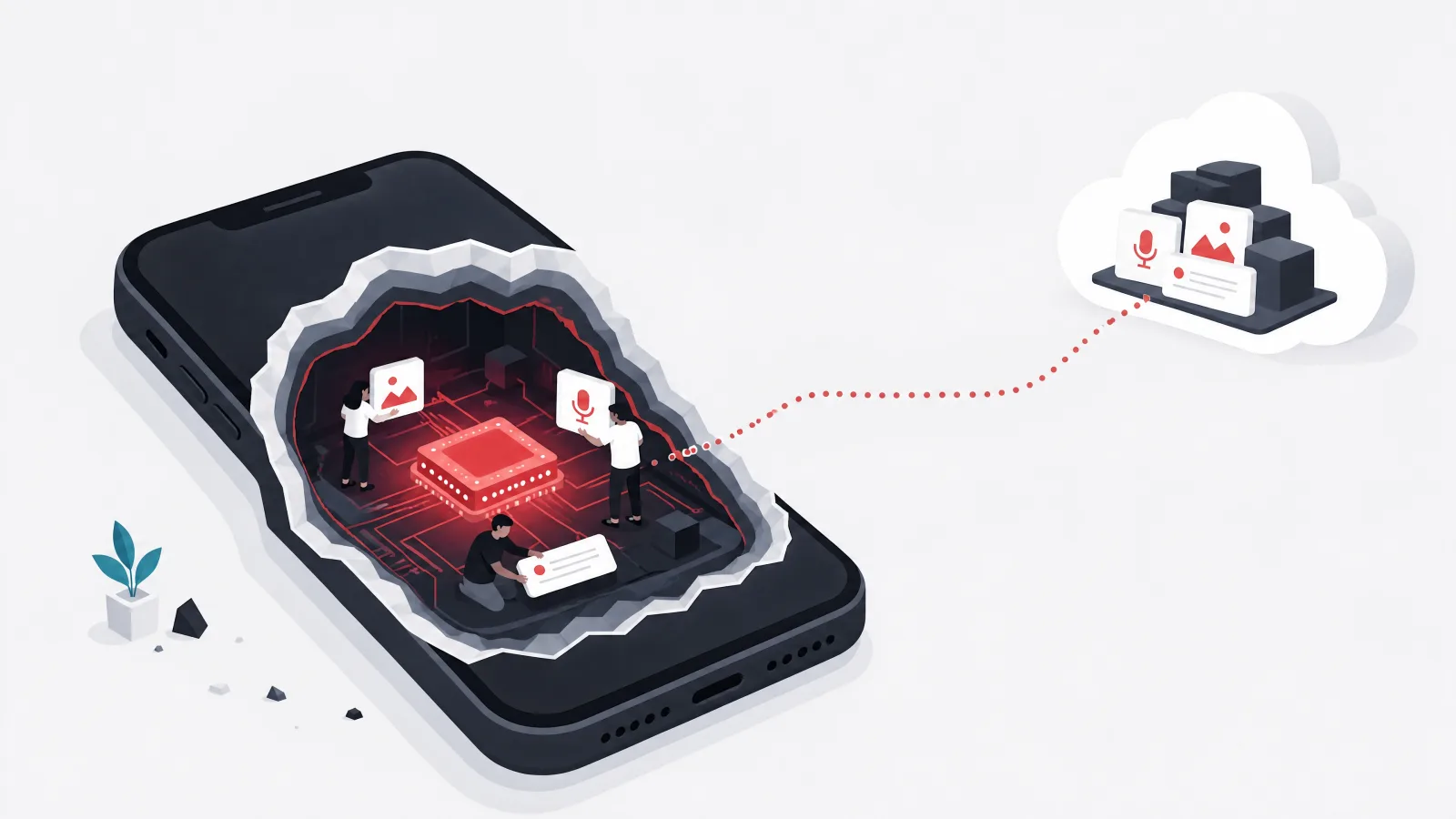
On-device assistants perform selected processing locally on compatible phones, and they are a hardware-dependent category rather than a single competing app. Depending on device, operating system, and silicon, local capabilities can include text suggestions, transcription, basic summarization, photo organization, voice activation, device settings, and selected offline assistance. The genuine advantages are speed for system actions, reduced cloud processing for supported tasks, and function without connectivity for the narrow set of features built that way.
The category demands one piece of consumer skepticism: on-device does not mean nothing leaves the device. Hybrid assistants decide per task whether processing runs locally or in the cloud based on capability and policy, and more demanding requests are routinely sent to cloud systems. The privacy notice and task-level indicators are the truth; the marketing label is not. The practical relationship between this category and the cloud apps above is complementary rather than competitive: the on-device assistant handles the phone, and a cloud chatbot handles the thinking, which is exactly how most 2026 phones end up configured.
For product teams reading this section as a build option: shipping offline AI in your own app inherits every constraint of the category, device processing capacity, model size, battery, download size, update distribution, language coverage, hardware variation, and quality gaps against cloud models. The practitioner rule is to define offline requirements by task, because the AI must work offline is too broad to estimate, build, or test, while transcription must work offline is a requirement an engineering team can actually deliver.
Which app is best for Android, and which for iPhone?
On Android, Gemini is the strong default because of its relationship with the operating system and Google services, with the rest of the field as task-based additions: ChatGPT for general voice and multimodal assistance, Claude for writing and analysis, Copilot for Microsoft productivity, Perplexity for sourced research, and Character.AI for character interaction. On iPhone, no single app holds a structural advantage, and the choice follows workflow: Claude's widgets, shortcuts, and voice access make it unusually well integrated for a third-party app, Gemini Live runs on iPhone and iPad, and Copilot and Perplexity both deliver full voice experiences. iPhone users comparing candidates should weigh voice quality, widget access, camera and photo workflows, source visibility, cross-device history, data settings, free limits, and paid plan value.
The honest answer for both platforms is a combination. A representative setup: Gemini or the on-device assistant for phone-level actions, Perplexity for research, and Claude or ChatGPT for longer thinking and writing. Two apps chosen deliberately beat one chosen by ranking, and beat five installed by curiosity, because every additional assistant carries privacy and attention costs: more microphone, camera, photo, and notification permissions granted, more conversation histories accumulating, more subscription decisions. Remove the tools you stop using and audit the permissions of the ones you keep.
The practitioner rule for making the choice: test each candidate with the same three real tasks from your own week, a message you actually need to write, a question you actually need answered with sources, a photo of something you actually need identified or explained. General impressions of chatbot quality are close to worthless in 2026 because all the leaders are impressive; direct workflow comparison on your own tasks is the only test that predicts which app you will still be using in three months.
Match the priority to the starting app
What does your phone most need from an AI assistant?
-
Operating-system and Google integration
Gemini
Live camera and screen sharing plus assistant-level Android integration no third-party app matches.
-
The broadest single general assistant
ChatGPT
The most mature voice experience and widest task coverage in one app.
-
Writing quality and careful analysis
Claude
The strongest professional writing and document discussion, with iOS widgets and shortcuts.
-
Microsoft account and 365 workflows
Copilot
Free with a Microsoft account, and the natural bridge into workplace Copilot products.
-
Research with visible sources
Perplexity
Synthesis with citations one tap away, built for verification rather than conversation.
-
Characters and entertainment
Character.AI
Immersive character voices and calls; a different product category with different safety considerations.
Starting points, not verdicts. Run the three-task test before paying for anything.
Are mobile AI chatbot apps private?
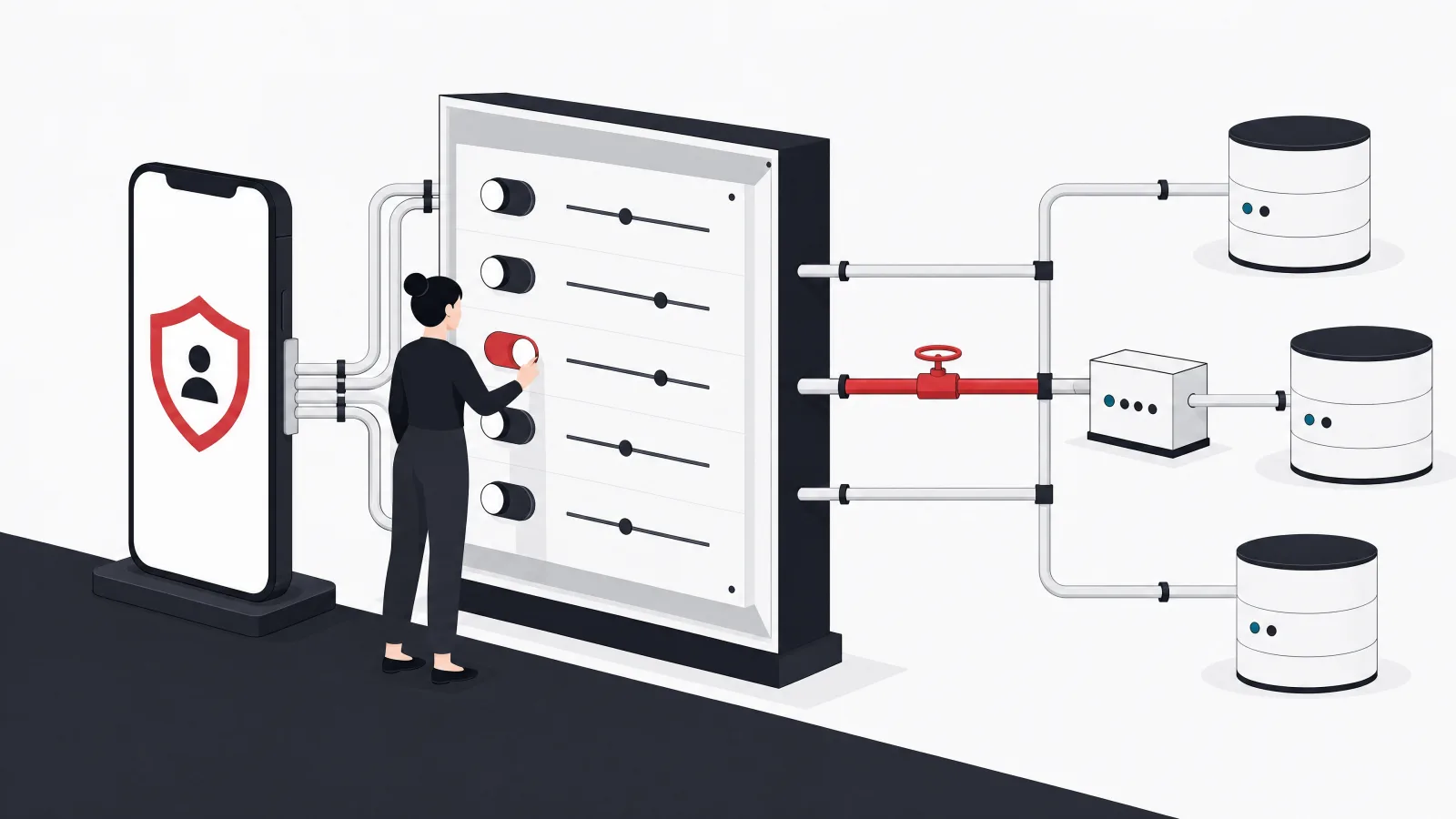
No, not by default, and running on your phone does not change that. Most advanced assistants send prompts, voice recordings or transcripts, uploaded photos, camera content, shared screens, files, location and device metadata, conversation history, feedback, and connected service data to cloud infrastructure for processing. Exact handling differs by app, account type, settings, and feature, which means privacy is a configuration you verify rather than a property you assume. The checklist that matters: whether conversations are stored, whether content may be used to improve services, whether history can be disabled or deleted, which device permissions the app holds, whether a work account changes the data terms, whether connected apps expose additional information, and whether a given task runs locally or in the cloud.
Two behaviors deserve promotion from advice to rule. First, do not paste confidential business information into a consumer chatbot because the application has a professional interface; consumer terms are not enterprise terms, and the interface does not know your NDA exists. Organizations that want assistant capability over company data need workplace products with administrative control, or their own assistant, which the final section covers. Second, scope mobile permissions to the minimum: an AI app does not need permanent access to every photo when selected-photo access exists, and it does not need the microphone when you are not using voice. Permissions granted in the first minute of enthusiasm outlive the enthusiasm.
Offline capability, the related question, is narrower than hoped: most general chatbot apps require cloud access for their main capabilities, and the genuinely offline features on current phones cover transcription, text suggestions, local search, and device commands rather than broad conversation and research. Treat offline claims the way this guide treats on-device claims, by task, and the privacy question the same way, by data flow. Both resist marketing summaries and both reward five minutes in the settings screen.
Chatbot privacy habits that hold up, and ones that leak
Do this
- Verify settings per app, per account typeStorage, training use, and history controls differ by app and by whether the account is personal or workplace. Five minutes in settings beats any assumption.
- Scope permissions to the taskSelected-photo access instead of the whole library, microphone only while using voice. Grants made in the first minute of enthusiasm outlive the enthusiasm.
- Use workplace plans for company dataAdministrative control, retention policy, and contractual terms are the product. The consumer app with the same logo is a different agreement.
- Judge offline and on-device claims by taskTranscription may run locally while research goes to the cloud in the same app. The per-task indicator is the truth; the label is not.
Not this
- Trusting the interface to know your NDAA professional-looking chat box on consumer terms is still consumer terms. Confidential business content does not belong there.
- Assuming on-device means nothing leavesHybrid assistants route demanding requests to the cloud by policy. The marketing label describes the best case, not every case.
- Keeping every assistant you ever installedEach one holds permissions and accumulates history. Uninstall the ones you stopped using and audit what the keepers can reach.
- Letting history accumulate unreviewedConversation history is a growing record of what you asked and shared. If the app can disable or auto-delete it, decide deliberately rather than by default.
What does it take to build AI chat into your own app?
The consumer apps above set user expectations that now follow people into every product they use, and meeting those expectations inside your own app is a defined engineering project rather than a moonshot. The honest starting point: a chat box connected directly to a model API is a prototype, not a product feature. A production implementation adds product-specific context and approved data retrieval, authentication and permissions, streaming responses, conversation storage, source citations, file and image handling, optionally voice, prompt management, safety rules, usage limits, cost monitoring, feedback capture, human escalation, evaluation tests, and administrative controls. That list is why in-product assistants feel different from a chatbot wrapper: each item is invisible when present and product-killing when absent.
The economics are approachable. A focused AI chat feature takes roughly two to four months to design, build, evaluate, and pilot, with a team of a product manager, a mobile or frontend engineer, a backend engineer, an AI engineer, a QA specialist, and a domain expert, plus security and data engineering support where the data warrants it. Regulated assistants and agents that perform actions across business systems take longer, mostly in evaluation and permission design rather than in model work. The foundational decision that shapes everything downstream: define what the assistant is allowed to know and allowed to do, explicitly, before any prompt is written, because retrofitting permissions onto a capable assistant is far harder than building inside them.
The strategic case for building rather than pointing users at a consumer app is control of context: an in-product assistant preserves workflow state, respects your permission model, carries your brand, and is designed for your tasks rather than for everything. The consumer apps in this guide are the ceiling of polish to aim at and the floor of capability to beat on your own domain, and clearing that bar is precisely the kind of scoped engagement where machine learning engineering pays for itself in the first quarter. Teams that treat the assistant as a product surface with an owner, a roadmap, and evaluation metrics ship ones users return to; teams that treat it as a checkbox ship the chat box.
The production AI chat feature, itemized
- Approved data retrieval with permissionsThe assistant answers from your product's data, filtered by what this user is allowed to see. This is the feature; the chat is the interface.
- Safety rules and usage limitsWhat the assistant refuses, what it escalates, and how much any account can consume. Defined before launch, not after the incident.
- Streaming, storage, and citationsResponses that appear as they generate, history the user can revisit, and sources for claims that need them.
- Evaluation tests and monitoringA test set of real tasks scored on every prompt or model change, plus cost and quality dashboards in production.
- Feedback and human escalationA rating mechanism that feeds the evaluation set, and a clean handoff path when the assistant reaches its limits.
- Administrative controlsConfiguration, audit, and kill switches owned by the operating team rather than the engineering backlog.
The distance between a prototype and a product feature. Every item is invisible when present and conspicuous when absent.
Frequently asked questions
What are the best AI chatbot apps in 2026?
The strongest mobile options are ChatGPT for the broadest general assistance, Claude for writing and analysis, Gemini for Android and Google integration, Microsoft Copilot for Microsoft users, Perplexity for research with visible sources, and Character.AI for character conversation and entertainment. All offer free tiers with limits, and the best choice follows your actual tasks rather than any single ranking.
What is the best AI chatbot app for Android?
Gemini is the strong Android starting point because of its integration with the operating system and Google services, including Live conversations with camera and screen sharing. ChatGPT remains the broadest general assistant, Claude suits writing and analysis, and Perplexity suits sourced research. Many Android users run Gemini for phone-level assistance alongside one other app for deeper work.
What is the best free AI chatbot app?
ChatGPT, Claude, Gemini, Copilot, Perplexity, and Character.AI all provide usable free tiers, with limits on usage volume and advanced features that vary by app and change frequently. The practical approach is to run the same three real tasks through two candidates on their free tiers before paying for anything, because the free experience is also the trial of the paid one.
Can AI chatbot apps use voice and camera input?
Yes, voice conversation is now standard across the leading apps, and several support camera, image, and screen-sharing workflows: Gemini Live and Copilot Vision are the most prominent camera experiences, and ChatGPT and Claude both accept image input. Availability varies by app, subscription, region, operating system, and device, so verify the specific feature on your platform before relying on it.
Are AI companion apps safe?
They require more caution than productivity chatbots. Companion and character apps can produce inaccurate or emotionally persuasive responses, and the interaction can feel personal even though the system has no human understanding or responsibility. They should never substitute for a qualified therapist, doctor, financial advisor, or human relationship, and parents should review age requirements, safety controls, and privacy terms before younger users engage with them.
Do AI chat apps work offline?
Mostly no. The main capabilities of general chatbot apps depend on cloud processing and require connectivity. Genuinely offline capability lives in the on-device assistant category and covers narrower tasks: transcription, text suggestions, local search, and device commands. Hybrid assistants route demanding requests to the cloud even on devices marketed for on-device AI, so judge offline claims task by task.
If the assistant your product needs does not exist in an app store, AgileTech is an AI native software development company in Vietnam that designs and builds in-product AI assistants on your own data and permissions.
Source: https://agiletech.vn/blog/best-ai-chatbot-apps/ · (c) AgileTech Vietnam. Printed from agiletech.vn.
