 Nguyen Manh Thang
Chief Executive Officer, AgileTech Vietnam
Nguyen Manh Thang
Chief Executive Officer, AgileTech Vietnam
- Published
- Read time
- 13 min
- Views
- 181
Read the AI overview
The best ChatGPT alternative in 2026 depends on the job. Claude is a strong option for careful analysis, writing, and coding; Gemini fits users invested in Google services; Microsoft Copilot fits Microsoft-centered organizations; and Perplexity is designed around web research with visible citations. Grok emphasizes real-time search and media, Meta AI serves consumer use inside Meta products, Mistral offers a European vendor option with business and developer offerings, and DeepSeek attracts technical users comparing model capabilities and cost. No chatbot is the best at every task, so teams should compare evidence quality, data handling, integrations, deployment options, usage limits, and total cost rather than selecting from a single benchmark, and should run a task-based evaluation using examples drawn from their real workflows. For developers, consumer chatbots serve individual assistance while APIs serve product features, and a consumer subscription is never a backend for a customer-facing application.
The best ChatGPT alternative in 2026 depends on the job. Claude is a strong option for careful analysis and coding, Gemini fits users invested in Google services, Microsoft Copilot fits Microsoft-centered work, and Perplexity is designed around web research with visible citations. That sentence, boring as it is, beats every ranking published this year, because no chatbot is the best at every task.
This comparison covers the eight alternatives worth an evaluation slot: Claude, Gemini, Copilot, Perplexity, Grok, Meta AI, Mistral's chat product, and DeepSeek. Each has free or accessible entry options, while paid and enterprise offerings vary by vendor and market. For each tool: what it is genuinely strong at, who should choose it, and the caveat the marketing page omits. Features, limits, and even product names change quickly in this category, so the durable value here is the evaluation method as much as the roster.
Teams should compare evidence quality, data handling, integrations, deployment options, usage limits, and total cost rather than selecting a product from a single benchmark. And for organizations planning to put an assistant inside their own product rather than pick one from a menu, the closing sections cover the consumer-versus-API decision and what a custom AI implementation actually requires, because a chat window wired to a model API is the beginning of that project, not the end.
Key takeaways
- Eight alternatives cover the field: Claude, Gemini, Copilot, Perplexity, Grok, Meta AI, Mistral, and DeepSeek. Each solves an overlapping but different problem, and no single ranking survives contact with a real workload.
- Match the tool to the center of gravity: Claude for analysis and code, Gemini for Google-centered work, Copilot for Microsoft 365 organizations, Perplexity for cited research, and the rest by ecosystem, jurisdiction, or cost.
- Free tiers are sufficient for evaluation and low-risk personal tasks, rarely for business deployment: usage limits, consumer data terms, and missing administration are the recurring gaps.
- Evaluate with representative tasks and a scoring rubric, accuracy, source quality, instruction following, confidential data handling, integration, cost under real usage, failure behavior, and human review effort.
- Developers use consumer chatbots for individual assistance and APIs for product features. Building on an API adds prompts, retrieval, permissions, cost controls, logging, fallback, and model-change management to the team's responsibilities.
- Enterprise selection is a procurement question, not a demo reaction: data use, retention, deployment options, identity, administration, and total operating cost decide more than isolated answer quality.
What are the best ChatGPT alternatives in 2026?

The leading alternatives are Claude, Gemini, Copilot, Perplexity, Grok, Meta AI, Mistral's chat product, and DeepSeek. The table below maps each to its maker, its genuine strength, and its best-fit user, and the ordering is deliberately not a universal ranking: the tools solve overlapping but different problems, and their features can change faster than an enterprise procurement cycle completes.
Two reading notes make the table more useful. First, "genuine strength" describes what the product is structurally built around, not what its model can occasionally do; almost every tool on the list can draft an email, but only one is built around visible citations and only two are built around workplace context under organizational permissions. Second, ecosystem fit dominates capability differences for most business users: an organization living in Microsoft 365 gets more from Copilot's integration than from a marginally better model somewhere else, and the same logic applies to Google Workspace and Gemini.
The eight alternatives at a glance
| Tool | Maker | Genuine strength | Best for |
|---|---|---|---|
| Claude | Anthropic | Analysis, writing, coding, complex documents | Knowledge workers and developers |
| Gemini | Google ecosystem integration and multimodal assistance | Google-centered users and teams | |
| Copilot | Microsoft | Microsoft productivity and workplace integration | Microsoft 365 organizations |
| Perplexity | Perplexity | Web research with visible source citations | Research and source discovery |
| Grok | xAI | Real-time search, voice, and media generation | Users wanting current, conversational exploration |
| Meta AI | Meta | Consumer assistance across Meta products | Users already active in Meta's ecosystem |
| Mistral chat | Mistral AI | European vendor option with business and developer offerings | Teams assessing vendor and deployment choices |
| DeepSeek | DeepSeek | Accessible chat and developer API options | Technical users evaluating cost and model choice |
Not a ranking. Genuine strength describes what each product is structurally built around, which moves slower than benchmark scores.
Claude and Gemini: the analyst and the ecosystem
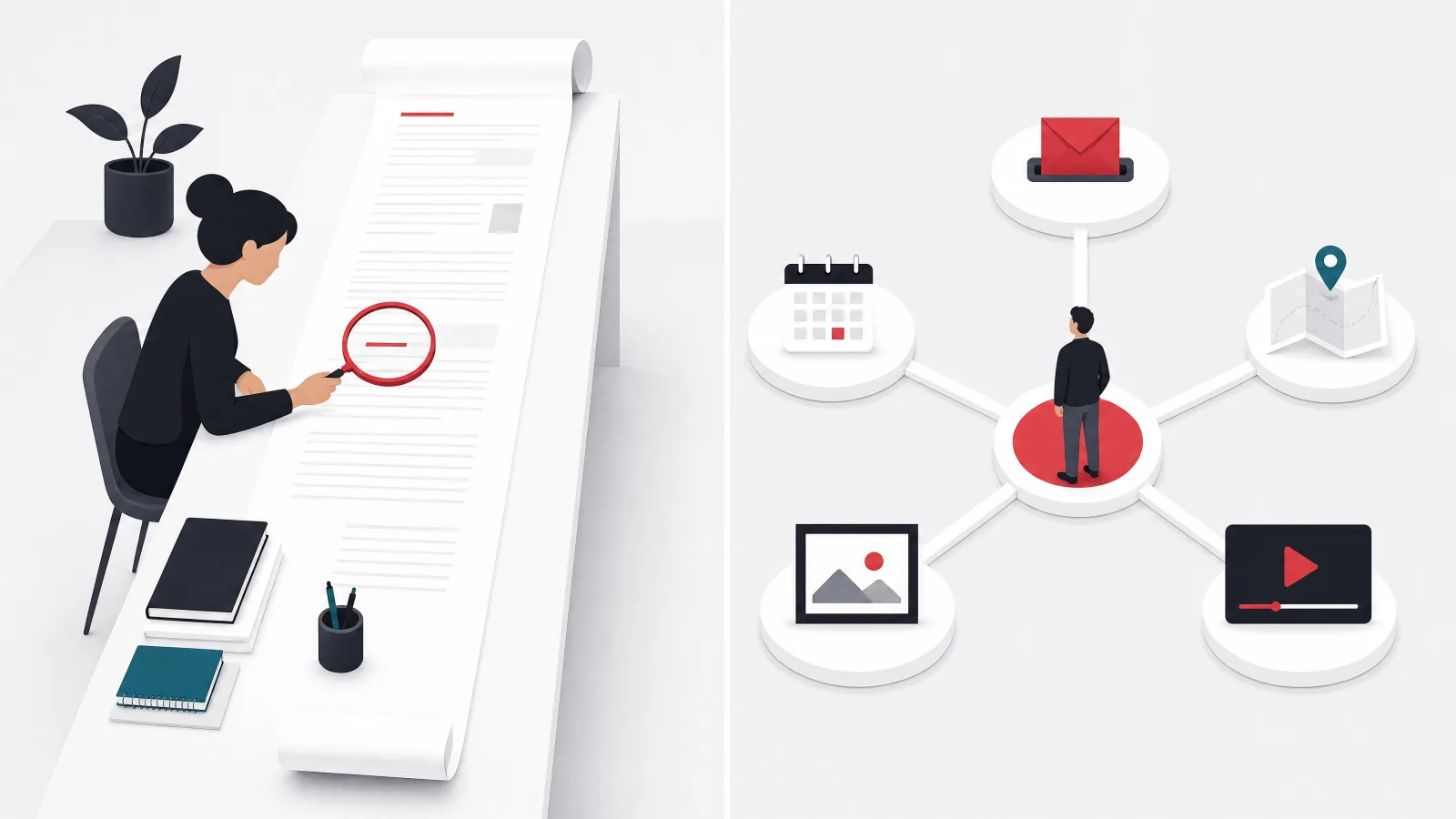
Claude is Anthropic's general AI assistant for analysis, writing, coding, data work, and complex problem solving, particularly suited to users who want structured reasoning and careful work across longer documents or codebases. Its strengths are concrete: reviewing and restructuring documents, drafting clear professional writing, comparing requirements and identifying ambiguity, explaining technical decisions, writing and reviewing code, and working through multi-step analytical tasks. Anthropic also offers Claude Code for software development workflows, which makes Claude relevant to developers who need assistance beyond a general consumer chat window. A free tier sits alongside paid individual, team, enterprise, and API options, with access and limits varying by plan.
Choose Claude when the work involves careful analysis, writing quality, code understanding, or iterative document improvement: product teams, engineers, analysts, researchers, and professional writers are its natural constituency. The caveat is the one that applies to the whole category but bites hardest where the output sounds most authoritative: fluent analysis is not automatically correct analysis, and users still need to verify factual claims, calculations, source interpretation, and code behavior. A business should also distinguish the consumer product from enterprise and API offerings, because data terms, administrative controls, integrations, and usage management differ between them.
Gemini is Google's AI assistant for writing, planning, brainstorming, research, and multimodal tasks, and its clearest advantage is its relationship with Google's broader product ecosystem. It is a practical option for users working across Google services, general research and planning, text and visual inputs, drafting and summarization, mobile assistance on Android, and teams evaluating AI inside Google Workspace. The value of integration depends on what data and actions an organization permits: access to workplace context makes an assistant more useful and simultaneously raises permission and governance questions that consumer demos never mention.
Choose Gemini when the organization already relies heavily on Google's productivity, cloud, or Android ecosystem, because supported integrations that match the workflow genuinely reduce context switching. The practitioner caveat is to test the exact account type and region: consumer features, Workspace capabilities, administrative controls, and developer APIs are related but not identical products, and a capability shown in a consumer demonstration is not automatically available for regulated enterprise data.
Copilot and Perplexity: workplace context and visible evidence
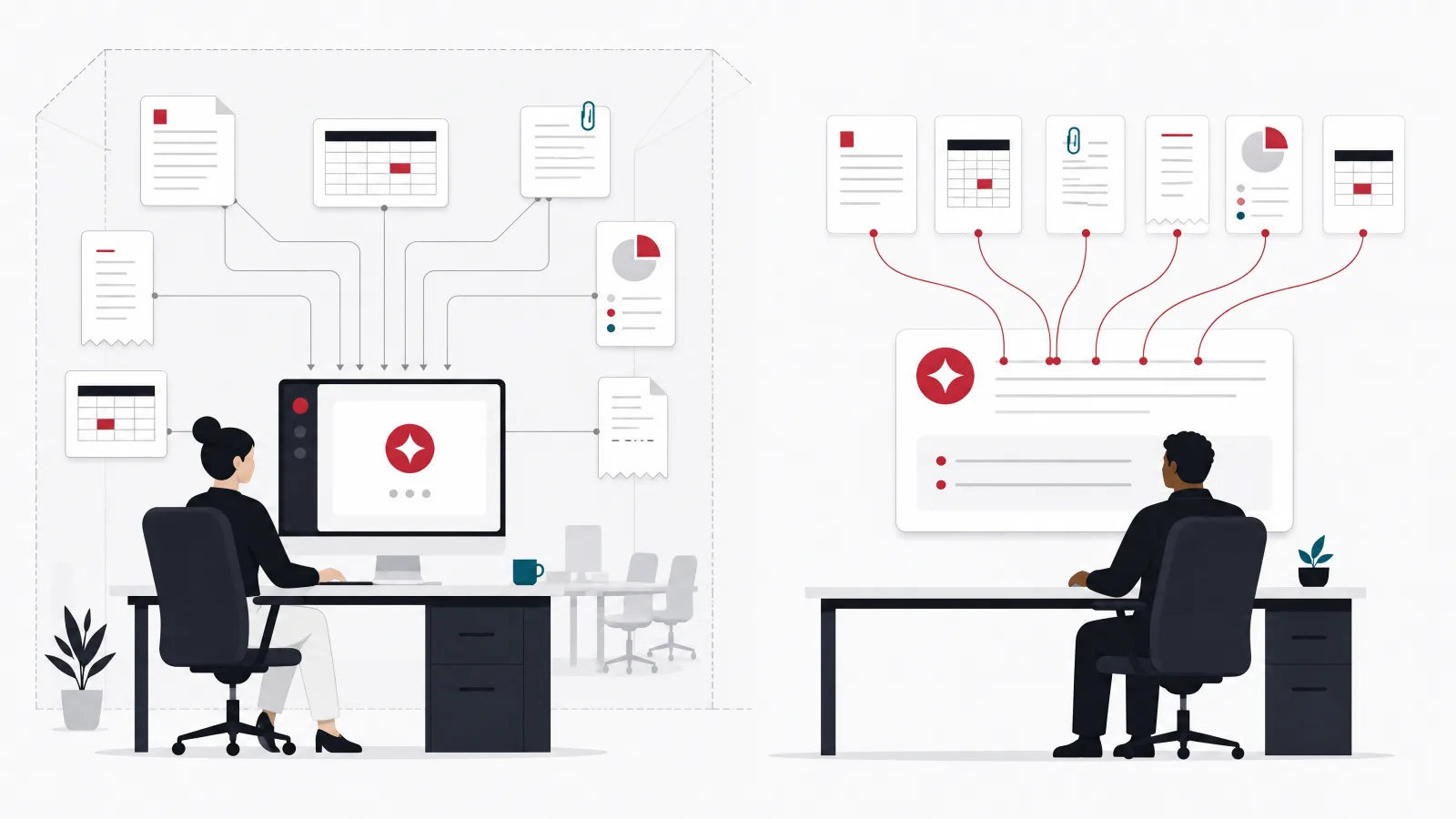
Microsoft Copilot is Microsoft's AI assistant family for general use and workplace productivity, differentiated by integration with Microsoft products and organizational work context. It is best positioned for drafting and summarizing workplace content, working within Microsoft 365 environments, finding information across authorized business context, supporting users already living in Microsoft applications, and centralized enterprise administration. The operational benefit is not simply text generation; it is the possibility of using existing documents, meetings, messages, and business context under organizational permissions, which no disconnected consumer chatbot can offer.
Choose Copilot when Microsoft 365 is already the center of company work, because existing identity, permissions, and administrative practices make adoption more coherent. The caveat deserves bold type in every deployment plan: access to more company context increases the importance of existing permissions, and AI can expose oversharing that was already present in document libraries and collaboration systems. Organizations should review access before broad deployment rather than expecting the assistant to repair weak information governance, because it will do the opposite, efficiently.
Perplexity is an AI answer engine centered on web research, and its defining behavior is returning concise answers with citations users can open and inspect. It is useful for discovering sources, researching current topics, comparing information across pages, creating an initial evidence map, finding terminology and second-order leads, and producing cited overviews, which makes it often more practical than a general chatbot when the user needs to know where a claim came from. Choose it for research discovery, source collection, competitor monitoring, and current information gathering, anywhere an answer without visible evidence would be inadequate.
The caveats are the ones that keep researchers employed: citations still require verification, because a citation may be real while failing to support the exact sentence attached to it, and sources can be outdated, low quality, or based on one another. The failure mode is treating synthesized search results as final research; important decisions still require opening primary sources, checking dates, and resolving contradictions. For SEO and content teams it accelerates source discovery, but it does not replace original analysis or editorial review.
Grok, Meta AI, Mistral, and DeepSeek: speed, reach, jurisdiction, and cost

Grok, associated with xAI, supports conversational assistance, real-time search, voice, coding help, and media generation, with free and paid access varying by product, platform, account, and region. It is positioned around current information, conversational exploration, voice interaction, image and media generation, and topics developing rapidly in public discussion, and its connection to live information is genuinely useful for discovering what people are discussing now. The key caveat is source quality: fast access to live information can surface rumors, incomplete claims, promotional material, or commentary before reliable reporting and primary evidence exist. Choose it when real-time discovery, voice, or creative media are central, verify important business claims outside the generated answer, and evaluate data terms and administrative controls rather than only the consumer interface.
Meta AI is Meta's assistant across its own app and supported Meta products, with a consumer focus spanning conversational assistance, voice, image creation, and ecosystem-connected interactions. Its distribution is the real advantage: users encounter it inside products they already use rather than adopting a separate tool, which makes it a practical choice for casual questions, social and communication contexts, and mobile-first creative use. It is less naturally positioned as a neutral enterprise research or development platform, and businesses should evaluate whether they need workplace administration, private data connections, auditable workflows, or formal API integration before routing anything confidential through it. The practitioner caveat: separate convenience from fit, because an assistant can be easy to reach while still being unsuitable for confidential business information.
Mistral AI offers a general chat and agent product for work, research, writing, and coding, identified in its 2026 materials as Vibe, formerly Le Chat, with free, paid, business, enterprise, and developer options whose packaging can change between evaluation and procurement. Its strategic appeal may matter as much as any feature: vendor jurisdiction, hosting, model access, and procurement requirements influence enterprise selection, and Mistral is the natural evaluation for organizations weighing European suppliers, API flexibility, or deployment control. The caveat is to evaluate the complete operating model, monitoring, identity, permissions, support, data retention, predictable costs, and never to select it only to avoid a larger vendor without confirming the product, deployment option, and support arrangement match the workload.
DeepSeek provides a consumer chat service, mobile access, and developer APIs, attracting technical users and organizations comparing model capabilities, access, and cost structures; the consumer service is free while API usage follows a separate commercial model. It is relevant for technical exploration, coding assistance, file-based analysis, API experimentation, and model economics comparison, and its accessible options make it useful for prototypes and comparative testing. The main caveat is data governance: DeepSeek's privacy information states that its services may collect text input, voice input, prompts, and uploaded files, so organizations should review current processing, storage, transfer, and retention terms before submitting confidential material. That review should be applied to every AI vendor, not only DeepSeek; the relevant question is always whether the provider's controls match the sensitivity of the intended data.
The selection vocabulary the vendor pages assume
- Data terms
- Whether prompts train models, where data is processed, how long logs persist, and what contractual protections exist. Different between consumer and enterprise plans of the same product.
- Ecosystem fit
- The value an assistant gains from living inside tools an organization already uses. Frequently worth more than marginal model quality.
- Vendor jurisdiction
- The legal and geographic home of the provider, relevant to procurement, regulation and data transfer rules. Mistral's core appeal for some buyers.
- Real-time grounding
- Answering from live search rather than training data. Buys currency at the cost of source quality control.
- Seat versus usage pricing
- Subscriptions per user versus metered API consumption. Agentic workflows multiply usage costs in ways seat pricing hides.
- Task-based evaluation
- Scoring tools against representative examples from real workflows instead of public benchmarks. The method this article recommends over any ranking.
Which alternative is best for each use case?
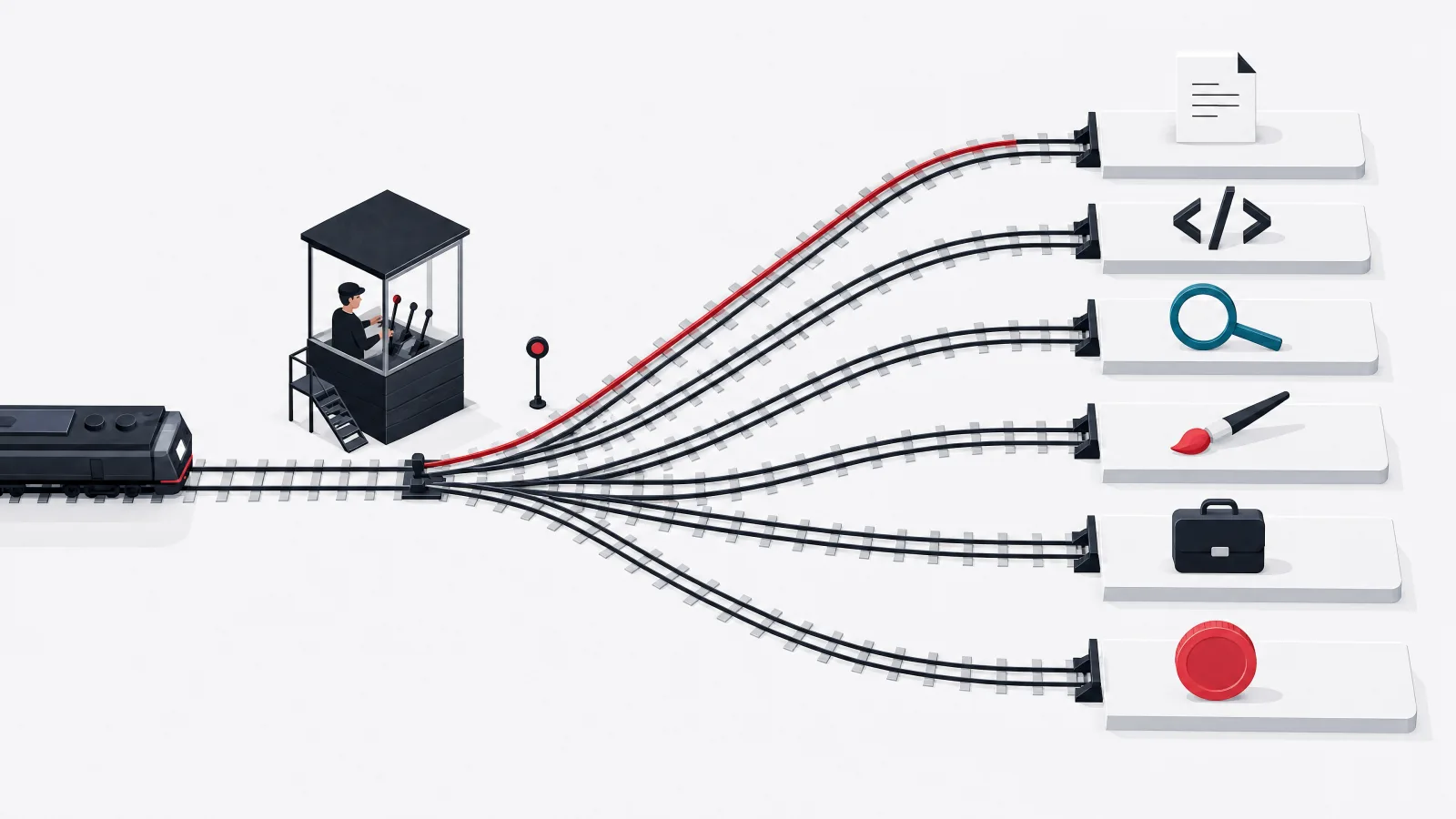
The best choice depends on the work context rather than the chatbot's general popularity, and the routing table below gives starting points: Claude for professional writing and analysis, Gemini for Google-centered productivity, Copilot for Microsoft workplace use, Perplexity for web research and source discovery, Grok for real-time conversational discovery, Meta AI for consumer social and creative use, Mistral for European vendor assessment, and DeepSeek for technical model comparison. Starting points, not permanent winners: features, limits, and product names can change during the lifetime of an enterprise procurement process.
The honest way to convert a starting point into a decision is a task-based evaluation with examples drawn from real workflows: the actual documents the team summarizes, the actual code it reviews, the actual research questions it answers, run through two or three candidates with the same rubric. This costs a few days and routinely reverses assumptions, because a tool's fit with a team's specific work is invisible in public benchmarks and fully visible in twenty representative tasks.
For coding specifically, Claude, Gemini, Copilot, Grok, Mistral, and DeepSeek can all assist, and the right choice depends on repository access, IDE integration, language coverage, security requirements, and how the team evaluates generated changes, which is to say on everything except the leaderboard position. Teams with strong QA and review practices extract more value from any of them than teams without, because generated code is a draft whose review process determines its production quality.
Use-case routing: where to start the evaluation
| Use case | Strong starting option | Why |
|---|---|---|
| Professional writing and analysis | Claude | Strong fit for structured document work |
| Google-centered productivity | Gemini | Connected to Google's broader ecosystem |
| Microsoft workplace use | Copilot | Designed around Microsoft work products |
| Web research and source discovery | Perplexity | Visible citations and search-centered workflow |
| Real-time conversational discovery | Grok | Current search and conversational interaction |
| Consumer social and creative use | Meta AI | Integrated into Meta's consumer ecosystem |
| European vendor assessment | Mistral | European provider with business and API options |
| Technical model comparison | DeepSeek | Consumer access and developer API availability |
Starting options, not verdicts. Run the task-based evaluation before committing a department, because features and limits change mid-procurement.
Are free ChatGPT alternatives good enough?
Free alternatives are sufficient for evaluation, occasional questions, drafting, and low-risk personal tasks, and they are rarely a complete basis for business deployment. The recurring gaps are structural rather than temporary: usage limits, feature restrictions, lower priority during demand, limited administrative controls, consumer data terms, few collaboration features, and no formal service commitment. A team should absolutely test the free product before buying, while never assuming the consumer and enterprise versions behave identically, because data handling in particular often differs precisely where it matters most.
The real evaluation should use representative tasks and a scoring rubric covering ten dimensions: accuracy against known answers, source quality, instruction following, output consistency, handling of confidential data, integration with current systems, administrative visibility, cost under realistic usage, failure behavior, and human review effort. The last dimension is the one budgets forget: the cost of an assistant is not only its subscription, and a cheaper tool can be more expensive if employees spend additional time checking or rewriting its output. Review effort is a real line item, measurable in the same pilot that scores everything else.
The ten-dimension evaluation rubric
- Accuracy and source qualityScore against tasks with known answers, and open the citations: a real link that does not support its sentence scores zero.
- Instruction following and consistencyThe same prompt, several runs, several phrasings. Products differ more here than leaderboards suggest.
- Confidential data handlingCurrent data terms, retention, training use, and admin controls, checked per plan tier, not per brand.
- Integration and administrationIdentity, permissions, audit logs, provisioning. What works for ten volunteers may not govern four departments.
- Cost under realistic usageSeats versus metered usage at real volumes, including agentic workflows that multiply calls per task.
- Failure behavior and review effortWhat it does when it should refuse or ask, and the human minutes spent verifying each output. The hidden price.
Score two or three candidates against twenty representative tasks from real workflows. A few days of effort that routinely reverses assumptions.
Should developers use a consumer chatbot or an API?
Developers should use consumer chatbots for individual assistance and APIs for product features, repeatable workflows, or controlled integrations, and the boundary is bright: a consumer subscription is not a backend for a customer-facing application. Consumer chatbots are appropriate for brainstorming, code explanation, drafting, interactive debugging, individual research, and one-time analysis, the work of a person. APIs are appropriate for AI features inside a product, automated classification or extraction, controlled system prompts, structured outputs, usage monitoring, customer-specific context, evaluation and version management, and application-level safety controls, the work of a system.
Building on an API creates responsibilities the consumer interface hides: the team must manage prompts, retrieval, permissions, rate limits, cost controls, logging, fallback behavior, testing, and model changes, and each of those is a genuine engineering surface rather than a configuration checkbox. Model providers ship breaking behavior changes on their own schedule, which is why evaluation datasets and version management appear on the list; a product that cannot measure whether the new model version broke its feature discovers the answer from users.
The practitioner insight is to design around the task, not the model brand. A replaceable model layer reduces dependence on one provider, and the discipline of writing task definitions, evaluation sets, and structured output contracts pays off regardless of which model sits behind them. Complete portability remains difficult, because tool calling, output behavior, safety rules, and supported media differ between providers, but the difference between a hard migration and an impossible one is exactly the abstraction discipline applied on day one.
What should an enterprise evaluate?

An enterprise should evaluate data use, deployment, identity, administration, integrations, output quality, and total operating cost, because a polished chatbot demo answers none of those procurement questions. On data privacy and retention, the organization should determine whether prompts are used for model improvement, where data is processed and stored, how long logs are retained, whether administrators can configure retention, whether users can delete content, how files and connectors are handled, which subcontractors process data, and what contractual protections are available. Every one of those answers varies by plan tier within the same vendor, which is why evaluating the brand instead of the specific product and contract is the category's most common procurement error.
On deployment and access, teams may need a managed public service, a dedicated environment, regional processing, or a self-hosted component, and not every vendor supports every model. Identity integration, role management, audit logs, and user provisioning matter at scale: a tool that works for ten volunteers may be difficult to control across several departments. On cost structure, compare seat-based subscriptions with usage-based APIs by estimating tokens, searches, file processing, images, voice, agent actions, and peak demand, and note that agentic workflows consume more resources than single questions because they perform multiple model and tool calls; a cheap unit price does not guarantee a low workflow cost.
On quality and safety, create evaluations from real company tasks, including difficult examples, missing information, adversarial instructions, and cases where the correct behavior is to refuse or ask for review. The strongest system is often not the model with the best isolated answer; it is the workflow with reliable context, clear permissions, evidence, monitoring, and human approval, which is a statement about engineering and governance rather than about models, and it is the reason enterprise AI selection belongs to the same discipline as any other data and AI integration decision.
What does it take to build an AI assistant into a product?
A custom AI assistant requires more than connecting a chat interface to a model API. The application needs a defined job, trusted context, permissions, evaluation, monitoring, and a safe failure path, and a focused implementation typically includes a chat or task-specific interface, model provider integration, retrieval from approved data, user and document permissions, source citations, prompt and workflow management, feedback collection, cost and latency monitoring, safety controls, human escalation, evaluation datasets, and administrative reporting. The list is long because each item exists to answer a question the demo never faces: what happens when the answer is wrong, expensive, or shown to the wrong person.
A narrow assistant may take two to four months to design, build, evaluate, and pilot, while a production system with several data sources, regulated information, complex actions, and enterprise controls requires significantly more. The team commonly includes a product manager, an AI engineer, a backend engineer, a frontend engineer, a QA specialist, and a domain expert, with security and data engineering support where the data warrants it, a shape that looks like generative AI solution delivery because that is what it is.
The correct first question is not which model to use. It is what decision or task the assistant will improve, how success will be measured, and what happens when the answer is wrong, and teams that answer those three questions before touching a model API build assistants that survive their pilots. Teams that start from the model tend to build impressive demos of an undefined job, and the difference between the two outcomes is decided in the first week, before any code exists.
From tool choice to production assistant, in five moves
-
Define the job and its metricBefore any model
The decision or task the assistant improves, how success is measured, and the cost of a wrong answer.
-
Build the evaluation setWeek one
Representative tasks with known-good outcomes, including cases where refusing is the right answer.
-
Wire context and permissionsThe real work
Retrieval from approved data, user and document permissions, citations. The trust layer.
-
Instrument cost, quality and failureNon-negotiable
Latency, spend, output scoring, and a human escalation path that actually escalates.
-
Pilot, then earn the rolloutMonths two to four
A controlled group, measured review effort, and model-change regression runs before broad access.
Frequently asked questions
What are the best ChatGPT alternatives in 2026?
Strong alternatives include Claude, Gemini, Copilot, Perplexity, Grok, Meta AI, Mistral's chat product, and DeepSeek. The best choice depends on whether the priority is analysis, research, workplace integration, coding, privacy, or consumer use: Claude for structured document and code work, Gemini for Google-centered teams, Copilot for Microsoft 365 organizations, Perplexity for cited research, and the others by ecosystem, jurisdiction, or cost.
What is the best free ChatGPT alternative?
There is no single best free option. Claude, Gemini, Copilot, Perplexity, Grok, Meta AI, Mistral, and DeepSeek all provide accessible or free entry tiers, subject to changing limits and regional availability. Free tiers are sufficient for evaluation and low-risk personal tasks, but they carry usage limits, consumer data terms, and limited administration, so businesses should treat them as trial environments rather than deployment platforms.
Which ChatGPT competitor is best for research?
Perplexity is a strong starting point because it is built around web research and visible citations, which makes the evidence trail inspectable. Users must still open the sources and confirm they support the generated claims, because a citation can be real while failing to back the exact sentence attached to it. For fast-moving topics, Grok's real-time search is useful for discovery, with the same verification discipline applied more strictly.
Which AI chatbot is best for coding?
Claude, Gemini, Copilot, Grok, Mistral, and DeepSeek can all assist with code. The right choice depends on repository access, IDE integration, language coverage, security requirements, and how the team reviews generated changes, factors invisible in public benchmarks. Anthropic's Claude Code offering makes Claude particularly relevant for development workflows, but the honest answer is to run each candidate against the team's real codebase for a week.
Is Claude better than ChatGPT?
Claude can be a better fit for some writing, analysis, and coding workflows, but better depends on the task and the product plan rather than on general rankings. Teams should test both against representative work: the same documents, the same code, the same research questions, scored with the same rubric. The result varies by team, which is exactly why task-based evaluation beats any published comparison, including this one.
Can a company safely use free AI chatbots?
Free consumer chatbots should not receive confidential information until the company has reviewed current data terms and controls, because consumer plans often permit broader data use than business tiers of the same product. Business and enterprise plans may provide different protections, administration, and contractual commitments. The safe pattern is a written policy naming which tools and tiers are approved for which data sensitivity levels.
If an AI assistant belongs inside your product rather than beside it, AgileTech is an AI native software development company in Vietnam that builds retrieval, evaluation and safety systems around exactly these models.
Source: https://agiletech.vn/blog/chatgpt-alternatives/ · (c) AgileTech Vietnam. Printed from agiletech.vn.
