 Nguyen Manh Thang
Chief Executive Officer, AgileTech Vietnam
Nguyen Manh Thang
Chief Executive Officer, AgileTech Vietnam
- Published
- Last updated
- Read time
- 14 min
- Views
- 200
Read the AI overview
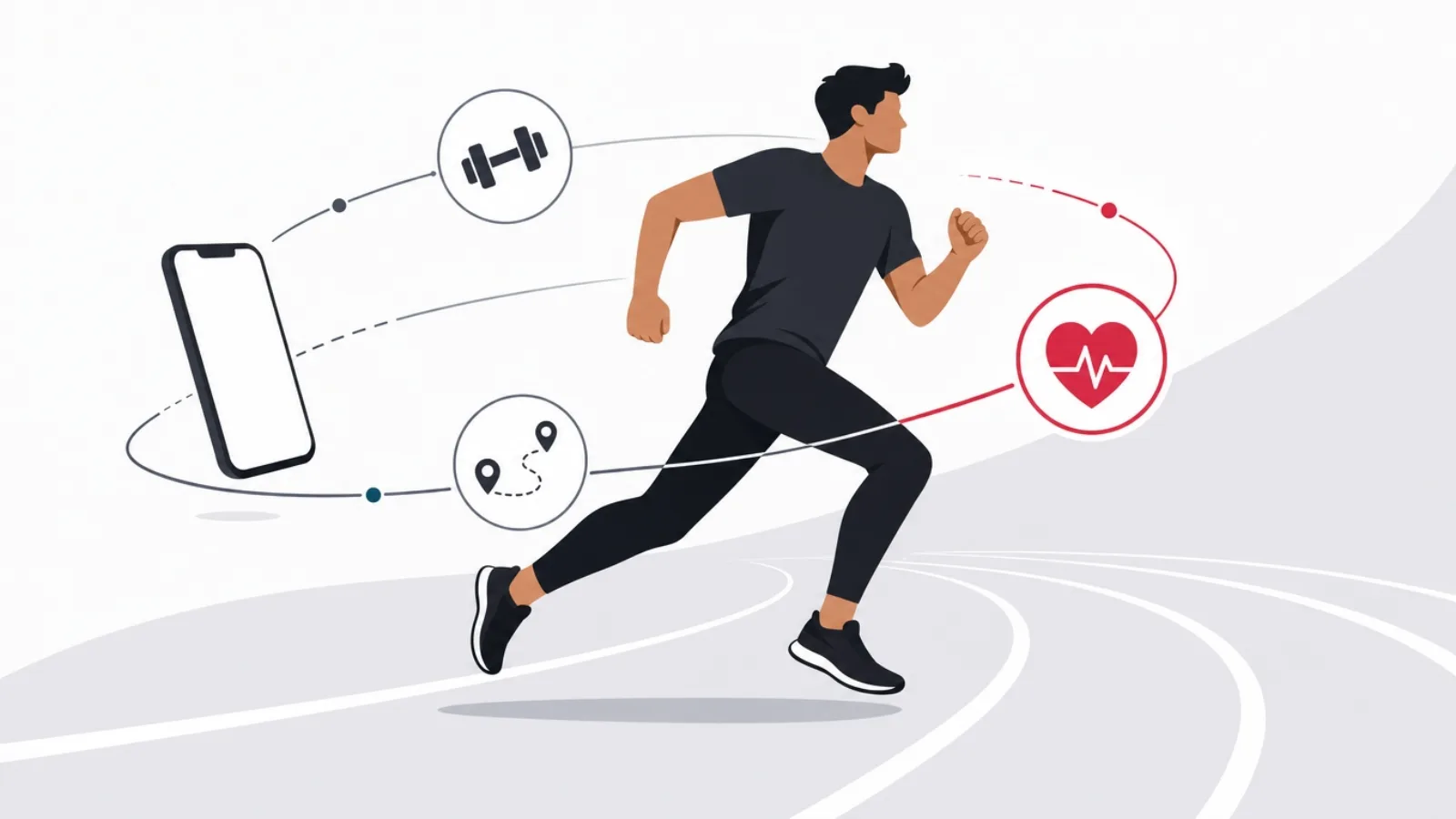
The best fitness app for Android depends on how you train. For strength work, a dedicated logger like Strong or Hevy beats every all-in-one on speed between sets. For running and cycling, Strava remains the social standard while adidas Running and Runkeeper serve solo training well. For guided workouts, Nike Training Club is the best free option and Peloton the best paid one. For habit-level movement, Google Fit and Samsung Health cover step counting and Health Connect syncing at zero cost. The Android-specific advice: prefer apps with first-class Health Connect support, because that is what lets your logger, your watch and your scale agree with each other.
Fitness app roundups tend to be written from the App Store, ranked by download count, and interchangeable between platforms. This one is Android-first on purpose, because the Android fitness stack has three platform facts that change the rankings: Health Connect as the data hub between apps, Wear OS as the watch layer, and a sensor-permission model that decides whether background tracking actually works on your specific phone.
The comparison is organized by training style rather than by app popularity, because that is how the choice actually gets made. A powerlifter and a marathon trainee should not install the same app, and neither should someone whose honest goal is ten thousand steps and better sleep. Each category below names the best options, the free-tier truth, and the catch.
There is a second audience here: people evaluating whether to build a fitness product. AgileTech builds mobile products from Hanoi, sensor pipelines, wearable integrations and subscription machinery included, so the closing sections translate the market map into a builder's answer: where the openings are, and what the honest budget looks like.
Key takeaways
- There is no best fitness app, only a best app per training style: strength logging, cardio tracking, guided classes and habit-level movement are four different products, and the all-in-ones do none of them best.
- Health Connect is the Android decision layer most roundups skip: it is the hub that lets a strength logger, a running app, a sleep tracker and a smart scale share one record, and apps that support it well age better than apps that do not.
- Free tiers are genuinely usable in 2026: Nike Training Club, Google Fit, Hevy and the free layers of Strava and MyFitnessPal cover a complete routine without payment; subscriptions buy programming and analysis, not basics.
- Wear OS changed the watch question: if you train with a watch, app choice narrows to those with real on-watch experiences, and that filter eliminates most of the catalog.
- Retention is the product problem fitness apps still have not solved: most installs go dormant within weeks, which is why the surviving businesses sell coaching, community or hardware rather than logging alone.
- For builders, the open ground is specific: niche training communities, coach-client platforms and integration-first tools, not another general tracker against Google and Samsung defaults.
How to choose a fitness app on Android: three platform facts first
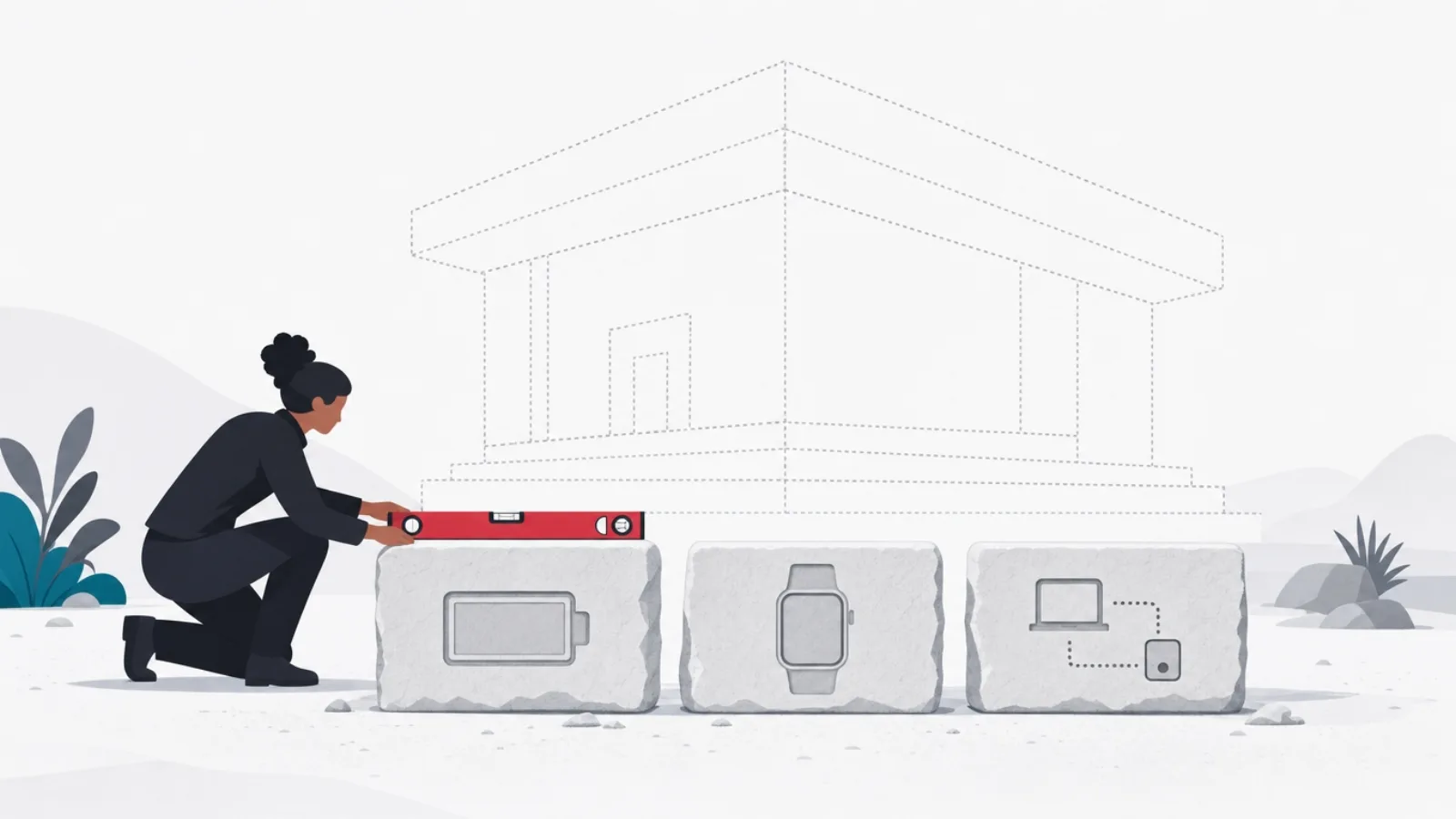
First fact: Health Connect is the hub. Google's on-device health data layer lets apps read and write a shared record, steps, workouts, heart rate, sleep, weight, with per-type permissions you control. In practice it means your strength logger, your running app and your smart-scale app can finally agree, and it means the best app per category strategy works without manual re-entry. When two apps are otherwise close, pick the one with deeper Health Connect support; that is the choice that compounds.
Second fact: background tracking depends on your phone brand more than your app. Aggressive battery managers on several major Android brands kill background services, which is why step counts and auto-detected workouts silently fail for some users. Good fitness apps document the per-brand battery exemptions they need; great ones detect the problem and walk you through the fix. If an app's reviews cluster around lost tracking, that is usually the phone brand interaction, not the app's code.
Third fact: the watch decides more than the phone. If you train with a Wear OS watch, a Galaxy Watch or a Pixel Watch, your practical shortlist narrows to apps with real on-watch experiences, started, tracked and finished from the wrist. Logging a run on a phone strapped to an arm is a 2015 experience. The watch filter eliminates most of the catalog immediately, which simplifies the decision more than any feature comparison.
Best for strength training: Strong, Hevy and the logging-first tier
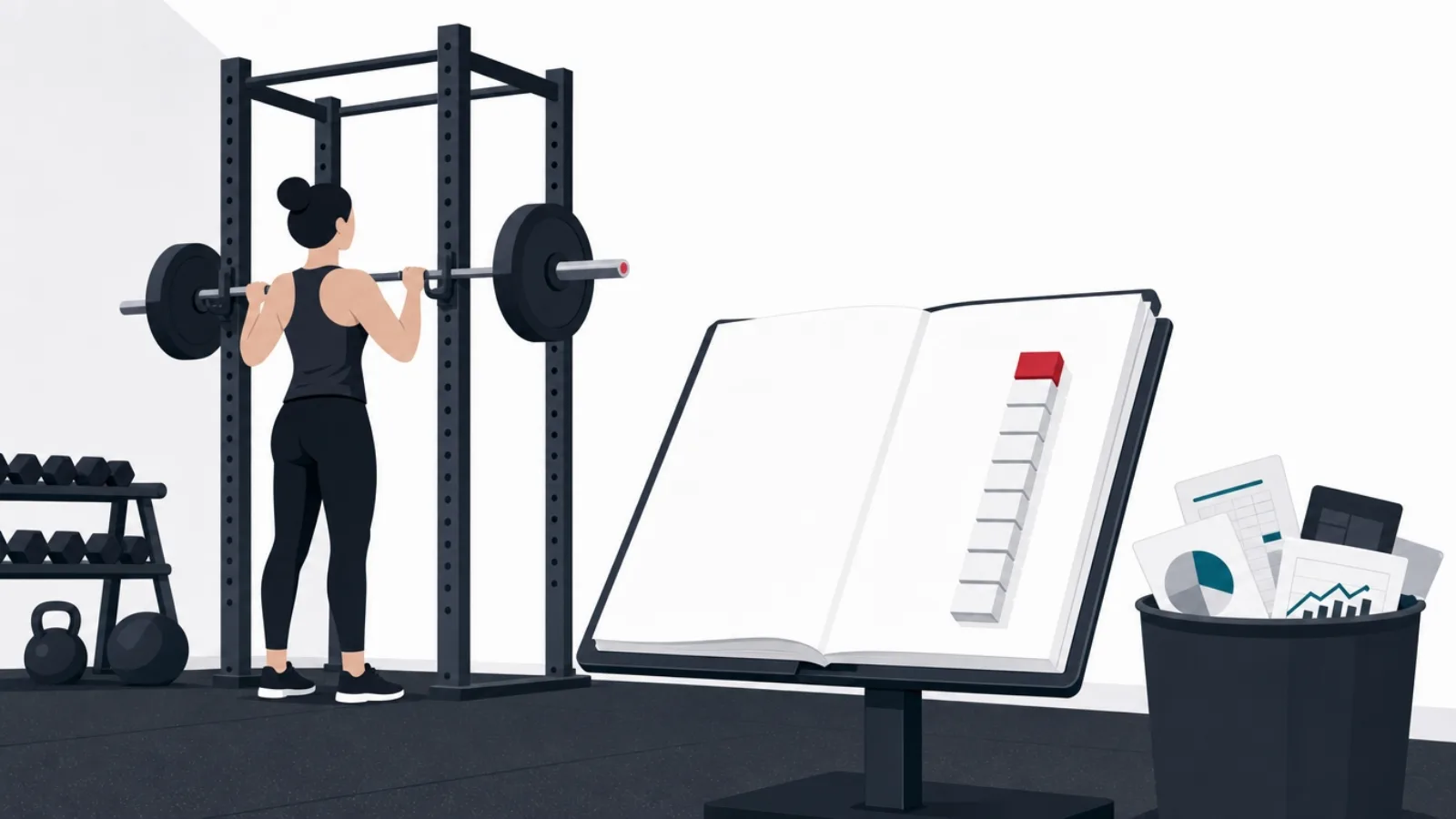
Strength logging is a speed problem. Between sets you have sixty to ninety seconds, and the app must capture weight, reps and the next set's target in a few taps with a rest timer already running. Strong and Hevy are the category leaders on Android because they are built around exactly that loop: previous-session numbers visible while you type, plate calculators one tap away, and rest timers that start themselves. Hevy's free tier is notably generous, full logging with routine limits, while Strong gates routine count sooner.
What the paid tiers actually buy in this category is analysis and programming: volume and intensity trends per muscle group, one-rep-max estimation curves, and prebuilt progressive programs. A lifter following a program from a coach or a book needs none of it; a lifter who writes their own training and is plateauing after a year often finds the trend charts are the honest signal they were missing. Pay for analysis when you have enough history for analysis to say something.
The catch across the category is ecosystem isolation: strength data is the worst-synced data type in fitness. Workouts export to Health Connect as generic sessions, but set-and-rep detail usually stays inside the logger. If long-term data portability matters to you, prefer the apps with explicit CSV export, both leaders have it, and treat that export as your real record.
The strength tier at a glance
| App | Free tier | Best for | The catch |
|---|---|---|---|
| Hevy | Full logging, limited routines | Most lifters starting out | Younger analytics than rivals |
| Strong | Limited routines, full history | iOS-and-Android households | Free tier tighter than Hevy |
| Jefit | Logging with ads | Exercise-library depth | Busier interface, slower between sets |
| Gymverse and similar | Varies | Prebuilt program followers | Logging speed trails the leaders |
The loggers compared on what decides the choice in practice. Prices move; check current ones. The free-tier column is the honest starting point.
The between-sets test to run in a free trial
- Log a set in under five tapsWeight, reps, done, with the previous session's numbers visible while you type.
- Rest timer starts itselfLogging the set should arm the timer without a separate tap.
- Swap an exercise mid-sessionThe bench is taken; substituting should not require editing the whole routine.
- Check the exportSettings should offer CSV or similar. Your training history should outlive the app.
- Airplane-mode sessionBasement gyms have no signal. The app must log offline and sync later.
Run this once in a real session; it decides better than any review.
Best for running and cycling: Strava and the cardio tier

Strava is the social layer of endurance sport, and that is precisely what it is best at: segments, clubs, kudos and the accountability of a feed your training partners actually read. Its free tier records and shares activities fully; the subscription buys segment leaderboards, route planning and training analysis. The honest framing is that Strava is where workouts go to be seen, and it pairs naturally with Health Connect so that whatever records the run, watch or another app, still lands in the feed.
For solo training, adidas Running and Runkeeper remain strong Android citizens with generous free audio-coached tracking, and Nike Run Club brings the best free guided runs in the category, coached audio sessions that make intervals genuinely pleasant. Structured-plan runners chasing a race time should look at the training-plan tiers: adaptive plans that reshuffle the week when you miss a session are the feature that separates the paid layers, and for a first marathon they are worth one race cycle of subscription.
Cyclists have a sharper split: outdoor riders live on Strava plus a bike computer, while indoor riders belong to Zwift or its rivals, which are game platforms as much as fitness apps. The Android-specific note for both: GPS accuracy varies more across Android hardware than the apps admit, so if your pace charts look ragged, test another app before blaming your legs; sensor polling differences between apps on the same phone are real.
Best for guided workouts and classes: Nike Training Club to Peloton
The guided tier answers a different question: not how do I log what I do but tell me what to do and coach me through it. Nike Training Club is the free anchor of the category, a deep library of bodyweight and equipment sessions with real programming behind them, and it remains free in a way that embarrasses several subscription rivals. For a home exerciser with no equipment and no plan, it is the default first install.
Peloton's app tier is the strongest paid option even without the hardware: live and on-demand classes across strength, cycling, running, yoga and rows, with instructor quality as the moat. Its free tier is a narrow sampler; the subscription is the product. Freeletics and Centr occupy the AI-plan and celebrity-programming niches respectively, and both are competent, but the evaluation question is the same across the tier: will you actually show up for classes, or do you need logging and numbers to stay honest? Class people and numbers people are different customers.
The catch for the whole category on Android is casting quality. Guided workouts live on the biggest screen in the room, and the difference between an app with solid Chromecast and TV apps and one without is the difference between training in the living room and squinting at a phone on the floor. Test the cast path during the trial, not after paying.
Choosing a class platform honestly
Do this
- Count your real completions in the trialIf you finished four classes in two trial weeks, the subscription will pay for itself. One class means it will not.
- Test the TV path firstCast or TV app quality decides whether you use the service at all. It varies more than class quality does.
- Match the library to your equipmentA class library built around a bike or weights you do not own is a scrolling feed, not a training plan.
Not this
- Subscribe as a commitment devicePaying does not create attendance; the data on dormant fitness subscriptions is brutal. Attendance creates attendance.
- Stack class appsOne guided platform is a habit; two is a browsing hobby. Rotate annually if you must, never in parallel.
- Ignore the annual-plan trapAnnual pricing halves the monthly rate precisely because most subscribers stop attending. Buy annual only after a paid month you actually used.
The guided tier is where subscriptions go dormant fastest. These rules keep the money honest.
The habit layer: Google Fit, Samsung Health and the case for defaults

For a large share of people the honest goal is not training at all: it is movement, steps, stairs, some minutes of elevated heart rate, plus sleep and weight trending the right way. For that job the platform defaults are genuinely the right answer. Google Fit and Samsung Health are free, preinstalled or near-preinstalled, battery-optimized by the companies that make the operating system, and both speak Health Connect natively. Installing a third-party tracker to count steps is adding a subscription to a solved problem.
Samsung Health deserves specific credit on its home hardware: on a Galaxy phone with a Galaxy Watch it is a complete health platform, sleep staging, heart-rate tracking, body composition from the watch's sensor, at zero cost. Google Fit is thinner but universal, and its heart-points framing of movement minutes is a well-designed nudge for people starting from sedentary. Both apps' weakness is the same: neither is a good workout logger, and neither tries to be. They are the record, not the coach.
The strategy this enables is the one this whole guide has been building: defaults for the base layer, one specialist per training style on top, Health Connect as the wiring between them. That stack costs nothing to start, upgrades one subscription at a time only where analysis or programming earns it, and survives you switching phones, watches or training styles without losing the record.
The numbers that describe the fitness app market honestly
Directional figures from public industry reporting; exact values vary by study and year.
Which fitness app should you choose? Match the training style
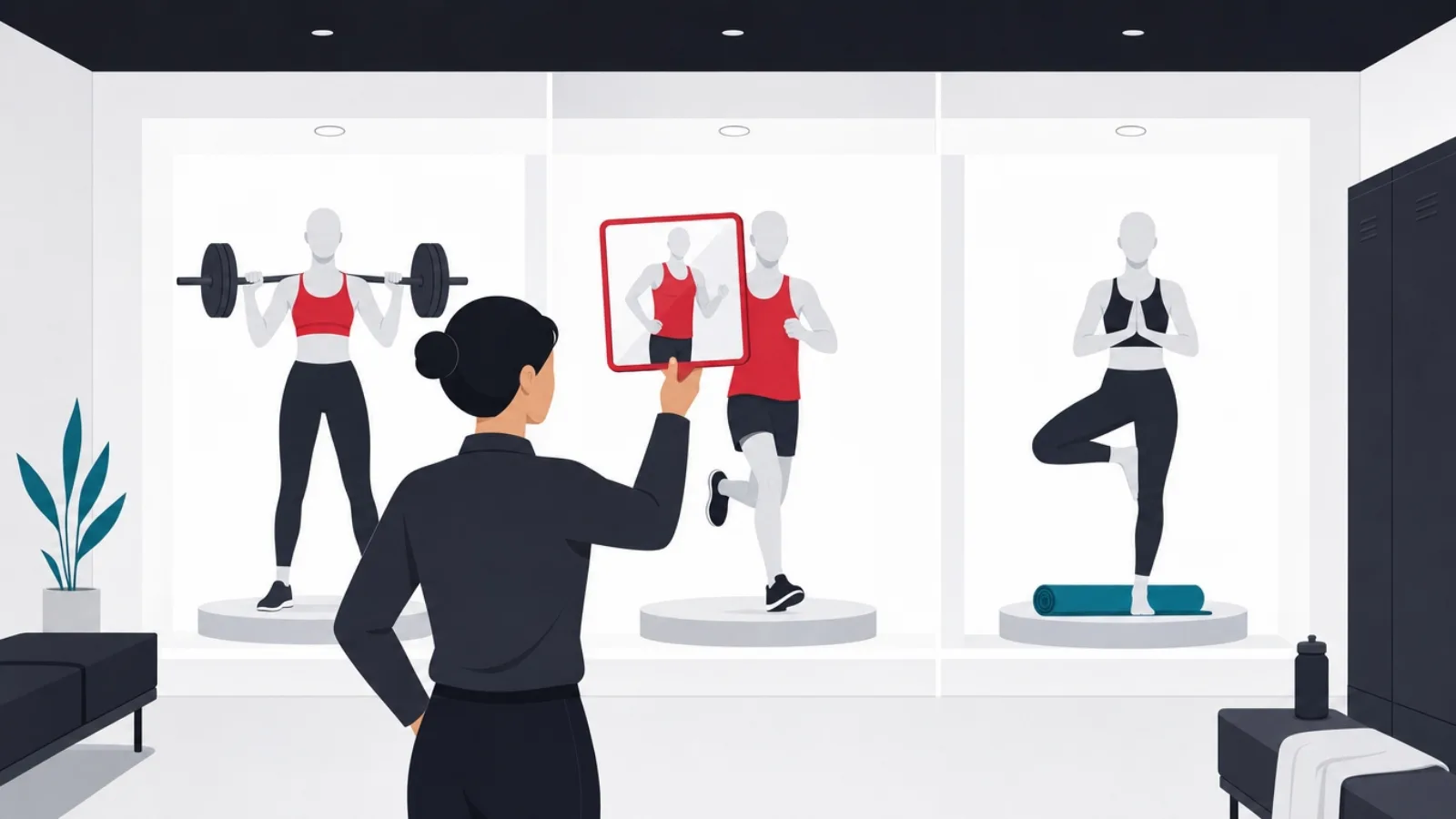
The strength athlete: Hevy or Strong as the logger, defaults for the step-and-sleep base, Strava only if your training partners live there. Pay for the logger's analysis tier when a year of history has accumulated and progress has genuinely stalled; before that, the trend charts have nothing to tell you.
The runner or cyclist: Strava free for the social record, Nike Run Club or adidas Running for coached sessions, and a training-plan subscription for one race cycle when a specific finish time is the goal. If a dedicated sports watch is in the picture, let its ecosystem record and let the Android apps be the feed. The class-goer: Nike Training Club free first; if attendance survives a month, Peloton's app tier is the quality upgrade. The habit-builder: Samsung Health or Google Fit alone, full stop, revisit in six months.
The combination rule that keeps this sane: one app per job, Health Connect as the wiring, and at most one paid subscription at a time until attendance data, your own, not your intentions, proves a second one earns its fee. Fitness apps are cheap individually and expensive as a stack of dormant good intentions.
The shortlist as one decision
What is the core of your training week?
-
Barbells and dumbbells are the core
Hevy or Strong, plus defaults
Logging speed between sets is the deciding feature, and the dedicated loggers own it.
-
Miles are the core
Strava plus a coached-run app
The social record and the audio coaching are different jobs; the free tiers of both cover them.
-
Classes keep you honest
Nike Training Club, then Peloton
Free first proves attendance; instructor quality is what the paid tier genuinely adds.
-
Movement and sleep are the goal
Samsung Health or Google Fit only
The defaults solve this at zero cost and better battery behavior than any third party.
Four training styles, four different correct answers.
What this market teaches product builders
The fitness app market is a masterclass in the difference between installs and businesses. Downloads are enormous, dormancy is the norm, and the companies that survive all found something beyond logging to sell: Strava sells belonging, Peloton sells instructors, the loggers sell analysis to the minority who train long enough to need it. A founder pitching a better tracker is pitching the one product this market has proven it will not pay for, because the platform defaults give it away.
The retention mechanics are worth studying even outside fitness. The apps that hold users share three design choices: they make the first session's value immediate (a logged workout, a mapped run), they build an external commitment loop (a feed, a club, a coach who sees your data), and they own a record that grows more valuable with time, which makes leaving feel like losing history. Products missing all three retain like fitness apps miss January resolutions.
Where the openings are, honestly: vertical communities underserved by the giants (specific sports, adaptive training, postpartum and clinical-adjacent populations), coach-client platforms where the buyer is the coach and the software carries programming, check-ins and payments, and integration-first tools that turn Health Connect's shared record into insight the platform defaults are too general to deliver. What is closed: another general tracker, another class library without a moat in instruction, and anything whose pitch begins with like Strava but.
Building a fitness product: scope and honest budget
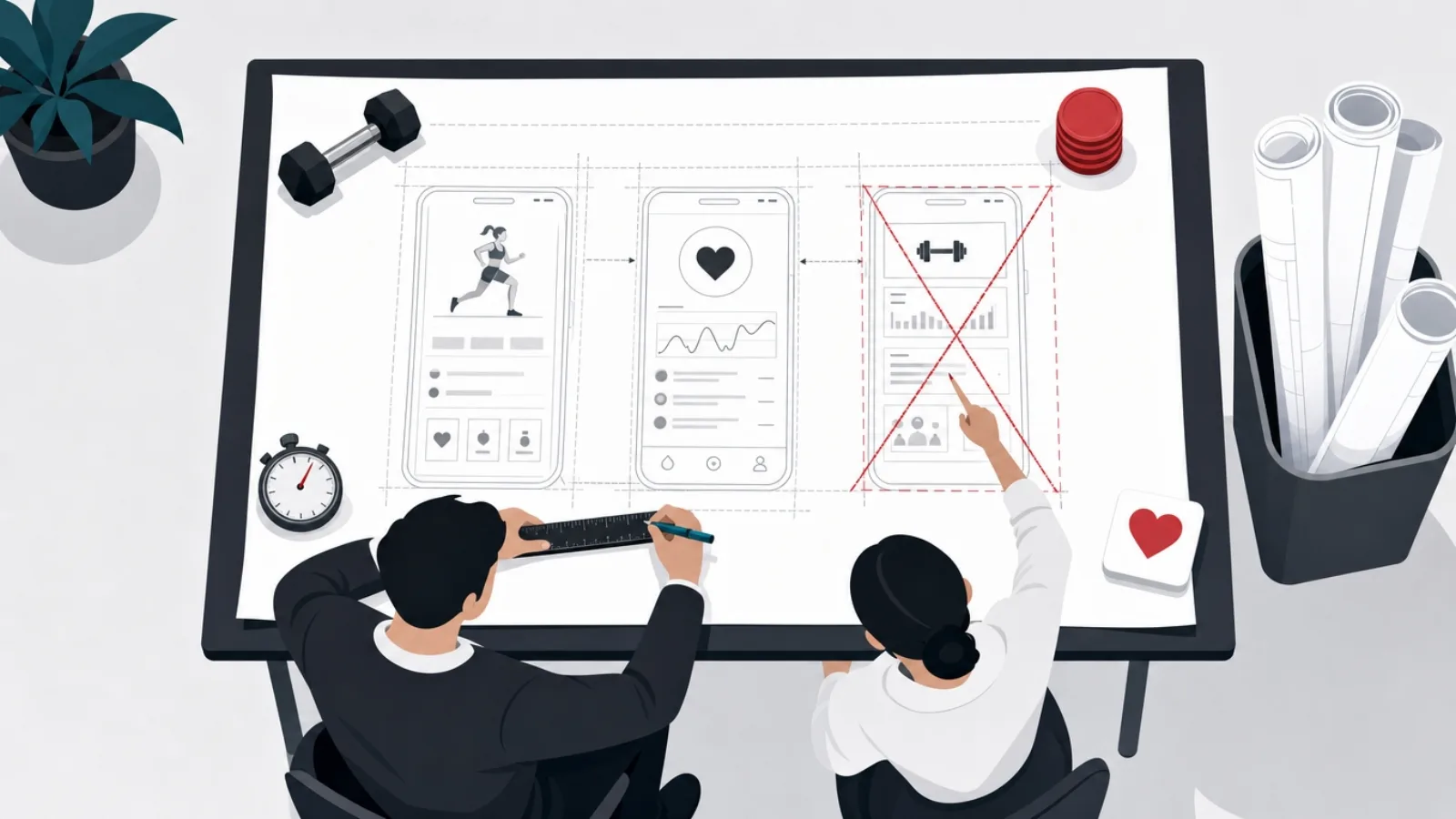
A credible fitness MVP on Android has a known anatomy: onboarding and goal setup, the core training loop (logging, tracking or class delivery, pick one), Health Connect read and write, a progress view that makes the record feel valuable, and subscription machinery. The single most underestimated line is sensor and background-service reliability across Android brands, the battery-manager problem from earlier in this guide, which consumes real engineering weeks and separates apps that track from apps that mostly track.
Wearable support is the classic scope trap. A phone-first MVP with clean Health Connect integration inherits watch data without building a watch app; a native Wear OS experience is its own product surface with its own design, testing and battery constraints. The staged answer is almost always right: ship phone-first reading watch data, and build on-watch only after retention proves the core loop works. The same staging applies to social feeds, coach dashboards and AI plan generation: each is a real product decision, not a checkbox.
On numbers: a focused single-loop fitness MVP, one training style, Health Connect, subscriptions, clean design, typically runs 60,000 to 120,000 US dollars with an offshore product team; add on-watch experiences, coach-client machinery or content production and 150,000 to 250,000 becomes the honest range. The software development cost guide breaks down where those figures come from, and the app-like-TikTok teardown shows the same two-audience analysis applied to social video. Content-led products should budget instruction and filming as a separate line at least equal to engineering.
The staging that keeps a fitness build honest
-
Ship the single loop
One training style, logging or delivery done excellently, Health Connect wired, subscriptions live. Nothing else.
-
Prove week-four retention
The category's graveyard is week four. Cohort retention there decides whether anything more deserves building.
-
Add the commitment loop
Feed, club, coach or streaks, whichever fits the audience. This is the retention feature, so it comes before expansion features.
-
Then the watch, then the rest
On-watch experiences, more training styles and AI programming are scale investments for a product already retaining.
Each stage earns the next with usage data, not optimism.
The honest conclusion: a stack, not an app
The best fitness app for Android is a stack: platform defaults for the base record, one specialist for your actual training style, Health Connect wiring them together, and at most one subscription that your attendance, not your aspiration, justifies. Every part of that stack is available free to start, which means the only honest way to choose is to train with the candidates for two weeks and keep what you actually opened.
The market behind the roundup is equally clear-eyed: logging is free forever, defaults own the habit layer, and the businesses that endure sell community, coaching or analysis on top of the record. That is the map for choosing an app this month, and the same map for anyone deciding whether to build one.
If that second question is yours, a fitness product, a coach platform, or a wearable-connected build, AgileTech scopes these honestly from Hanoi: sensor pipelines, Health Connect and watch integrations, subscription machinery and the retention mechanics this market punishes you for skipping. The software partner evaluation guide shows how we recommend vetting any team, including ours.
Frequently asked questions
What is the best fitness app for Android in 2026?
There is no single best, only a best per training style: Hevy or Strong for strength logging, Strava plus a coached-run app for running, Nike Training Club free or Peloton paid for guided classes, and Google Fit or Samsung Health for habit-level movement. The Android-specific advice is to prefer apps with strong Health Connect support so your whole stack shares one record.
Are free fitness apps good enough?
For most people, yes. The platform defaults cover steps, sleep and weight; Hevy logs strength fully free; Strava records and shares runs free; Nike Training Club is a complete free class library. Subscriptions buy programming and analysis, adaptive training plans, trend analytics, instructor-led classes, which are worth paying for only once your own attendance proves you will use them.
What is Health Connect and why does it matter?
Health Connect is Android's on-device health data layer: a shared, permissioned record of steps, workouts, heart rate, sleep and weight that apps can read and write. It matters because it lets you run one specialist app per job, a logger, a running app, a scale app, without manual re-entry or disagreement between them. When choosing between similar apps, deeper Health Connect support is the tiebreaker that compounds.
Why does my Android phone stop counting steps in the background?
Almost always the phone brand's battery manager, not the app. Several major Android brands aggressively kill background services, which silently breaks step counting and workout auto-detection. The fix is granting the fitness app a battery-optimization exemption in system settings; good apps detect the situation and walk you through it. If reviews of an app cluster around lost tracking, suspect this interaction first.
Do I need a smartwatch to use fitness apps seriously?
No, but it changes the experience most in running and interval training, where pace and heart-rate feedback belong on the wrist. Phone-only strength logging is fully first-class. If you do train with a Wear OS, Galaxy or Pixel watch, narrow your shortlist to apps with real on-watch experiences, and if you use a dedicated sports watch like a Garmin, let its ecosystem record and treat Android apps as the social and analysis layer.
How much does it cost to build a fitness app?
A focused single-loop MVP, one training style, Health Connect integration, subscriptions, clean design, typically runs 60,000 to 120,000 US dollars with an offshore product team. On-watch experiences, coach-client machinery or produced class content push the honest range to 150,000 to 250,000, and content-led products should budget filming and instruction as a separate line at least equal to engineering. The strategic warning matters more than the number: general tracking is free from the platforms, so the budget only makes sense attached to a community, a coaching model or a vertical the giants ignore.
Fitness products live or die on retention mechanics and sensor reliability. If your roadmap includes a health or fitness build, work with AgileTech, a software development company in Hanoi that ships the pipelines, integrations and subscription machinery this market demands.
Source: https://agiletech.vn/blog/best-fitness-apps-android/ · (c) AgileTech Vietnam. Printed from agiletech.vn.
