 Nguyen Manh Thang
Chief Executive Officer, AgileTech Vietnam
Nguyen Manh Thang
Chief Executive Officer, AgileTech Vietnam
- Published
- Last updated
- Read time
- 13 min
- Views
- 128
Read the AI overview
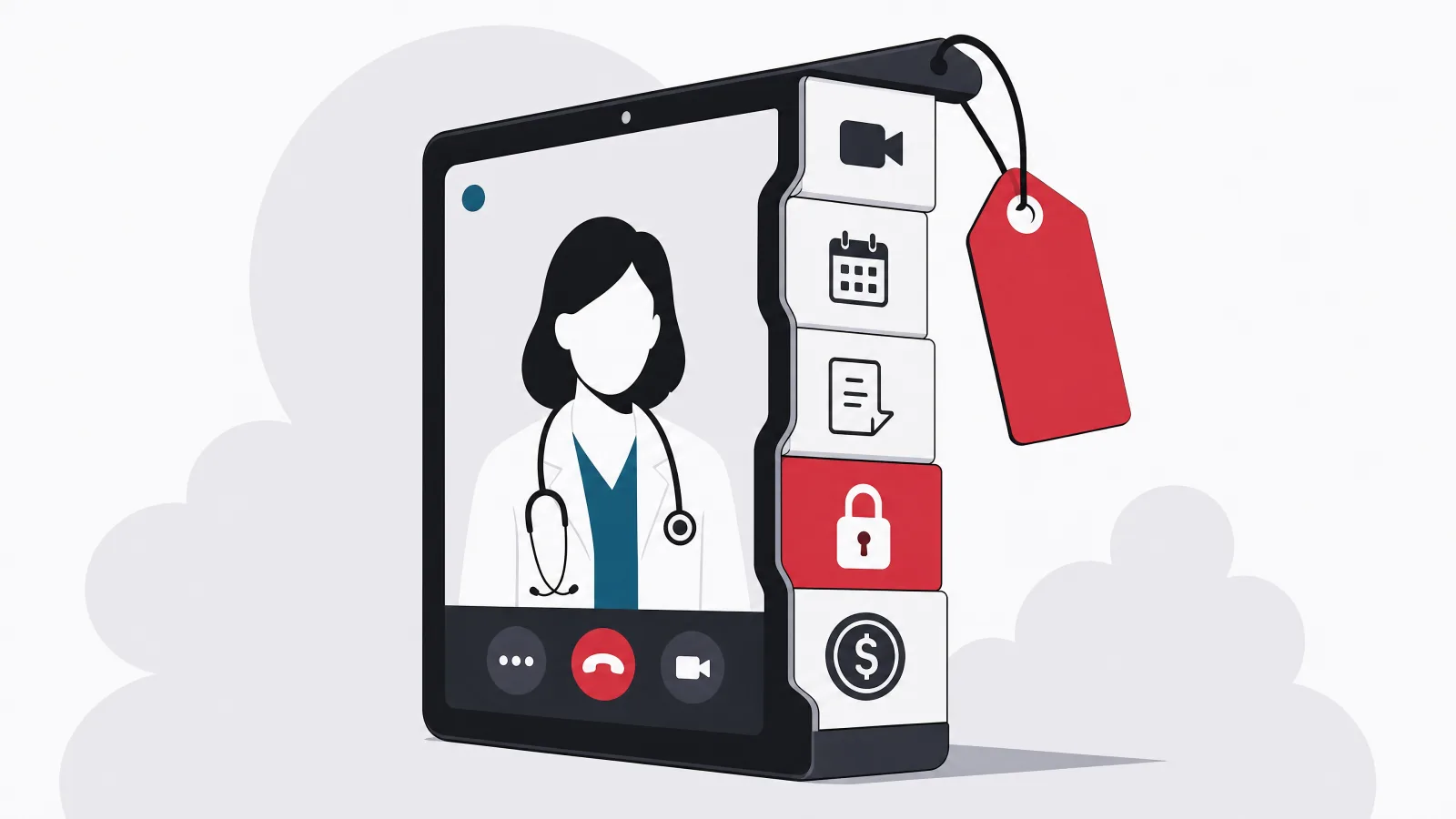
A telemedicine MVP typically costs about USD 50,000 to 120,000, while a fuller platform commonly costs USD 120,000 to 300,000 or more. Scope, compliance obligations, clinical workflows, integrations, and video requirements determine where a project falls inside or beyond those ranges. The largest line items are usually clinical video, patient and clinician workflows, administration, compliance controls, and EHR integration, and each feature also creates testing and support work that should be estimated separately from interface development. Compliance is not a certificate purchased at the end: HIPAA and GDPR obligations increase the cost of architecture, development, infrastructure, documentation, and QA throughout. The most defensible estimate starts with supported workflows rather than a list of screens, and the cheapest genuine savings come from narrowing the clinical and commercial workflow, one provider group, one consultation type, self-pay, managed video, never from cutting security, administration, or exception handling.
A telemedicine MVP typically costs about USD 50,000 to 120,000, while a fuller platform commonly costs USD 120,000 to 300,000 or more. Those ranges are honest precisely because they are wide: scope, compliance obligations, clinical workflows, integrations, and video requirements determine where a project falls inside or beyond them, and this article breaks the total down line by line so the width stops being mysterious.
A simple video appointment product is not equivalent to an enterprise telehealth platform. The latter may require patient records, prescribing workflows, insurance integration, organization management, audit controls, and high-availability operations, and every one of those adds architecture, testing, and documentation cost that no screen count predicts. The estimating error that produces most budget failures is describing a product as an MVP while requiring enterprise integrations and compliance controls: an MVP can reduce feature breadth, but it cannot ignore security, consent, access control, and clinical safety.
This breakdown pairs with two companions: how to build a telemedicine app covers the build sequence itself, and the telemedicine platform guide covers the category landscape. Here the subject is money: what each module costs, what compliance genuinely adds, what keeps costing after launch, and where cutting backfires. Teams comparing custom builds against configured platforms should also weigh specialist telemedicine development against white-label licensing, a decision this article prices rather than assumes.
Key takeaways
- Plan around USD 50,000 to 120,000 for a focused MVP and USD 120,000 to 300,000 or more for a platform with EHR integration, insurance workflows, and multi-organization support.
- The big line items are video, e-prescriptions, patient records, compliance, and EHR integration. Each carries testing and support work that must be estimated separately from the screens.
- There is no HIPAA surcharge to add at the end. Compliance shapes architecture, vendor choices, logging, documentation and QA from the first sprint, and multiplies test effort across every feature.
- Post-launch costs, video minutes, hosting, security operations, maintenance, compliance review, grow with usage and operational complexity, not downloads, and belong in the budget from day one.
- Teams overspend on custom video infrastructure, premature EHR breadth, and native apps where responsive web suffices. They save legitimately by narrowing workflows, never by cutting audit logs or admin tooling.
- Scope before estimating: patient group, provider organization, consultation type, payment model, region, and integrations. Without those decisions, any cost figure is guesswork with a currency symbol.
How much does a telemedicine app cost?
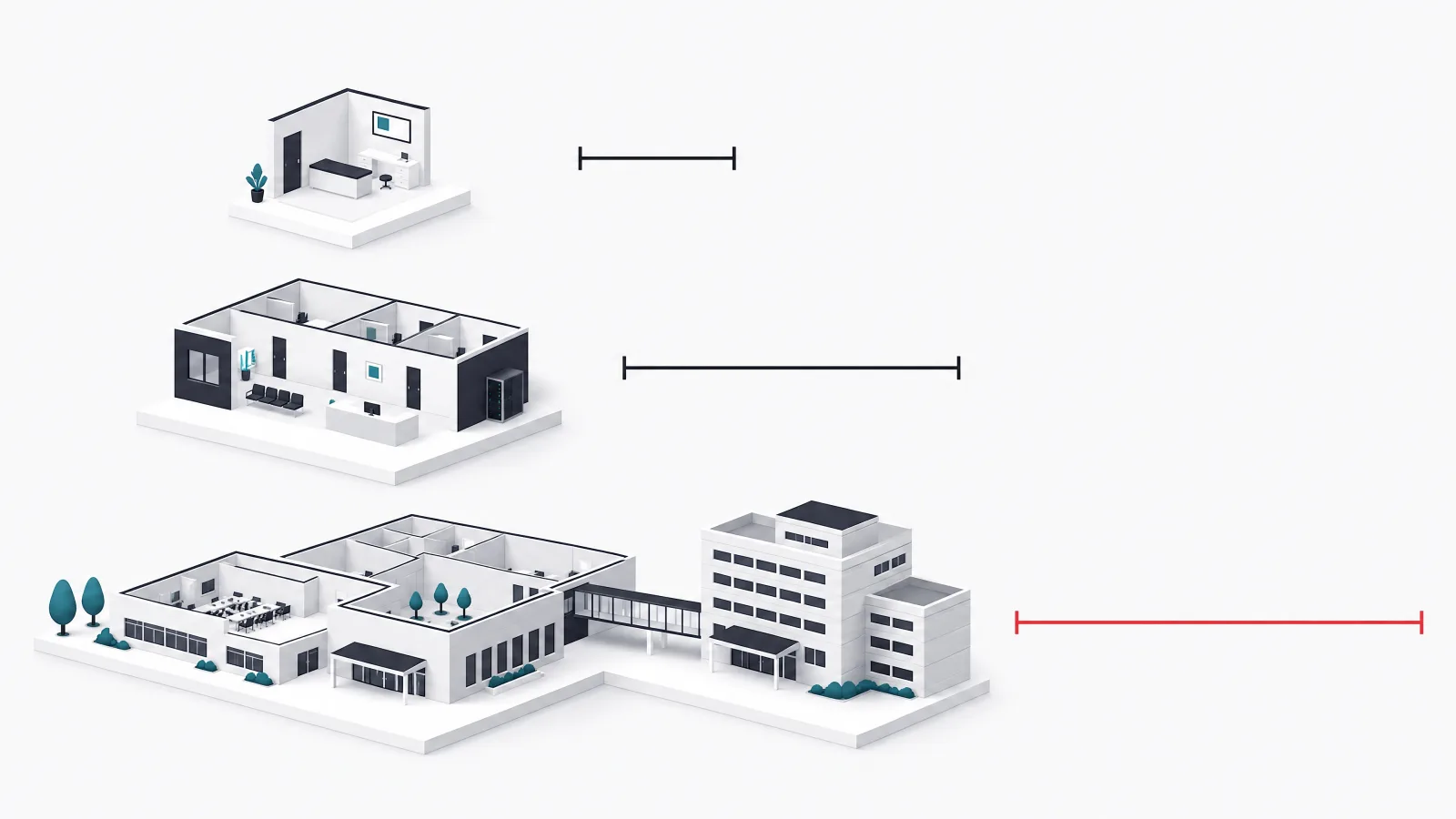
A controlled MVP for one provider group usually costs less than a multi-organization platform, and the most defensible estimate starts with supported workflows rather than a list of screens. A focused MVP covering patient registration, scheduling, video, basic payments, notifications, and administration typically lands between USD 50,000 and 90,000 over four to six months. A standard platform adding patient and clinician apps, records, a prescribing workflow, reporting, and stronger administration runs USD 90,000 to 180,000 over six to nine months. An enterprise platform with multiple organizations, EHR integration, insurance workflows, advanced permissions, and high availability starts around USD 180,000 and commonly passes 300,000, over nine to fifteen months.
These ranges assume custom product development. A configured white-label platform may cost less initially, but licensing fees, customization limits, data migration, and vendor dependency should be included in the decision, because a white-label product that cannot express your clinical workflow becomes a custom project with a licensing bill attached. The honest comparison is total cost over three years against the workflows actually supported, not sticker price against sticker price.
The largest estimating error deserves restating because it recurs in almost every failed budget: describing a product as an MVP while requiring enterprise integrations and compliance controls. Feature breadth is negotiable, security is not, and the projects that end up doubling their budget are usually the ones that discovered mid-build that consent, access control, audit logging, and clinical safety were requirements rather than enhancements.
Three scenarios, three honest ranges
| Scenario | Typical scope | Planning range | Typical timeline |
|---|---|---|---|
| Focused MVP | Patient registration, scheduling, video, basic payments, notifications, admin | USD 50,000 to 90,000 | 4 to 6 months |
| Standard platform | Patient and clinician apps, records, prescribing workflow, reporting, stronger administration | USD 90,000 to 180,000 | 6 to 9 months |
| Enterprise platform | Multiple organizations, EHR integration, insurance workflows, advanced permissions, high availability | USD 180,000 to 300,000 or more | 9 to 15 months |
Ranges assume custom development by an experienced team. White-label platforms trade lower initial cost for licensing, customization limits and vendor dependency.
What are the main line items?

The largest line items are usually clinical video, patient and clinician workflows, administration, compliance controls, and integration. Each feature also creates testing and support work that should be estimated separately from interface development, because in healthcare the interface is routinely the cheapest third of a feature: the permission model, the audit behavior, and the failure handling are the other two thirds.
Relative cost depends heavily on what is already available. Integrating an existing video provider can cost far less than building media infrastructure, but the product still needs session management, permissions, error handling, and support tools around it. The same pattern holds for payments, prescriptions, and records: the provider handles the core mechanism, and the product still owns the workflow, the exceptions, and the audit trail.
The table below assigns each module a relative weight and names what makes it expensive, which is more useful than fake-precise dollar figures because the weights survive contact with any specific project while the dollars do not. Reading it, notice that the expensive modules share one property: they touch regulated data or regulated workflows, which converts engineering tasks into engineering-plus-compliance tasks.
The nine modules, weighted
| Module | Relative cost weight | What makes it expensive |
|---|---|---|
| Video consultations | High | Device behavior, connection quality, waiting rooms, reconnection, privacy |
| Scheduling | Medium | Provider availability, time zones, cancellations, reminders, recurring rules |
| E-prescriptions | High | Regulatory workflow, identity, regional partners, clinical controls |
| Patient records | High | Sensitive data, permissions, audit trails, interoperability |
| Payments and insurance | Medium to high | Refunds, eligibility, claims, reconciliation, regional rules |
| Notifications | Low to medium | Consent, delivery reliability, templates, failure handling |
| Admin panel | Medium to high | Roles, support tools, reporting, auditability |
| Compliance and security | High | Risk assessment, encryption, logging, documentation, QA |
| EHR integration | High | Data mapping, patient matching, vendor variation, testing |
Weights are relative to a typical custom telemedicine build. What makes each expensive is the column worth reading twice.
Inside the expensive modules: video, prescribing, records
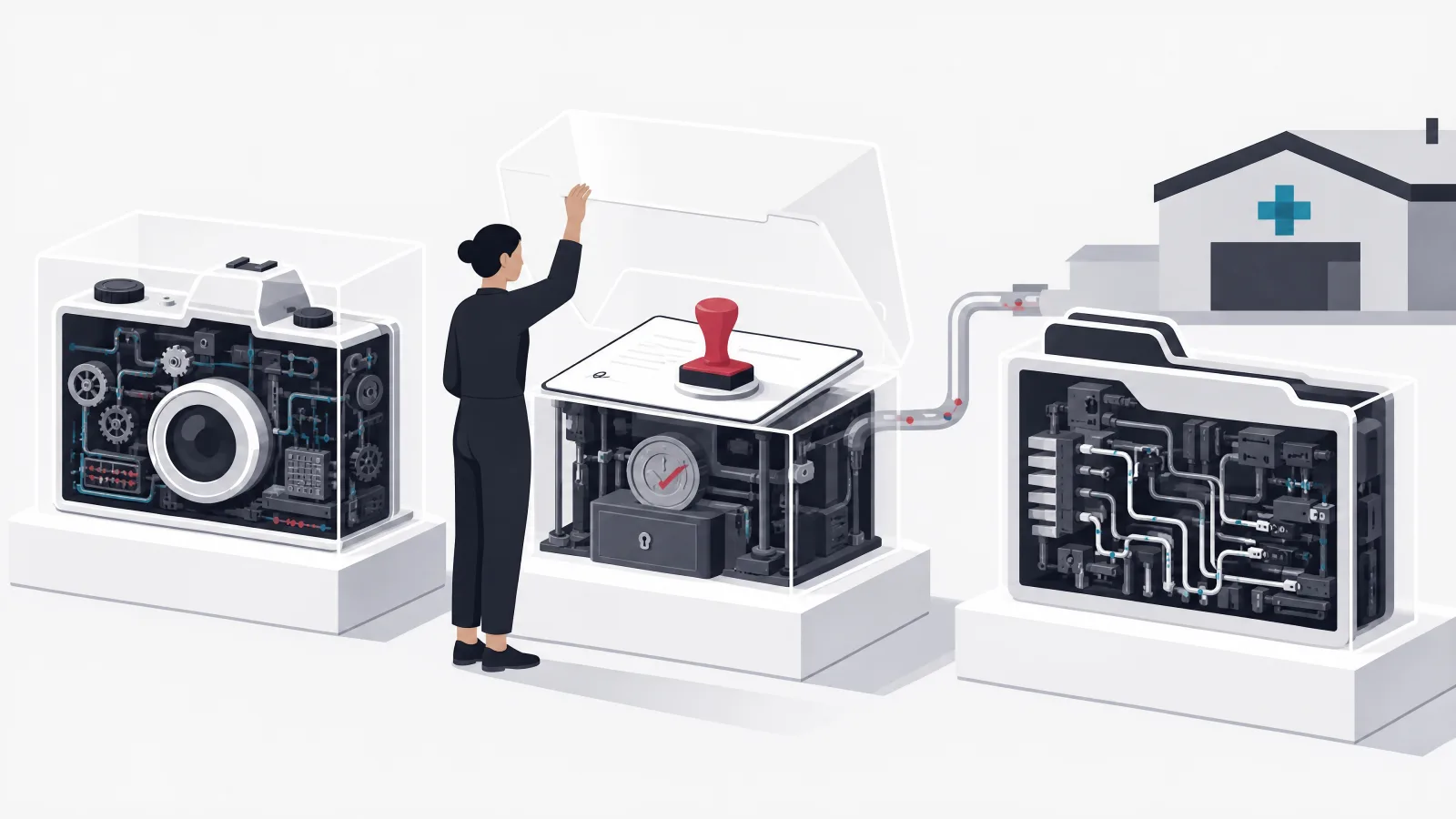
Video consultation cost includes far more than placing a video component on a screen. The application must manage waiting rooms, clinician availability, microphone and camera permissions, reconnection, session status, and user guidance, and testing must cover different devices, operating systems, browsers, networks, and interruption behavior, because mobile calls get interrupted by phone calls, background restrictions, and permission changes as a matter of daily routine. Teams overspend here by building custom real-time media infrastructure before proving that a specialized provider cannot meet their needs, and underspend by assuming the provider handles the complete appointment workflow; it handles the media stream, and everything around the stream is still the product's job.
E-prescribing is not merely a generated document. Requirements depend on country, medication type, clinician identity, pharmacy networks, and applicable regulation, and a product may need an approved regional integration rather than a custom prescribing engine. The implementation must control who can prescribe, preserve the relevant audit history, and handle failed transmissions. The cost driver is not the form; it is the regulated workflow and the external network integration behind it, which is why this module carries a high weight even when its interface is a single screen.
Patient records scale in cost with ambition. A limited telemedicine record covering demographics, consultation notes, attachments, diagnoses, and care instructions is a bounded project; a broader product needing allergies, medications, laboratory data, history, and EHR exchange is a different budget entirely. Costs increase with data sensitivity, permission complexity, retention rules, and interoperability: FHIR provides a standard structure for exchanging healthcare information, but each external system still requires mapping and validation. The decision rule is to store only what the telemedicine workflow needs, because rebuilding a complete EMR or EHR system inside an MVP creates cost and clinical risk at the same time.
Scheduling looks cheap until the calendar meets reality: multiple clinics, provider specialties, appointment types, time zones, buffer periods, holidays, cancellations, and rescheduling rules. A basic MVP can support predefined availability blocks and simple durations, while enterprise systems may need synchronization with EHR schedules or workforce systems. The characteristic failure is double booking caused by concurrent requests or delayed integration updates, and preventing it requires transaction controls and one clear owner of the authoritative schedule, decisions that cost design time up front and incidents when skipped.
How much does healthcare compliance add?
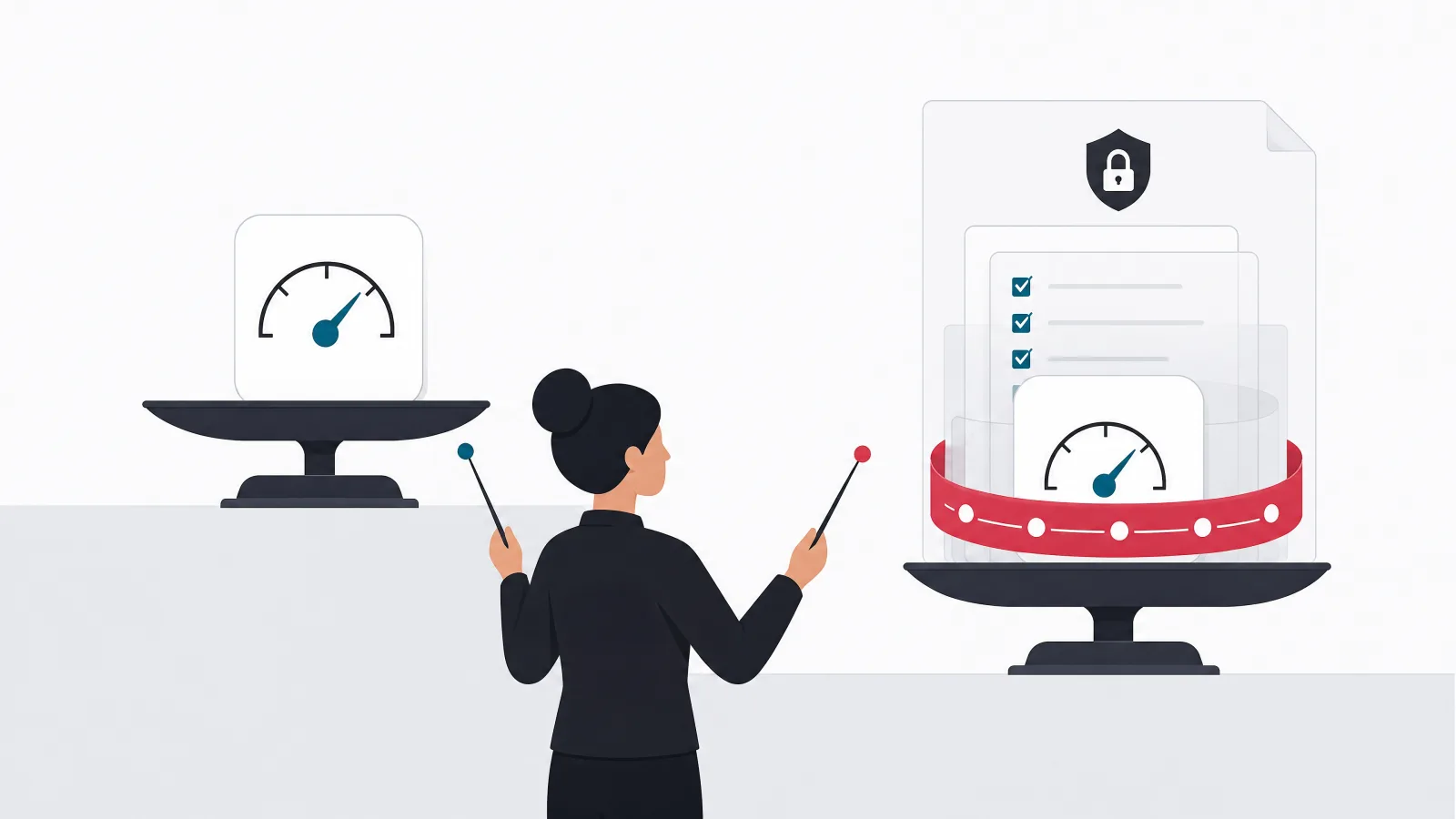
Compliance increases the cost of architecture, development, infrastructure, documentation, and quality assurance, and it is not a certificate that can be purchased at the end of development. HIPAA applies to covered entities and relevant business associates handling protected health information in the United States, with the Security Rule addressing administrative, physical, and technical safeguards. GDPR applies to personal data processing within its scope and treats health data with additional sensitivity, requiring lawful processing grounds, data minimization, access controls, retention rules, and processes for data subject rights.
The concrete work list is long and worth budgeting item by item: data flow mapping, threat modeling, vendor assessment, encryption in transit and at rest, role-based access control, multi-factor authentication, audit logging, backup and recovery, incident response procedures, retention and deletion controls, consent records, security testing, operational documentation, and business associate or data processing agreements. None of these is exotic engineering; all of them are hours, and the hours multiply testing because permissions, logs, exports, backups, and failure paths must each be verified rather than assumed.
There is no universal HIPAA surcharge, which is why vendors who quote one are quoting fiction. The cost depends on the architecture, vendors, data flows, access model, documentation, testing, and operating procedures the specific product requires. The common and expensive mistake is selecting convenient third-party services without confirming whether their contractual and technical controls support the intended healthcare use, a discovery that arrives late, legally, and with a migration bill attached.
- Architecture cost. Data flow mapping, threat modeling, and encryption decisions made before the first feature, not after the audit.
- Development cost. Role-based access, MFA, audit logging, and consent records built into every workflow that touches health data.
- Verification cost. Permissions, logs, exports, backups and failure paths each tested. Compliance multiplies QA, not just development.
- Paper cost. Operational documentation, incident procedures, and signed BAAs or DPAs. Unglamorous, mandatory, and billable hours.
What costs continue after launch?

Post-launch costs include video usage, cloud infrastructure, communications, security operations, maintenance, support, and compliance review, and they grow according to usage and operational complexity rather than application downloads. Managed video platforms typically charge by participant minutes or usage tiers, so the monthly total depends on consultation volume, average session duration, participant count, recording requirements, geographic routing, storage and retention, transcription or analysis, and support tier. Recording deserves particular caution: it increases storage, privacy, and consent costs simultaneously, and consultations should not be recorded by default unless the clinical and legal requirements are actually clear.
Hosting covers application servers, databases, storage, monitoring, backups, network traffic, and security services, with high availability and disaster recovery raising the baseline. Early infrastructure cost is usually not the largest expense, though: engineering and operational support often cost more, and premature infrastructure optimization is a classic distraction from the defects that matter at MVP stage, permission errors, unreliable workflows, and poor clinical usability.
Maintenance includes operating system updates, dependency upgrades, security patches, provider API changes, defect correction, monitoring, and user support, and the sane planning model reserves an ongoing product and engineering budget rather than treating maintenance as an emergency expense. Healthcare systems additionally require periodic access reviews, security assessments, policy updates, and incident exercises. These are operating responsibilities, not one-time launch tasks, and a budget that ends at launch day has priced a demo rather than a service.
The post-launch budget in three lines
Where do telemedicine teams overspend?

Teams overspend on custom infrastructure, broad integrations, and premature feature depth, and they save more by narrowing the clinical and commercial workflow than by reducing security or QA. The recurring overspends are building custom video infrastructure when a suitable managed provider exists, supporting many consultation types before validating one, integrating several EHR systems during the MVP, creating a complete medical record instead of a focused consultation record, building native patient and clinician apps when responsive web access is sufficient, adding advanced analytics before operational data is reliable, and automating low-volume administrative tasks too early.
Each overspend shares a shape: it buys generality before the product has proven its specific case. A practical MVP might support one provider organization, self-pay appointments, one consultation type, managed video, and a focused clinical record, and that scope can still test everything that matters commercially, whether patients book, attend, complete payment, and receive care successfully. Generality is a reward for validated demand, not a prerequisite for it.
The native-app question deserves its own sentence because it is the most expensive default in the category: patient and clinician experiences delivered as responsive web applications cost materially less to build, test, and maintain across the device matrix, and telemedicine workflows, browse, book, join a call, review notes, rarely need the device capabilities that justify native builds at MVP stage. Native becomes worth its cost when background notifications, device integration, or clinical hardware demand it, which is a discovery the pilot makes, not an assumption the budget should.
Where does cutting costs backfire?
Cutting security, administrative tooling, workflow testing, and exception handling creates expensive production problems, because these areas are not optional polish; they are the parts of the product that operate when something goes wrong, which in healthcare is a daily condition rather than a rare one. The dangerous shortcuts have a familiar list: sharing administrator accounts, omitting audit logs, giving support staff broad clinical access, storing sensitive data in notification text, skipping backup restoration tests, ignoring failed payment and refund states, assuming video always connects, testing only on recent devices, leaving retention rules undefined, and using production patient data in development environments.
Notifications illustrate how a small feature carries a large obligation. Appointment confirmations, reminders, cancellations, waiting-room alerts, and payment events look trivial, but the feature requires consent preferences, templates, time-zone handling, retry rules, and protection against exposing medical information: a safe notification says enough to prompt action without placing sensitive clinical information on a lock screen or a shared email account. Administrative tooling carries the same hidden weight, since teams that postpone it end up operating directly in the production database, which converts every support request into a security, audit, and reliability risk.
Accessibility is another poor place to cut. Telemedicine users may have visual, hearing, motor, cognitive, or connectivity limitations, frequently correlated with exactly the health conditions the product serves, and fixing core accessibility after the interface is complete costs more than including it in design and systematic QA from the start. The practitioner decision rule compresses the whole section into one line: reduce the number of workflows, never the integrity of the workflows retained.
Cutting scope safely: what narrows and what never does
Do this
- Narrow to one provider groupOne organization, one consultation type, one region. The pilot still tests booking, attendance, payment and care.
- Use managed videoA specialized provider for the media stream, with your budget spent on the workflow around it.
- Start self-payInsurance eligibility, claims and reconciliation join after the clinical workflow is proven.
- Ship responsive web firstNative apps when background notifications or device integration demand them, not as a default.
Not this
- Cut audit logs or role separationEvery regulated review starts here. Retrofitting logging into a live clinical product is misery priced by the hour.
- Postpone the admin panelSupport staff end up in the production database, which is a breach narrative waiting for a date.
- Skip failure-state testingFailed payments, dropped calls and old devices are the daily reality of the user base.
- Put clinical detail in notificationsLock screens and shared inboxes are not covered entities. Say enough to prompt action, nothing more.
How should a telemedicine project be scoped?
A good scope defines the patient group, provider organization, consultation type, payment model, operating region, and required integrations, and without these decisions a cost estimate is mostly guesswork with a confidence interval nobody wrote down. The scoping conversation is therefore not administrative overhead before the real work; it is the work that makes every later number mean something.
A focused discovery phase should produce a user roles and permission matrix, patient and clinician journeys, a clinical data inventory, regulatory assumptions, an integration list, a video provider assessment, security and privacy requirements, MVP boundaries, a delivery plan, and a cost range with risk allowances. That artifact list fits in two to four weeks for most products, and it converts the wide planning ranges at the top of this article into a narrow estimate specific to one product, which is the only kind of estimate worth signing.
A typical delivery team includes a product manager, a healthcare business analyst, a designer, two to five engineers, a QA engineer, a DevOps engineer, and security support, with one non-negotiable addition: a clinical representative must review workflows and terminology, because software that misuses clinical language loses clinician trust on first contact. The first release should be piloted with a controlled provider group, measuring video reliability, appointment handling, support workload, and patient comprehension before any broad launch. A pilot that measures those four things buys certainty per dollar better than any other spend in the budget.
The discovery outputs that make an estimate real
- Roles and permission matrixPatient, clinician, receptionist, billing, support, admin: who sees and does what, written down before architecture.
- Patient and clinician journeysThe booking-to-care path both sides actually walk, including every exception the pilot will meet.
- Clinical data inventoryWhat the workflow needs to store, what it must never store, and what retention rules apply.
- Regulatory assumptions and integration listHIPAA or GDPR posture, prescribing rules for the region, EHR and payment integrations named and sequenced.
- Video provider assessmentManaged candidates evaluated against clinical requirements before anyone budgets custom media infrastructure.
- MVP boundary and risk allowancesWhat ships first, what explicitly waits, and a cost range that names its risks instead of hiding them.
Two to four weeks of work. An estimate produced without these artifacts is a guess wearing a spreadsheet.
Frequently asked questions
How much does it cost to build a telemedicine app?
A focused custom MVP typically costs about USD 50,000 to 120,000, covering registration, scheduling, video consultations, basic payments, notifications, and administration for one provider group. A fuller platform commonly costs USD 120,000 to 300,000 or more, especially when it includes EHR integration, insurance workflows, multiple organizations, and advanced compliance controls. Where a specific project lands depends on workflows supported, not screens drawn.
What affects telemedicine app development cost the most?
The main drivers are user roles, video requirements, scheduling complexity, patient records, prescribing, payments and insurance, EHR integration, compliance obligations, and supported platforms. Operating in several countries adds legal and product complexity on top. The modules that cost the most share one property: they touch regulated data or regulated workflows, which multiplies testing and documentation beyond the interface work.
How much does HIPAA compliance add to telehealth app cost?
There is no universal HIPAA surcharge, and quotes that name one are guessing. The cost depends on the architecture, vendors, data flows, access model, documentation, testing, and operating procedures the product requires. In practice compliance behaves as a multiplier rather than a line item: features touching protected health information carry additional permissions work, audit behavior, verification, and documentation, commonly adding half again to their base effort.
Is video calling the most expensive telemedicine feature?
Video is a major line item, but integrations, compliance, permissions, and clinical workflows can cost more. Managed video infrastructure reduces the media engineering dramatically, yet the product still owns waiting rooms, session management, reconnection, device permissions, and support tooling around the stream. E-prescribing and EHR integration frequently exceed video cost because their expense lives in regulated workflow and external network integration.
What are the ongoing costs of a telehealth app?
Ongoing costs include video usage billed by participant minutes, cloud hosting, storage, notifications, monitoring, security operations, maintenance, user support, and recurring compliance work such as access reviews and security assessments. The total scales with consultation volume, service level, data retention, and release frequency rather than downloads. A budget that ends at launch has priced a demo, not a service.
Can a telemedicine MVP be built for less than USD 50,000?
A narrow product may cost less if it supports one provider group, one consultation type, self-pay appointments, managed video, and minimal integration, delivered as a responsive web application. What cannot be removed is security, consent, access control, administration, and testing: estimates that omit those are not comparable to a production-ready MVP, and the difference reappears after launch as incident cost rather than build cost.
When the estimate is ready to become a build, AgileTech is an AI native software development company in Vietnam with telemedicine and clinical systems delivery experience across exactly these line items.
Source: https://agiletech.vn/blog/telemedicine-app-cost/ · (c) AgileTech Vietnam. Printed from agiletech.vn.
